


AI Holding Pose Image Creation: A Comprehensive Guide for Embrace & Support AI Photo
- AI Image Generator
- AI Filter
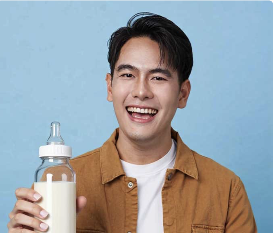
Craft Emotionally Powerful “Being Held” Scenes with Dreamface’s Holder AI Filter Generator
Visual storytelling is evolving — and AI tools like Dreamface are at the forefront. With the Holder AI Filter Generator, users can transform solo portraits into emotionally resonant images where the subject is being gently held, supported, or embraced.
This goes beyond traditional filters or effects. It taps into human connection, generating entire new scenes where comfort, protection, or intimacy is visually portrayed — all through AI-driven pose reconstruction.
🔗 Try the Holder AI Filter Generator here
📸 How to Use the Holder AI Filter
- Upload a clear portrait (solo image; relaxed or neutral expression works best).
- Click Generate — the AI will recompose the subject into a “being held” pose.
- Optionally add or adjust prompts for creative variations (scene, tone, lighting).
- Download and share your emotional masterpiece.
🛍️ Examples
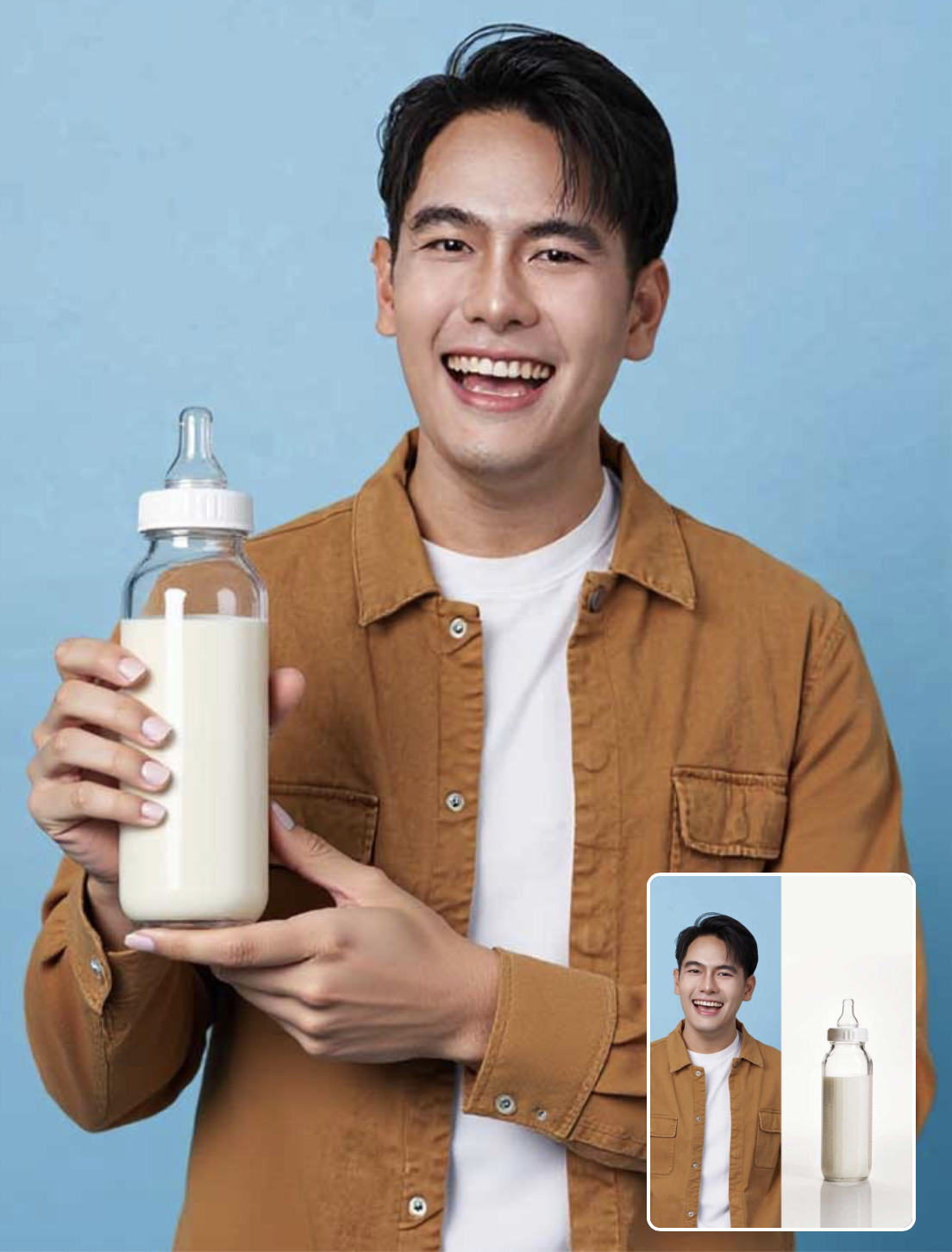
Create your own holding art right now!
🧠 Why Use Dreamface for This?
Unlike static editing apps or generic filters, Dreamface uses full-scene AI reconstruction to simulate physical interactions with context, posture, and emotion. The Holder Filter is one of the most expressive in the library — allowing creators to move beyond poses and into narrative design.
🌐 About Dreamface
🎨 Dreamface is a creative AI platform built for artists, influencers, storytellers, and everyday users. From facial retouching to full-scene generation, Dreamface gives you cinematic control with zero editing skills required. Tools include:
- Dream Image – high-resolution AI image generation
- Flux Kontext – for detailed scene prompting
- AI Filters – including Hug, Kiss, Backhug, Lying Down, and now Holder
🔗 Start Creating Now
💬 Want to express vulnerability, warmth, or care in your next visual?
Let the Holder Filter help you tell that story.
👉 Generate Your Holder Image Here
Because sometimes… being held says more than words ever could. 👐💕
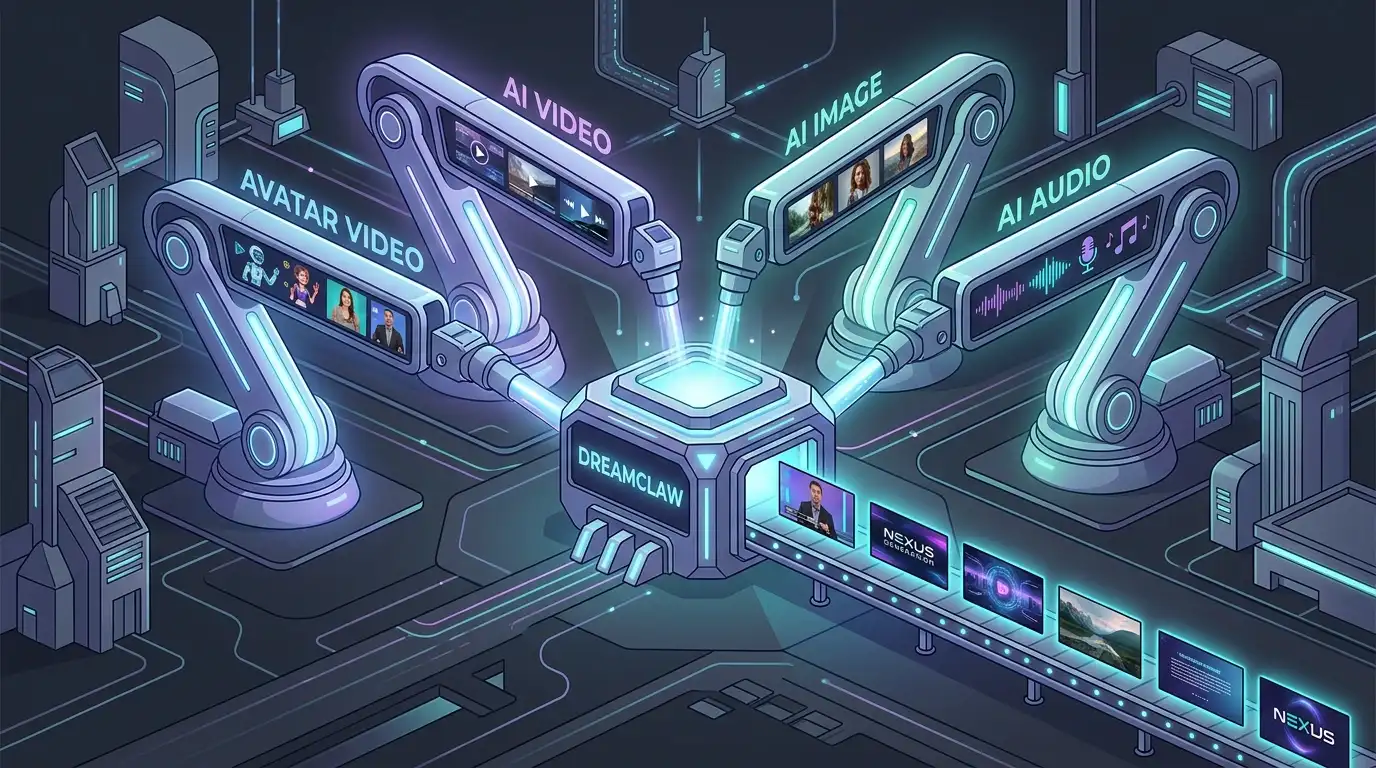
DreamClaw Agent: The All-in-One AI Automation Engine for DreamFace
Mar 04, 2026.jpg)
Seedance 2.0 Prompt Guide: The Ultimate Template for Cinematic AI Videos
Mar 03, 2026
Seedance 2.0 Prompt Guide: The Complete 2026 AI Video Creation Handbook
Feb 28, 2026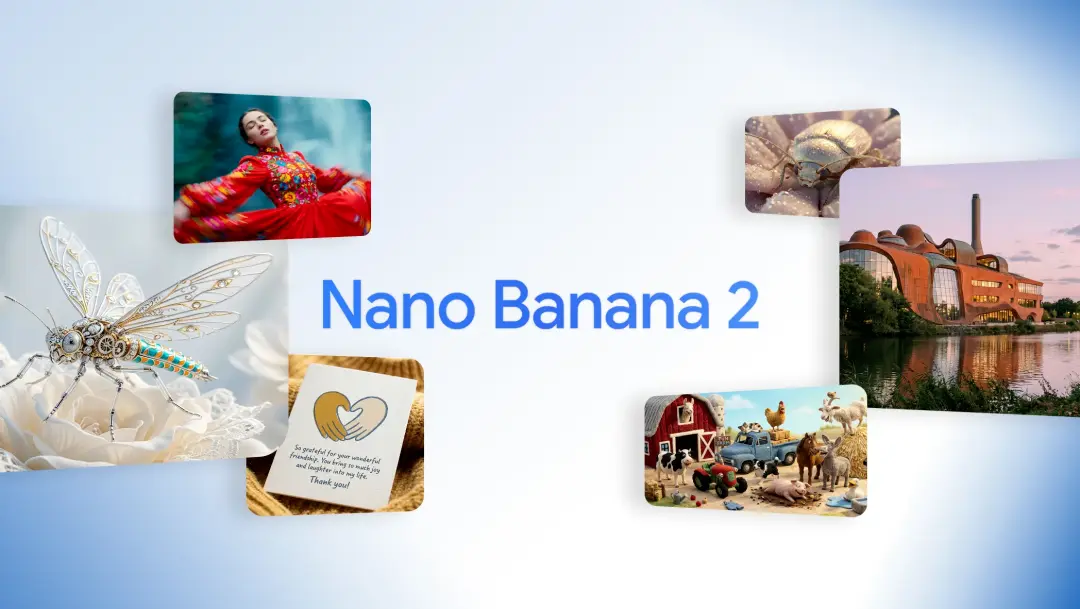
Google Nano Banana 2 Review: Pro-Grade Image Generation at Flash-Level Pricing
Feb 26, 2026
DreamClaw Agent: The All-in-One AI Automation Engine for DreamFace
DreamClaw isn’t just a new button on your dashboard. It is an intelligent AI Orchestrator—a digital director that lives within the DreamFace ecosystem. We are moving from a world where you use tools to a world where you collaborate with an agent. You provide the vision in plain English (or any language); DreamClaw handles the complex execution.
By William 一 Jul 18, 2025- AI Video Generator
- AI Image Generator
- DreamClaw
Google Nano Banana 2 Review: Pro-Grade Image Generation at Flash-Level Pricing
When Google’s CEO Sundar Pichai publicly called Nano Banana 2 “our best image model yet,” it wasn’t just marketing bravado. With immediate deployment across Gemini App, Google Search (in 141 countries), Flow, and preview access via Google AI Studio and Vertex AI, Google made it clear: this isn’t an experimental release.
By William 一 Jul 18, 2025- Text-to-Image
- AI Image Generator
- Nano Banana 2
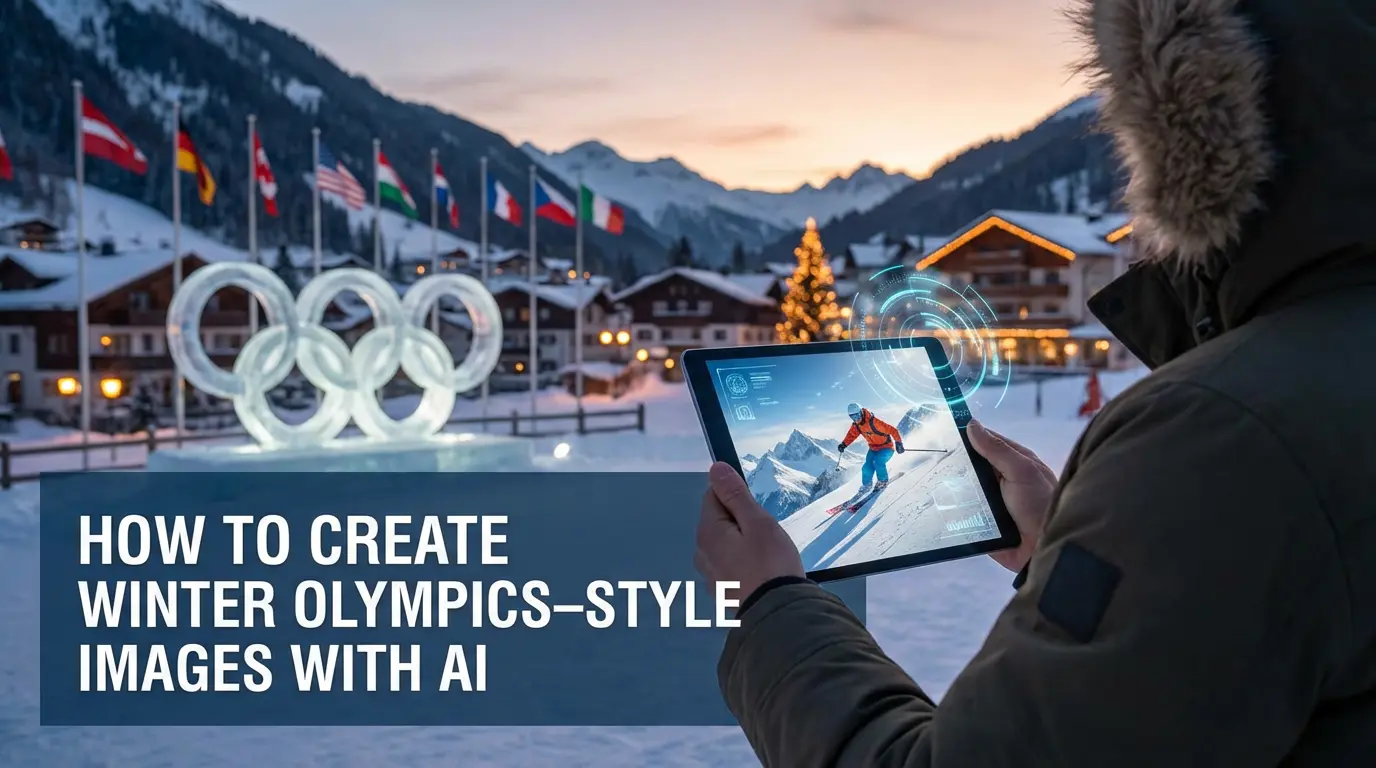
How to Create Winter Olympics–Style Images with AI
AI text-to-image and image-to-image tools allow creators to generate Winter Olympics–style visuals using prompts or reference photos. By describing winter sports scenes or transforming existing images, users can create cinematic snow, ice, and athlete-themed visuals inspired by the 2026 Winter Olympics. These AI image workflows are widely used for posters, social media graphics, and creative sports content without professional design skills.
By William 一 Jul 18, 2025- AI Image Generator
- Text-to-Image
- AI Photo
- X
- Youtube
- Discord