


AI Lying Down Image Creation: A Comprehensive Guide to Using AI for Restful Pose Generation
- AI Image Generator
- AI Filter
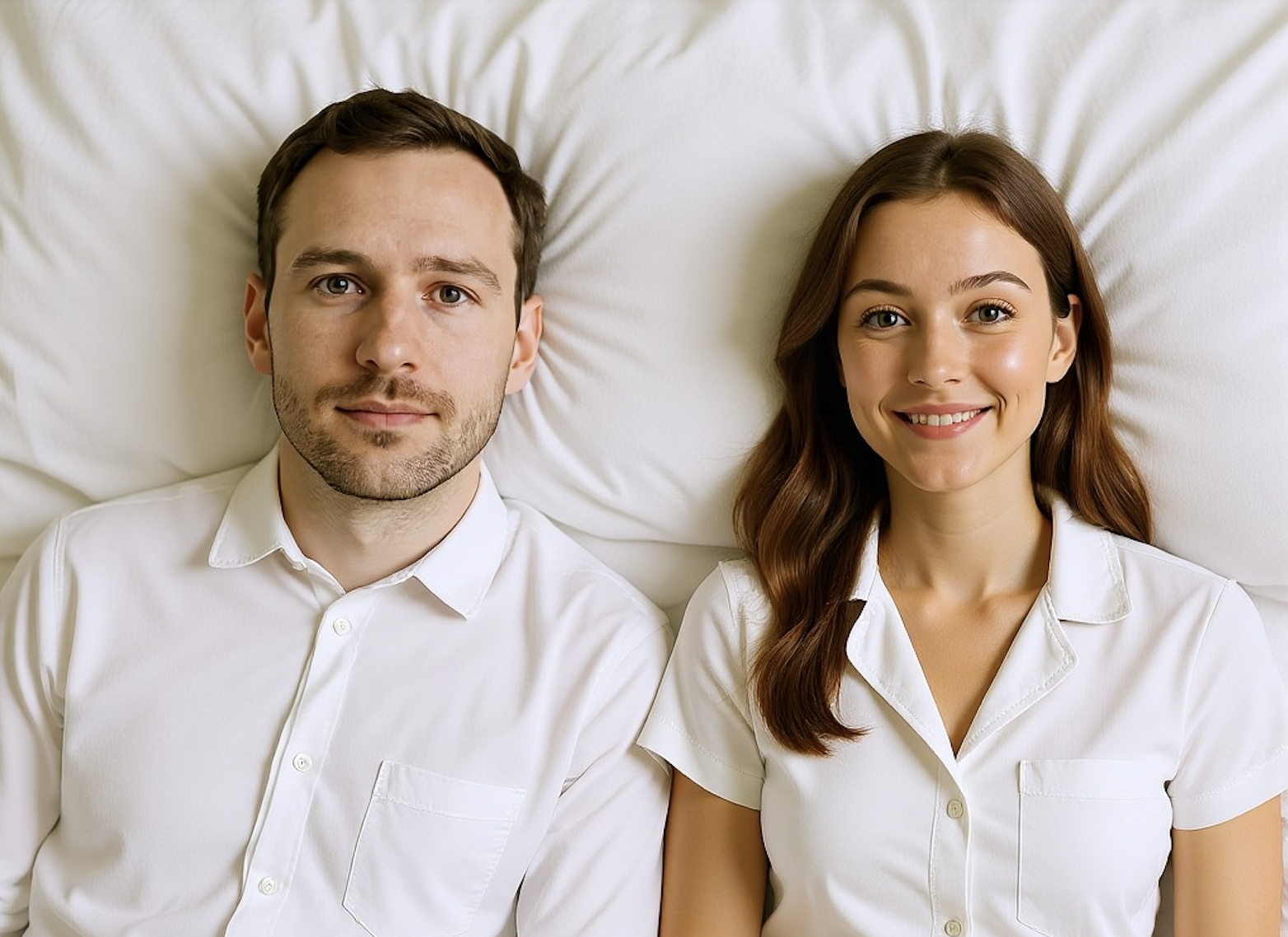
Transform Portraits into Serene, Reclining Scenes with Dreamface’s AI Lying Down Filter
In the world of AI-generated imagery, it’s no longer just about changing a background or adding a filter — it's about changing the story. Dreamface’s Lying Down AI Filter Generator allows users to create peaceful, intimate, or introspective scenes by repositioning portrait subjects into natural, believable lying-down poses.
Whether you're a digital artist, storyteller, or social media creator, this tool provides a one-click solution for crafting visually striking, emotionally charged content — all through AI.
🔗 Try the Lying Down Filter here
🧠 What Is the Lying Down AI Filter?
The Lying Down AI Filter Generator is a smart scene reconstruction tool powered by Dreamface. It takes a standard, upright portrait and uses advanced AI to reposition the subject into a resting or reclining pose — simulating lying on a bed, sofa, or grassy field, depending on lighting and visual mood.
Unlike static editing tools, Dreamface’s AI filter understands anatomy, posture, and atmosphere — making the final output feel natural, photorealistic, and emotionally expressive.
📸 How to Use the AI Lying Down Generator
Follow these simple steps to create your own AI-generated lying down image:
- 📷 Upload a front-facing or slightly angled portrait (preferably with a neutral or soft expression).
- ✨ Click “Generate.” Let the AI handle the posture, background, and composition.
- 💾 Download or regenerate for a different emotional tone (calm, sleepy, daydreaming, etc.).
📦 Examples
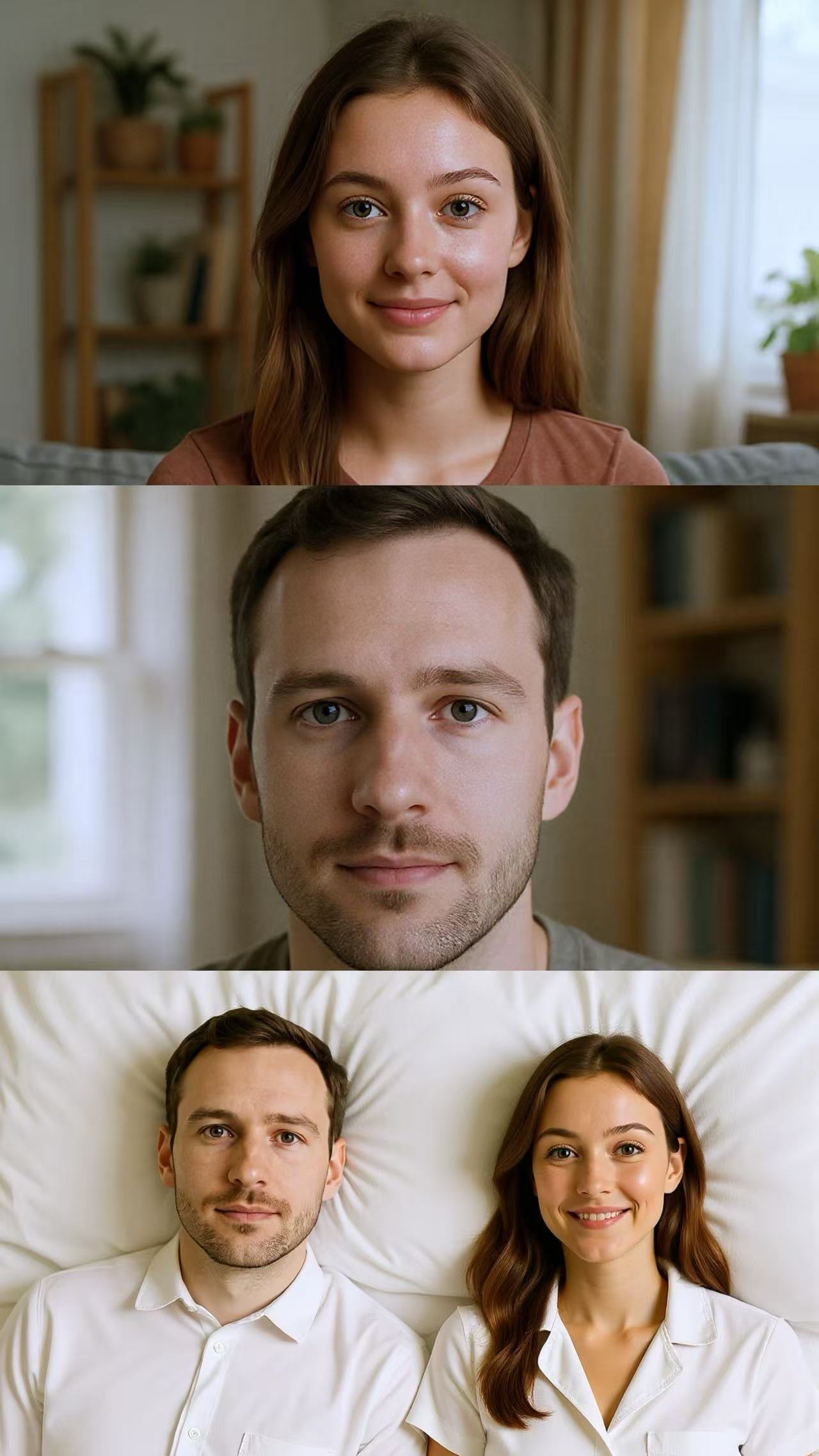
Create your own lying down art right now!
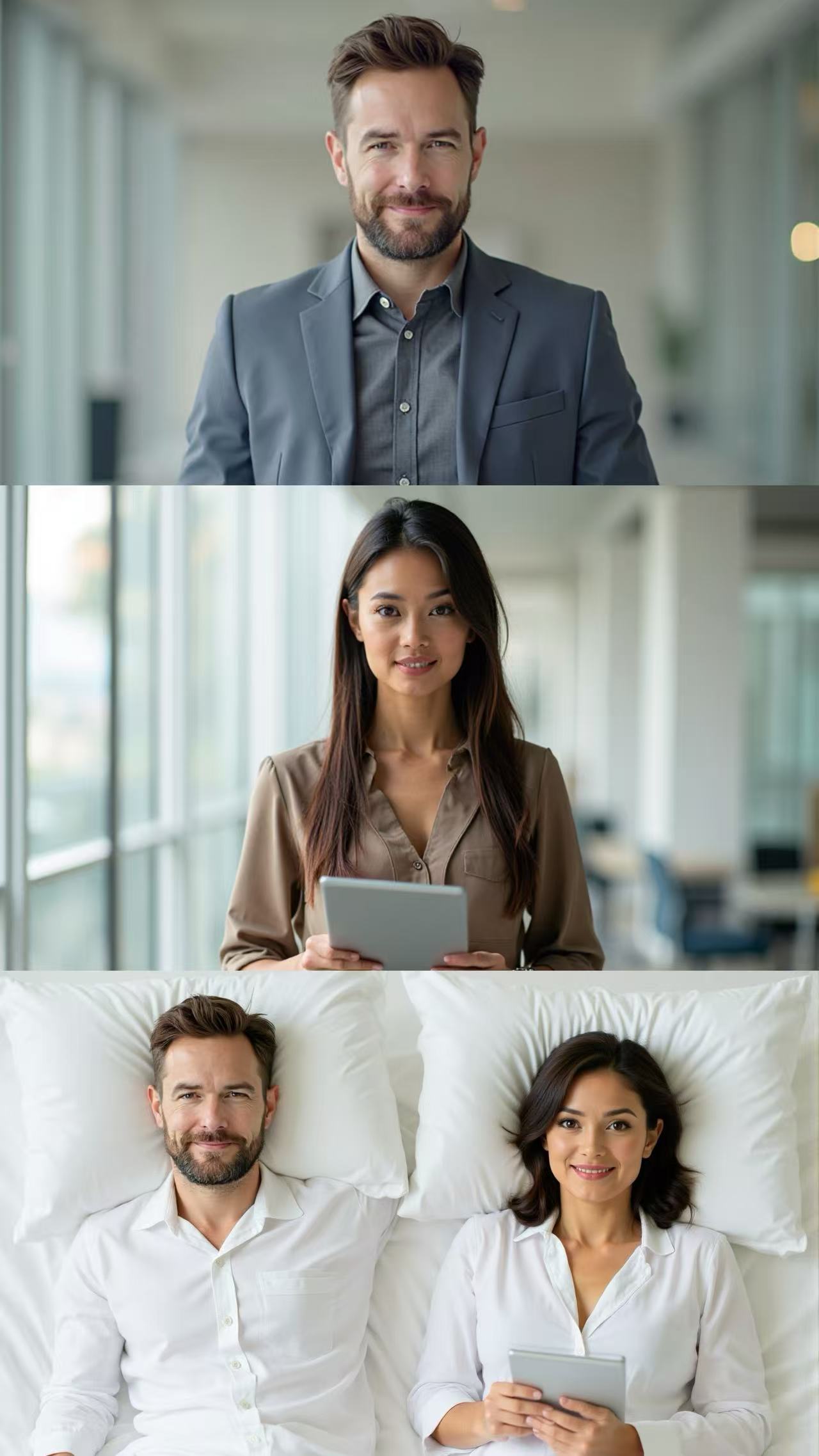
Create your own lying down art right now!
🌐 About Dreamface
Dreamface is the all-in-one creative AI platform for visual storytelling. Whether you’re crafting characters, simulating emotions, or building scenes from scratch, Dreamface makes it easy with tools like:
- 🎨 Dream Image – AI-powered image generation and retouching
- 🧠 Flux Kontext – Prompt control and contextual editing
- 🎭 Scene Filters – Emotional and pose-based transformations
👉 Start Creating Now
Ready to bring peace, emotion, and storytelling into your photos?
Explore the resting beauty of AI with the Lying Down Generator:
🔗 Generate Your Lying Down Scene
Because sometimes… the most powerful stories are told in stillness. 🛏️💤

15 Seconds from Images to Talking Avatars: How DreamFace Powers Next-Gen Creativity
Sep 10, 2025
Bringing Avatars to Life: How PixVerse V5 and DreamFace Avatar Video Transform AI Storytelling
Sep 11, 2025
How to Create a 3D Figure from a Photo with Nano Banana
Sep 08, 2025
How to Use Google Nano Banana: Revolutionizing Your Photo Editing Experience
Sep 07, 2025
How to Create a 3D Figure from a Photo with Nano Banana
With Nano Banana, you can transform a simple image into a detailed, 3D figurine-style model. Whether you’re looking to turn a portrait into a stylized figurine or create a fully custom 3D model, Nano Banana offers a simple and efficient solution for artists, designers, and enthusiasts alike.
By Luna 一 Jul 17, 2025- Nano Banana
- AI Image Generator
How to Use Google Nano Banana: Revolutionizing Your Photo Editing Experience
Google Nano Banana offers an incredible suite of AI-driven features that allow you to generate and enhance images effortlessly. From turning casual photos into professional ID pictures to restoring old, damaged photos with stunning accuracy, this tool is designed to meet a wide range of needs.
By Luna 一 Jul 17, 2025- Nano Banana
- AI Image Generator
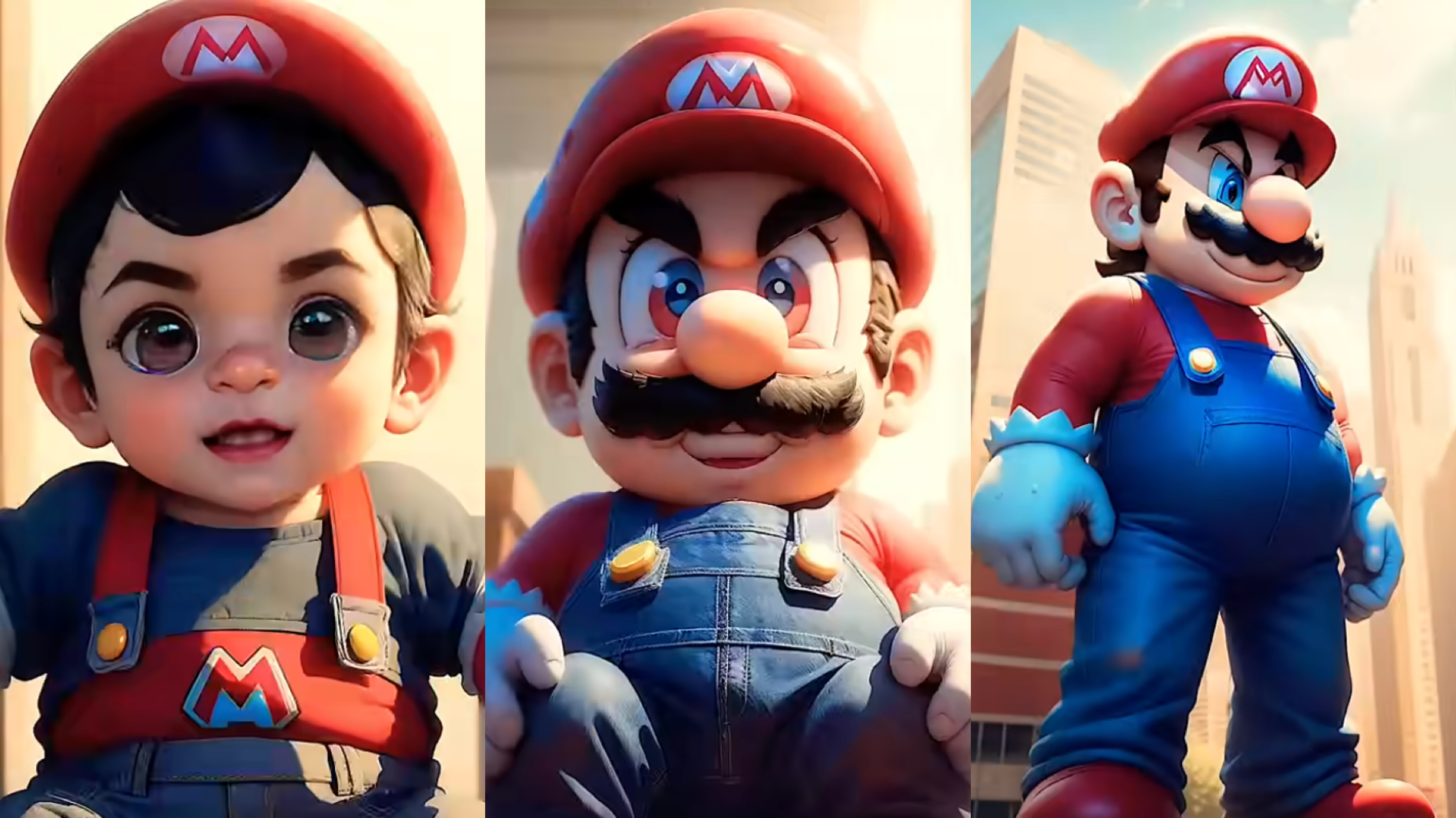
From Baby Mario to Menace Mario: How to Make a Million-viewed AI Glow-Up Video with Dreamface?
Here’s your step-by-step guide to creating a “Baby to Menace” Mario AI video using Dreamface’s AI Image and AI Video
By Luna 一 Jul 17, 2025- AI Image Generator
- Mario
- AI Video
- X
- Youtube
- Discord