


Best AI Tool to Remove Watermarks from Your Own Sora Videos
- AI Video
- Removing Watermarks
- Watermark Removal
- Watermark Remover
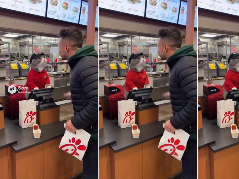
One click to remove overlays from AI-generated video content — clean, HD, and studio-ready.
As generative AI tools like Sora, Runway, and Pika become more popular, more creators are remixing AI-generated videos for storytelling, design, and UGC content.
But most of these tools embed watermarks, logos, or visual overlays — making your output feel unfinished or unprofessional.
That’s where Dreamface’s Video Watermark Remover comes in: a browser-based tool that automatically cleans AI-generated video — with HD output and no loss of visual detail.
Why AI Creators Need Clean Video
- Perfect for Sora or Runway outputs Remove baked-in tool logos for a clean slate.
- Supports surreal, cinematic video Keeps the color tone, lighting, and composition intact.
- HD quality for post-production Reuse content for commercial, educational, or artistic projects.
- Automatic, no editing skills needed Just drag, preview, and download — no masking, no timeline.
How to Clean Your Sora-Style Video:
- Upload your video file Drop your video into the upload area on the Dreamface Video Watermark Remover page.
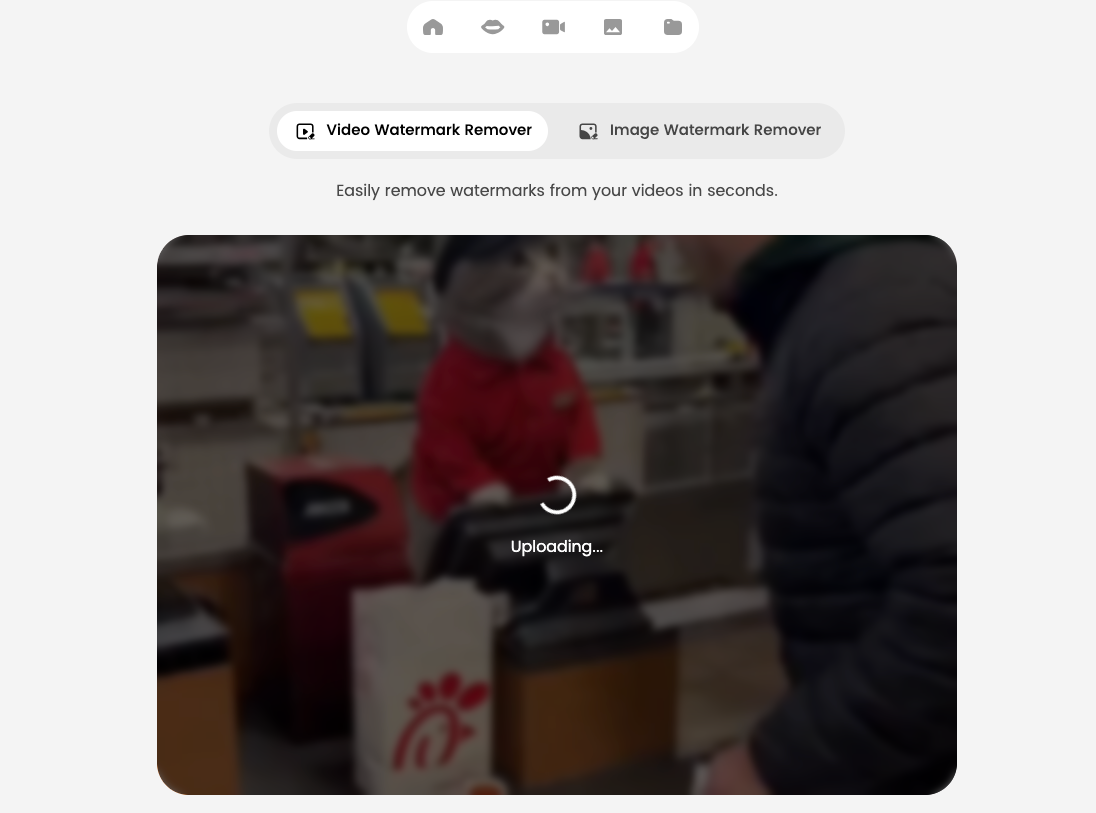
- Automatic AI processing begins Once your file is uploaded, Dreamface's AI will immediately start removing the watermark — no need to select or mark anything manually.
- No need to wait on the page The processing runs in the background. You can leave the tab or continue other tasks.
- Return later to check the result Once processing is complete, you can come back to download the final cleaned version of your video — without watermark, in high quality.
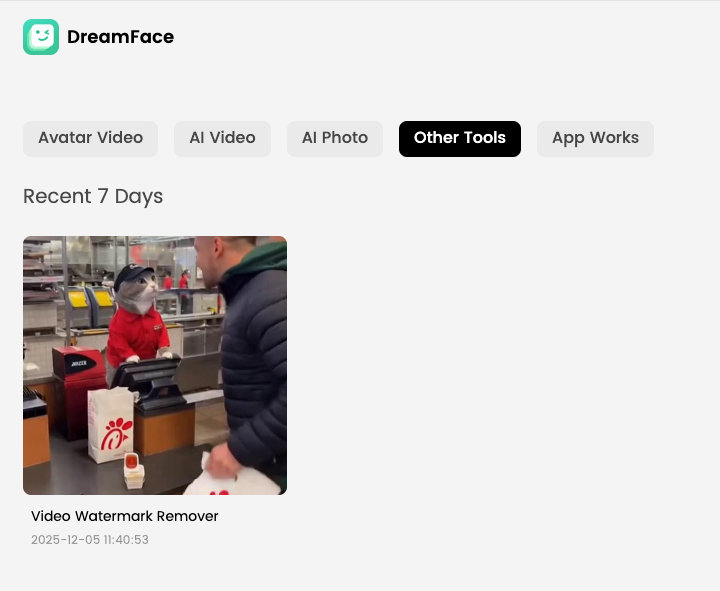
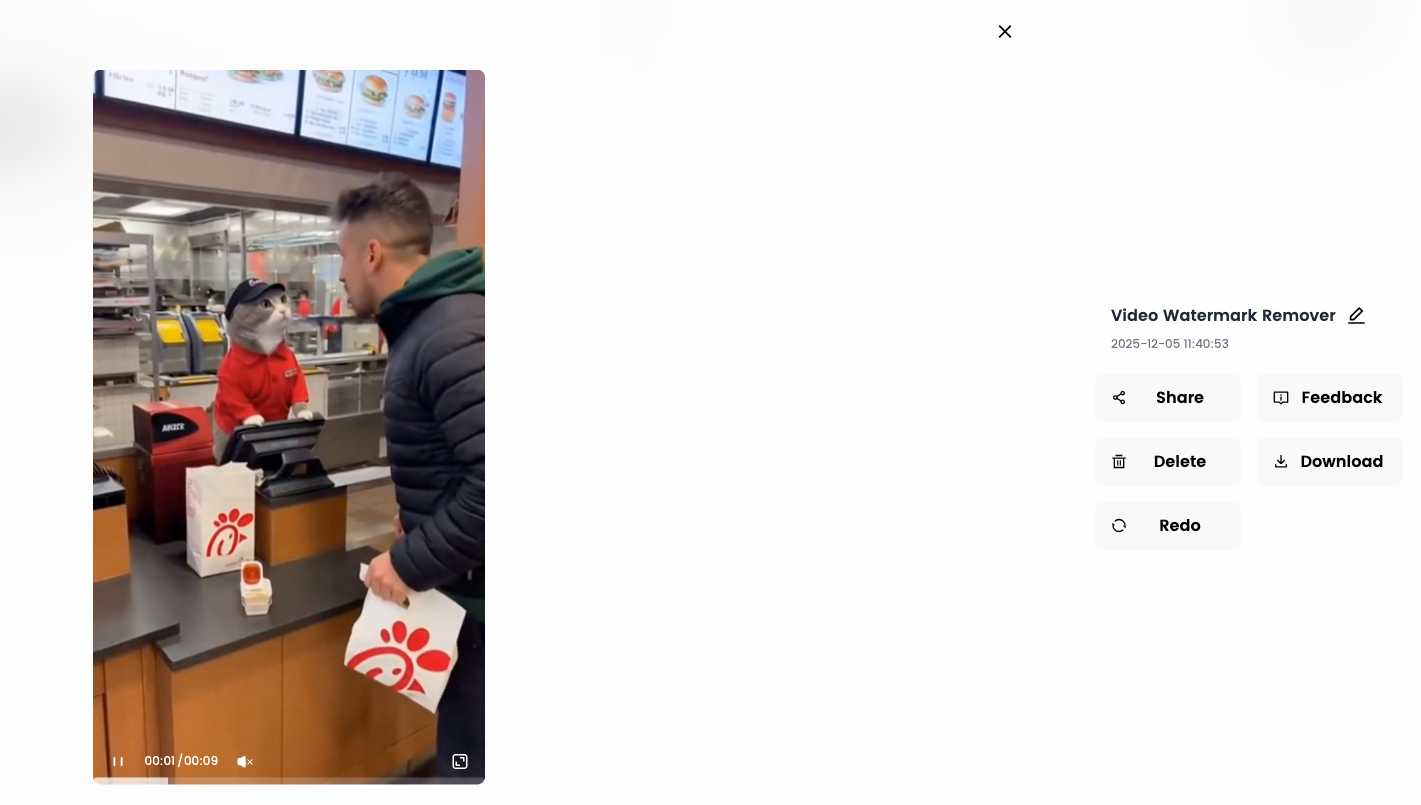
- Click “Download” to save your video Get your polished, watermark-free video ready for reuse or reposting.
Who's It For?
- AI remix creators
- Experimental storytellers
- Motion designers using Sora/Pika
- Agencies testing AI-generated visuals
- Developers using AI demos in pitch decks
Try It Before You Download
Dreamface offers a free trial — preview your cleaned video before committing.
How to Create a Baby Angel AI Singing Video
A baby angel AI singing video is created by animating a photo with AI-powered lip sync and gentle singing audio. To create this type of video, users upload a clear image, add a soft vocal track, and generate facial animation that matches pitch and rhythm. Angel-themed AI singing videos are popular on platforms like Facebook Reels because their calm, emotional visuals encourage replays and sharing.
By Alexander 一 Dec 03, 2025- Photo Animation
- AI Video
- Avatar Video
How to Create a Viral AI Singing Avatar Video
An AI singing avatar video is created by animating a photo with AI-powered lip sync and singing voice generation. To create a viral AI singing avatar video, users upload a clear image, add a singing audio source, and generate facial animation that matches pitch and rhythm. This type of content has become especially popular on social platforms like Facebook Reels, where expressive and unexpected visuals drive engagement.
By Alexander 一 Dec 03, 2025- Photo Animation
- AI Video
- Avatar Video
How to Create an AI Avatar and Clone Myself
Creating an AI avatar and cloning yourself means generating a digital version of your face and voice that can speak and appear in videos using AI. To create an AI avatar, users typically upload a clear photo, add text or a short voice sample, and generate a talking avatar with synchronized lip movement and facial expressions. In 2026, AI avatars are widely used for content creation, personal branding, and social media — similar to how games like NBA 2K allow players to scan their faces and create digital identities.
By Alexander 一 Dec 03, 2025- AI Video
- Avatar Video
- NBA
- Image-to-Video
- X
- Youtube
- Discord