


Product Photography Made Perfect: Background Editing with Dream Image vs. GPT-4o
- GPT-4o Image
- AI Image Generator
- Dream Image
In the world of e-commerce, branding, and digital marketing, product photos are your first handshake with the customer. But not all product photos are created equal. Backgrounds full of distractions can reduce professionalism and hurt conversion. That’s why AI-driven background editing is now a non-negotiable essential.
Two AI tools—Dream Image and GPT-4o—offer powerful ways to clean, enhance, and restyle your product visuals. But which one works best for your needs? Let’s dive in.
🧪 Prompt Sets for Product Background Editing
Let’s take a look at three practical examples of how you might use both tools, each starting from a “raw” product image:
🔹 Prompt Set 1: Jewelry
Place the necklace on floating clouds in a pastel sky to convey lightness and elegance
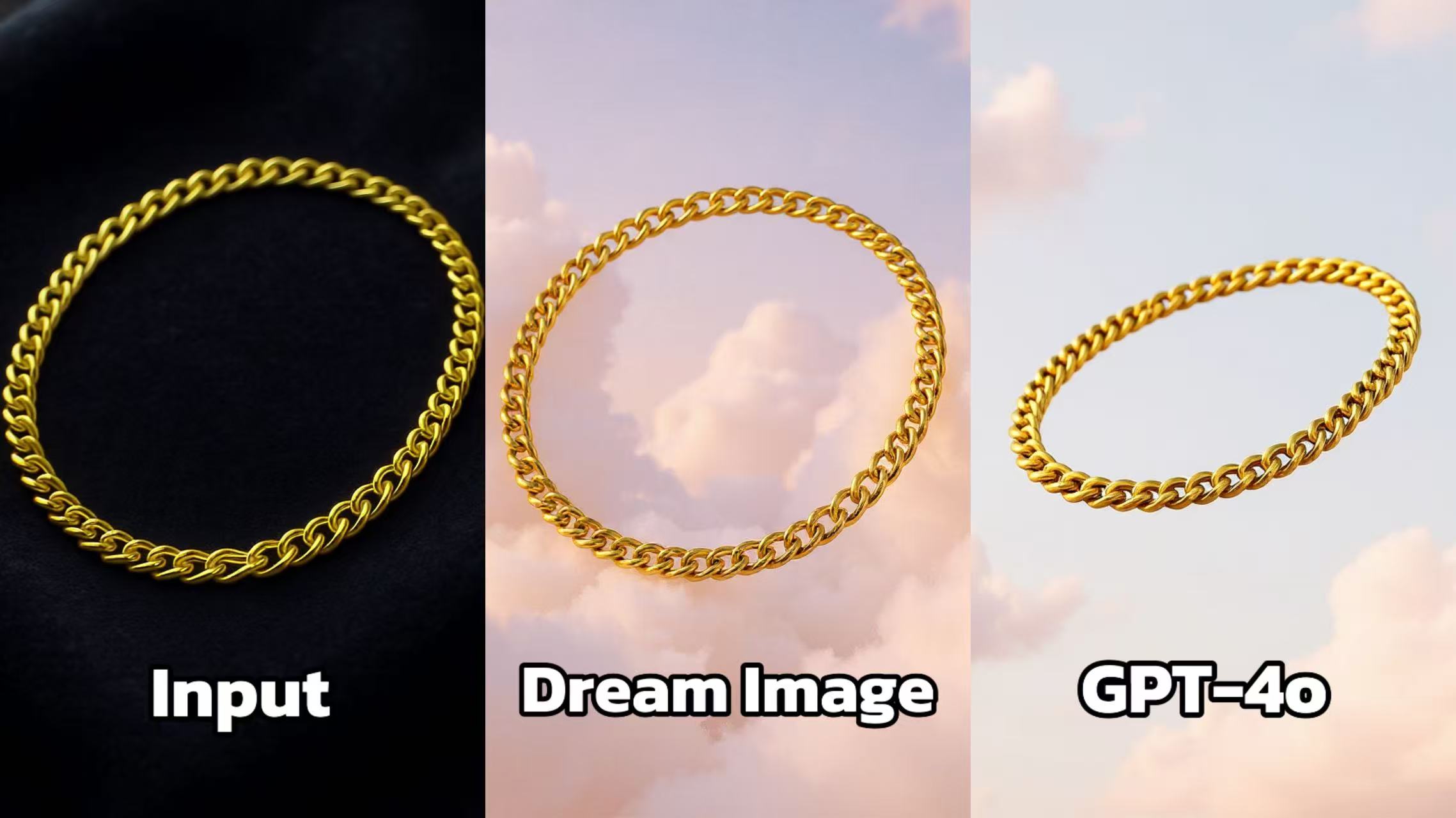 Dream Image: The gold chain is set against a backdrop of a soft, pastel - colored sky with clouds. The lighting enhances the golden sheen of the chain, making it look luxurious and eye - catching. The chain appears well - centered and the overall composition is balanced and aesthetically pleasing.
GPT - 4o: Displays the gold chain against a sky background as well, but the chain looks a bit distorted in shape, and the lighting doesn't bring out the same level of luster. The overall image seems less refined, and the chain doesn't have the same sense of elegance and luxury as in the Dream Image.
🔹 Prompt Set 2: Skincare Product
Place the bottle on a water surface with ripples, backlit with glowing soft blue tones
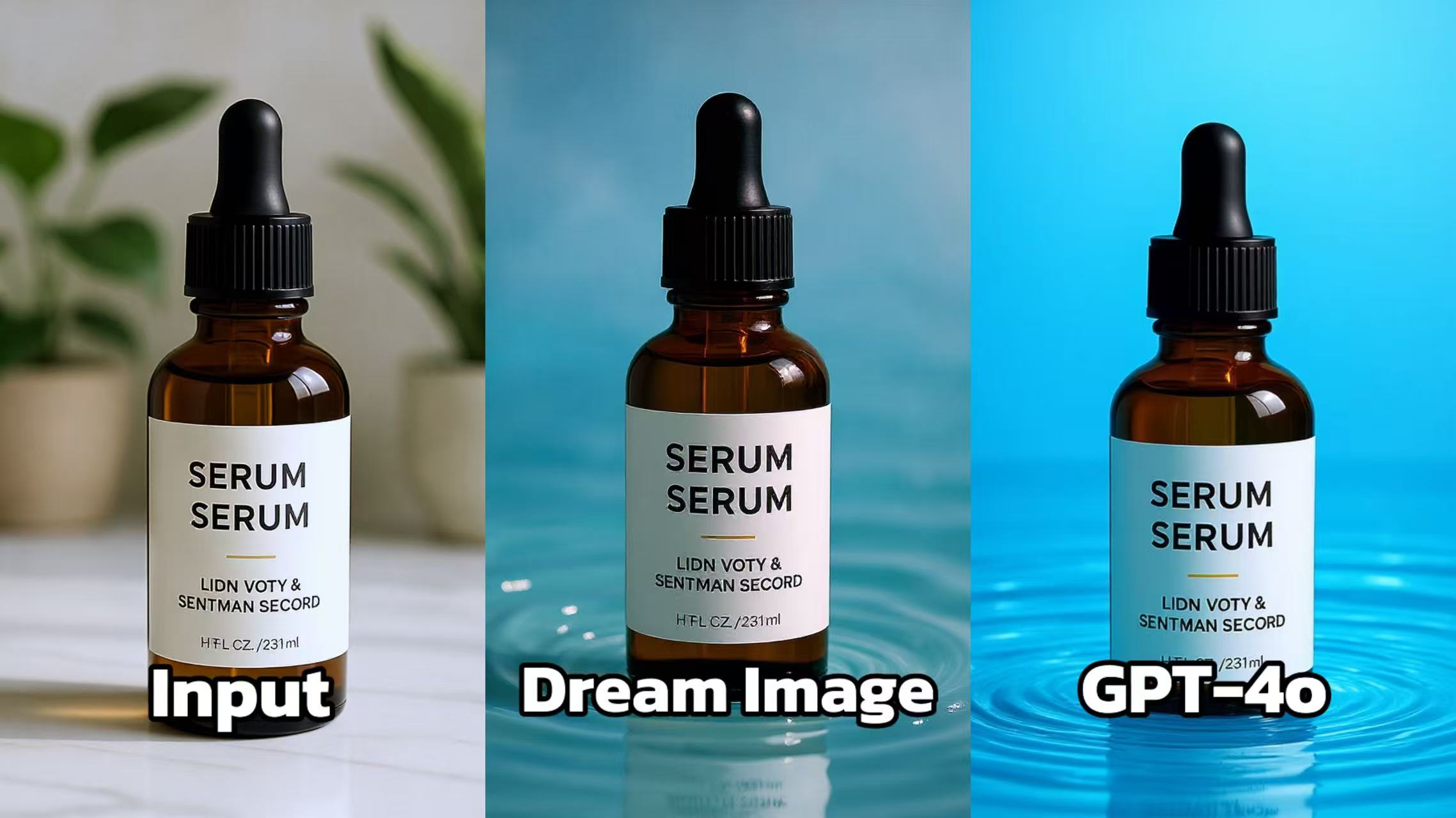 Dream Image: The serum bottle is placed on a surface with water - like ripples, adding a dynamic and elegant touch. The background is a soft blue, which complements the brown bottle and the white label. The lighting is soft and even, highlighting the details of the bottle, such as the dropper and the text on the label.
GPT - 4o: Features the serum bottle against a solid blue background with ripples. But the ripples appear less natural and more artificial. The lighting doesn't enhance the details as effectively as in Dream Image, and the overall image has a flatter appearance, lacking the depth and sophistication of the Dream Image version.
🔹 Prompt Set 3: Tech Gadget
Reposition the speaker in a futuristic room with neon lights and floating UI elements
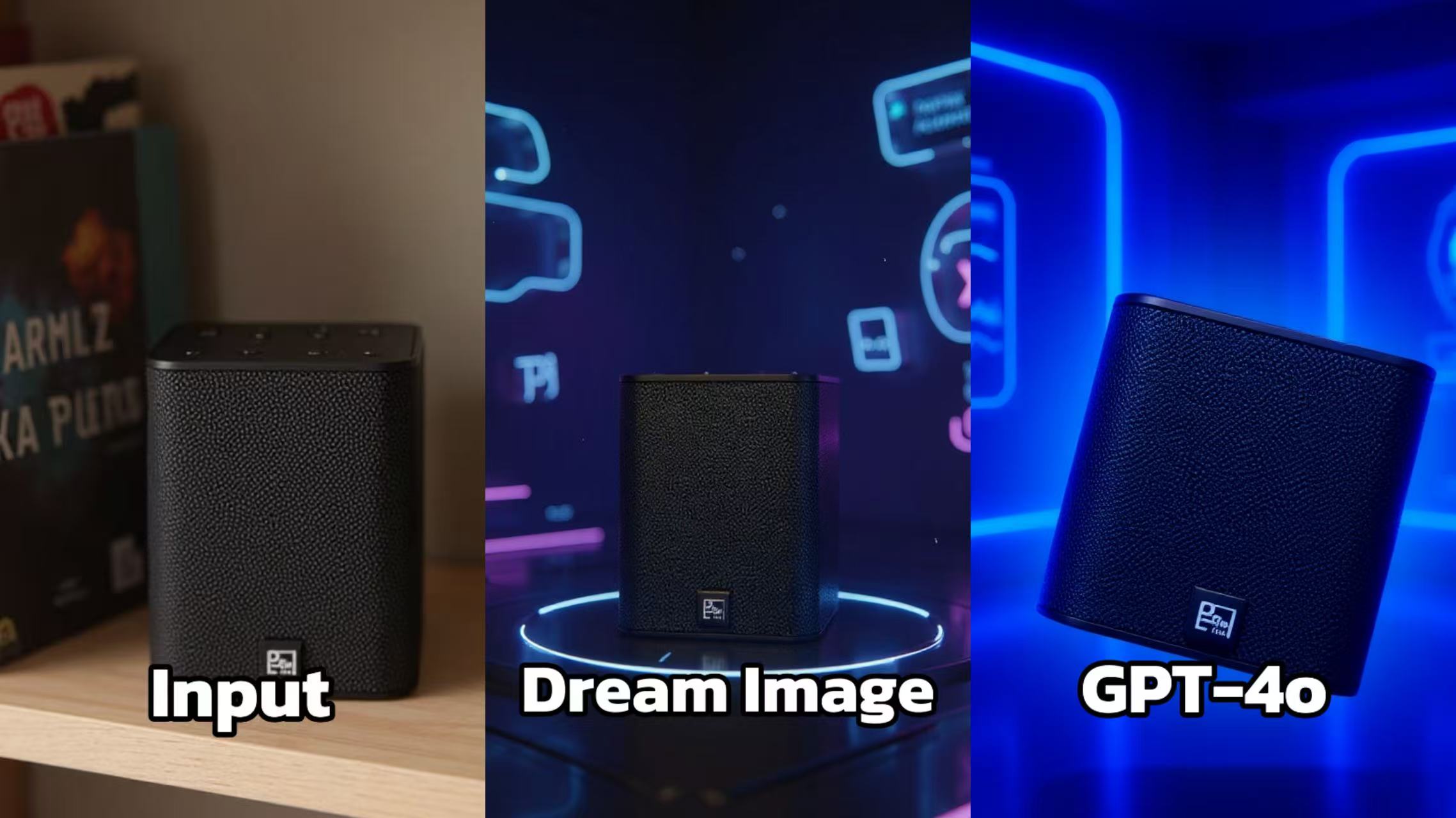 Dream Image: The speaker is set against a vibrant, futuristic - looking background with neon - like graphics. The lighting highlights the contours of the speaker, emphasizing its sleek design. The contrast between the dark speaker and the colorful background makes the product stand out, creating an eye - catching and modern aesthetic.
GPT - 4o: Also presents the speaker in a blue - toned, high - tech - inspired setting. However, the angle of the speaker appears slightly off, giving it an unnatural look. The lighting is less balanced, with some areas appearing over - illuminated, which detracts from the overall visual appeal compared to Dream Image.
💡 Why Use Dreamface?
Dreamface is the perfect creative workspace that brings both GPT-4o and Dream Image into a single platform. Whether you're a brand designer, seller, or social media creator, Dreamface helps you craft flawless visuals with ease.
🚀 Dreamface at a Glance
✨ Dual AI Engines
- 🧠 Use GPT-4o for prompt-based transformations
- 🖼️ Use Dream Image for accurate background control
🎯 Built for Creators
- No design skills required
- Fast, clean interface with pro-level results
🔄 One Workflow, All You Need
- Generate ➤ Edit ➤ Refine ➤ Export
- Perfect for product photos, ads, social content, and more
🔍 Who It's For?
- 🛍️ E-commerce Sellers
- 🎨 Designers & Marketers
- 📱 Content Creators
Start making your product visuals pop—clean, clear, and creatively styled—with Dreamface.

15 Seconds from Images to Talking Avatars: How DreamFace Powers Next-Gen Creativity
Sep 10, 2025
Bringing Avatars to Life: How PixVerse V5 and DreamFace Avatar Video Transform AI Storytelling
Sep 11, 2025
How to Create a 3D Figure from a Photo with Nano Banana
Sep 08, 2025
How to Use Google Nano Banana: Revolutionizing Your Photo Editing Experience
Sep 07, 2025
How to Create a 3D Figure from a Photo with Nano Banana
With Nano Banana, you can transform a simple image into a detailed, 3D figurine-style model. Whether you’re looking to turn a portrait into a stylized figurine or create a fully custom 3D model, Nano Banana offers a simple and efficient solution for artists, designers, and enthusiasts alike.
By Peyton 一 Jul 16, 2025- Nano Banana
- AI Image Generator
How to Use Google Nano Banana: Revolutionizing Your Photo Editing Experience
Google Nano Banana offers an incredible suite of AI-driven features that allow you to generate and enhance images effortlessly. From turning casual photos into professional ID pictures to restoring old, damaged photos with stunning accuracy, this tool is designed to meet a wide range of needs.
By Peyton 一 Jul 16, 2025- Nano Banana
- AI Image Generator
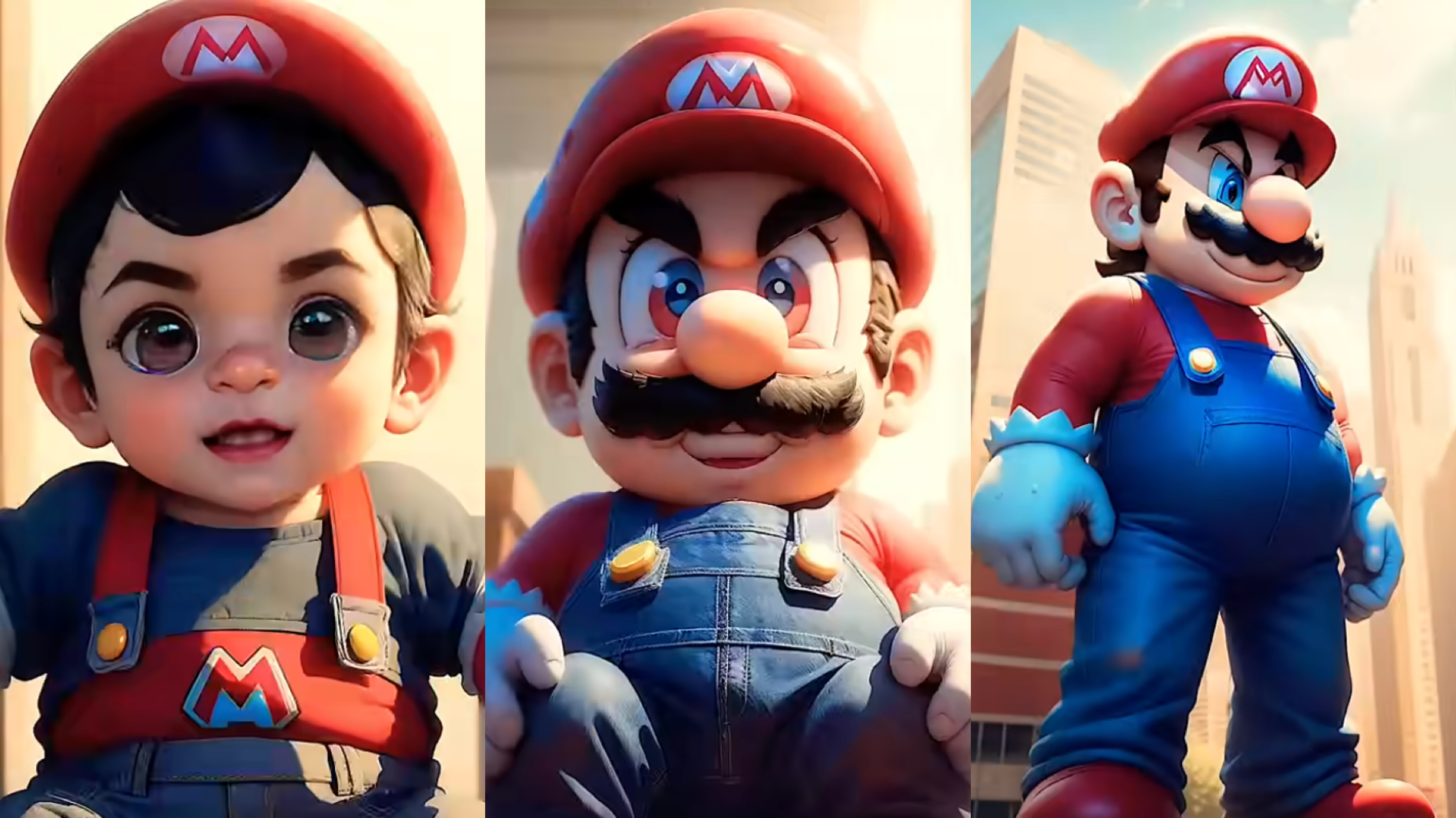
From Baby Mario to Menace Mario: How to Make a Million-viewed AI Glow-Up Video with Dreamface?
Here’s your step-by-step guide to creating a “Baby to Menace” Mario AI video using Dreamface’s AI Image and AI Video
By Peyton 一 Jul 16, 2025- AI Image Generator
- Mario
- AI Video
- X
- Youtube
- Discord