


Cinematic Genre Prompts: Dream Image vs. GPT-4o
- GPT-4o Image
- AI Image Generator
- Dream Image
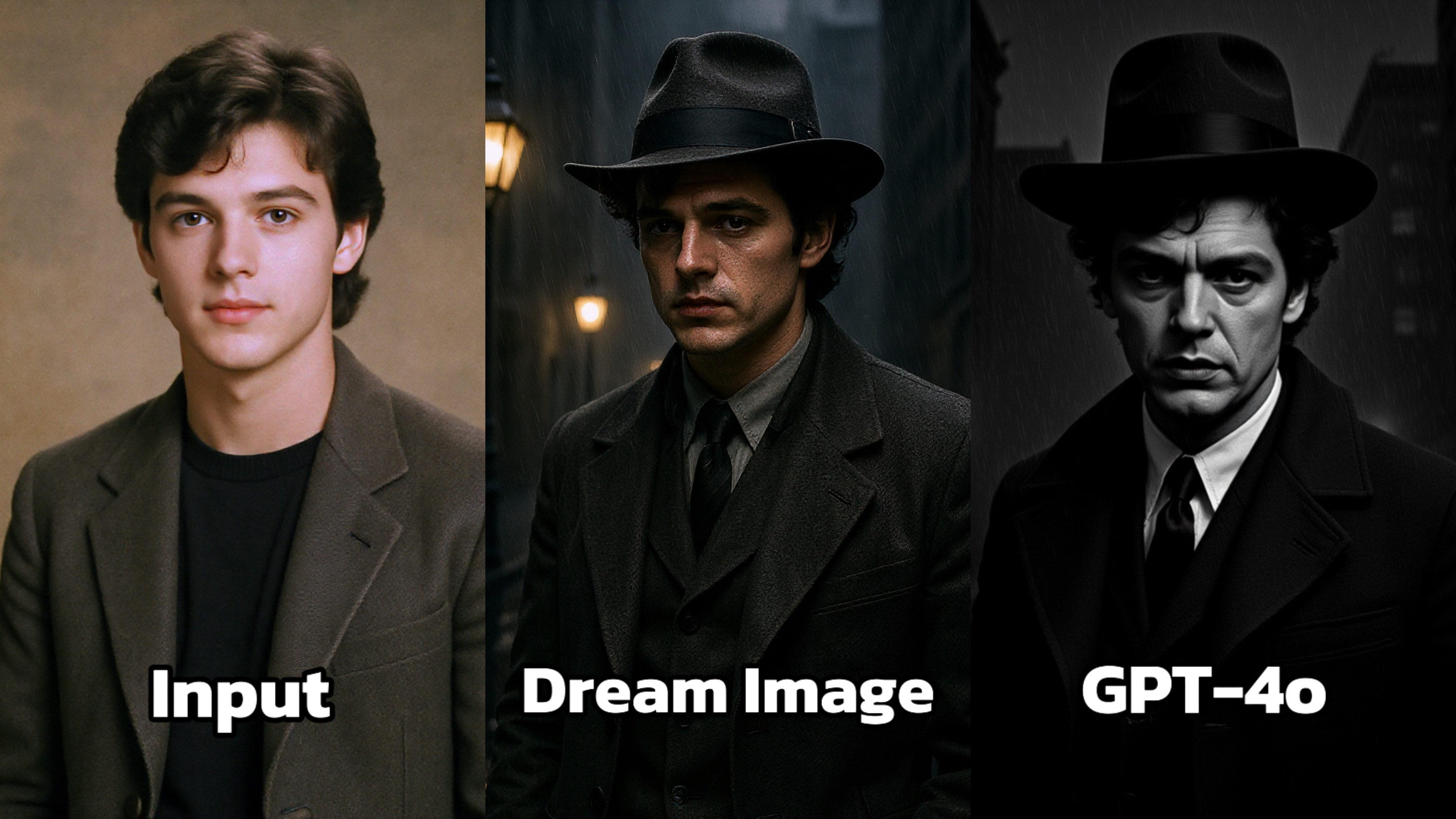
Ever wanted to see yourself as a noir detective, a gunslinger in the Wild West, or a haunted figure in a horror film? With today's AI image tools, cinematic transformation is just one prompt away.
Thanks to Dreamface, which integrates both Dream Image and GPT-4o, creators can instantly place portraits, pets, or characters inside stylized movie worlds — each dripping with mood, lighting, and narrative tone. But which engine better captures the essence of a genre?
This blog explores how both AI models interpret cinematic genre prompts, and gives you specific, ready-to-use examples to experiment with your own photos.
🎞️ Cinematic Genre Prompts to Try
Here are detailed prompts that drop your subject into specific movie genres — with very different results depending on the engine used.
🕵️♂️ 1. Film Noir
Prompt: “Place this actor in a 1940s noir city alley at night, under heavy rain, wearing a trench coat and fedora, lit by a flickering streetlamp.”
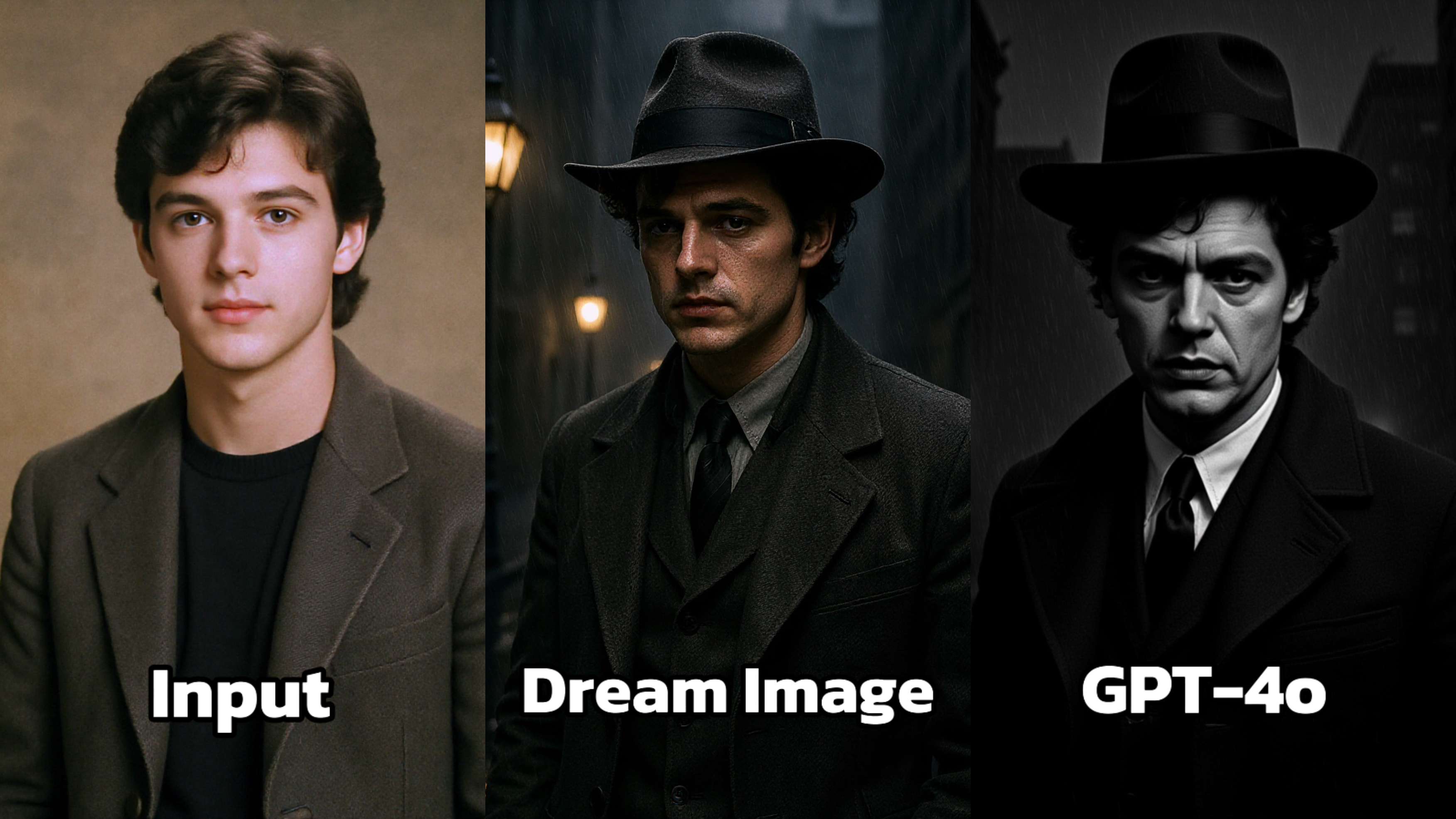 Dream Image: Perfectly emulates a film - noir aesthetic. The rainy street, the dim streetlights, and the character's formal attire, including the fedora hat, all contribute to the classic film - noir mood. The use of shadow and light is masterful, creating a moody and atmospheric scene.
GPT-4o: Tries to recreate a film - noir look, but the grayscale conversion appears a bit harsh. The contrast levels are not as balanced as in Dream Image, making the image look less refined. The details of the character's clothing and the background environment lack the subtlety and sophistication of Dream Image.
🤠 2. Western
Prompt: “Transform this actor into a cowboy in a desert town at sundown, with dust in the air, leather boots, and a saloon in the background.”
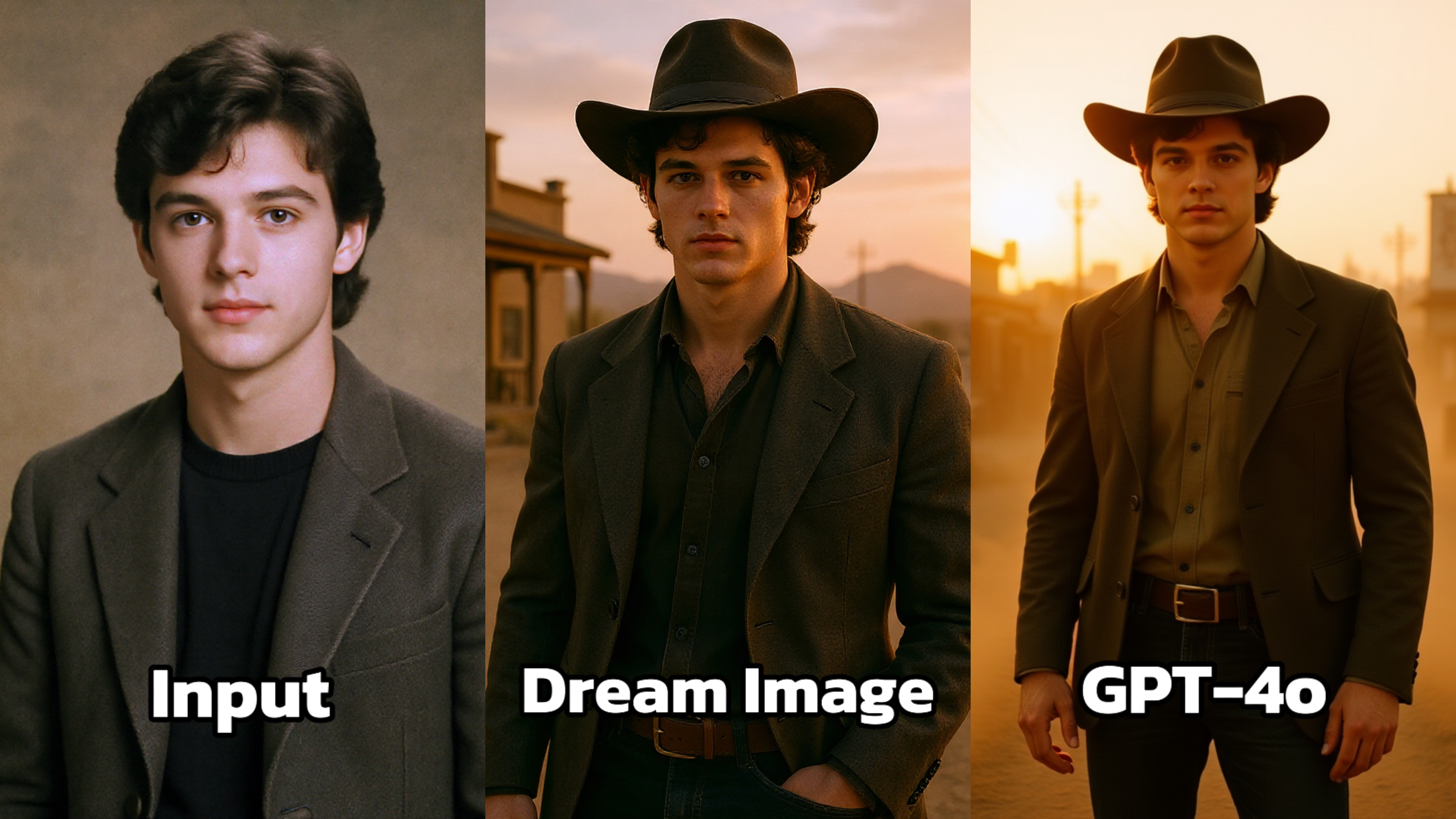 Dream Image: Captures the essence of a Western setting with a warm, golden - hued sunset in the background. The character's attire, including the cowboy hat and the rugged clothing, fits seamlessly into the scene. The overall composition and color palette give a classic Western vibe, with a sense of openness and adventure.
GPT-4o: Presents a Western - themed image as well, but the color saturation seems a bit off. The scene appears overly bright and lacks the nuanced color transitions that Dream Image has. The details of the background buildings and the overall ambiance are not as convincingly Western - style as in Dream Image.
👻 3. Horror
Prompt: “Make this actor in a horror setting — a foggy hallway in an abandoned house, with flickering lights, peeling wallpaper, and ghostly shadows in the distance.”
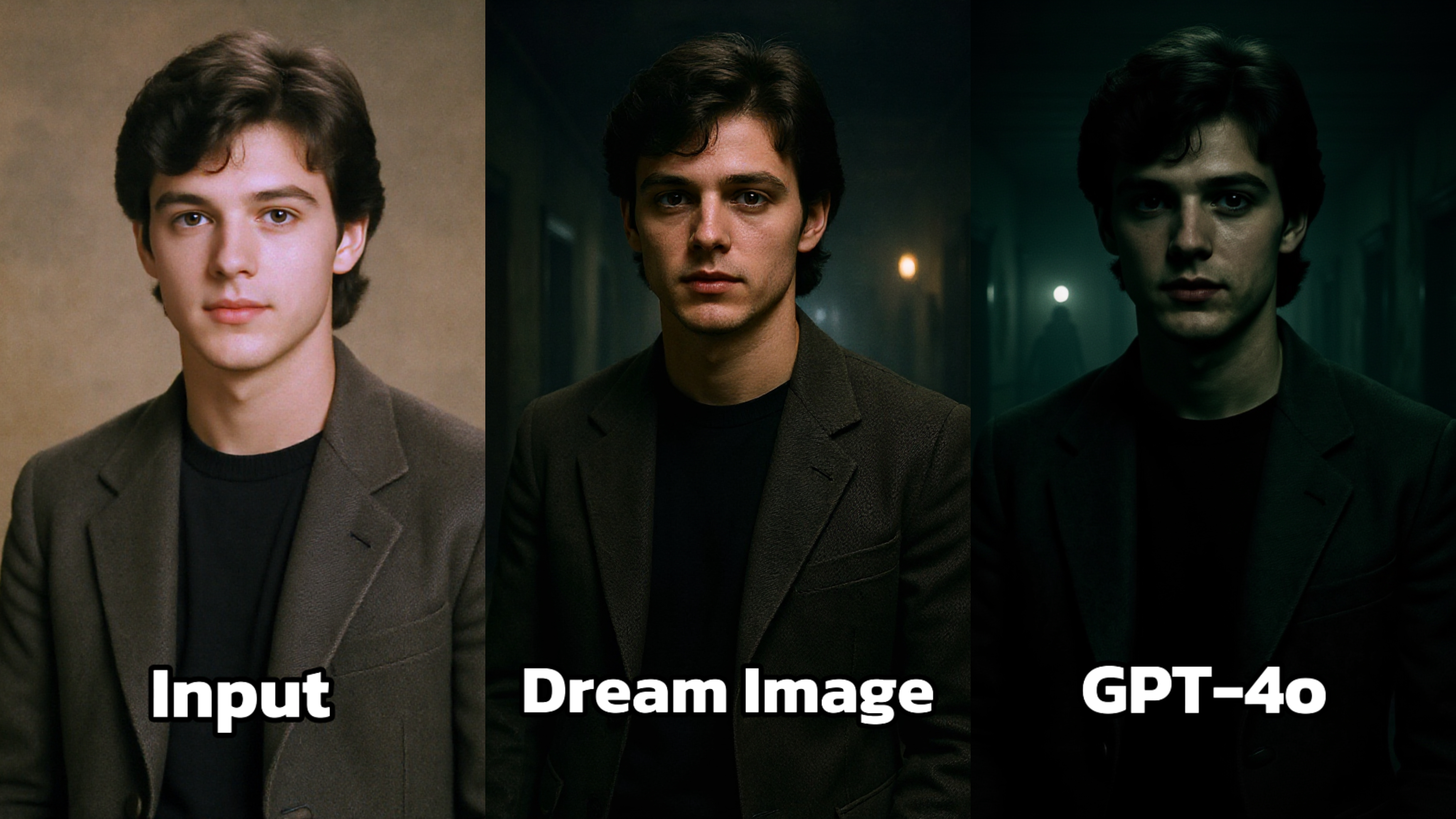 Dream Image: Skillfully creates a dark and mysterious atmosphere. The dim lighting and the softly lit background elements contribute to a sense of intrigue. The character's features are well - defined despite the low light, and the overall composition draws the viewer in, evoking a feeling of suspense.
GPT-4o: Also attempts a dark setting, but the image appears somewhat flat in terms of lighting. The contrast between the character and the background is not as effectively managed as in Dream Image, resulting in a less immersive and less atmospheric final product. The details of the character's face are not as sharp in the low - light environment.
🚀 Try These Prompts on Dreamface
Here are three ready-to-copy prompts to start experimenting:
- 🕵️ “Make this person a detective in a black-and-white noir alley with fog and glowing neon signs in the background.”
- 🤠 “Transform this dog into a Western gunslinger with a cowboy hat, saloon doors behind, and orange sunset sky.”
- 👻 “Place this cat in a gothic horror mansion with broken chandeliers and blood-red lighting.”
👉 Click Dreamface to test both Dream Image and GPT-4o side by side.

15 Seconds from Images to Talking Avatars: How DreamFace Powers Next-Gen Creativity
Sep 10, 2025
Bringing Avatars to Life: How PixVerse V5 and DreamFace Avatar Video Transform AI Storytelling
Sep 11, 2025
How to Create a 3D Figure from a Photo with Nano Banana
Sep 08, 2025
How to Use Google Nano Banana: Revolutionizing Your Photo Editing Experience
Sep 07, 2025
How to Create a 3D Figure from a Photo with Nano Banana
With Nano Banana, you can transform a simple image into a detailed, 3D figurine-style model. Whether you’re looking to turn a portrait into a stylized figurine or create a fully custom 3D model, Nano Banana offers a simple and efficient solution for artists, designers, and enthusiasts alike.
By Aubrey 一 Jul 14, 2025- Nano Banana
- AI Image Generator
How to Use Google Nano Banana: Revolutionizing Your Photo Editing Experience
Google Nano Banana offers an incredible suite of AI-driven features that allow you to generate and enhance images effortlessly. From turning casual photos into professional ID pictures to restoring old, damaged photos with stunning accuracy, this tool is designed to meet a wide range of needs.
By Aubrey 一 Jul 14, 2025- Nano Banana
- AI Image Generator
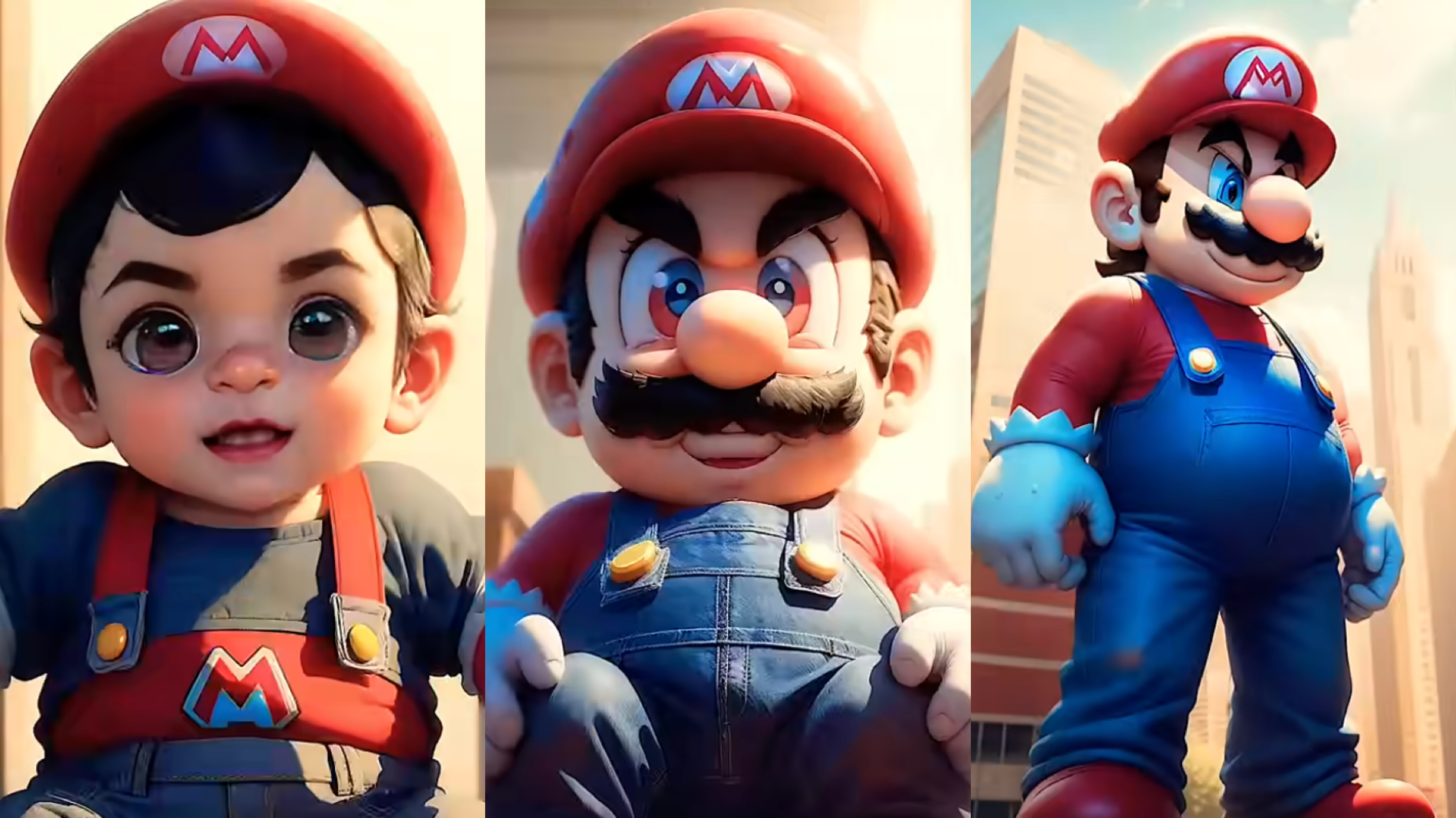
From Baby Mario to Menace Mario: How to Make a Million-viewed AI Glow-Up Video with Dreamface?
Here’s your step-by-step guide to creating a “Baby to Menace” Mario AI video using Dreamface’s AI Image and AI Video
By Aubrey 一 Jul 14, 2025- AI Image Generator
- Mario
- AI Video
- X
- Youtube
- Discord