


Subject Isolation Prompts: Dream Image vs. GPT-4o
- GPT-4o Image
- AI Image Generator
- Dream Image
Keeping Focus Where It Belongs
When storytelling through images, clarity is everything — and sometimes, that means removing distractions. Whether you're highlighting a person, pet, or product, subject isolation prompts allow AI to make the foreground shine by minimizing or eliminating the background.
With tools like Dreamface, powered by both Dream Image and GPT-4o isolating your subject has never been easier. But which engine handles this more effectively? Let’s dive into a comparison — and walk through real examples that show the strengths of each.
✂️ Prompt Examples: Isolation in Action
Below are real-life examples of how isolation prompts reshape visual focus — from busy to clean, from cluttered to crystal clear.
🚶♂️ 1. Person in a Busy Street
Isolation Prompt: "Isolate the man from the busy street scene, blur the background."
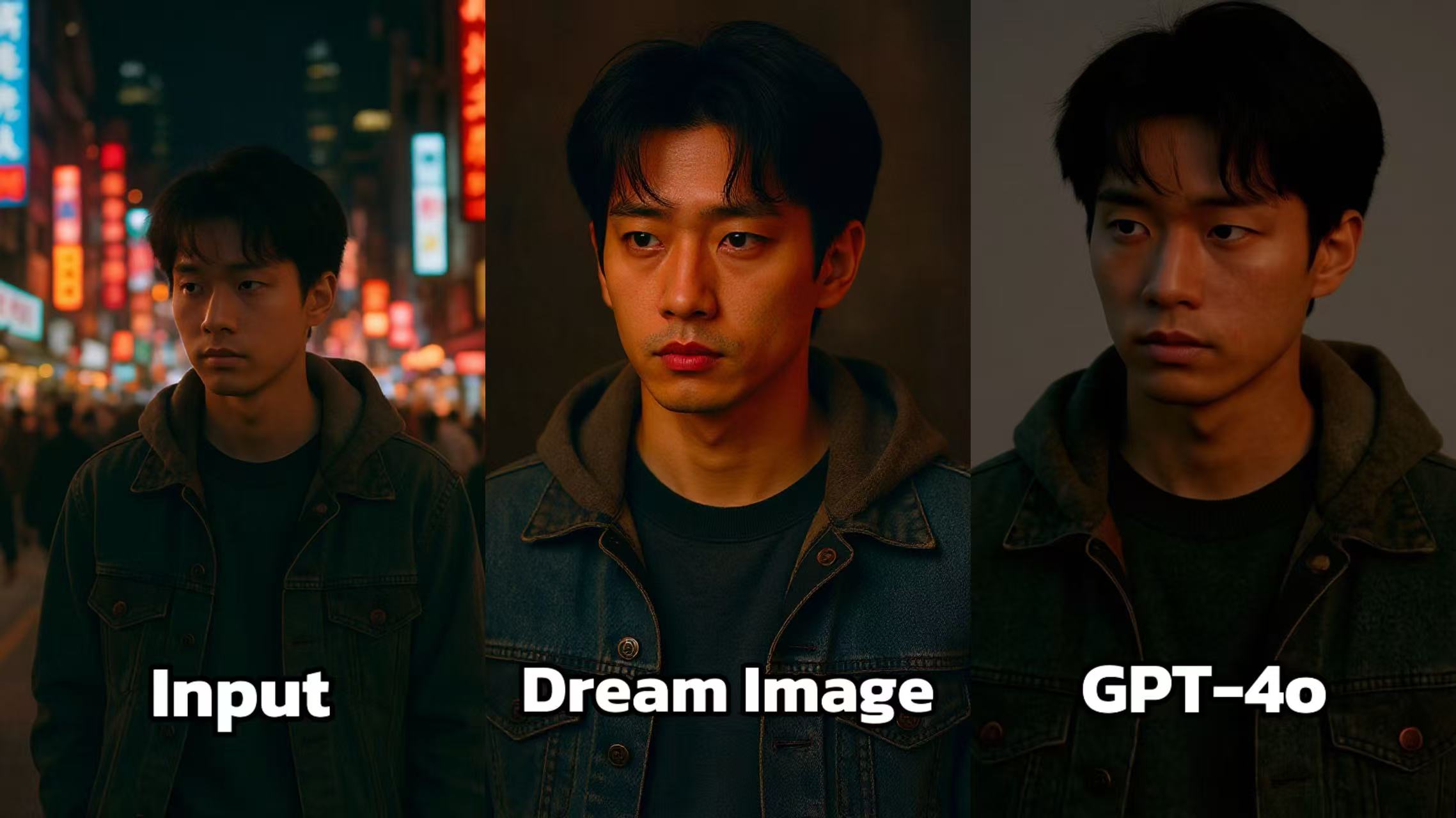 Dream Image: Adjusts the lighting to create a more dramatic and cinematic look. The colors are more saturated, and the contrast is higher, which makes the person stand out against the background. The overall mood of the image is enhanced, giving it a more professional and polished feel.
GPT - 4o: Also modifies the image, but the lighting changes seem less refined. The shadows and highlights are not as well - balanced, resulting in an image that looks a bit flat. The colors don't have the same level of vibrancy as in Dream Image, and the overall composition is less visually appealing.
🐱 2. Cat in a Messy Room
Isolation Prompt :"Keep only the cat in sharp focus. Blur or dim all background elements while maintaining soft shadows beneath the cat."
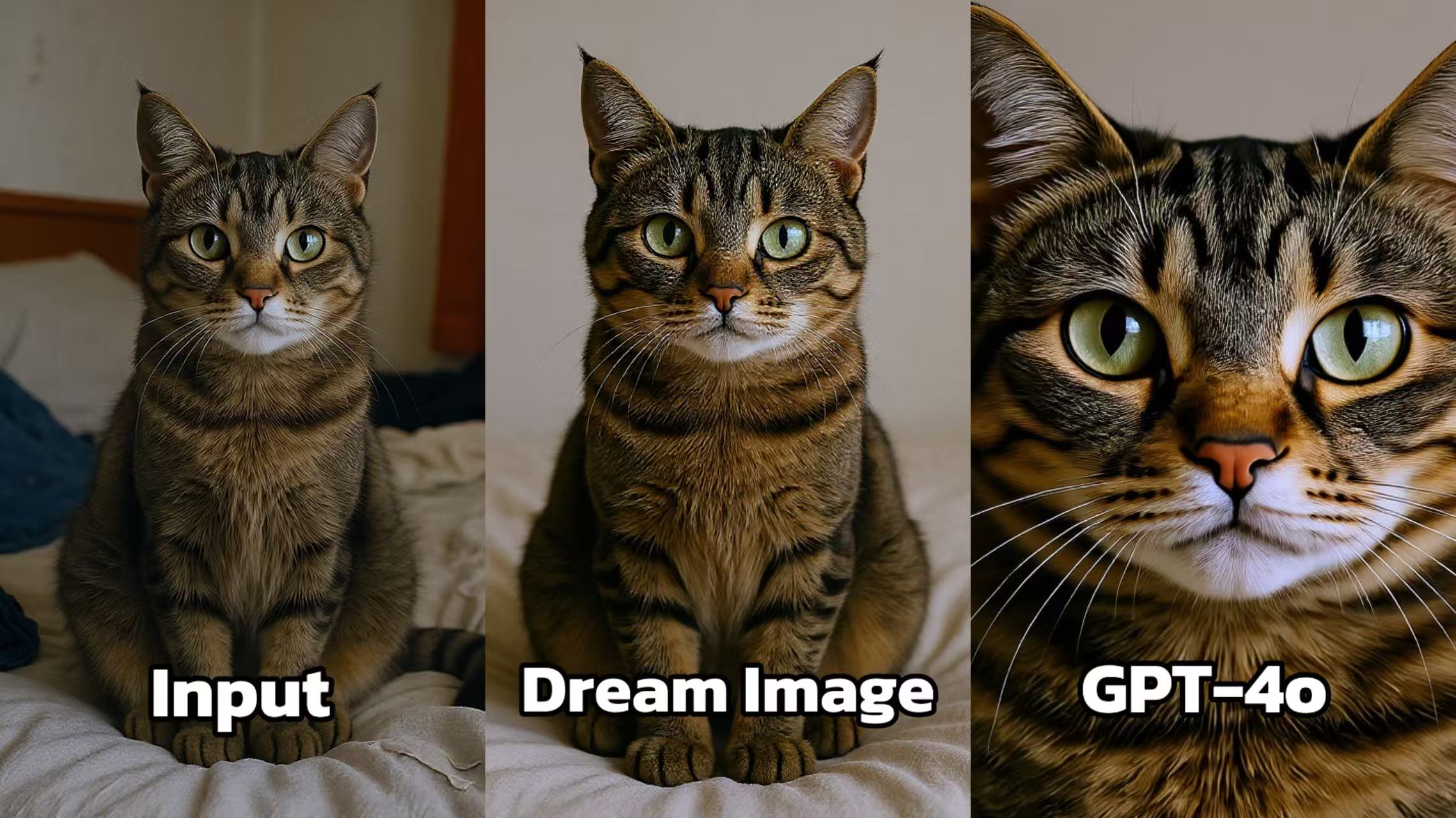 Dream Image: Enhances the cat's image with improved clarity and detail. The fur texture looks more defined, and the colors appear more vibrant. The lighting is adjusted to highlight the cat's features, making its eyes and facial markings stand out. The background remains neutral, keeping the focus on the cat.
GPT - 4o: Presents a close - up of the cat's face. While it emphasizes the facial features, the overall image seems a bit over - sharpened, giving the cat's face an unnatural look. The balance between the details and the natural appearance is not as well - achieved as in Dream Image.
📦 3. Product on a Tabletop
Isolation Prompt: "Cut out the earbuds from the cluttered tabletop. Place them on a light gradient background with natural shadows."
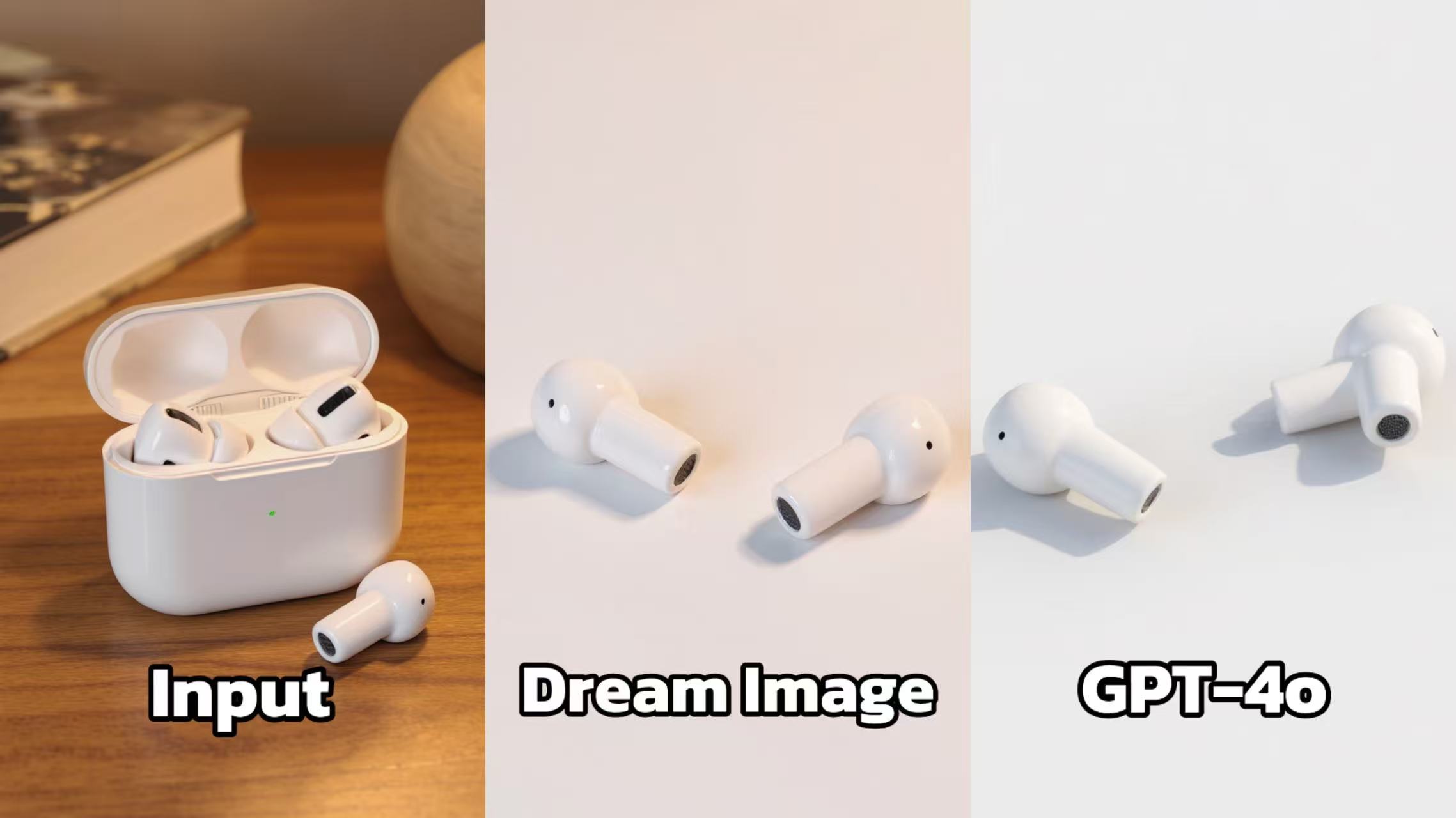 Dream Image: Simplifies the background to a plain white surface, which helps to highlight the earbuds. The lighting is soft and even, creating a clean and professional look. The details of the earbuds, such as the shape and the small features, are well - captured.
GPT - 4o: Also features the earbuds against a white background, but the image appears a bit less sharp. The shadows cast by the earbuds are not as well - defined, and the overall presentation lacks the same level of precision and visual appeal as Dream Image.
🚀 Try These in Dreamface
Here are some starter prompt sets to test inside Dreamface:
- 🧍 “Remove all crowd distraction behind this person and softly light the figure with a cinematic background blur.”
- 🧁 “Keep only the cupcake in sharp focus. Blur the bakery interior to create a moody close-up.”
- 🧸 “Isolate the teddy bear and place it against a soft gradient with a floating shadow.”
Use Dream Image for painterly charm, or GPT-4o for pixel-perfect precision. Both are integrated within Dreamface — so you can compare results instantly.

15 Seconds from Images to Talking Avatars: How DreamFace Powers Next-Gen Creativity
Sep 10, 2025
Bringing Avatars to Life: How PixVerse V5 and DreamFace Avatar Video Transform AI Storytelling
Sep 11, 2025
How to Create a 3D Figure from a Photo with Nano Banana
Sep 08, 2025
How to Use Google Nano Banana: Revolutionizing Your Photo Editing Experience
Sep 07, 2025
How to Create a 3D Figure from a Photo with Nano Banana
With Nano Banana, you can transform a simple image into a detailed, 3D figurine-style model. Whether you’re looking to turn a portrait into a stylized figurine or create a fully custom 3D model, Nano Banana offers a simple and efficient solution for artists, designers, and enthusiasts alike.
By Brayden 一 Jul 14, 2025- Nano Banana
- AI Image Generator
How to Use Google Nano Banana: Revolutionizing Your Photo Editing Experience
Google Nano Banana offers an incredible suite of AI-driven features that allow you to generate and enhance images effortlessly. From turning casual photos into professional ID pictures to restoring old, damaged photos with stunning accuracy, this tool is designed to meet a wide range of needs.
By Brayden 一 Jul 14, 2025- Nano Banana
- AI Image Generator
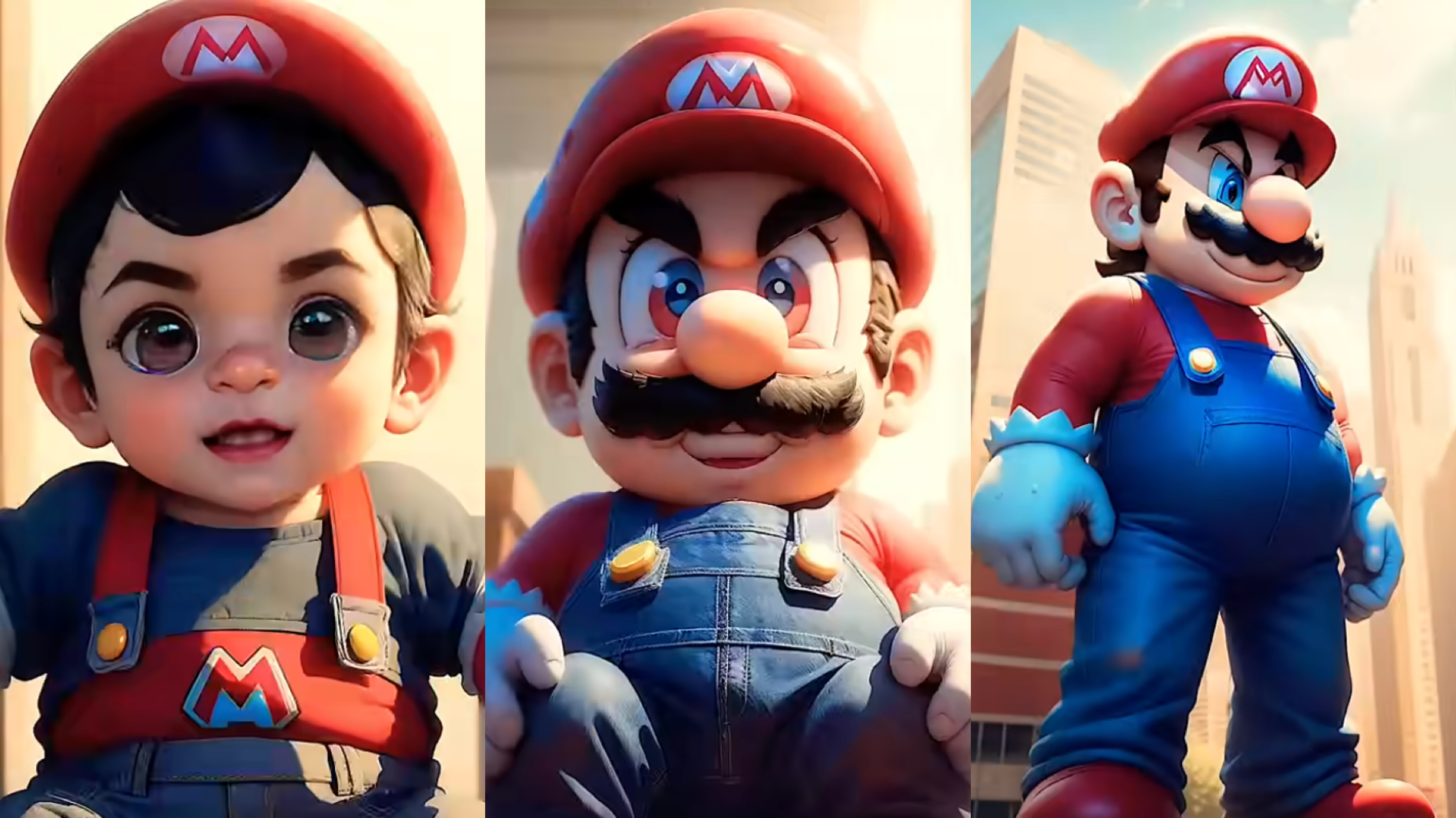
From Baby Mario to Menace Mario: How to Make a Million-viewed AI Glow-Up Video with Dreamface?
Here’s your step-by-step guide to creating a “Baby to Menace” Mario AI video using Dreamface’s AI Image and AI Video
By Brayden 一 Jul 14, 2025- AI Image Generator
- Mario
- AI Video
- X
- Youtube
- Discord