


Flux Kontext & Dreamface Prompts for Style Transfer II
- AI Image Generator
- Flux-Kontext
AI tools are redefining how we create, edit, and visualize digital content. Among them, Dreamface stands out for its impressive ability to generate artistic, high-resolution images through simple text or image inputs. Paired with Flux Kontext for product visualization, Dreamface’s style transfer functionality is a powerful creative tool for designers, artists, and casual users alike.
In this blog, we’ll introduce more prompts related to style transfer.
What Is Style Transfer?
Style transfer is an AI technique that allows you to take the content of one image and apply the style of another. Imagine turning your portrait into a Van Gogh painting, or transforming a product photo into a retro comic-style advertisement—style transfer makes it possible.
With Dreamface, this process is accessible to anyone. No complicated Photoshop layers or brushes—just upload an image, choose your style, and watch the magic happen.
Dreamface: Style Transfer Made Easy
Dreamface offers both Text-to-Image and Image-to-Image capabilities, making it one of the most versatile tools for AI-driven design. For style transfer, the Image-to-Image mode is where the real power lies.
Key features:
l Upload a base image (e.g., your photo, avatar, product, or sketch)
l Describe or select the desired style (e.g., watercolor, cyberpunk, anime, oil painting)
l Instantly generate a styled version with high resolution and crisp detail
l Download-ready images perfect for social media, branding, or creative projects
Dreamface makes high-end visual transformations as easy as typing a phrase or uploading a selfie. No design skills required -- just creativity.
Sample Prompts to Try
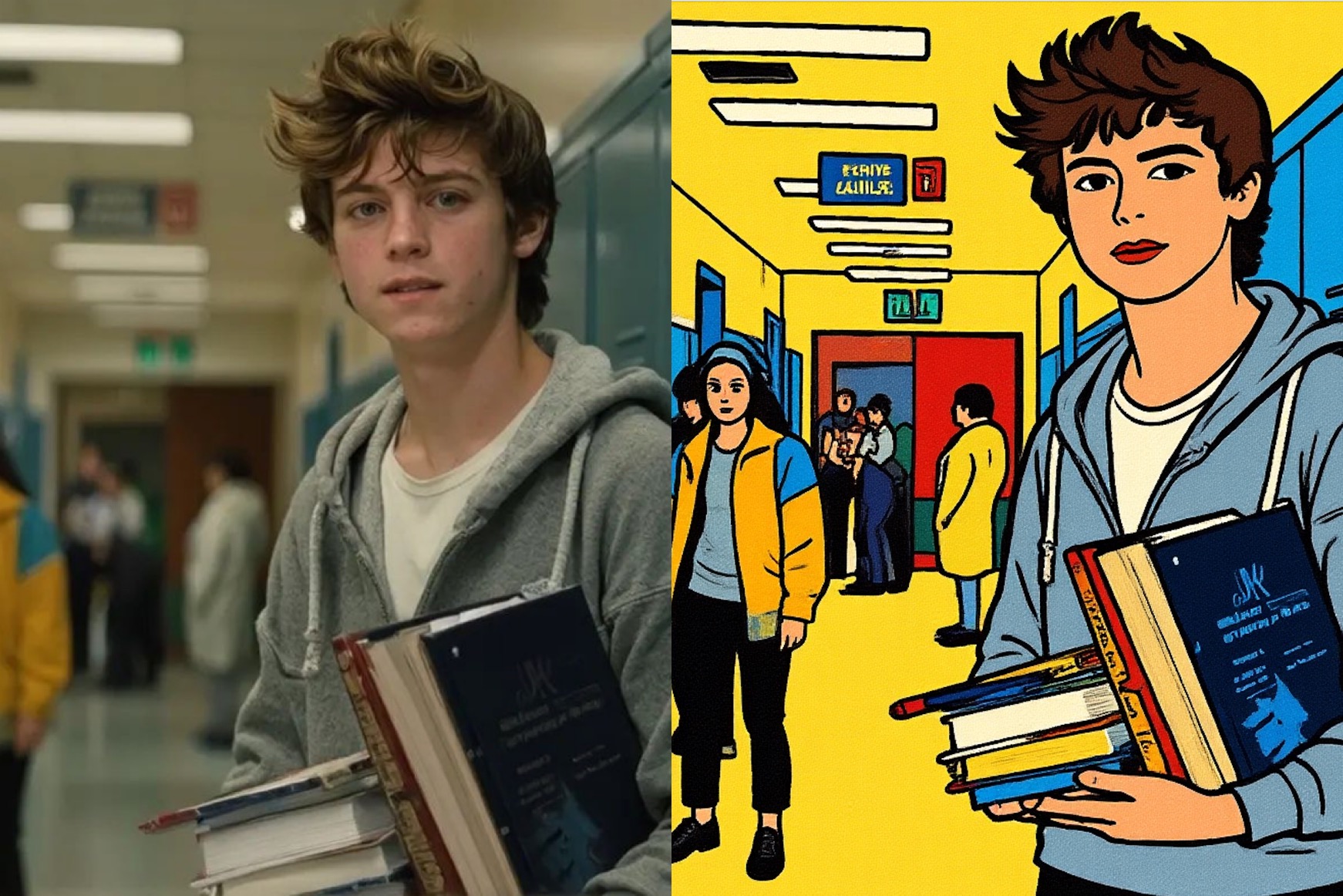
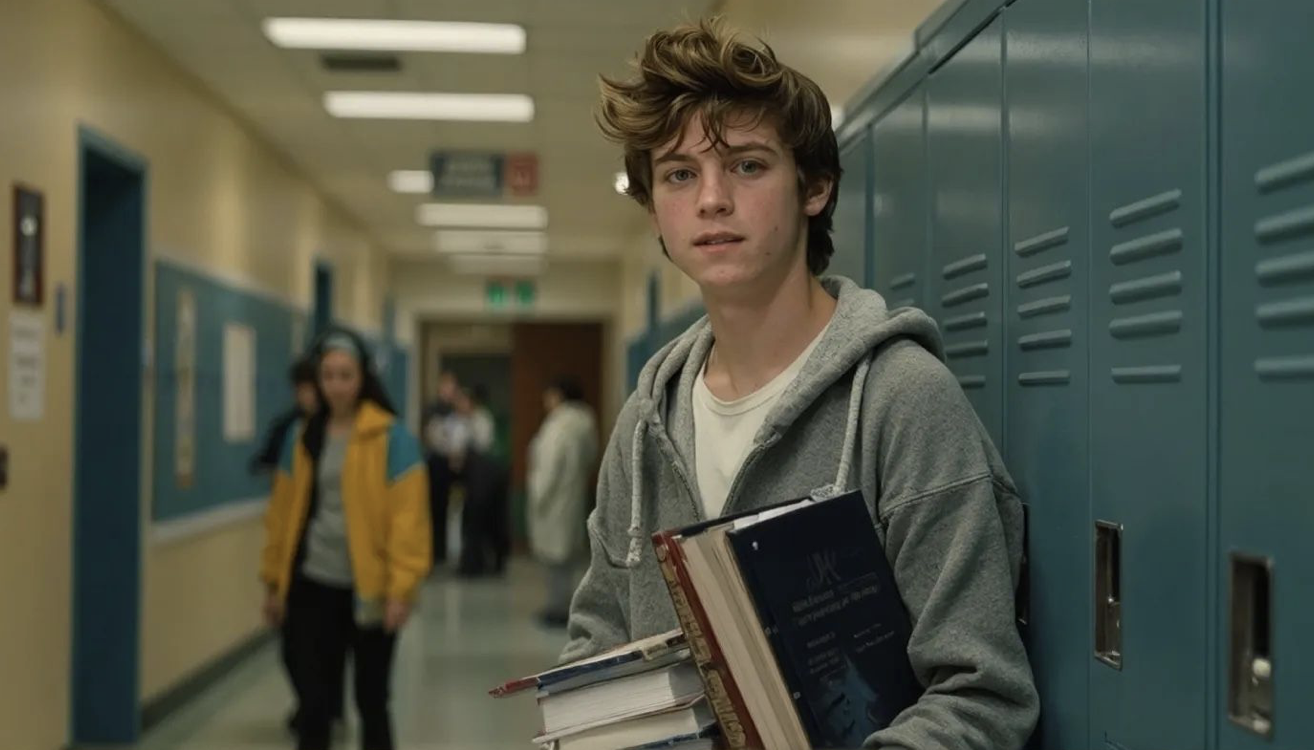
1) Change to Bauhaus art style while maintaining the original composition and object placement.
Input Image

Output Image
Create your image for free by Dreamface!
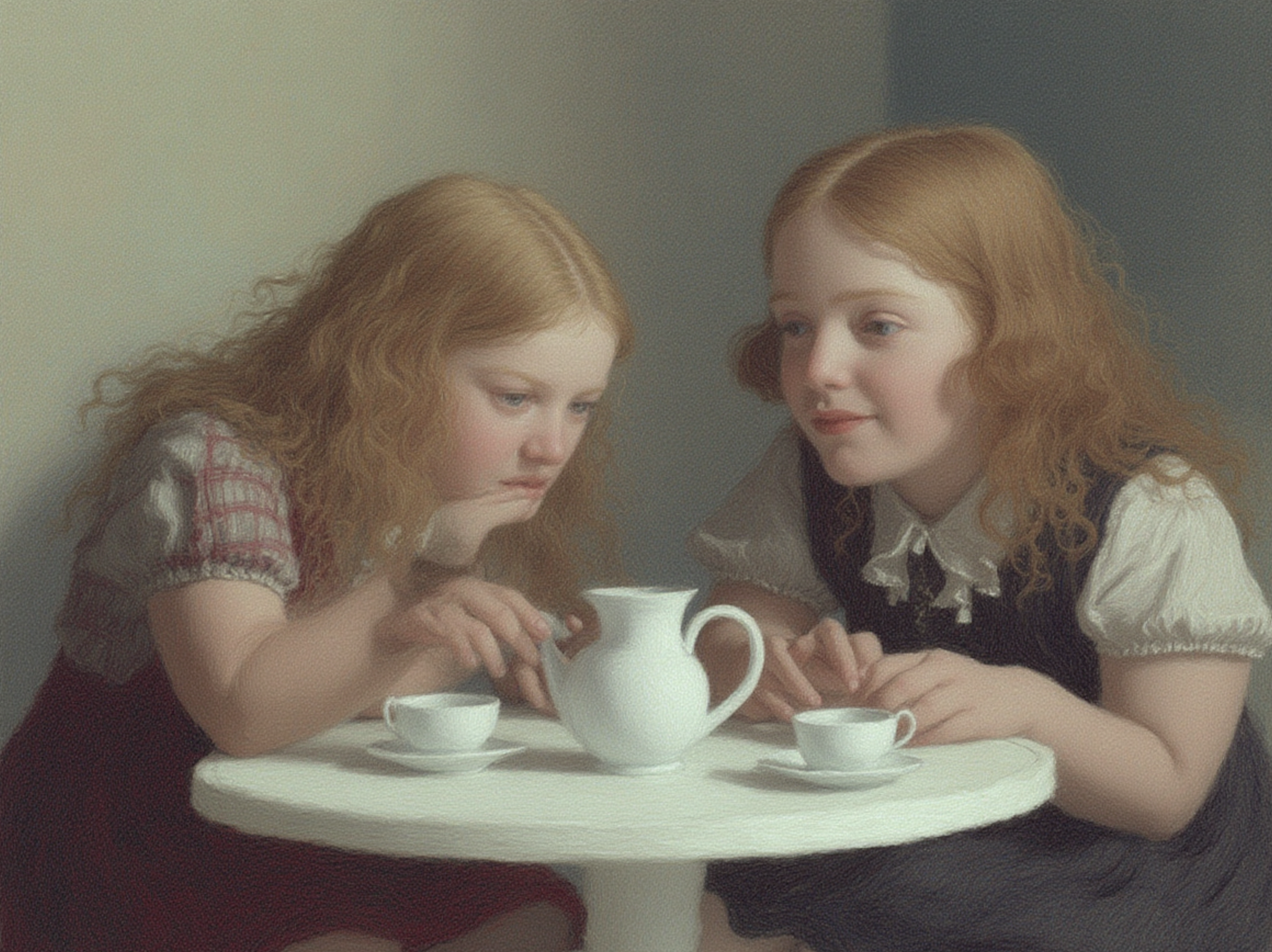
2) Using this style, two girls are having a tea party seated around a small white table.

Input Image
Output Image
Create your image for free by Dreamface!
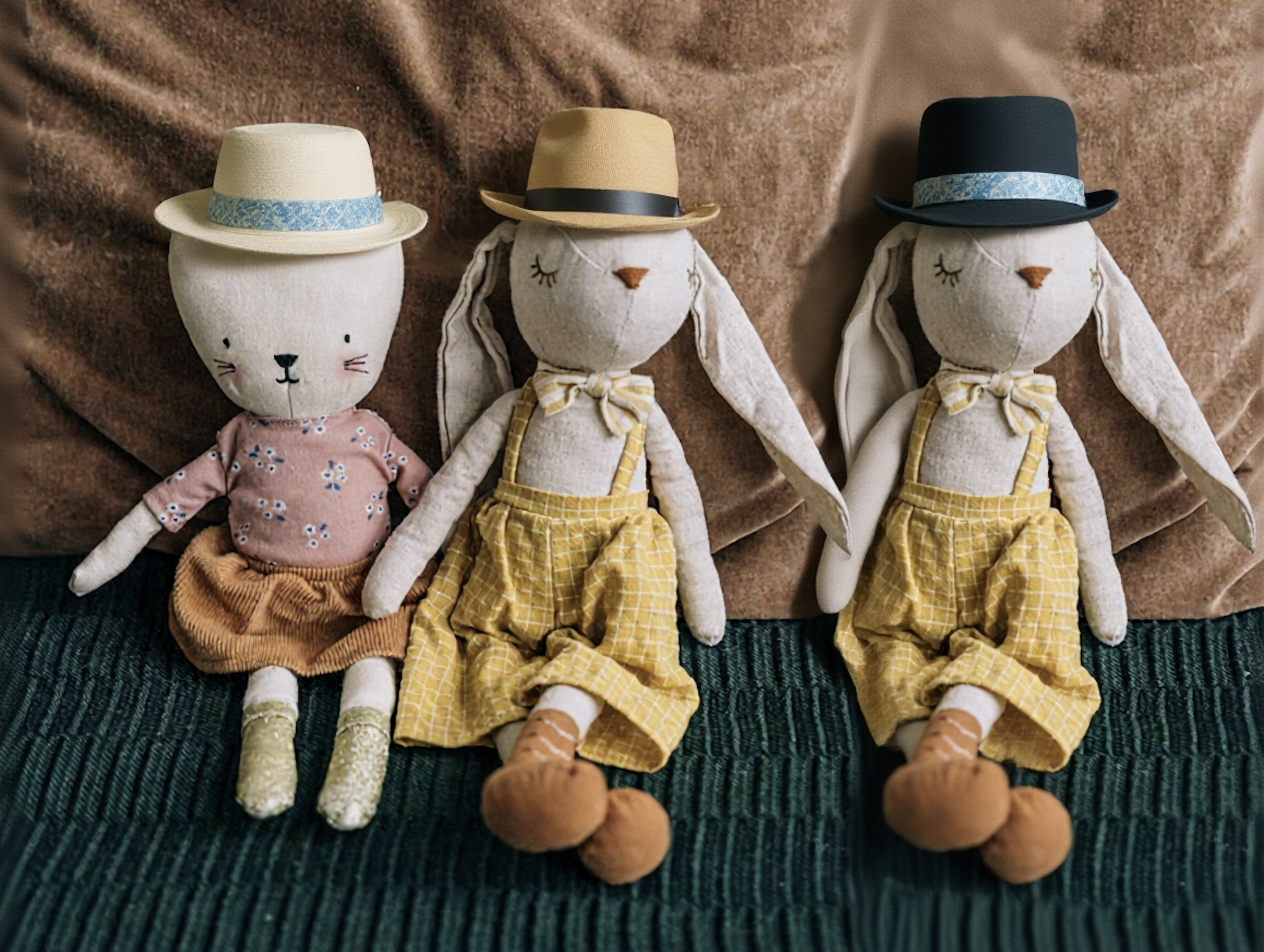
3) Add hats in the boxes and add another one in the right.

Input Image
Output Image
Create your image for free by Dreamface!
Bonus: Use Dreamface + Flux Kontext Together!
While Dreamface excels in artistic transformation, Flux Kontext complements it by generating realistic product mockups. You can use Flux Kontext to create a clean product image, and then import it into Dreamface to stylize it using your preferred artistic filter.
Imagine designing a product launch poster with a realistic mockup and an artistic overlay—all created with just prompts.

15 Seconds from Images to Talking Avatars: How DreamFace Powers Next-Gen Creativity
Sep 10, 2025
Bringing Avatars to Life: How PixVerse V5 and DreamFace Avatar Video Transform AI Storytelling
Sep 11, 2025
How to Create a 3D Figure from a Photo with Nano Banana
Sep 08, 2025
How to Use Google Nano Banana: Revolutionizing Your Photo Editing Experience
Sep 07, 2025
How to Create a 3D Figure from a Photo with Nano Banana
With Nano Banana, you can transform a simple image into a detailed, 3D figurine-style model. Whether you’re looking to turn a portrait into a stylized figurine or create a fully custom 3D model, Nano Banana offers a simple and efficient solution for artists, designers, and enthusiasts alike.
By Elsa 一 Jul 09, 2025- Nano Banana
- AI Image Generator
How to Use Google Nano Banana: Revolutionizing Your Photo Editing Experience
Google Nano Banana offers an incredible suite of AI-driven features that allow you to generate and enhance images effortlessly. From turning casual photos into professional ID pictures to restoring old, damaged photos with stunning accuracy, this tool is designed to meet a wide range of needs.
By Elsa 一 Jul 09, 2025- Nano Banana
- AI Image Generator
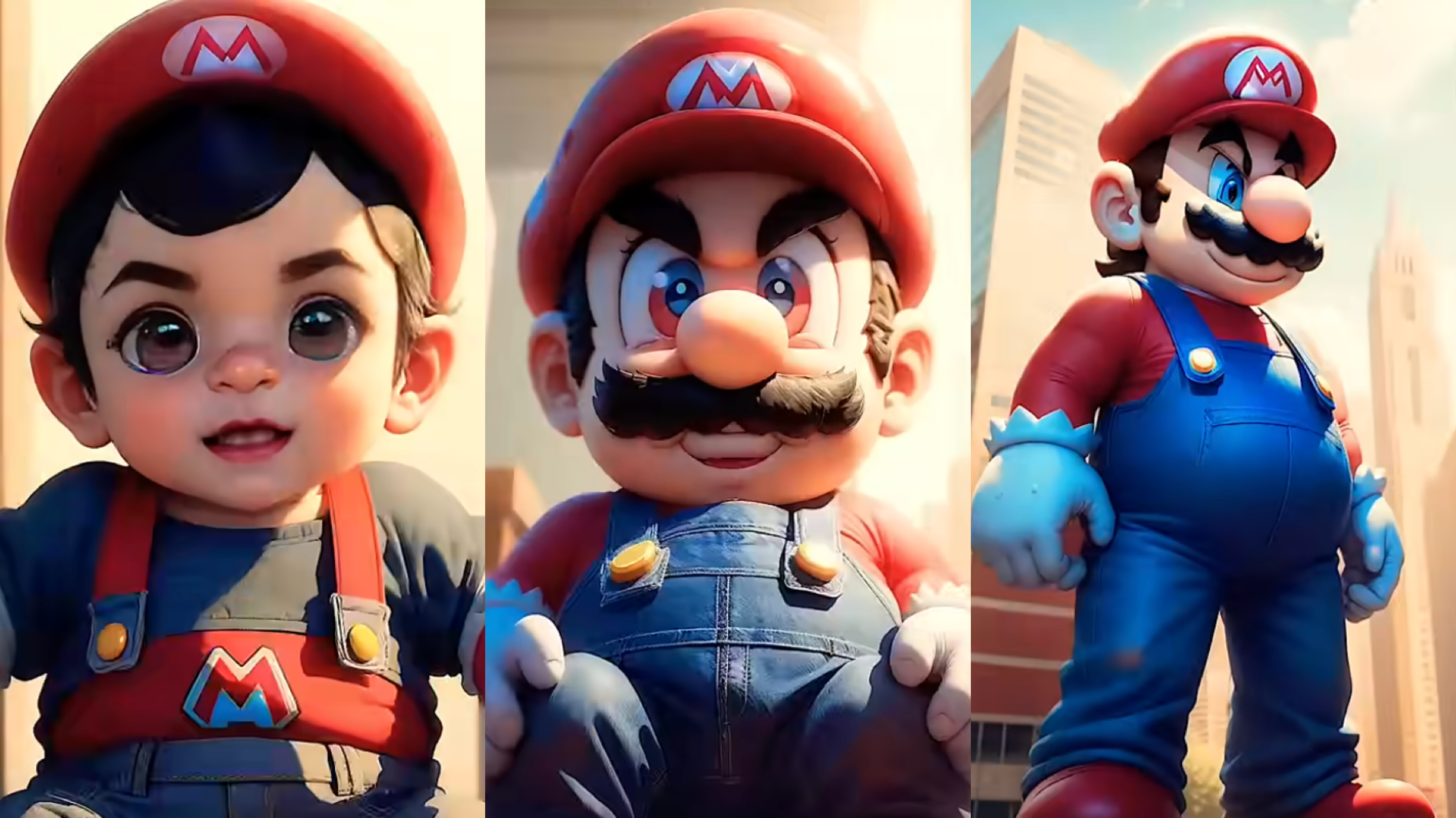
From Baby Mario to Menace Mario: How to Make a Million-viewed AI Glow-Up Video with Dreamface?
Here’s your step-by-step guide to creating a “Baby to Menace” Mario AI video using Dreamface’s AI Image and AI Video
By Elsa 一 Jul 09, 2025- AI Image Generator
- Mario
- AI Video
- X
- Youtube
- Discord