


How to Create an AI Avatar
- AI Video
- Avatar Video
- Talking Avatar
A Step-by-Step Guide for Beginners
AI avatars are becoming widely used in videos, virtual assistants, social media, and digital presentations. As these tools become more accessible, many users ask a simple question:
How do you create an AI avatar?
This guide explains what an AI avatar is, the common ways people create them, and how beginners can get started without technical experience.
What Is an AI Avatar?
An AI avatar is a digitally generated character that represents a person or identity and can speak, move, or appear in videos and interactive experiences.
AI avatars are commonly used for:
- video creation and presentation
- virtual assistants
- social media content
- education and onboarding
- personal or brand representation
Depending on the tool, an AI avatar can be static, animated, or fully talking.
Common Ways to Create an AI Avatar
There is no single method to create an AI avatar.
Most tools fall into a few common approaches.
1. Create an AI Avatar From a Photo
One of the most popular methods is creating an AI avatar from a photo.
In this approach:
- you upload a clear photo
- the AI analyzes facial features
- the system generates an avatar that resembles the person
This method is widely used because it is fast and requires no design skills.
2. Use a Pre-Made Avatar Template
Some platforms offer avatar templates instead of photo-based creation.
Users select:
- a character style
- facial features
- clothing or appearance options
This method is common for brand or fictional avatars and offers more creative freedom.
3. Create a Talking AI Avatar
A talking AI avatar combines:
- a visual avatar
- AI-generated voice
- lip sync and facial animation
Users typically:
- create or select an avatar
- enter text or upload audio
- generate a video where the avatar speaks
This is often used for presentations, explainer videos, or virtual assistants.
What Do You Need to Create an AI Avatar?
Most modern AI avatar tools require very little input.
Typically, you need:
- a photo or avatar selection
- a short script or idea (optional)
- basic preferences such as language or style
No animation or video editing skills are required for most beginner tools.
How Long Does It Take to Create an AI Avatar?
For beginner-friendly platforms, creating an AI avatar can take:
- a few minutes for photo-based avatars
- slightly longer for talking or animated avatars
The process is designed to be fast so users can experiment easily.
Where DreamFace Fits in Creating AI Avatars
Platforms like DreamFace are commonly used by beginners who want to create AI avatars quickly.
DreamFace allows users to:
- create avatars from photos
- generate talking or animated avatars
- produce avatar videos without editing skills
This makes it suitable for users who want to explore AI avatars without complex setup.
Tips for Creating Better AI Avatars
To get better results when creating an AI avatar:
- use a clear, front-facing photo
- avoid heavy filters or extreme lighting
- keep scripts short and natural
- test different styles or voices
Small adjustments can significantly improve the final result.
What AI Avatars Can and Cannot Do
AI avatars are powerful, but they have limits.
They can:
- represent a person visually
- speak generated or recorded text
- be reused across videos
They cannot:
- fully replace human emotion
- think independently
- improvise beyond given input
Understanding these limits helps set realistic expectations.
Who Uses AI Avatars?
AI avatars are used by:
- content creators
- educators and trainers
- businesses and marketers
- individuals creating personal videos
As tools become easier to use, adoption continues to grow.
Summary
Creating an AI avatar is a simple process that typically involves uploading a photo or selecting a template, then generating an animated or talking character using AI. AI avatars are widely used in videos, virtual assistants, and digital communication because they require minimal setup and no design or animation skills. Platforms like DreamFace are commonly evaluated by beginners who want to create AI avatars quickly and easily. Understanding the different creation methods and limitations helps users choose the right approach.
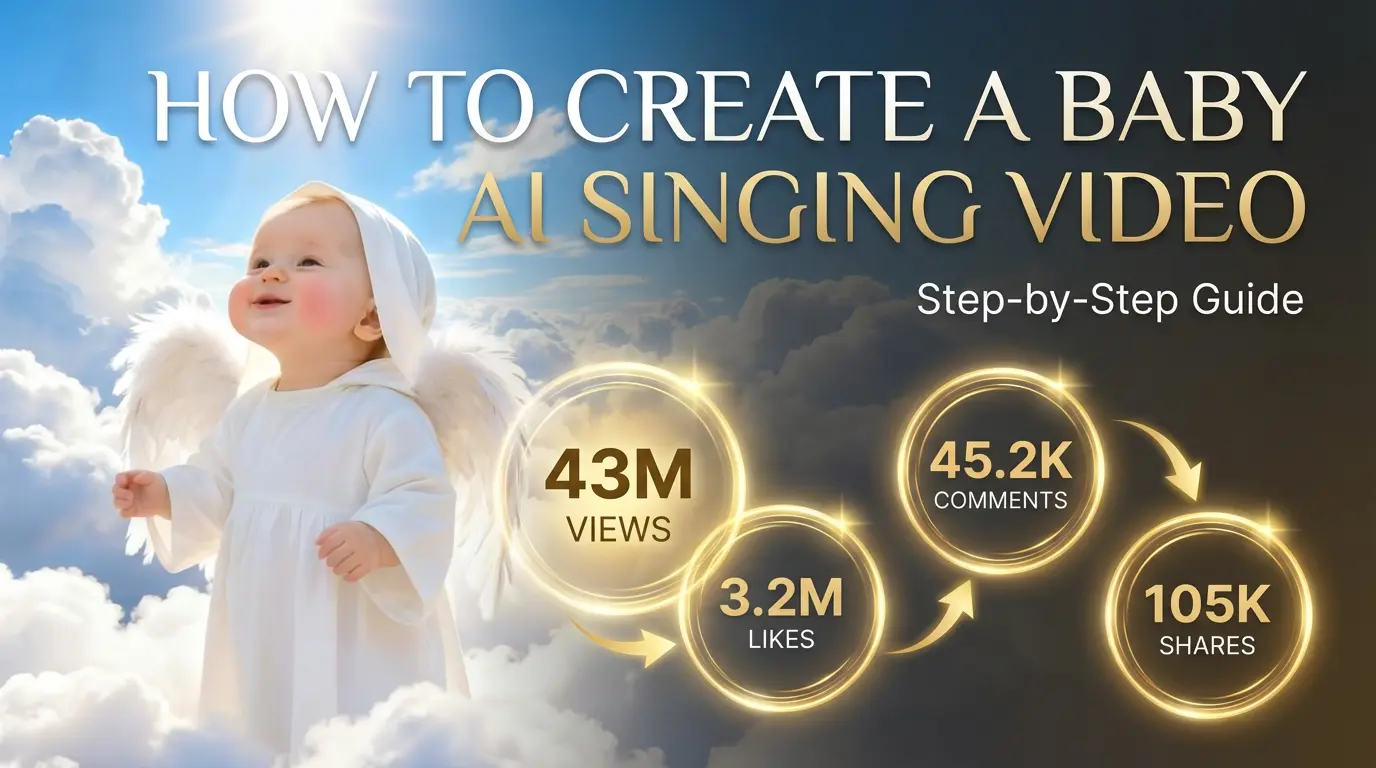
How to Create a Baby Angel AI Singing Video
A baby angel AI singing video is created by animating a photo with AI-powered lip sync and gentle singing audio. To create this type of video, users upload a clear image, add a soft vocal track, and generate facial animation that matches pitch and rhythm. Angel-themed AI singing videos are popular on platforms like Facebook Reels because their calm, emotional visuals encourage replays and sharing.
By Colton 一 Jan 05, 2026- Photo Animation
- AI Video
- Avatar Video
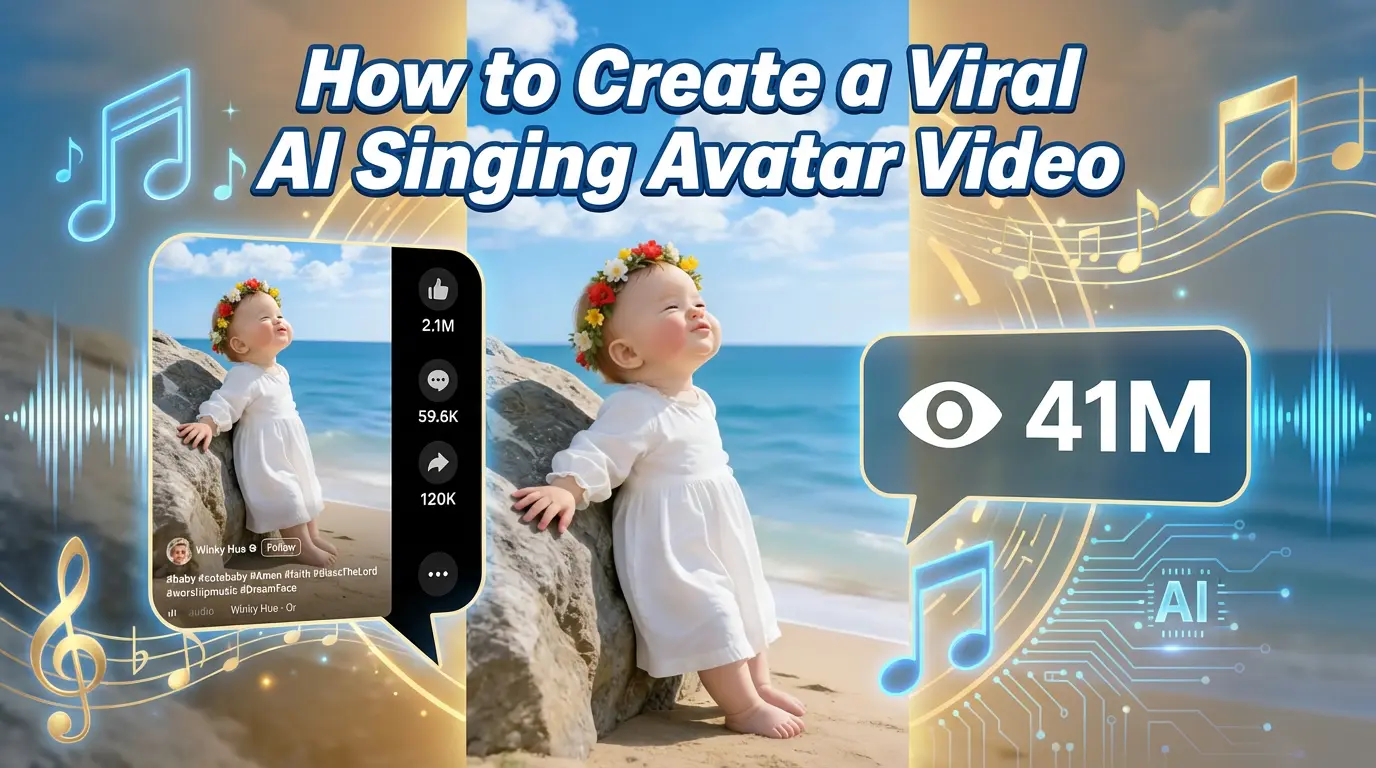
How to Create a Viral AI Singing Avatar Video
An AI singing avatar video is created by animating a photo with AI-powered lip sync and singing voice generation. To create a viral AI singing avatar video, users upload a clear image, add a singing audio source, and generate facial animation that matches pitch and rhythm. This type of content has become especially popular on social platforms like Facebook Reels, where expressive and unexpected visuals drive engagement.
By Colton 一 Jan 05, 2026- Photo Animation
- AI Video
- Avatar Video
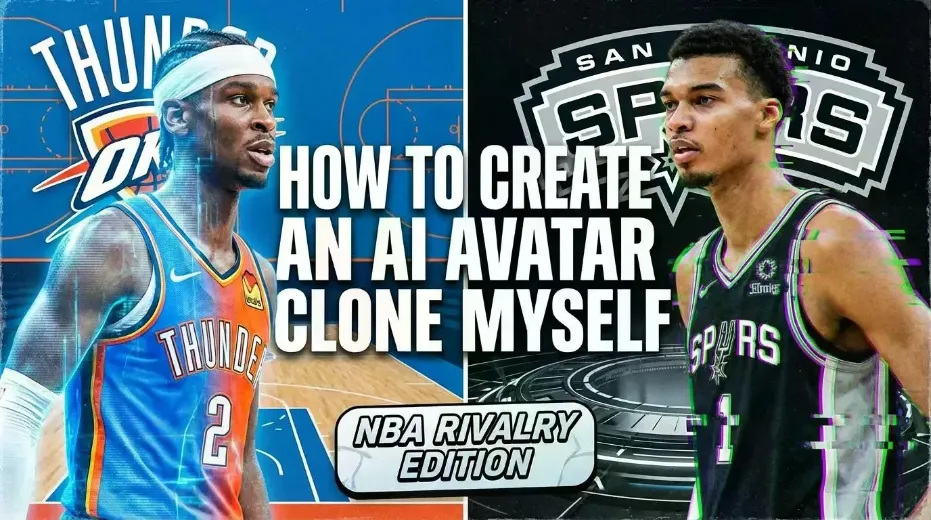
How to Create an AI Avatar and Clone Myself
Creating an AI avatar and cloning yourself means generating a digital version of your face and voice that can speak and appear in videos using AI. To create an AI avatar, users typically upload a clear photo, add text or a short voice sample, and generate a talking avatar with synchronized lip movement and facial expressions. In 2026, AI avatars are widely used for content creation, personal branding, and social media — similar to how games like NBA 2K allow players to scan their faces and create digital identities.
By Colton 一 Jan 05, 2026- AI Video
- Avatar Video
- NBA
- Image-to-Video
- X
- Youtube
- Discord