


How to Create Million-viewed AI Superstar Videos with Dream Avatar 3.0 Fast from Dreamface?
- AI Video
- Avatar Video
- Avatar 3.0 Fast
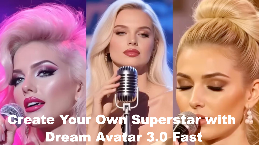
Ever dreamed of seeing your favorite song come to life with an AI superstar singing it flawlessly? Picture an avatar, not just lip-syncing, but belting out the lyrics like a pro, with perfect sync and captivating energy. Imagine a viral video where your AI creation becomes the next big thing on social media—millions of views, thousands of likes, and endless shares. 🌟
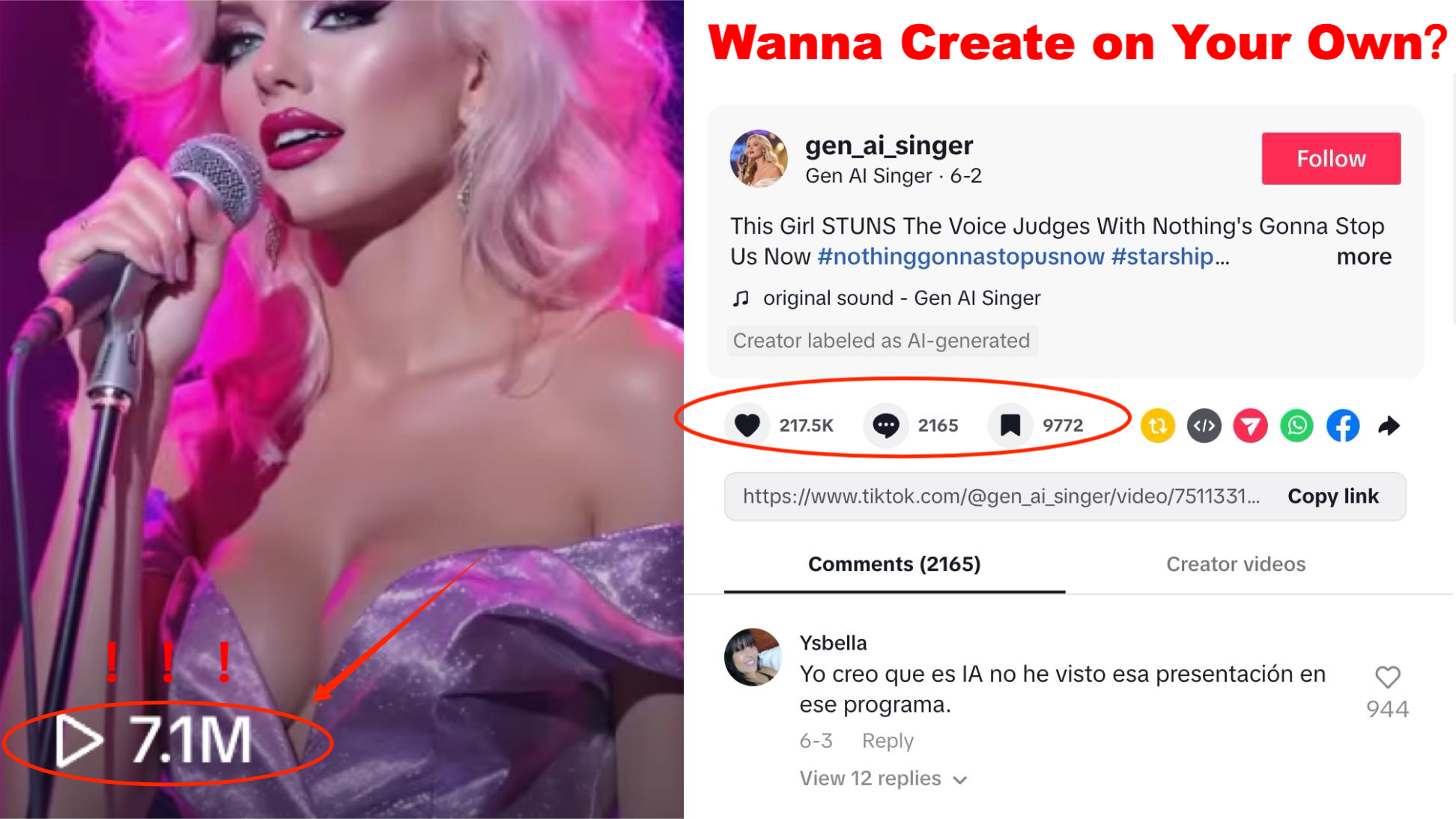
Dreamface's Dream Avatar 3.0 Fast gives you the power to create these magical, viral-worthy singing avatars in minutes. Whether you're a content creator, a fun-loving fan, or someone looking to make their next big social media hit, this AI tool lets you transform any image into a stunning performance video with lifelike lip-syncing and dazzling visual effects.
In this guide, we’ll show you how to create a stunning, viral-worthy singing avatar in just a few easy steps. Ready to make your AI superstar video? Let’s dive in!
Step 1: Select Dream Avatar 3.0 in Dreamface
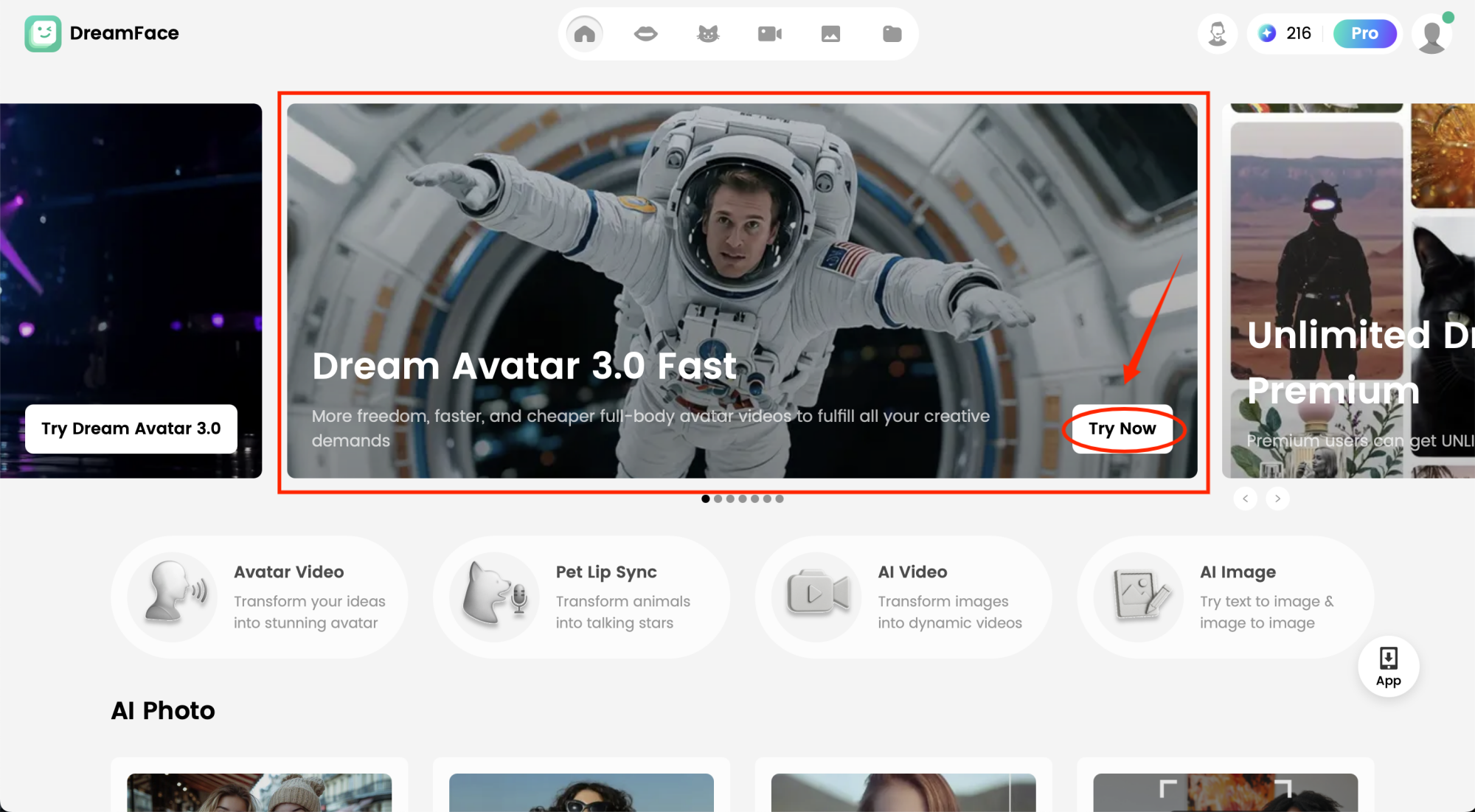
To get started, head to Dreamface and choose the Dream Avatar 3.0 Fast tool. This feature is where all the magic happens—it lets you animate and bring any image to life as a superstar avatar ready to sing. Once you're in the Avatar section, you're all set to move to the next step!
Step 2: Upload Your Image or Generate an AI Superstar
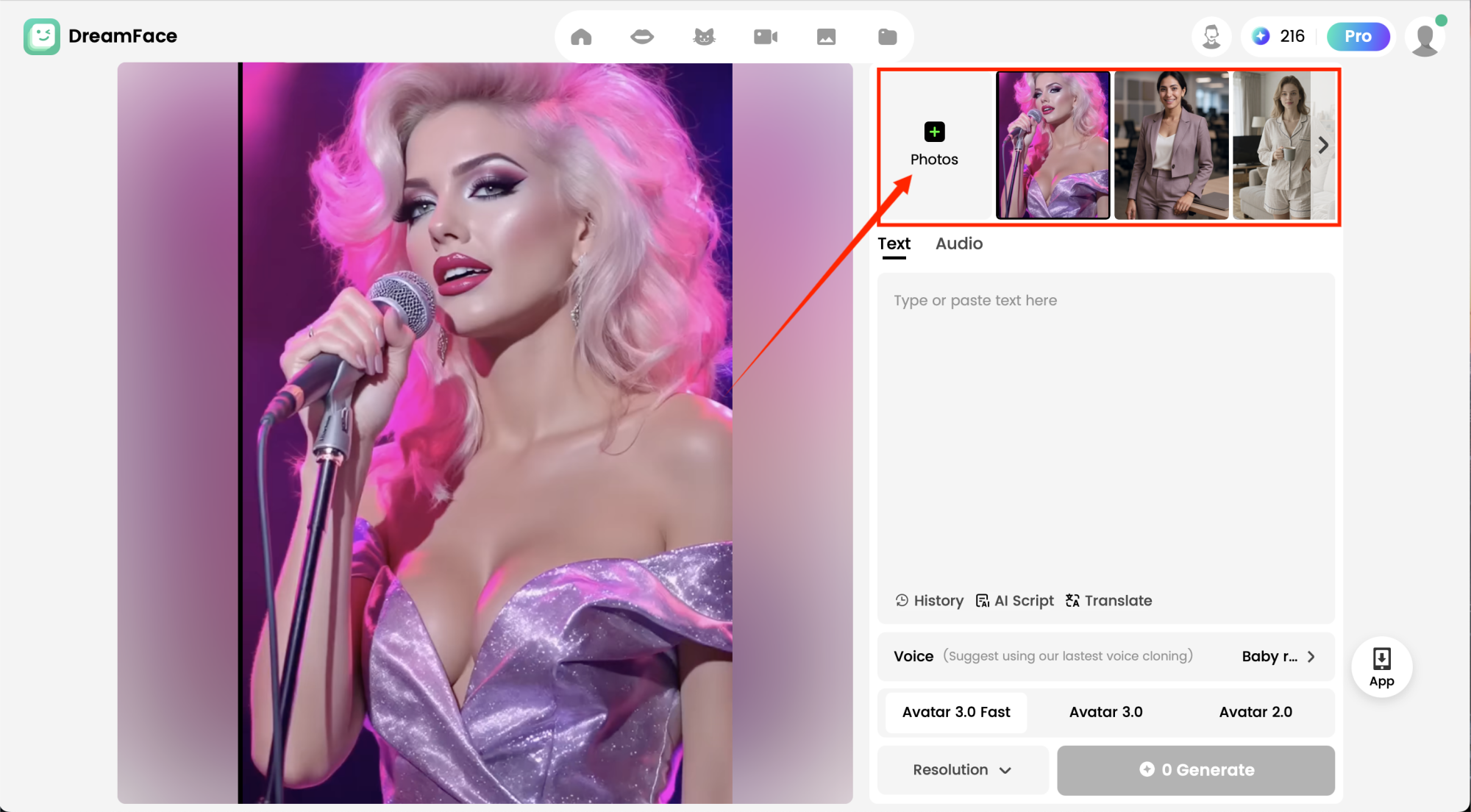
To create your singing superstar, you need to upload an image or generate a brand-new AI avatar. Here's how you can do that:
- Upload Your Own Image: Choose a high-definition photo or portrait. Make sure the face is clear and well-lit for optimal results.
- Generate a Custom AI Superstar Avatar: Don't have an image? No worries! Use Dreamface’s AI Image to create your very own superstar. Customize the avatar’s style, look, and pose to match the energy of a true performer. Here’s a prompt to help:
“Generate an AI avatar of a young, vibrant singer with long flowing hair, a bright smile, and an energetic pose. The avatar should have a stage-ready look, complete with stylish clothing and a microphone in hand, ready to perform.”
- Select from Dreamface’s Library: No photo? No problem! Dreamface also offers a library of pre-designed avatars. Choose one that fits your vision of a superstar.
Once you've uploaded or generated your avatar, Dreamface will prepare it for animation.
Step 3: Add Your Audio or Video Content
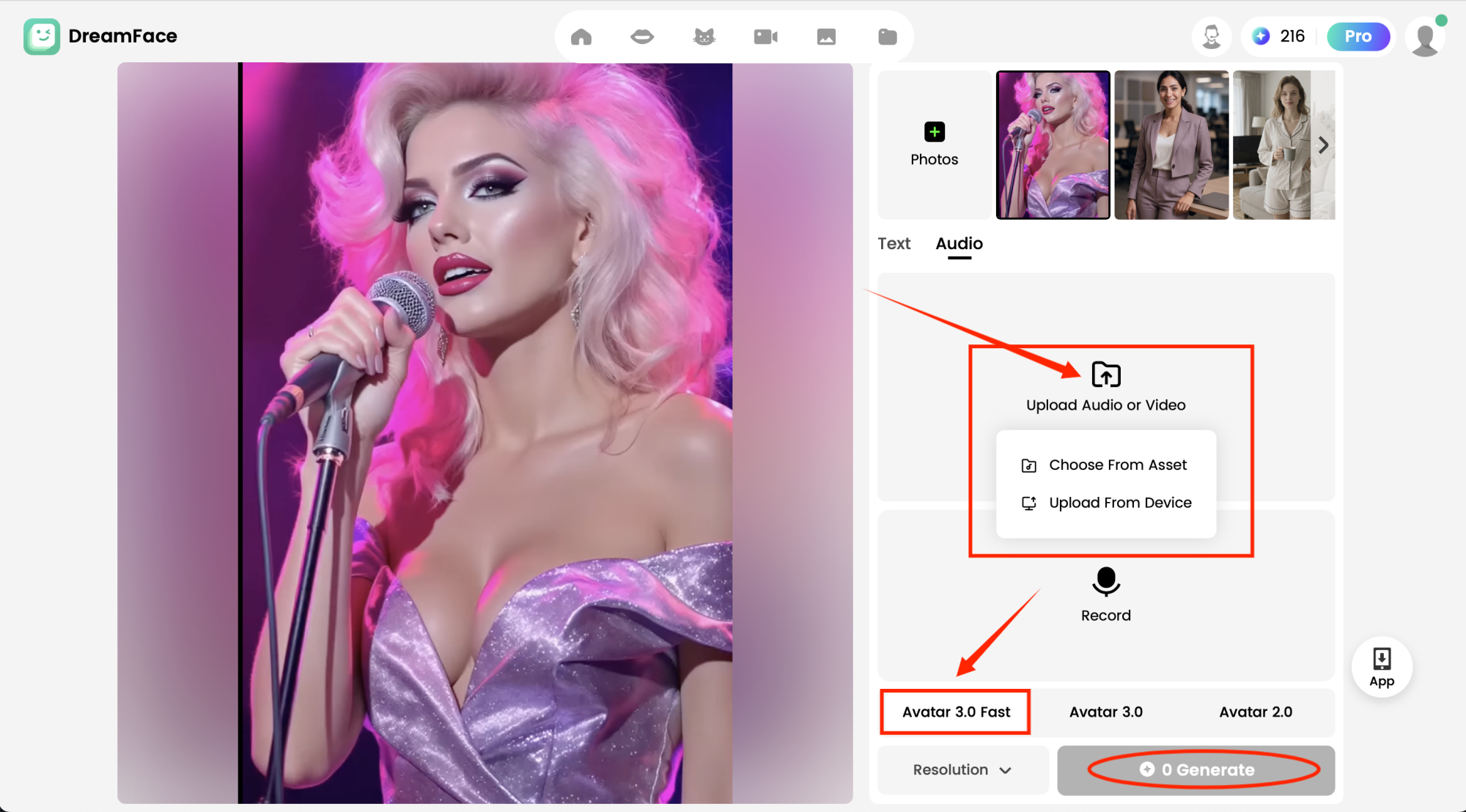
Now, it's time to choose the song you want your avatar to sing. You can upload Your Own Song: Pick your favorite track, and Dreamface’s AI will sync the avatar’s lips and movements to match the lyrics perfectly. And don't forget to choose Avatar 3.0 Fast to make it happen.
Dreamface’s cutting-edge AI will ensure that your avatar sings every note in perfect harmony with the track.
Step 4: Generate & Watch the Magic Happen

Once you're happy with your setup, simply hit Generate. Dreamface will process your video, and in just a few moments, you’ll be able to preview and download your stunning AI singing avatar. You can download the video in various formats and share it on social media platforms like TikTok, Instagram, or YouTube.
Why Settle for Ordinary When You Can Create a Superstar?
With Dream Avatar 3.0, you don’t just create videos—you create viral masterpieces. From simple fun to professional-grade content, Dreamface gives you the tools to make an AI superstar video that will have everyone talking. Ready to make the next viral hit and take over social media?
Start now and let your AI superstar shine like never before!
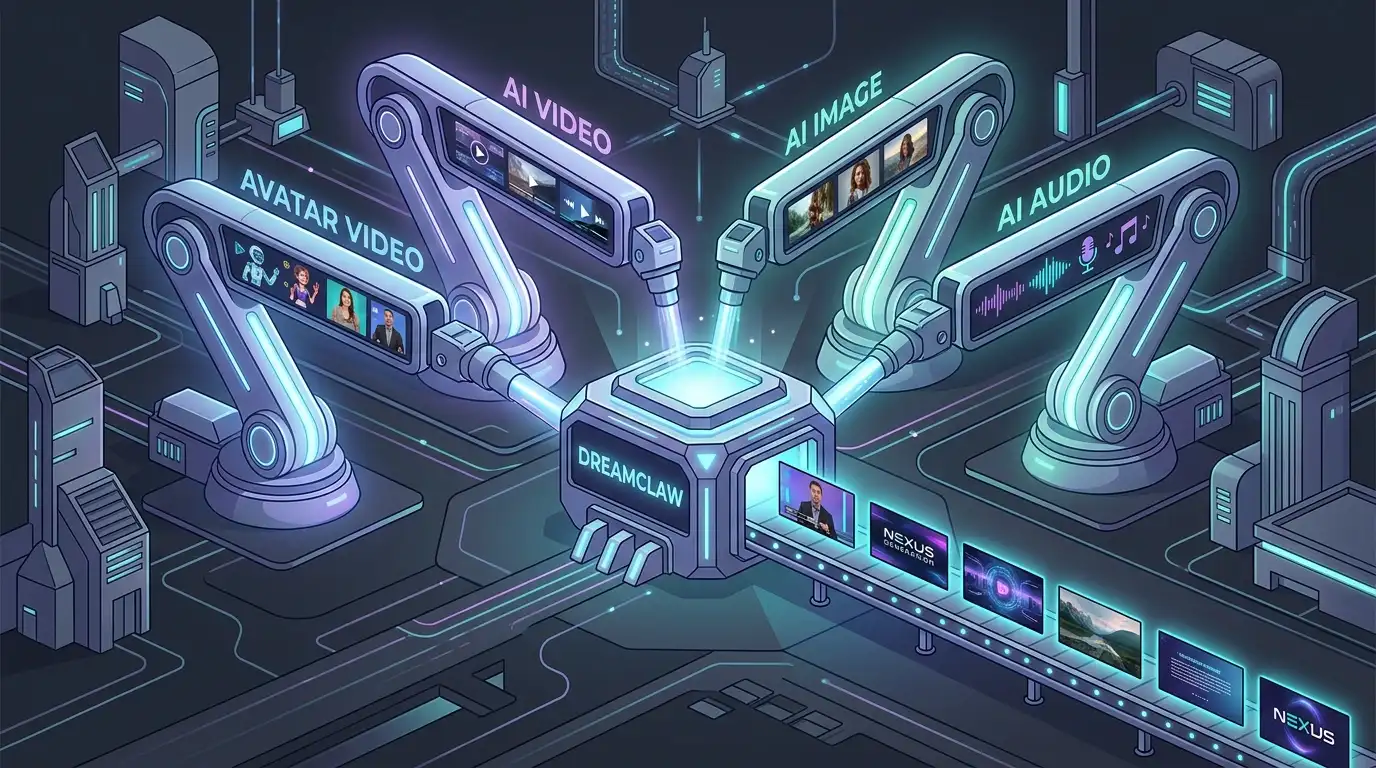
DreamClaw Agent: The All-in-One AI Automation Engine for DreamFace
Mar 04, 2026.jpg)
Seedance 2.0 Prompt Guide: The Ultimate Template for Cinematic AI Videos
Mar 03, 2026
Seedance 2.0 Prompt Guide: The Complete 2026 AI Video Creation Handbook
Feb 28, 2026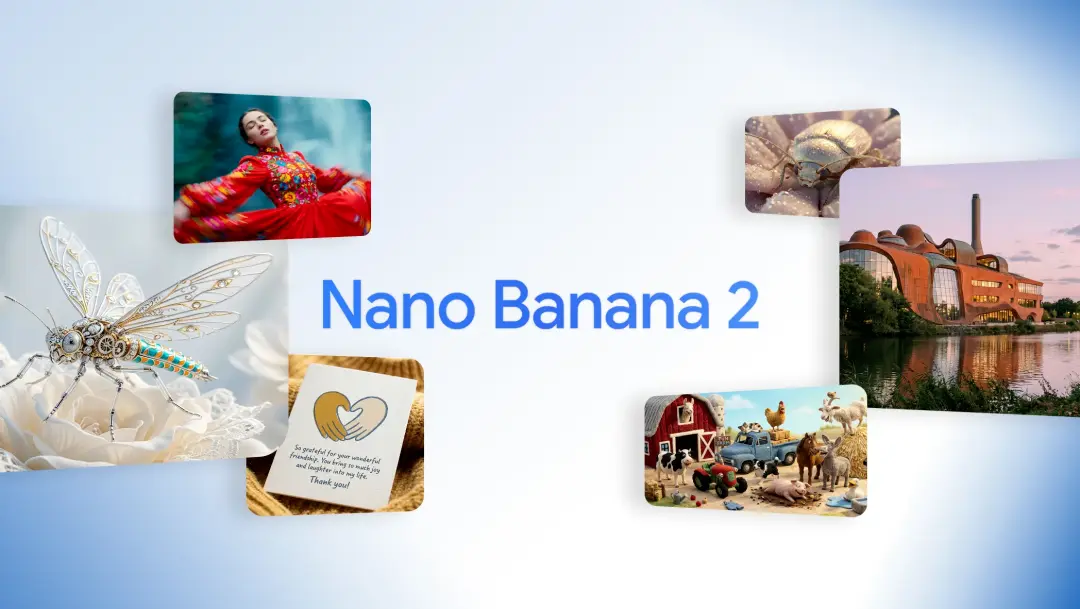
Google Nano Banana 2 Review: Pro-Grade Image Generation at Flash-Level Pricing
Feb 26, 2026
Seedance 2.0 Prompt Guide: The Ultimate Template for Cinematic AI Videos
Stop generating "slideshow" videos. This guide provides a creator-first framework for Seedance 2.0, focusing on the two pillars of high-quality AI video: logical structure and cinematic camera movement. Learn how to move beyond basic descriptions by using multi-shot templates, emotional modifiers, and stability constraints to create professional, immersive content. Stop asking if your prompt is detailed—start asking if your video is worth watching.
By Gareth 一 Aug 20, 2025- AI Video
- Text-to-Video
- seedance 2.0
- Image-to-Video
Seedance 2.0 Prompt Guide: The Complete 2026 AI Video Creation Handbook
In February 2026, ByteDance officially released its latest AI video generation model — Seedance 2.0. Dubbed by many in the industry as “the most powerful AI video tool on Earth,” Seedance 2.0 is rapidly reshaping the video creation landscape.
By Gareth 一 Aug 20, 2025- AI Video
- seedance 2.0
- Text-to-Video
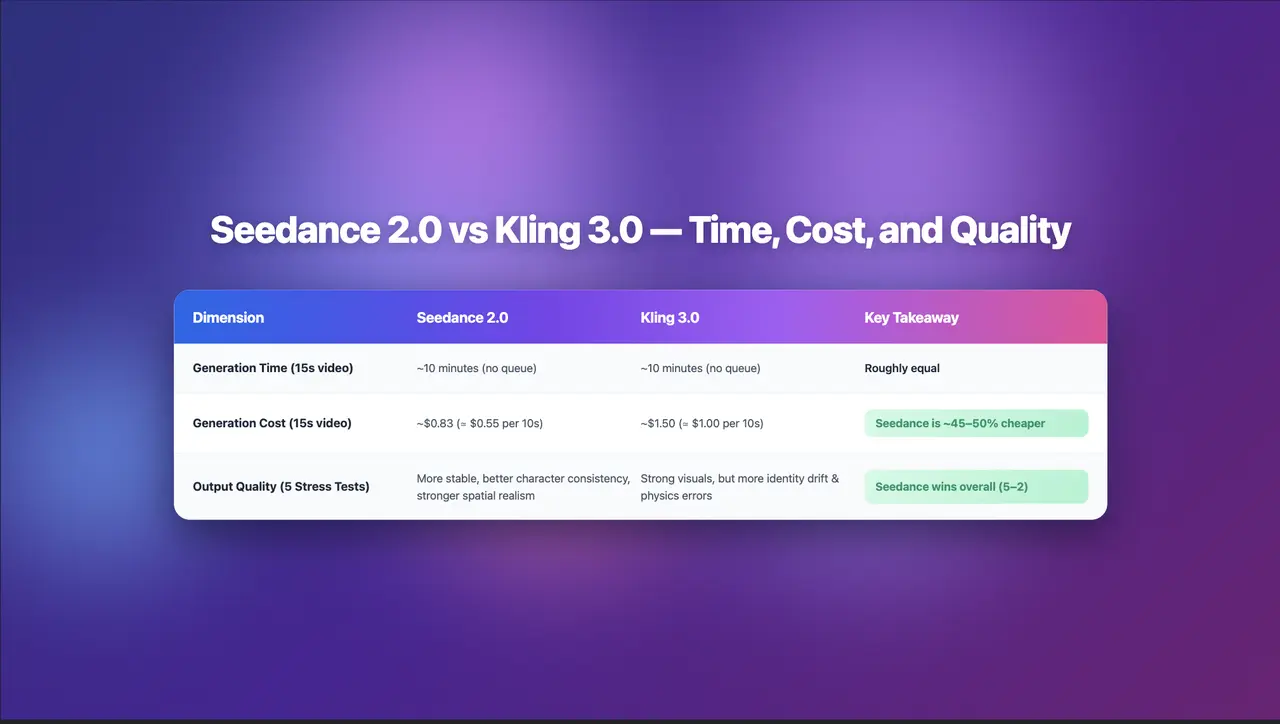
Seedance 2.0 Review: Stress-Testing Character Consistency Across 5 Extreme AI Video Scenarios
Seedance 2.0 recently launched a low-key update claiming to solve multi-angle continuity, smooth transitions, and consistent characters. To see whether it lives up to the hype, I ran five extreme stress tests, using the same prompts across Seedance 2.0 and Kling 3.0.
By Gareth 一 Aug 20, 2025- AI Video
- Text-to-Video
- Image-to-Video
- seedance 2.0
- X
- Youtube
- Discord