


How This Viral "Kid Talking to Mom" Video Was Made — Interview with the Creator
- AI Video
- Photo To Video
- AI Video Generator
- Avatar Video
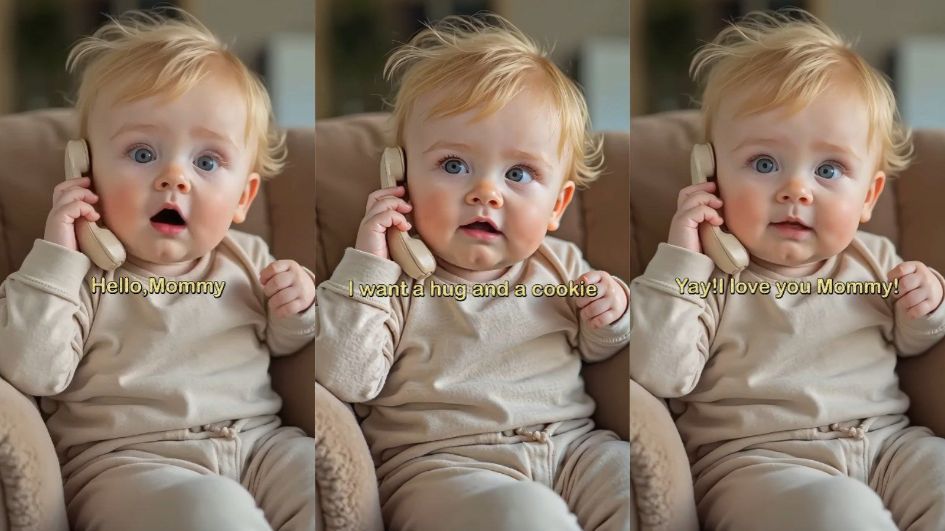
2.9M views. 90K likes. 1 adorable AI-generated moment.
The short video of a young girl playfully “calling her mom” has been making rounds on YouTube Shorts — charming viewers with its natural performance and emotional realism.
We reached out to the creator of the channel to talk about how this viral moment was made — and how DreamFace's Dream Avatar tool played a key role behind the scenes.
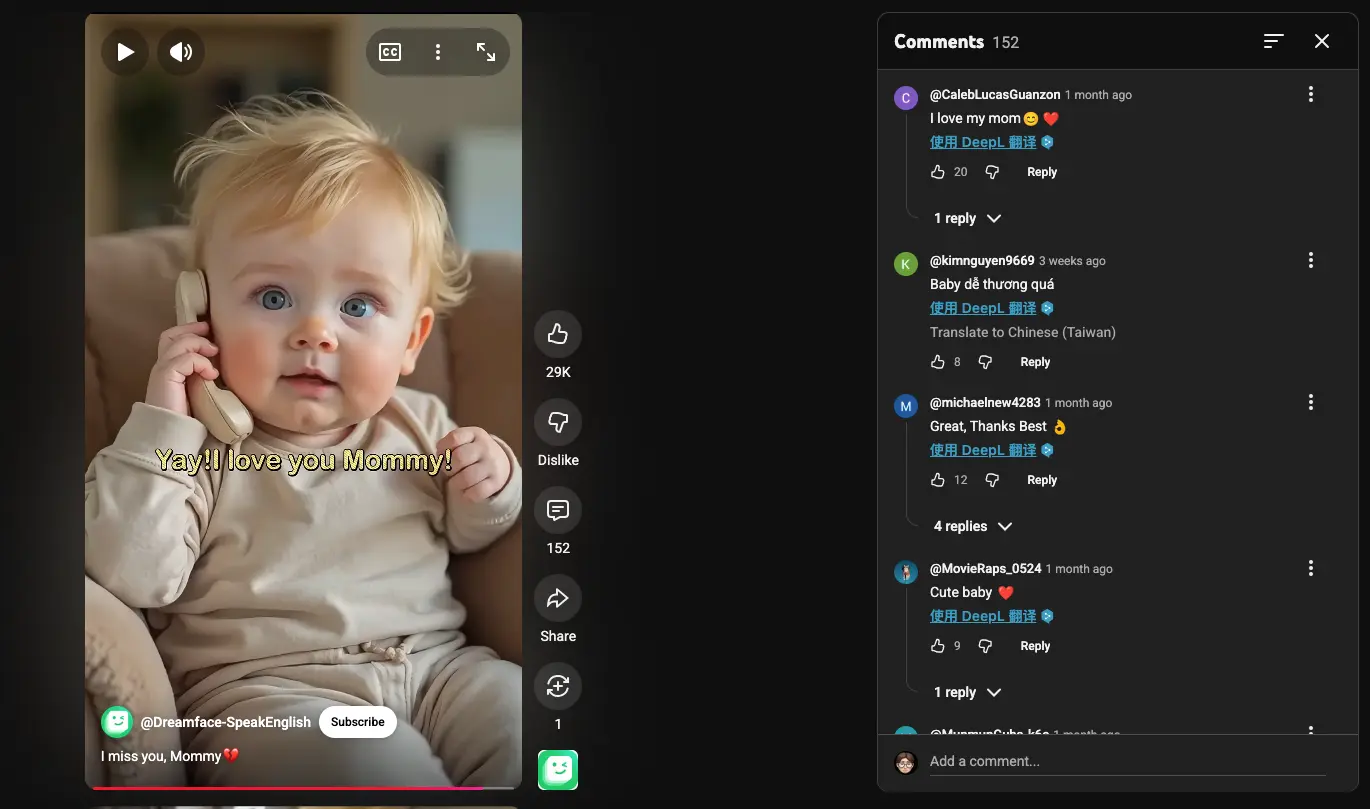
The Viral Video: A Child’s Call That Melted Millions
In the 10-second clip, a golden-haired child roleplays a phone conversation with her mother — full of pauses, gestures, and subtle expressions. It looks like a real-life moment… until you realize it was entirely AI-generated.
Interview with the Creator
Q: This video feels incredibly human — what tools did you use?
Creator:
We started by generating the image using a stylized child reference. Then, to bring it to life, we used DreamFace’s Dream Avatar tool — it’s our go-to for performance-based animation.
The Dream Avatar tool allowed us to match the spoken lines with subtle lip movement, facial emotion, and even head gestures. It doesn’t just animate lips — it animates personality.
Q: How long did the entire creation take?
Creator:
It was surprisingly fast.
We already had a voiceover ready, so we just uploaded the image and audio into the Dream Avatar tool. It generated the animated video in minutes. We tweaked the background and lighting in post-production, but the heavy lifting was all handled by DreamFace.
Why Dream Avatar Works So Well for Kids’ Content
Dream Avatar isn’t just for business avatars or educational videos — it's powerful for short-form storytelling, especially when you want emotionally expressive characters.
Whether it’s a singing performance, a funny roleplay, or language-learning content, creators are using Dream Avatar to generate realistic, responsive characters that actually connect with audiences.
How to Try It Yourself
Want to create your own expressive avatar-based video?
Head over to Dream Avatar Tool
- Upload a character image
- Add your audio file (dialogue, singing, narration)
- Click to generate — Dream Avatar will animate the face, lips, and expressions automatically
- Download and share!
No animation experience needed.
Pro Tip: Crafting Childlike Dialogue That Feels Real
When creating talking avatar videos featuring children, the magic lies in natural, age-appropriate dialogue. Think about how real kids talk — it’s full of curiosity, emotion, and unexpected twists. Use short, simple sentences, sprinkle in a bit of humor or surprise, and make sure the pacing feels light and playful.
For added realism, include natural pauses, giggles, or small “ums” to mimic how kids really speak. Dream Avatar handles these subtle variations beautifully — from expressive eyebrow raises to soft mouth movements — making your final video feel less like an animation, and more like a scene from a movie.
Want emotional depth? Try pairing voiceovers with specific expressions like confusion, excitement, or shyness. Dream Avatar captures these nuances to make your talking child avatar come alive.
Get Started with Dream Avatar
Inspired to create your own talking photo?
With
Dream Avatar
, all it takes is one image and an audio clip — the rest is handled for you. No complex setup, no editing skills needed.
Whether you're recreating a child’s voice message or making a fun short for social media, Dream Avatar makes it simple to turn imagination into motion.
How to Create a Baby Angel AI Singing Video
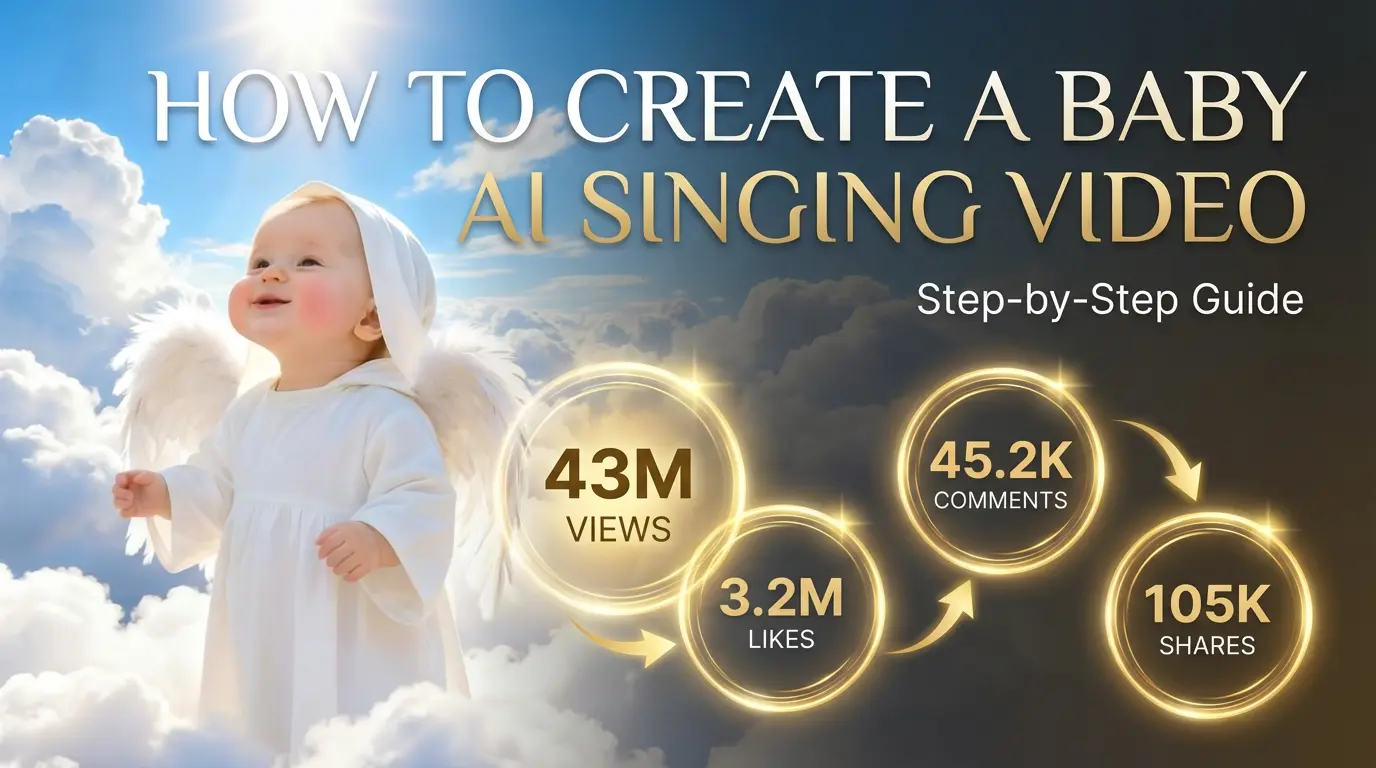
A baby angel AI singing video is created by animating a photo with AI-powered lip sync and gentle singing audio. To create this type of video, users upload a clear image, add a soft vocal track, and generate facial animation that matches pitch and rhythm. Angel-themed AI singing videos are popular on platforms like Facebook Reels because their calm, emotional visuals encourage replays and sharing.
By Jocelyn 一 Dec 17, 2025- Photo Animation
- AI Video
- Avatar Video
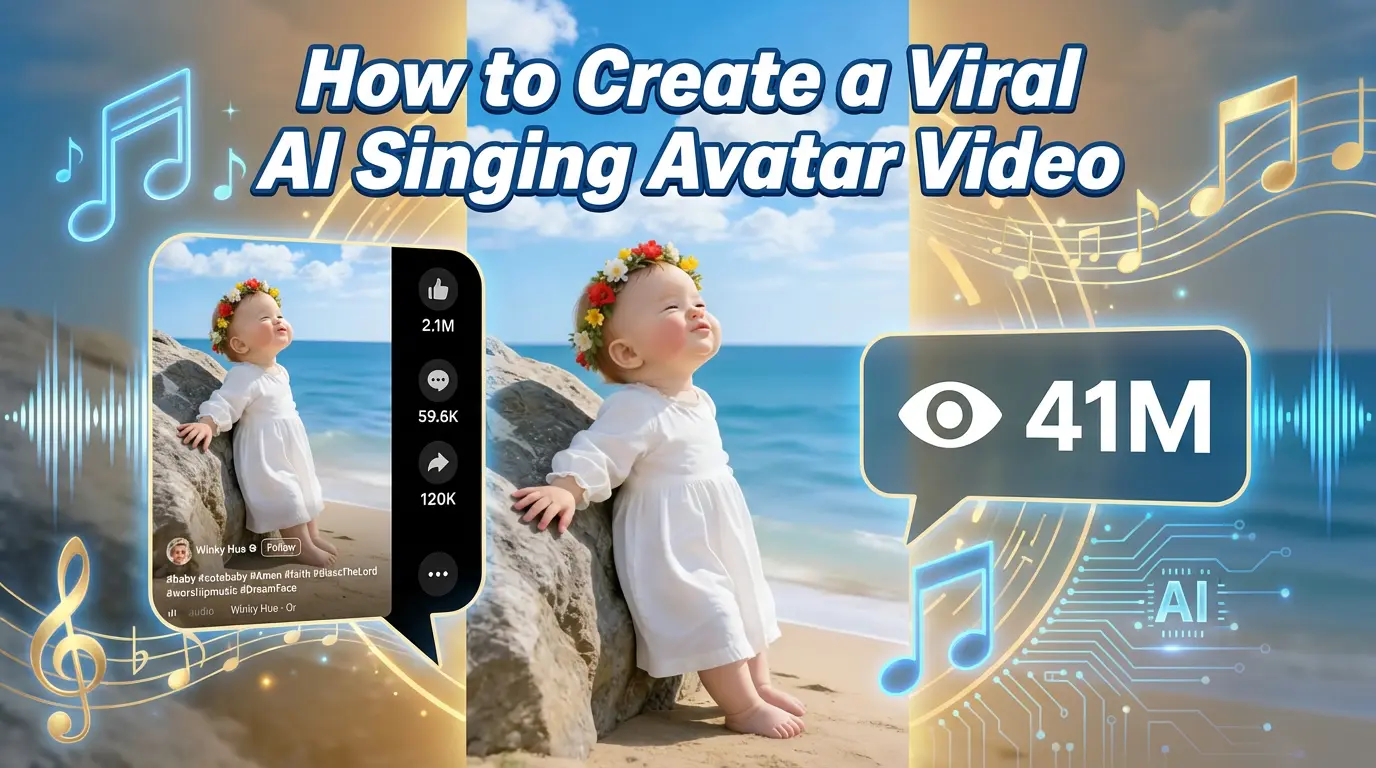
How to Create a Viral AI Singing Avatar Video
An AI singing avatar video is created by animating a photo with AI-powered lip sync and singing voice generation. To create a viral AI singing avatar video, users upload a clear image, add a singing audio source, and generate facial animation that matches pitch and rhythm. This type of content has become especially popular on social platforms like Facebook Reels, where expressive and unexpected visuals drive engagement.
By Jocelyn 一 Dec 17, 2025- Photo Animation
- AI Video
- Avatar Video
How to Create an AI Avatar and Clone Myself
Creating an AI avatar and cloning yourself means generating a digital version of your face and voice that can speak and appear in videos using AI. To create an AI avatar, users typically upload a clear photo, add text or a short voice sample, and generate a talking avatar with synchronized lip movement and facial expressions. In 2026, AI avatars are widely used for content creation, personal branding, and social media — similar to how games like NBA 2K allow players to scan their faces and create digital identities.
By Jocelyn 一 Dec 17, 2025- AI Video
- Avatar Video
- NBA
- Image-to-Video
- X
- Youtube
- Discord