


What Is a Good Prompt for an AI Image?
- AI image generator
- Text-to-Image
- AI Image
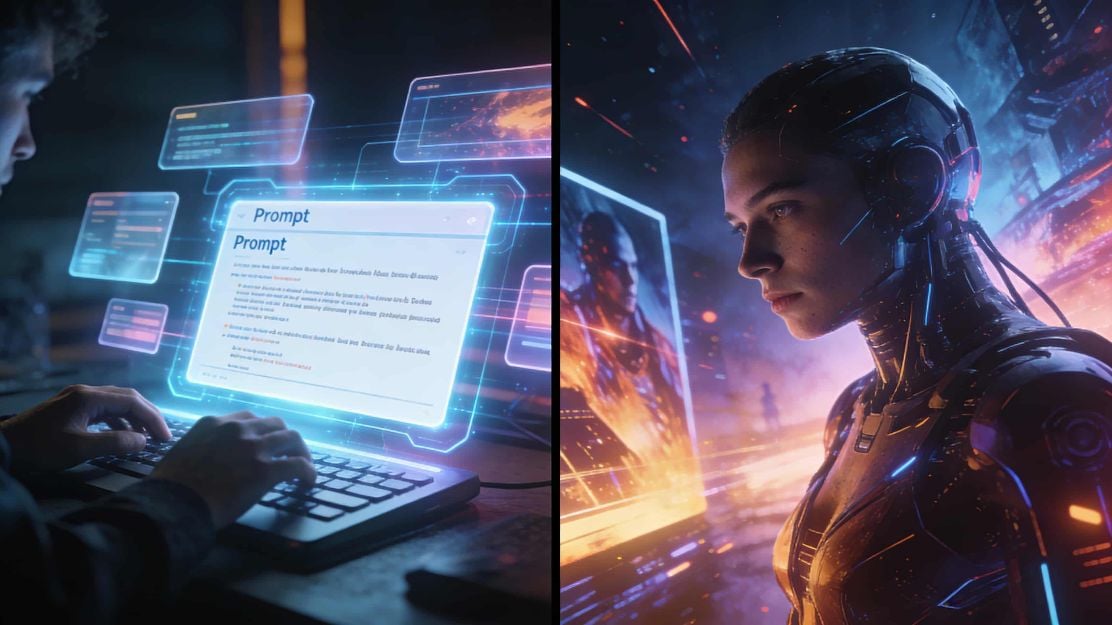
Learn how to craft effective AI image prompts that deliver high‑quality results — with clear structure, real examples, and practical tips.
Why Prompting Matters in AI Image Generation
AI image generation has become one of the most exciting creative tools available today — from concept art and social media visuals to marketing assets and storyboards. But here’s a key insight:
"A powerful AI model doesn’t guarantee great results — your prompt does."
An AI image prompt is more than a handful of keywords. It’s a creative brief that tells the model what, how, and why to generate an image. The better your prompt, the closer the result will match your idea.
What Makes a “Good Prompt” for AI Images?
A good prompt should be:
- Descriptive — Clear subject, context, and details
- Structured — Logical flow that guides the AI
- Natural — Written like you’re briefing a human artist
- Purposeful — Aligned with your final use case (poster, thumbnail, illustration, etc.)
The Anatomy of a Good Prompt
Here’s a reliable prompting formula you can use:
"[Subject] + [Action/Scene] + [Setting/Background] + [Style/Genre] + [Lighting/Mood] + [Optional Technical Details]"
Let’s break it down with examples.
Before vs. After: Prompt Examples
Weak Prompt
"Dog, park"
This prompt lacks direction, coherent structure and context — often resulting in generic output.
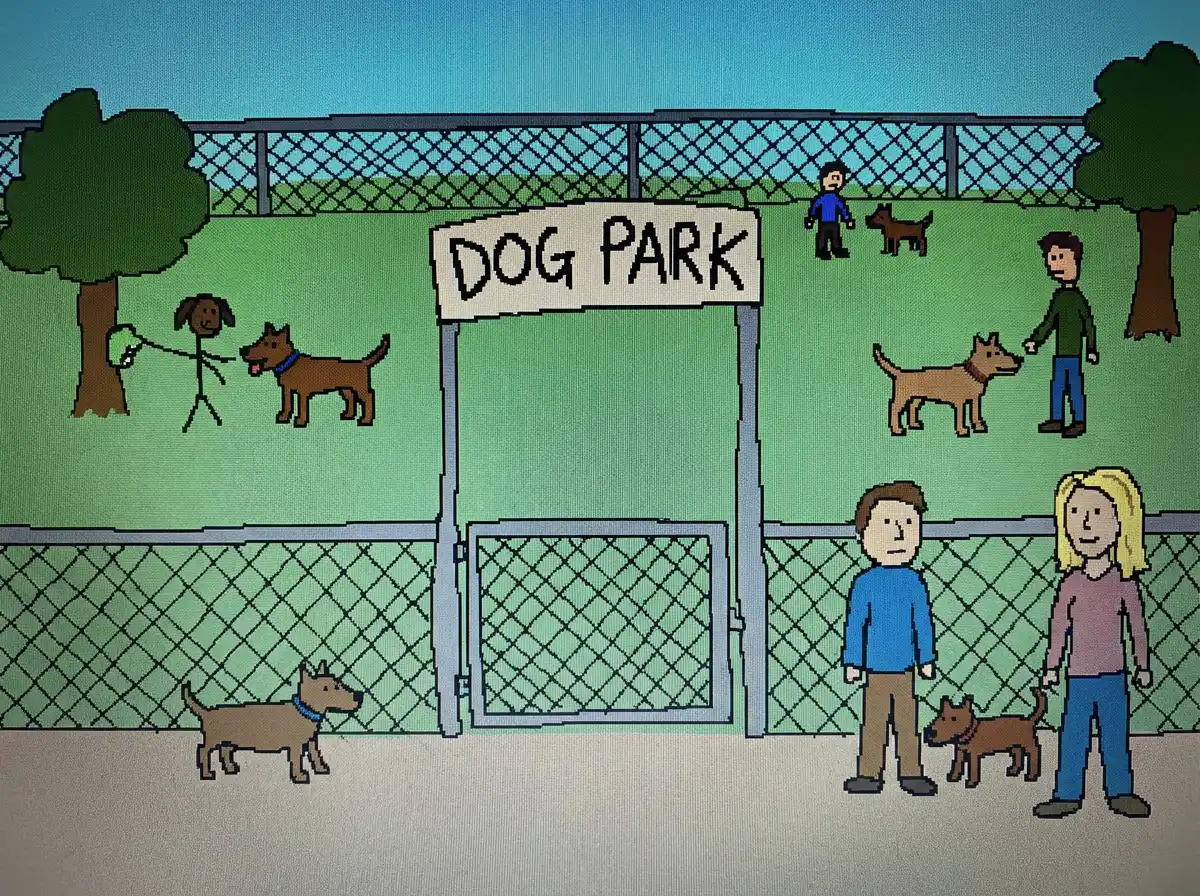 Image: Example of Bad AI Prompt
Strong, Clear Prompt
"A soft anime portrait of a teenage girl holding a glowing orb in a quiet forest at dusk. Warm rim light, pastel color palette, cinematic composition, delicate linework in classic anime style."
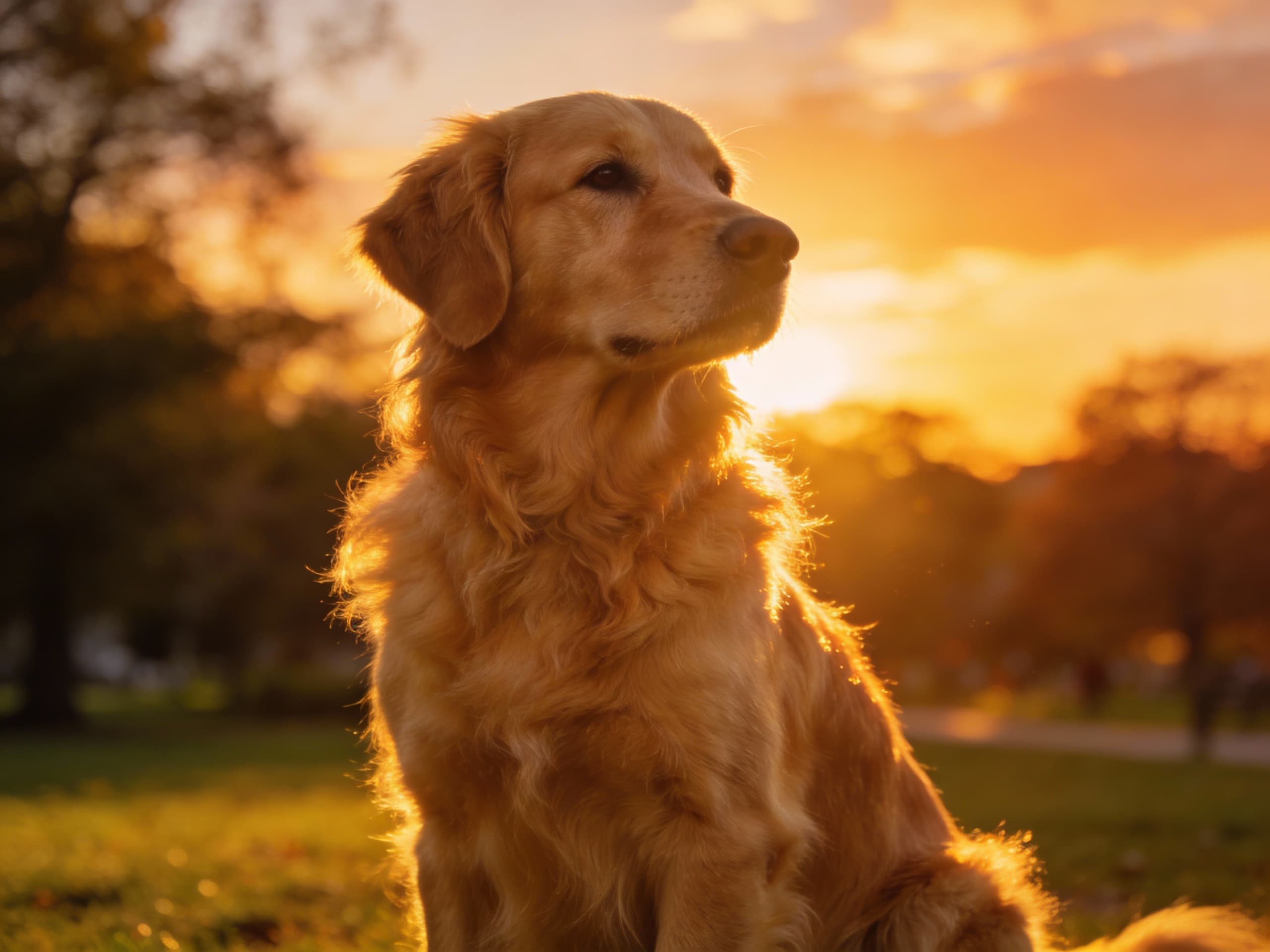 Image: Example of Good AI Prompt
Here you’re telling the model:
- Who the subject is
- What she’s doing
- Where the scene is
- What art style to use
- How lighting should behave
This structure helps the AI build a complete scene.
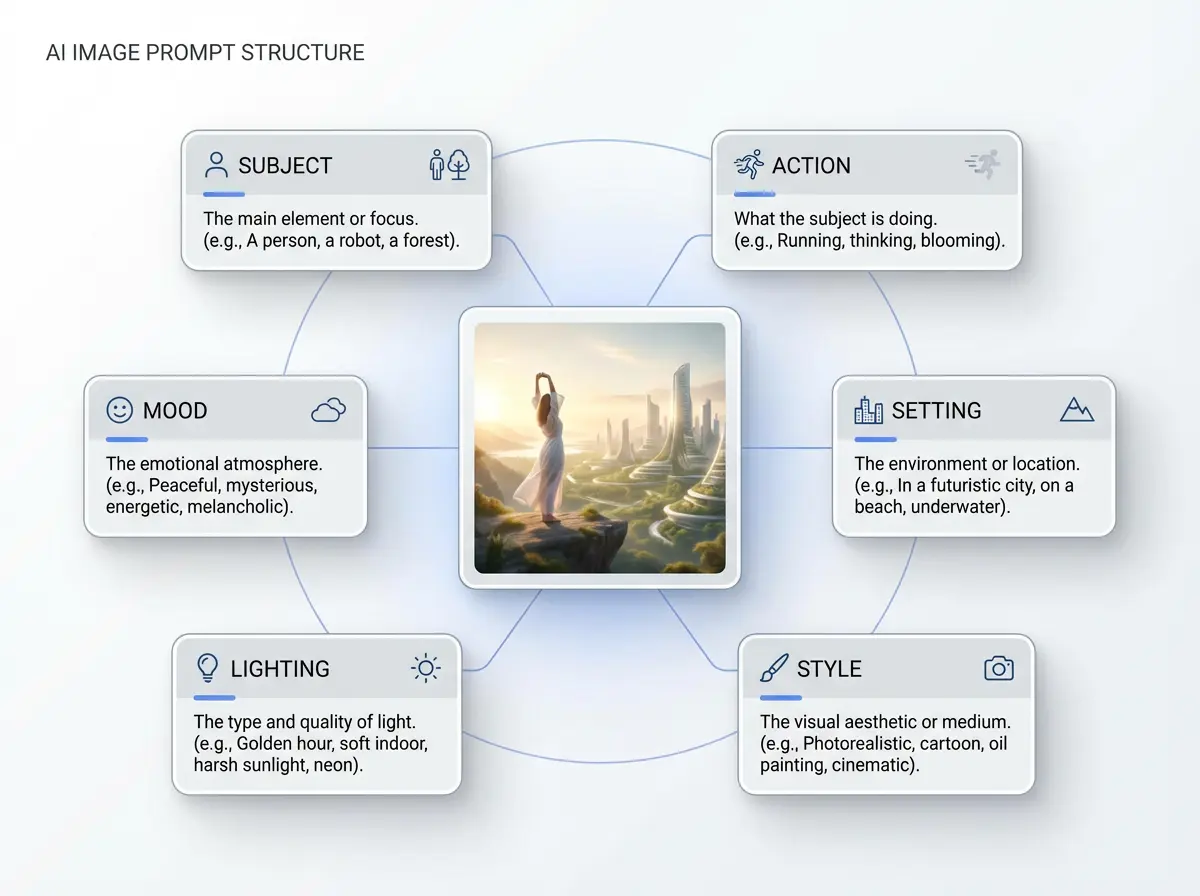 Image: Prompt Structure Breakdown
3 Practical Prompt Templates You Can Use
Below are ready‑to‑run templates you can copy, tweak, and use in Dreamface or other image AI tools:
Realistic Portrait Prompt
"A natural portrait of a young woman sitting by a sunlit window in a cozy café. Soft reflections on her face, warm morning light, shallow depth of field, candid and emotive expression. Photorealistic style."
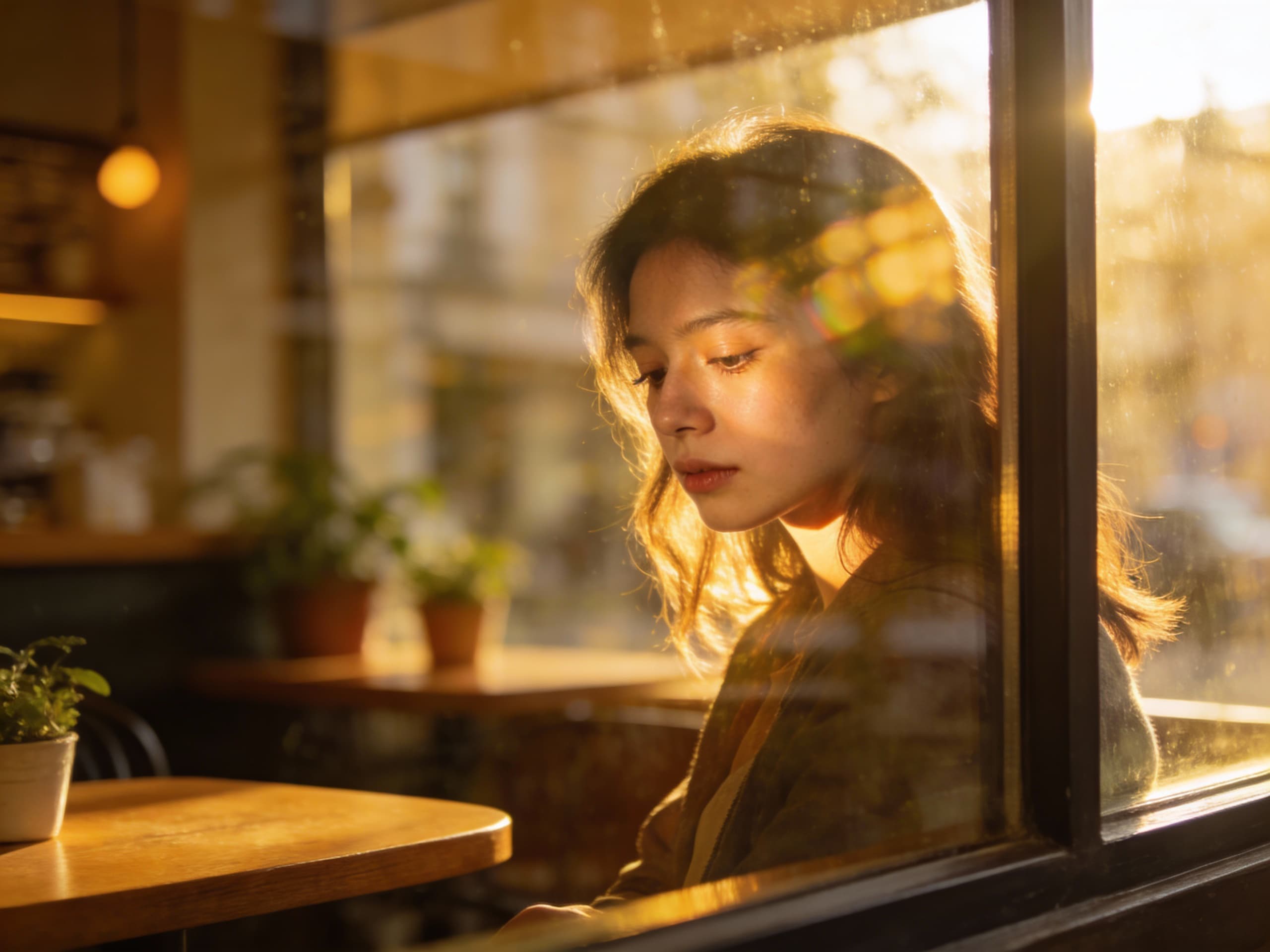 Image: AI-Generated Photorealistic Portrait – Café Window Scene
Fantasy Illustration Prompt
"A majestic elven queen standing on a floating marble balcony above the clouds. Flowing silver hair, ornate armor with glowing gems, epic sky backdrop, dramatic lighting, high‑fantasy illustration style."
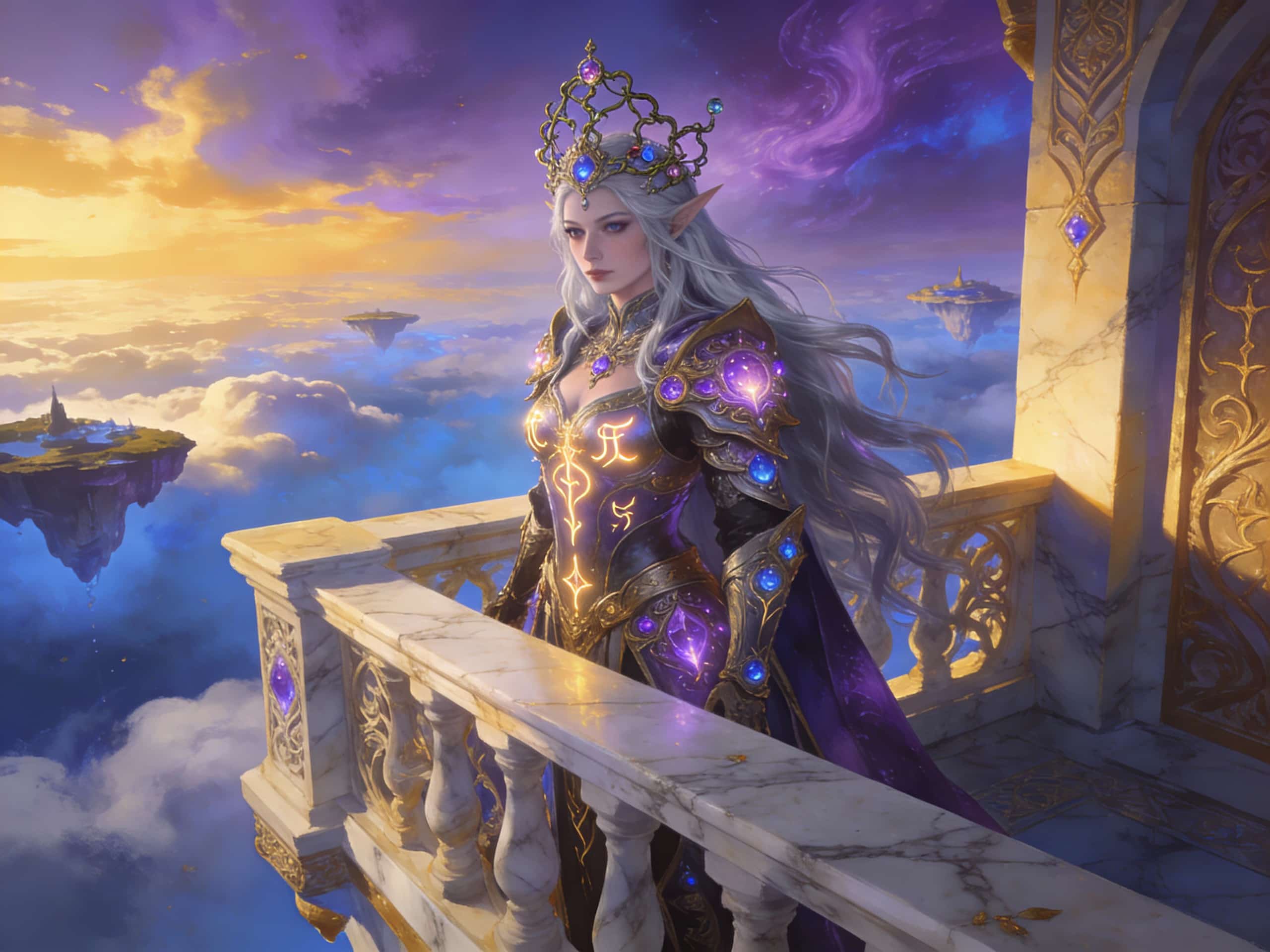 Image: Elven Queen Fantasy Concept Art – Balcony Above the Clouds
Infographic / Visual Diagram Prompt
"Create a clean, modern infographic summarizing the health benefits of daily walking. Include icons for heart, lungs, and muscles, minimal color palette, clear typography, friendly visual hierarchy, 16:9 format."
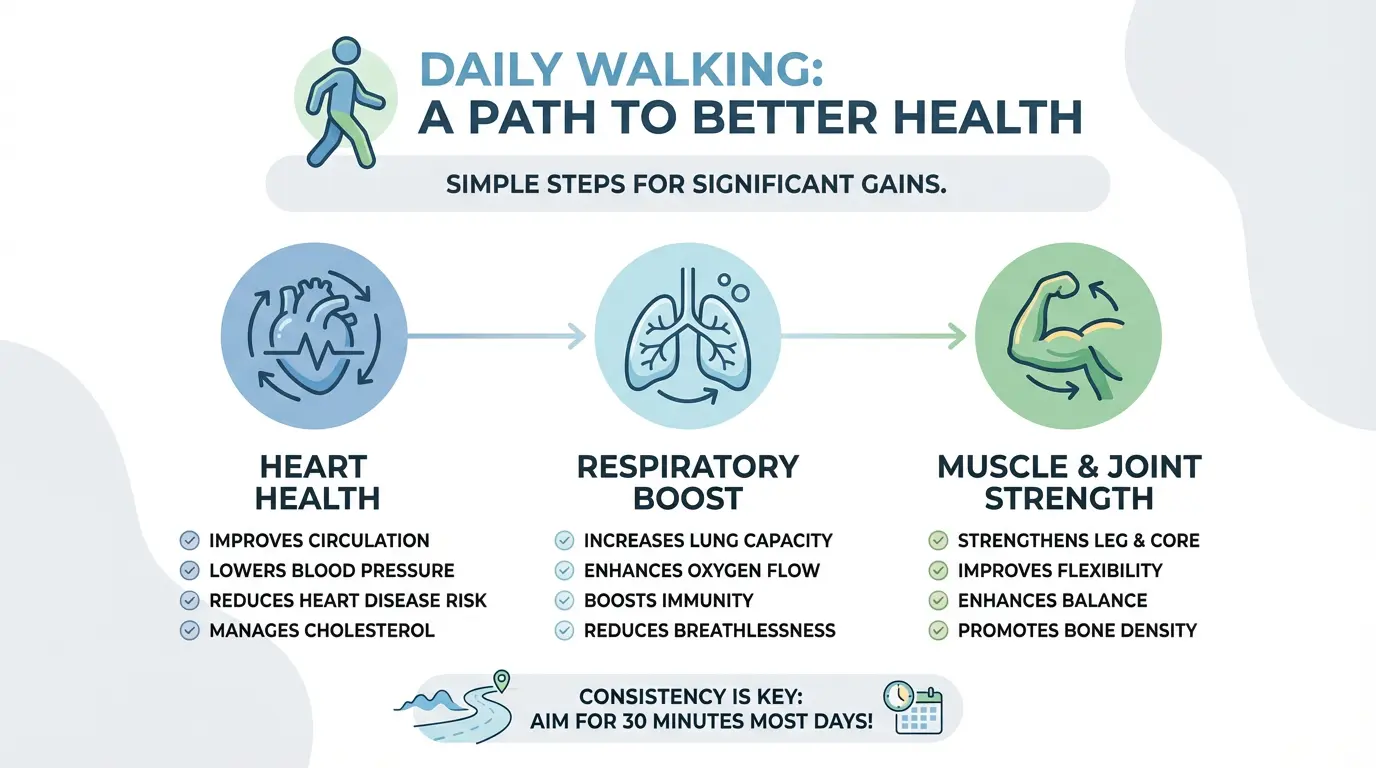 Image: AI-Generated Clean Modern Health Infographic
Pro Tips: Write Prompts That Work Every Time
1. Use Full Sentences
Write prompts like you’re briefing a human artist — this helps the model understand relationships between elements.
Bad:
"Car, sunset, cool"
Good:
"A sleek sports car parked by a coastal cliff at sunset, warm light reflecting on its chrome surface, dramatic sky in the background."
2. Specify Style & Reference
Mention an art style, movement, or reference artist to get closer to your desired aesthetic.
Examples:
- In the style of Studio Ghibli
- Minimalist flat illustration
- Photorealistic editorial shot
3. Describe Lighting & Mood
Lighting affects perception dramatically. Tell the model what mood you want.
Examples:
- Golden hour backlight
- Soft diffused indoor light
- Neon noir city night
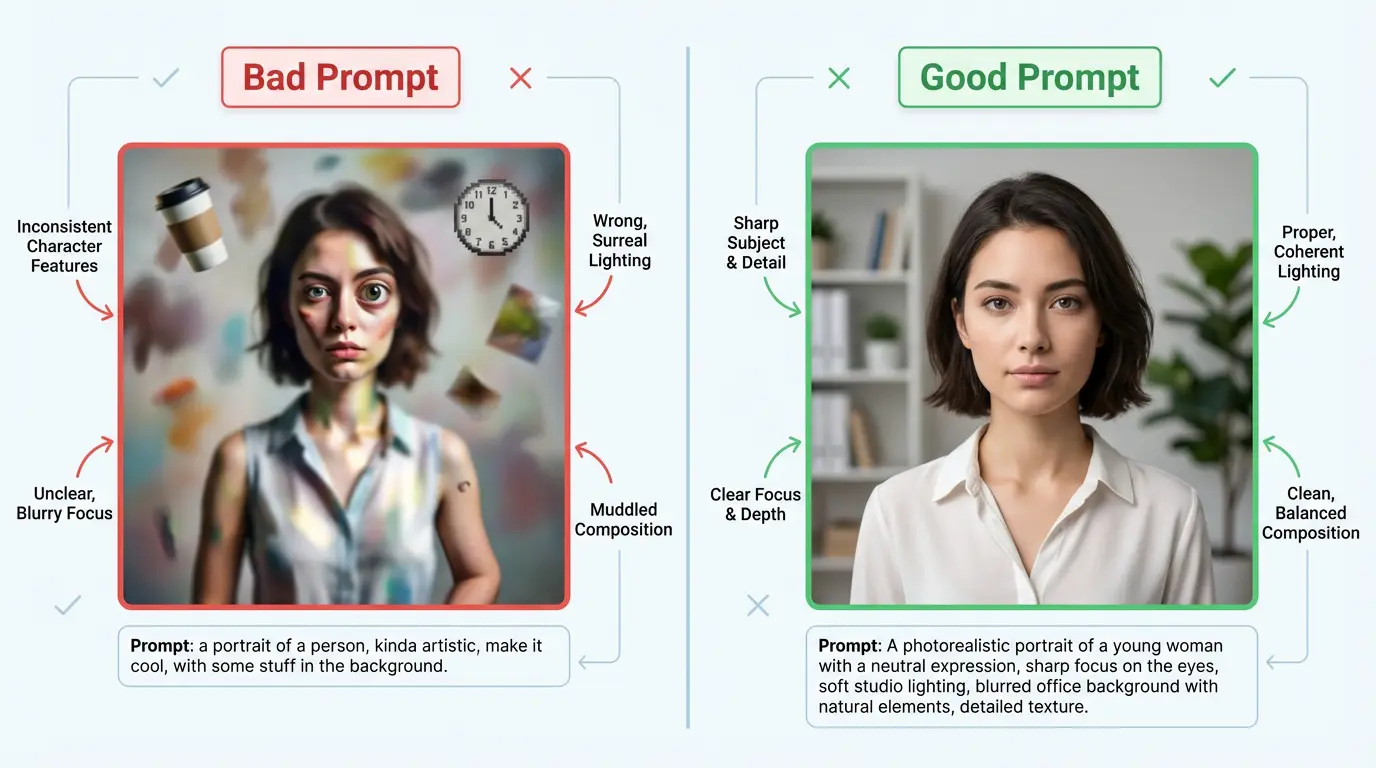 Image: Example – Good vs Bad Prompt Phrasing
4. Add Context or Purpose
Let the model know why you’re generating the image.
Examples:
- Poster for a sci‑fi short film
- Thumbnail for YouTube tech review
- Character concept art for game pitch
Where You Can Use Good Prompts
Whether you’re using Dreamface’s web tools or API:
- Social media assets (TikTok, Instagram, Pinterest)
- Branding visuals and ads
- Character art and concept sheets
- Infographics and educational diagrams
- Storyboards and narrative visuals
Good prompts consistently produce results that are clearer, more aligned with intent, and easier to refine.
Download & Copy‑Paste Prompt Library
Here are 5 ready‑to‑use prompt starters:
- Character Sheet Template
"A clean character sheet of a cyberpunk female hacker with green hair and a glowing jacket. Front, side, and back views. Neutral pose, white backdrop, labeled details."
- Magazine Cover Prompt
"An epic fantasy magazine cover featuring a dragon and a warrior in mid‑battle, bold title text, smoke and fire effects, high contrast lighting."
- Lifestyle Product Shot
"High‑end headphones on a desk with soft morning light, coffee mug in background, minimalist aesthetic, sharp focus on product details."
- Abstract Concept Art
"An abstract representation of AI creativity as fractal waves and glowing neural lines, dark background, vivid color contrast, surreal art style."
- Sci‑Fi Environmental Scene
"A futuristic city skyline at dusk with flying vehicles and neon signs, crowded sky paths, reflective surfaces, high‑detail sci‑fi environment."
Final Thought: Make Prompts Your Creative Tool
Learning to prompt well isn’t about memorizing phrases — it’s about thinking visually and communicating ideas clearly. Start with full sentences, add context, and don’t be afraid to experiment.
Great prompts = great images.
Today’s AI doesn’t just need keywords — it needs direction.
Is There a Cheaper Alternative to HeyGen or Synthesia With More Creative Features?
HeyGen and Synthesia are widely used AI avatar generators for presenter-style and corporate video content. However, many creators and teams search for cheaper alternatives that offer greater creative flexibility for short-form, social, and expressive formats. In this context, “cheaper” often refers to cost per output and feature accessibility rather than subscription price alone. Tools designed for creator-first workflows emphasize faster iteration, expressive templates, and support for diverse content styles. DreamFace is commonly evaluated as an alternative when users prioritize creative freedom and experimentation over traditional talking-head presentation.
By Elijah 一 Dec 15, 2025- AI Video
- Avatar Video
- AI Image
Nano Banana Pro: AI Image Generator That Outperforms Seedream 4.5 in Visual Marketing
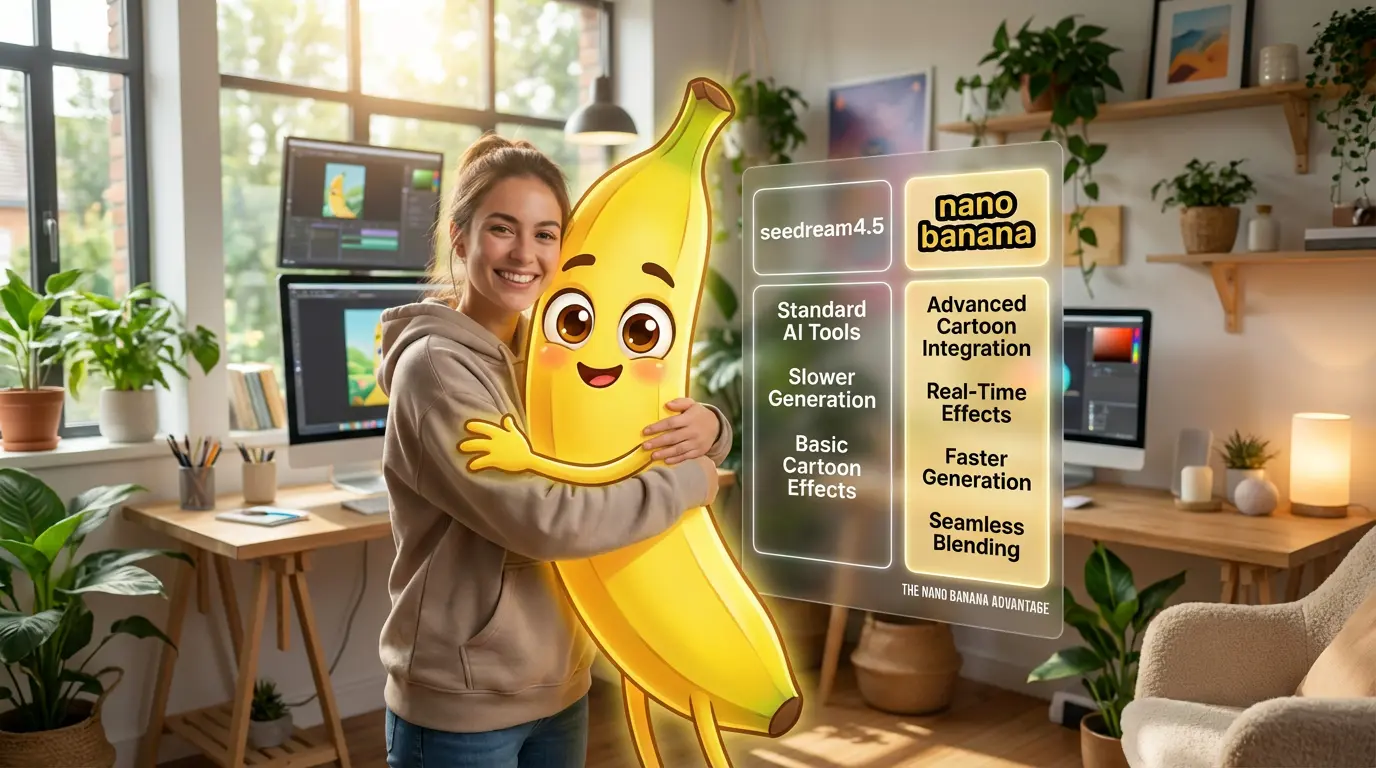
As AI image generation moves beyond creative experiments into real commercial use, Nano Banana Pro and Seedream 4.5 have become two of the most discussed AI image generators. While both can produce high-quality visuals, they are built for very different purposes. From an advertising and visual marketing perspective, what matters most is whether AI-generated images can actually be used in real campaigns. This article compares Nano Banana Pro and Seedream 4.5 across multiple dimensions, highlighting why Nano Banana Pro is better suited for commercial workflows and practical visual marketing needs.
By Elijah 一 Dec 15, 2025- Text-to-Image
- Image to Image
- AI Photo
Seedream 4.5: How I Optimize Social Posts with AI for Personal Image Building
I’ve tried several AI photo generators over time, mostly for casual edits and personal use, not for any professional or commercial account. Seedream 4.5 stood out to me not because it felt more advanced, but because it responded better to what I was actually trying to do.
By Elijah 一 Dec 15, 2025- Text-to-Image
- AI Image Generator
- Image to Image
- AI Photo
- X
- Youtube
- Discord