


Flux Kontext Prompts for Split-screen Before-After Photo
- AI Image Generator
- Flux-Kontext
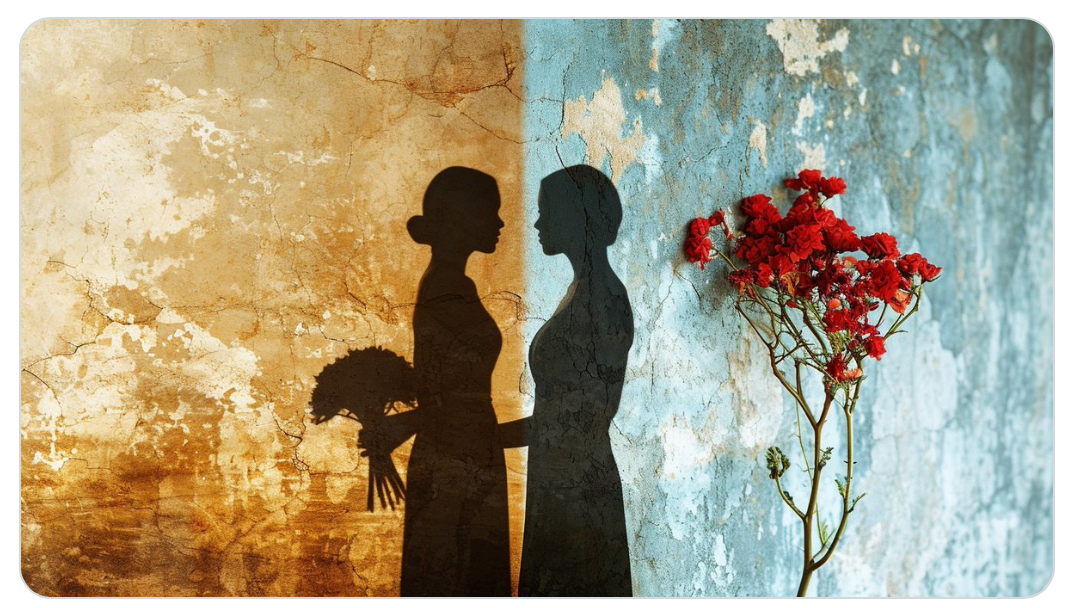
One of the most powerful ways to tell a visual story is through contrast—and nothing captures contrast better than a well-crafted split-screen before–after photo. Whether you're illustrating transformation, evolution, time passage, or alternate realities, the “before vs. after” format delivers instant emotional and conceptual impact.
Thanks to Flux Kontext prompting, you can now design and generate these visuals with just a few words, creating side-by-side comparisons that are cinematic, thought-provoking, and perfect for social media, branding, or storytelling.
Let’s dive into how to structure prompts that make your before-after compositions stand out—and how to bring them to life using Dreamface.
🔍 What Is a Split-screen Before–After Photo?
A split-screen before–after image displays two contrasting states of the same subject or scene:
l A transformation (e.g., “old to young,” “ruins to restored”)
l A contrast in mood (e.g., “sad to joyful,” “night to day”)
l A change in environment (e.g., “winter vs summer,” “war zone vs peace”)
l A shift in time, style, technology, or reality
This format is narrative at a glance—you don't need a caption; the juxtaposition speaks for itself.
✨ Prompt Examples Using Flux Kontext
Here are three crafted prompts to generate powerful before–after compositions:
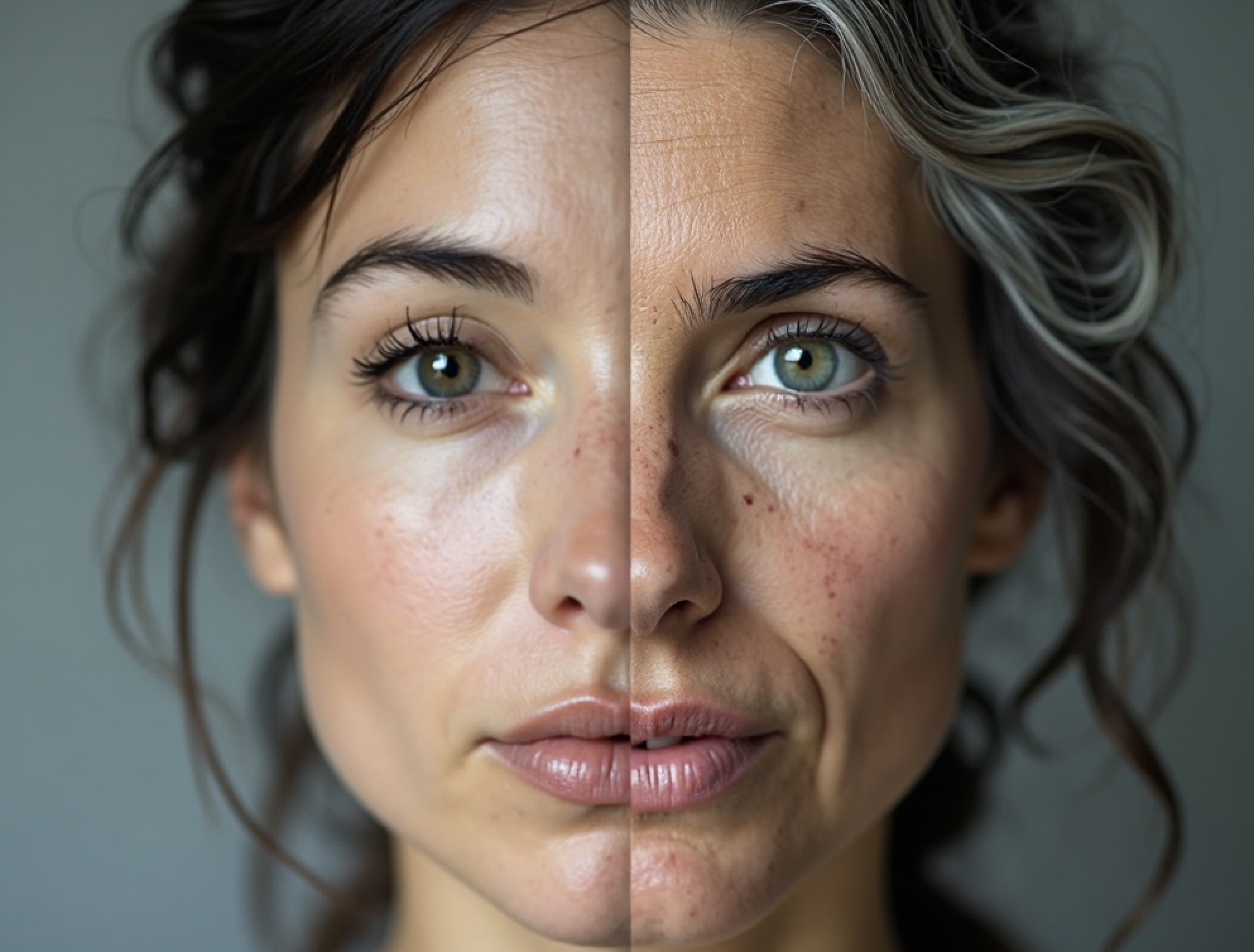
1) Split-screen photo, the output photo should have two halves. On the left side is the input picture. On the right side, the same woman appears aged, with gray hair, wrinkles, and age spots. Both sides are in full color, showing detailed skin texture and realistic features, with the division line running down the center of the image.
Create your image for free by Dreamface!
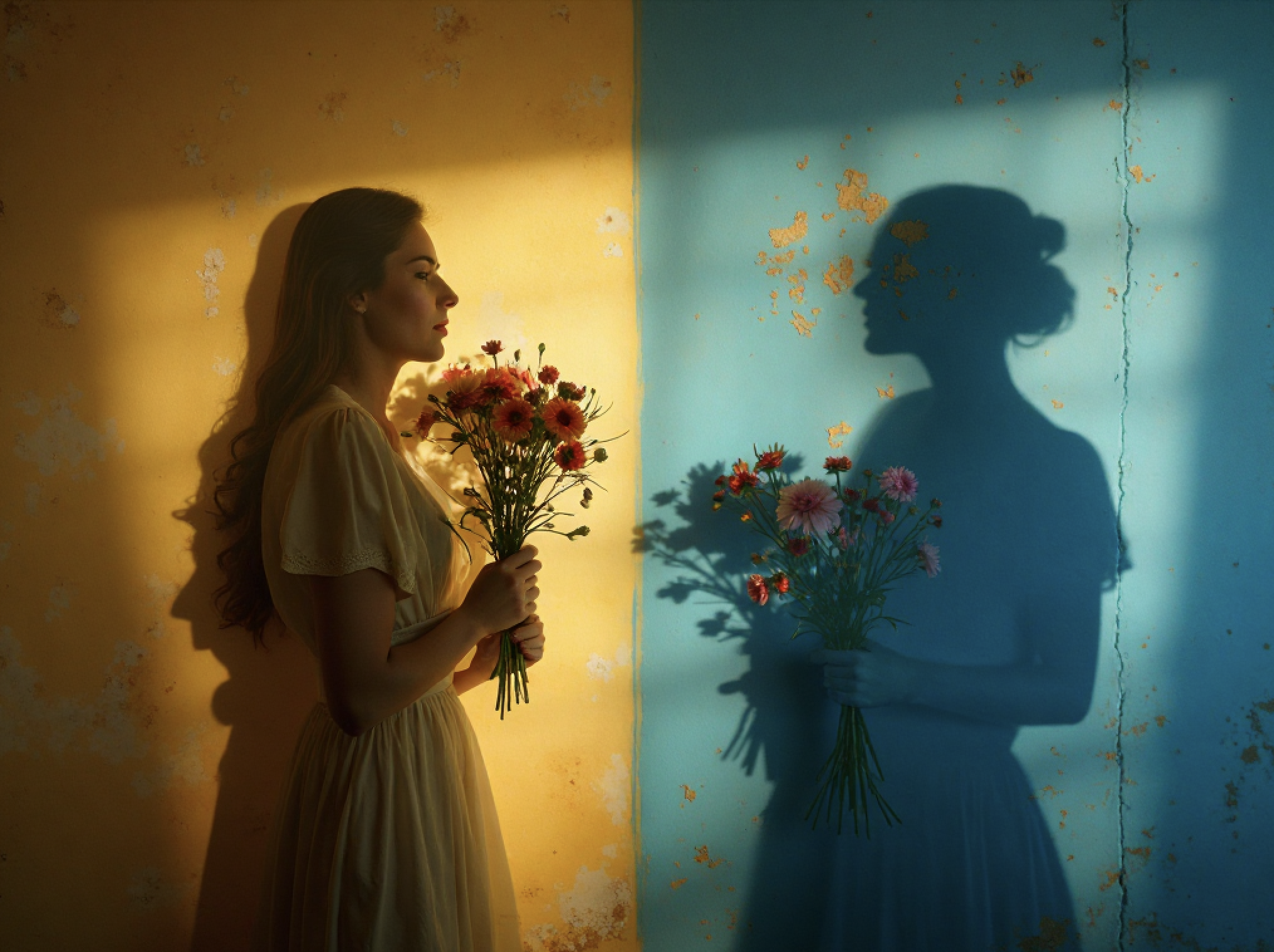
2) Split-screen photo, the output photo should have two halves. On the left side is the input picture. Right: matching shadow formed by real red flowers on a cracked blue wall. Cinematic lighting, poetic and surreal mood.
Create your image for free by Dreamface!
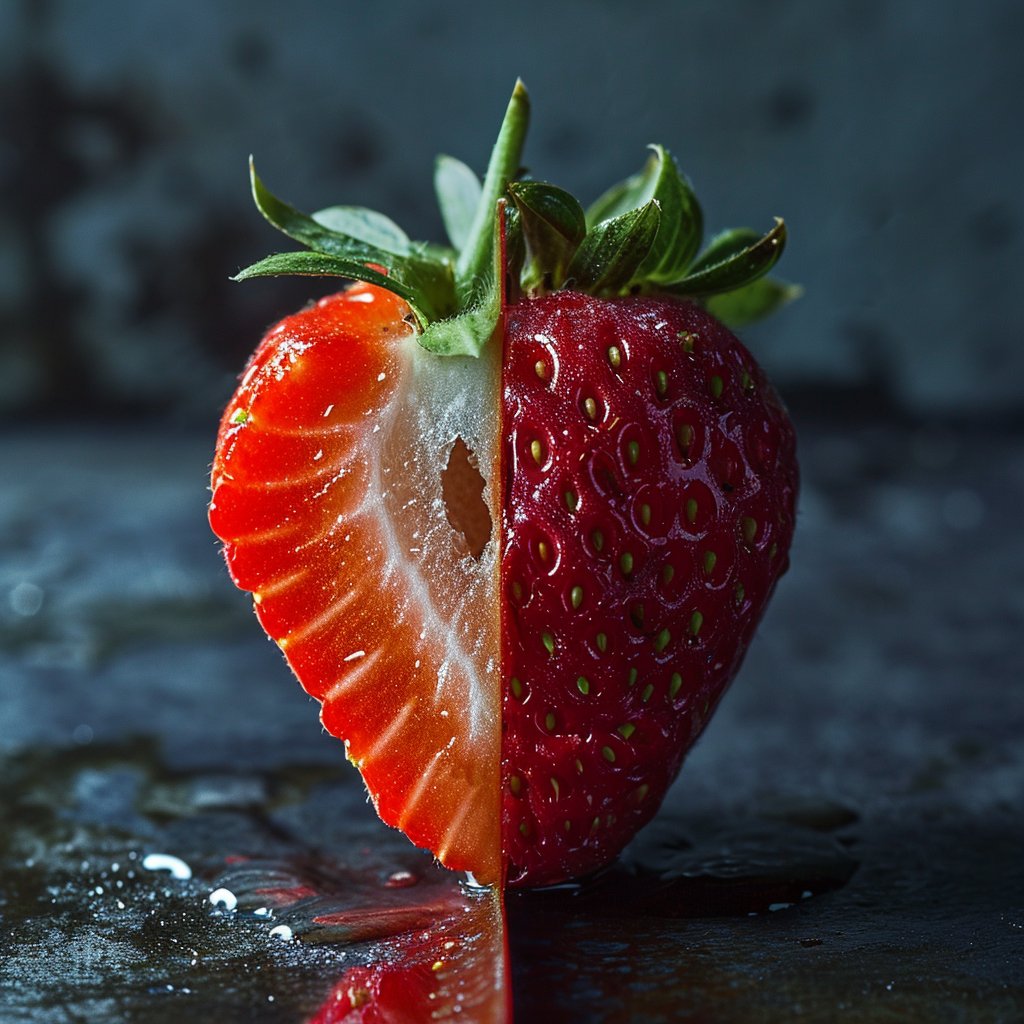
3) Split-screen photo, the output photo should have two halves.On the left side is the input picture. Right half shows glossy red skin with seeds. High detail, dramatic lighting, dark background, hyper-realistic.
Create your image for free by Dreamface!
🔧 Create Stunning Before–After Images with Dreamface
Want to design impactful before–after compositions effortlessly? Dreamface makes it simple—and now includes Flux Kontext prompting right out of the box.
With Dreamface + Flux Kontext, you can:
l Generate high-resolution split-screen images with consistent visual language
l Express transformation, contrast, or duality with just a few prompt words
l Choose from styles like cinematic, photorealistic, surreal, or painterly
l Save time on editing—AI composes both halves for you in harmony
Whether you’re building brand visuals, designing book covers, or telling visual stories, Dreamface gives you the power to show the “before” and the “after” with creativity and clarity.
Try it now. One prompt, two perspectives—endless possibilities.

15 Seconds from Images to Talking Avatars: How DreamFace Powers Next-Gen Creativity
Sep 10, 2025
Bringing Avatars to Life: How PixVerse V5 and DreamFace Avatar Video Transform AI Storytelling
Sep 11, 2025
How to Create a 3D Figure from a Photo with Nano Banana
Sep 08, 2025
How to Use Google Nano Banana: Revolutionizing Your Photo Editing Experience
Sep 07, 2025
How to Create a 3D Figure from a Photo with Nano Banana
With Nano Banana, you can transform a simple image into a detailed, 3D figurine-style model. Whether you’re looking to turn a portrait into a stylized figurine or create a fully custom 3D model, Nano Banana offers a simple and efficient solution for artists, designers, and enthusiasts alike.
By Roy 一 Jul 09, 2025- Nano Banana
- AI Image Generator
How to Use Google Nano Banana: Revolutionizing Your Photo Editing Experience
Google Nano Banana offers an incredible suite of AI-driven features that allow you to generate and enhance images effortlessly. From turning casual photos into professional ID pictures to restoring old, damaged photos with stunning accuracy, this tool is designed to meet a wide range of needs.
By Roy 一 Jul 09, 2025- Nano Banana
- AI Image Generator
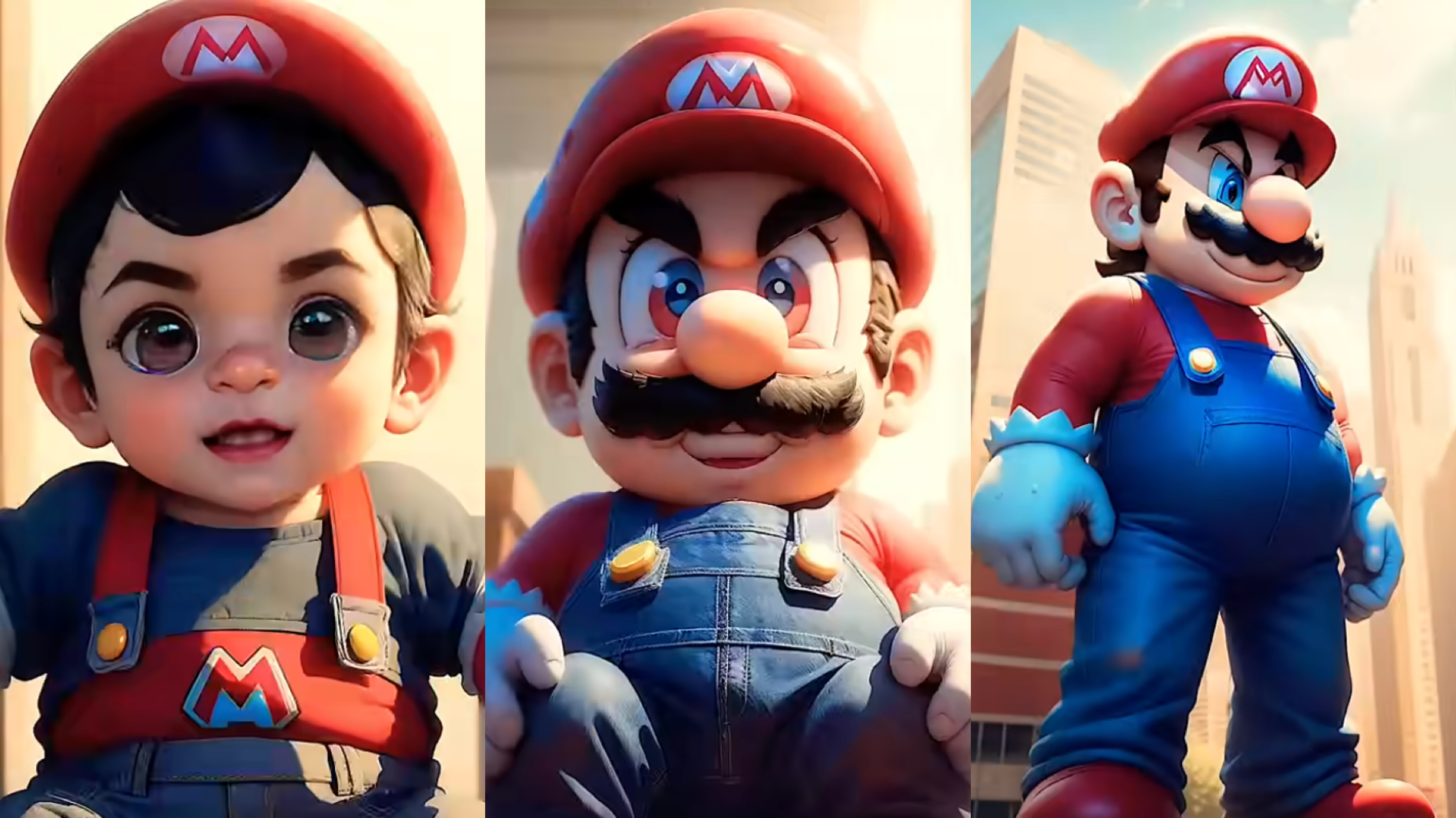
From Baby Mario to Menace Mario: How to Make a Million-viewed AI Glow-Up Video with Dreamface?
Here’s your step-by-step guide to creating a “Baby to Menace” Mario AI video using Dreamface’s AI Image and AI Video
By Roy 一 Jul 09, 2025- AI Image Generator
- Mario
- AI Video
- X
- Youtube
- Discord