


Flux Kontext Prompts for Removing Watermarks from Images
- Flux-Kontext
- AI Image Generator
- Watermark Removal
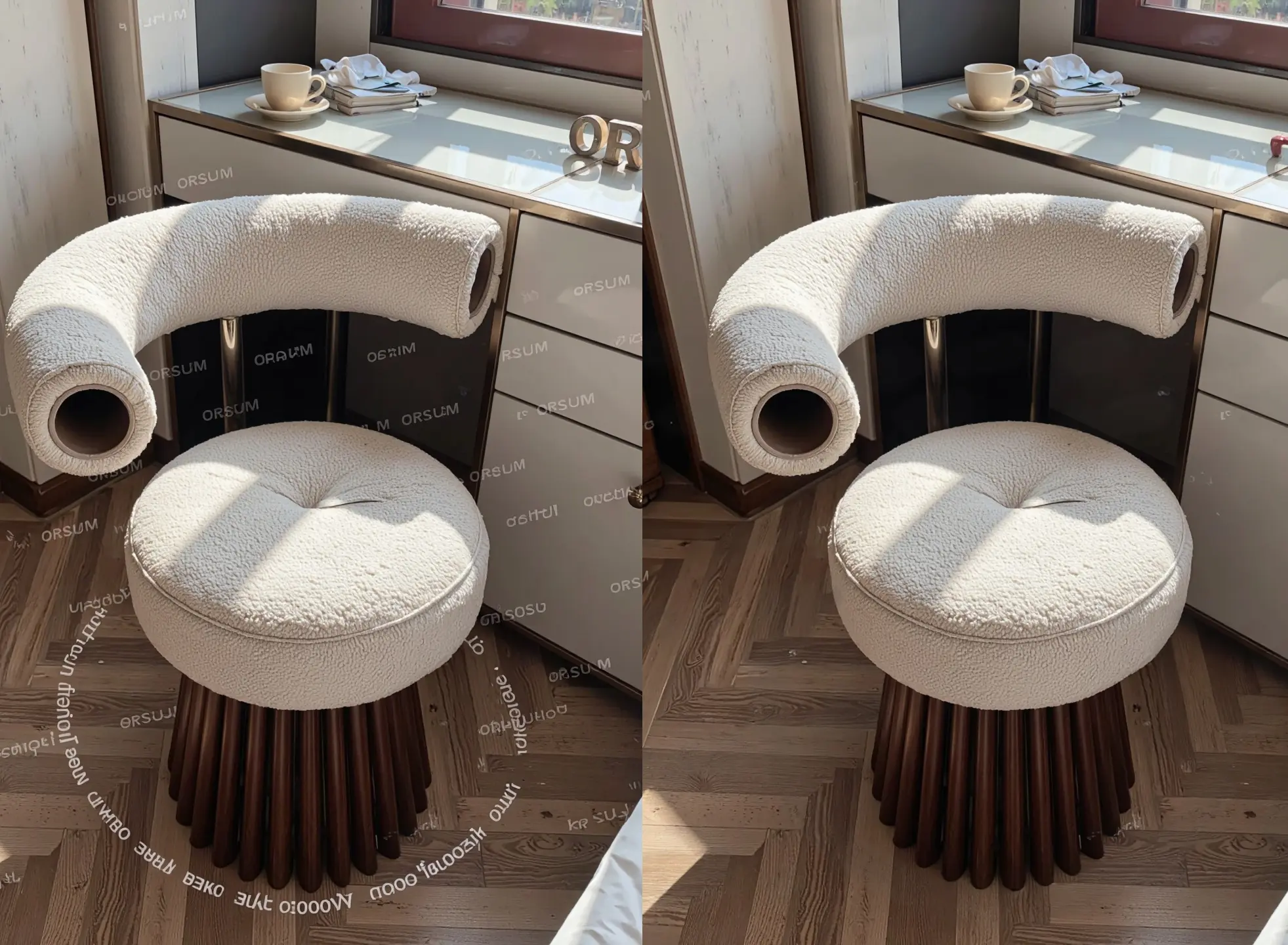
In the realm of AI-powered image editing, Flux Kontext delivers exceptional performance in removing watermarks with speed, precision, and visual fidelity. Whether it's product labels, brand logos, copyright marks, or full-screen overlay text, Flux Kontext can intelligently detect and eliminate these distractions—without compromising the image quality. The results are high-resolution, clean, and context-aware, typically generated in just seconds. Unlike traditional tools, it reconstructs textures, shadows, and details seamlessly, making the final image appear untouched by editing.
Three Prompt Examples for Watermark Removal
1. Interior Furniture Photo with Branding Text
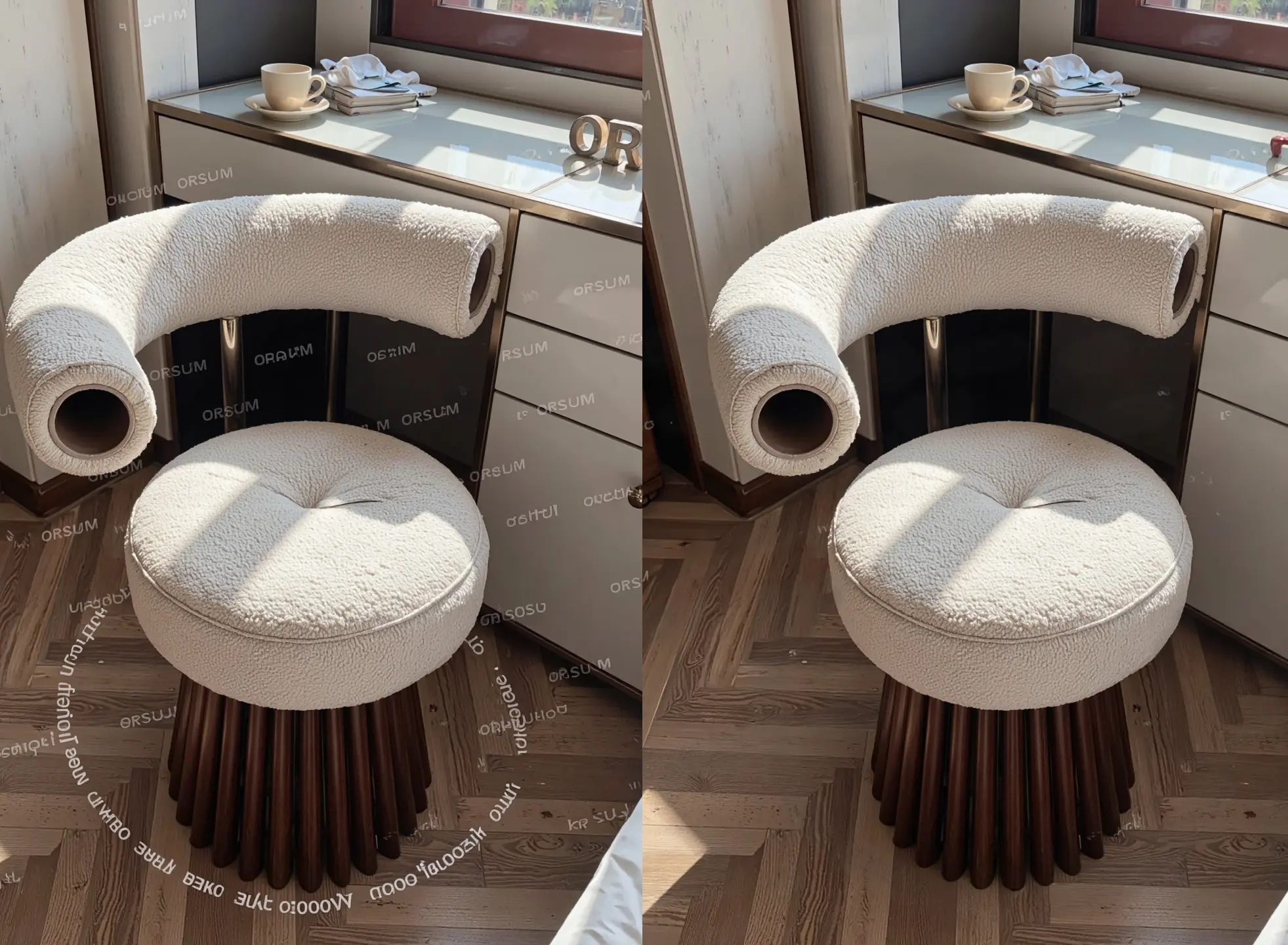
Before: A watermark labeled “ORSUM” is scattered across the fabric and wooden floor of a modern accent chair photo.
Prompt: A modern boucle fabric accent chair with wooden base placed near a window, clean upholstery texture, soft natural sunlight casting shadows on the seat and floor, minimalistic interior design, glossy white tabletop with ceramic cup and books, no watermark, no text overlay, photorealistic
Create your image for free using Dreamface!
2. Outdoor Portrait with Photographer Logo
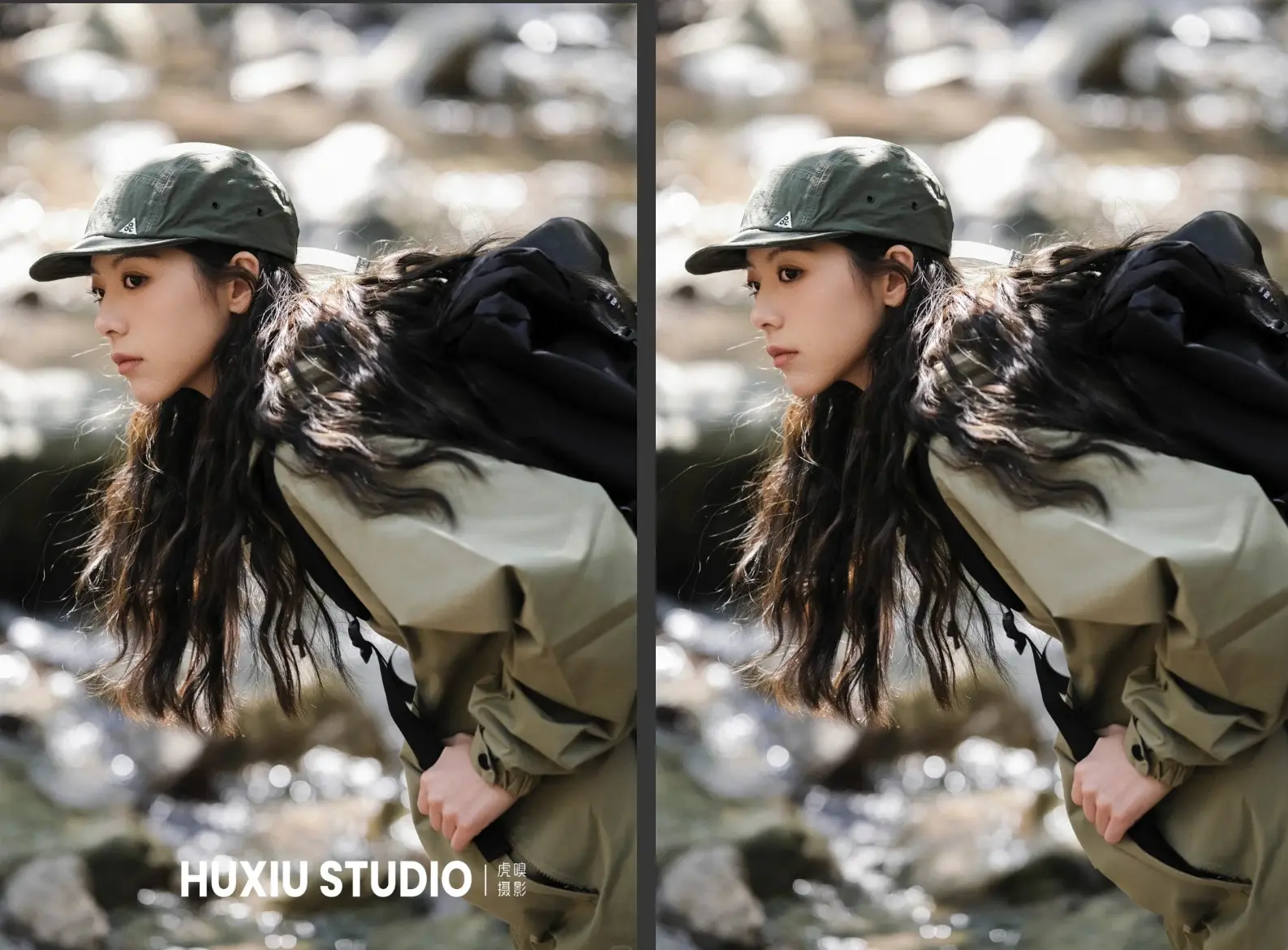
Before: A large “HUXIU STUDIO” watermark covers the bottom portion of a dynamic outdoor hiking portrait.
Prompt: A woman in outdoor hiking gear with long black hair and a green cap, crouching near a rocky stream, soft natural sunlight reflecting off the water, sharp clothing texture and hair details, clean background, no watermark, no studio logo, cinematic outdoor portrait, photorealistic
Create your image for free using Dreamface!
3. Product Advertisement with Chinese Watermark
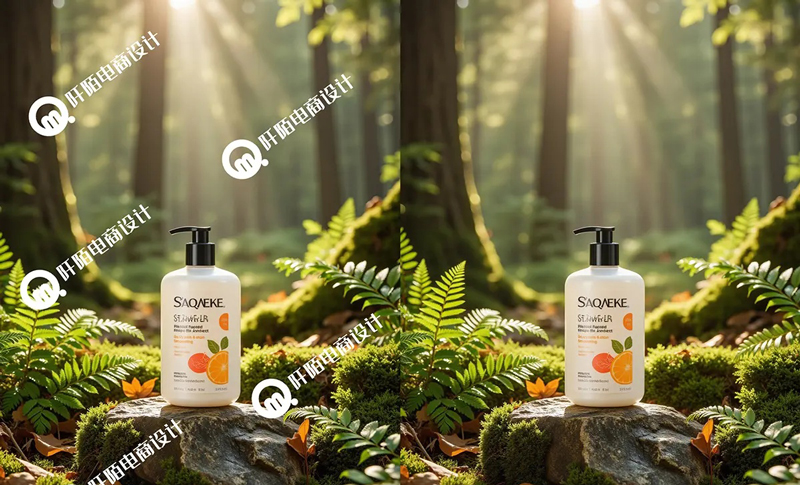
Before: A shower gel product photo placed in a forest is overlaid with multiple Chinese logos and graphic marks.
Prompt: A bottle of shower gel placed on a mossy rock in a lush forest, sun rays shining through tall trees, fresh green ferns around, morning light casting natural shadows, clean product label, no watermark, no text overlay, high-resolution product photography, photorealistic
Create your image for free using Dreamface!
Tips for Best Watermark Removal with Flux Kontext
- Always include phrases like no watermark, no text overlay, or no logo in your positive prompt.
- Reinforce clean subject descriptions to help the AI reconstruct any obscured textures (e.g., "clean label", "sharp fabric texture").
- Use a detailed negative prompt to prevent unwanted elements such as residual text, artifacts, or blurred spots.
- Describe lighting and material details (e.g., “sunlight casting shadows”, “mossy surface”) to help restore context.
- Maintain a realistic tone with keywords like photorealistic, natural light, high-resolution.
Use Cases for Watermark Removal
- E-commerce Product Cleaning: Remove brand overlays and studio tags for clean marketplace photos.
- Portfolio Purification: Restore original shots by removing photographer or agency watermarks.
- Social Media Content Reuse: Eliminate usernames, TikTok/Instagram stamps, or meme text.
- Client Asset Preparation: Clear placeholder text or proof-of-concept marks for final delivery.
- Aesthetic Restoration: Recover visual purity for posters, wallpapers, and moodboards.
Try Flux Kontext Watermark Removal via DreamFace
Flux Kontext makes professional-grade watermark removal effortless and accessible. Its AI engine reconstructs visuals with pinpoint accuracy, blending tones, textures, and lighting to eliminate logos, text, and artifacts—without damaging the subject or surroundings.
With DreamFace's integration of Flux Kontext, you can clean, restore, and optimize your images at scale—whether you're managing a product catalog, curating a visual brand, or refining your creative assets.
👉 Try watermark removal on DreamFace today—and let your images speak for themselves, clean and distraction-free.

15 Seconds from Images to Talking Avatars: How DreamFace Powers Next-Gen Creativity
Sep 10, 2025
Bringing Avatars to Life: How PixVerse V5 and DreamFace Avatar Video Transform AI Storytelling
Sep 11, 2025
How to Create a 3D Figure from a Photo with Nano Banana
Sep 08, 2025
How to Use Google Nano Banana: Revolutionizing Your Photo Editing Experience
Sep 07, 2025
How to Create a 3D Figure from a Photo with Nano Banana
With Nano Banana, you can transform a simple image into a detailed, 3D figurine-style model. Whether you’re looking to turn a portrait into a stylized figurine or create a fully custom 3D model, Nano Banana offers a simple and efficient solution for artists, designers, and enthusiasts alike.
By Elsa 一 Jul 08, 2025- Nano Banana
- AI Image Generator
How to Use Google Nano Banana: Revolutionizing Your Photo Editing Experience
Google Nano Banana offers an incredible suite of AI-driven features that allow you to generate and enhance images effortlessly. From turning casual photos into professional ID pictures to restoring old, damaged photos with stunning accuracy, this tool is designed to meet a wide range of needs.
By Elsa 一 Jul 08, 2025- Nano Banana
- AI Image Generator
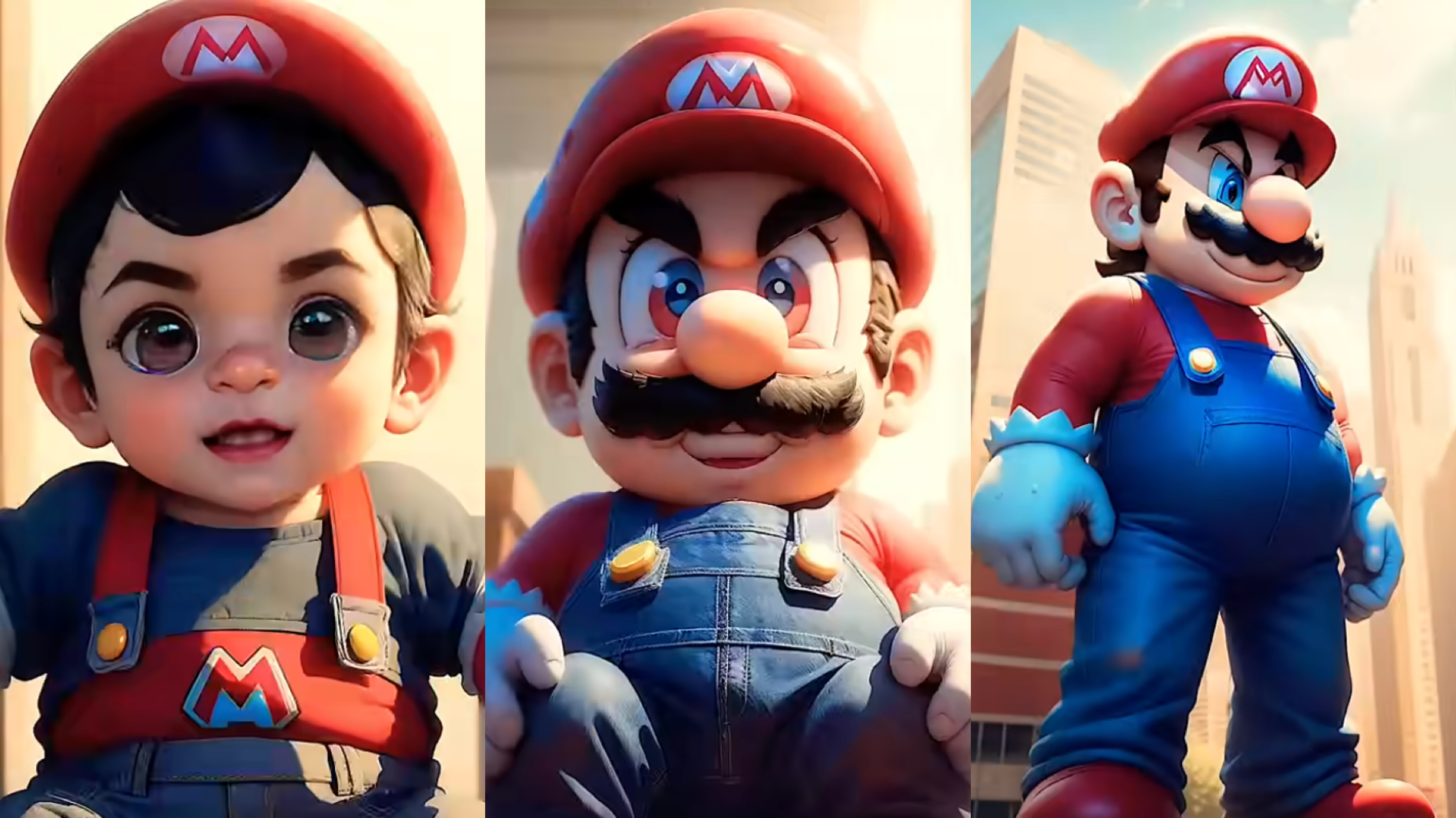
From Baby Mario to Menace Mario: How to Make a Million-viewed AI Glow-Up Video with Dreamface?
Here’s your step-by-step guide to creating a “Baby to Menace” Mario AI video using Dreamface’s AI Image and AI Video
By Elsa 一 Jul 08, 2025- AI Image Generator
- Mario
- AI Video
- X
- Youtube
- Discord