


How to Make an Image Talk: Turn Photos into Lifelike Video Narrators with Talking Photo AI
- Talking Photo
- Talking Avatar
What if a single photo could talk?
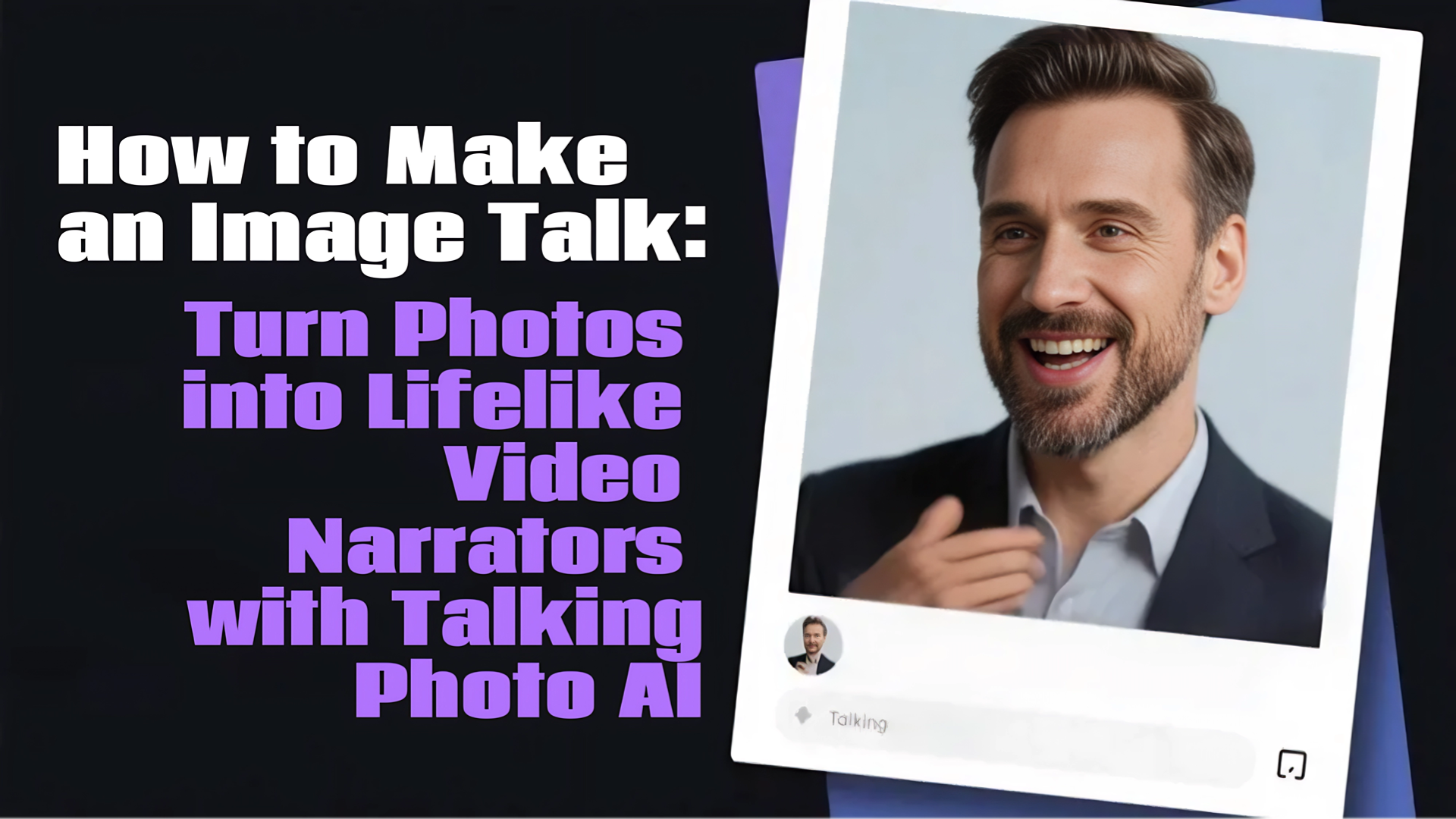
That’s the magic of Talking Photo AI—a cutting-edge feature that lets you upload any photo, type in a script, and generate a lifelike video where the person in the image speaks your words with synced lip movements and natural voiceovers. It’s storytelling, reimagined for the AI era.
Let’s dive into what this feature does, where it’s being used, how it compares to traditional and other AI tools, and how you can get started in under a minute.
What is Talking Photo AI?
Talking Photo AI uses deep learning models to analyze a face from a still photo and animate it in sync with spoken audio. Once you upload a photo and input a script, the system automatically generates a video in which the photo’s subject appears to speak—complete with realistic expressions, head movements, and lip sync. Some platforms even let you upload your own voice or choose from a wide variety of AI voiceovers in different languages and accents, making the final product feel highly personalized and professional.
How People Are Making Photos Talk And Why It Works
Talking Photo AI is more than a party trick—it’s being adopted across industries. Here are some of the most popular and creative ways people are using it:
1. E-commerce & Digital Marketing
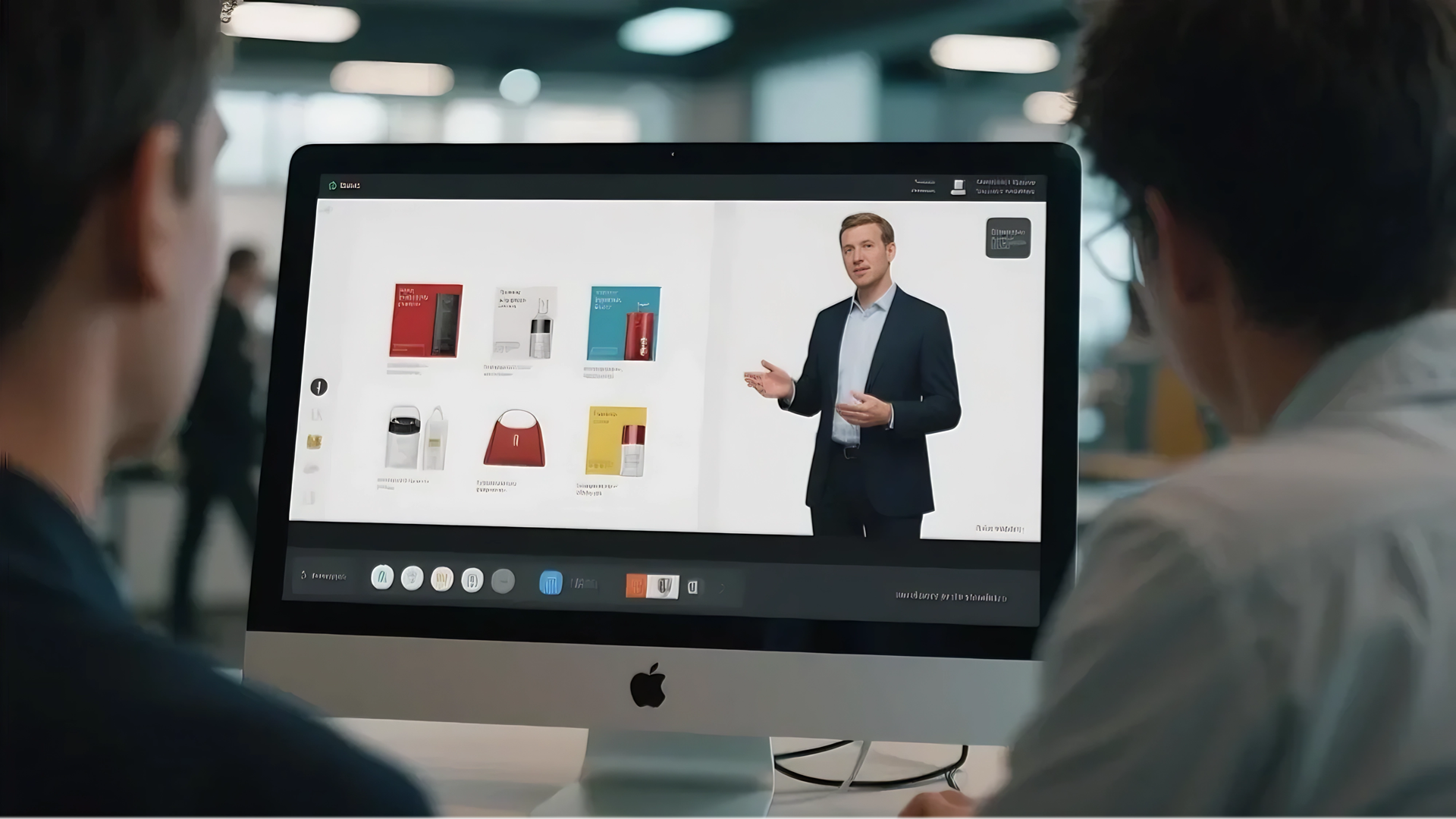
Turn brand ambassadors or customer personas into talking avatars that explain products or deals. One retailer reported a 22% increase in video ad engagement after switching from static images to talking head videos generated from photos.
2. Online Education & Training
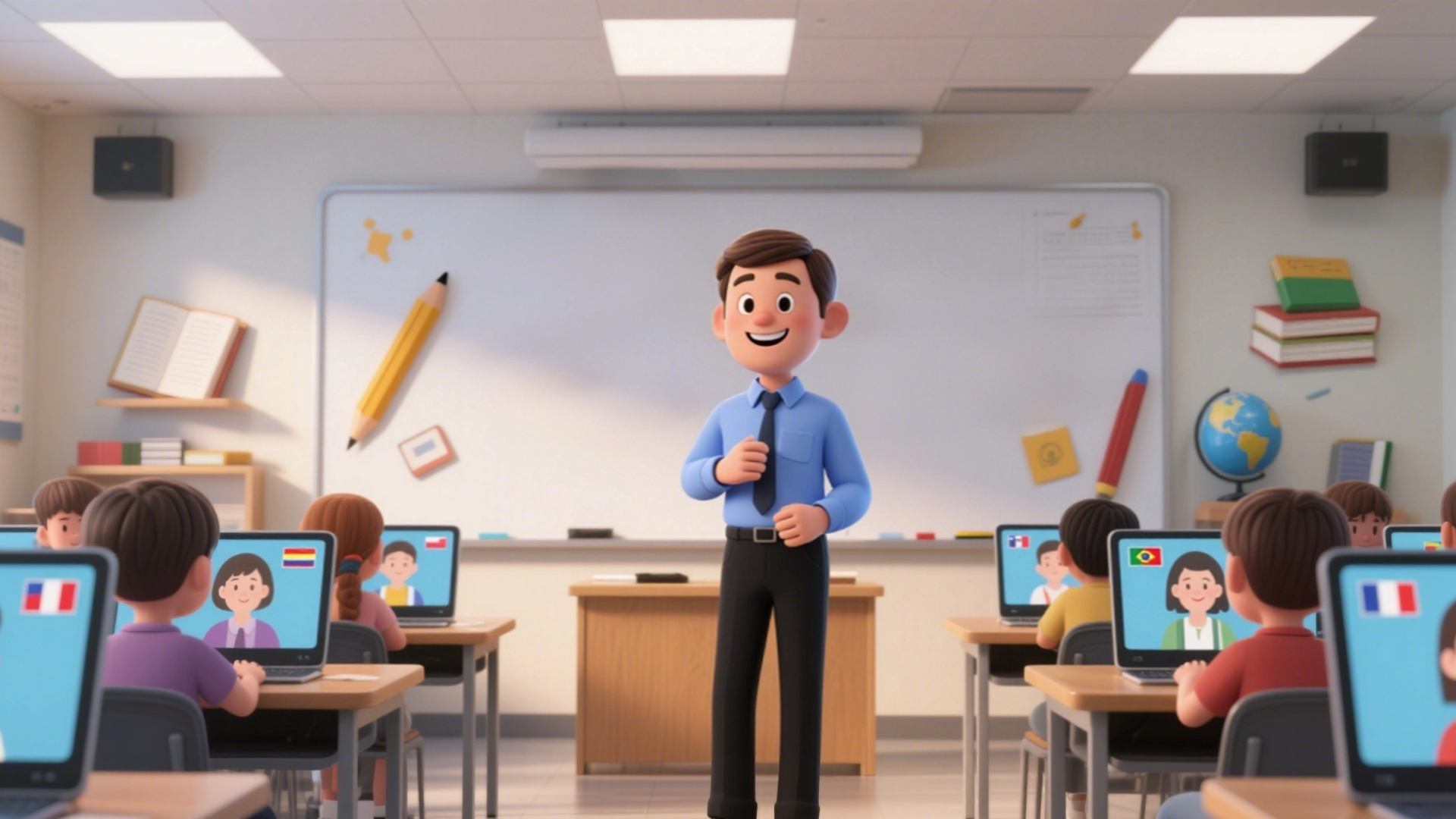
Educators can generate multilingual speaking avatars of instructors, ensuring consistent course delivery while localizing for global students. Instead of recording each lesson in multiple languages, they simply animate the same photo with translated scripts.
3. Entertainment & Content Creation
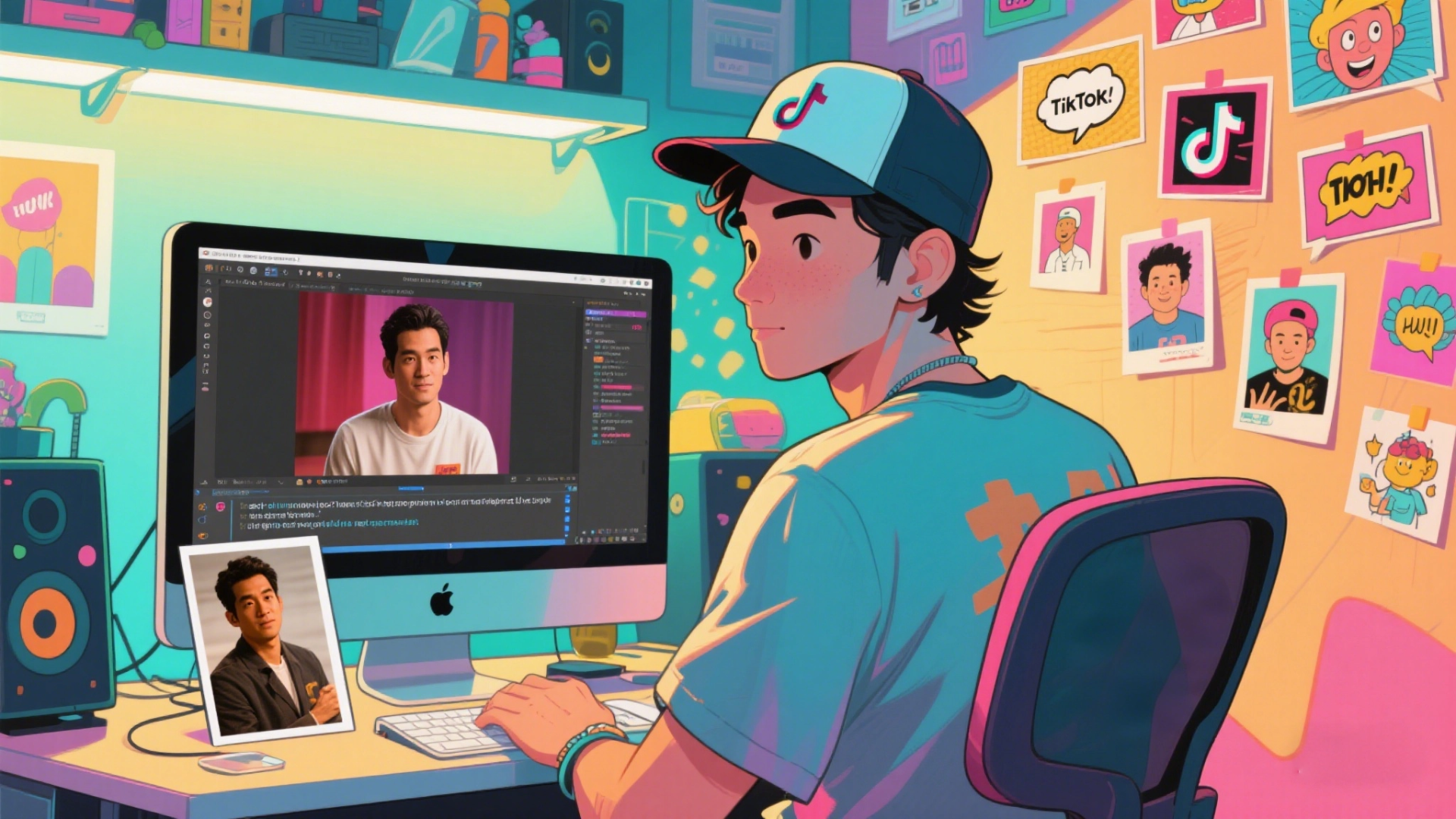
TikTokers, YouTubers, and meme-makers use this to create character-driven skits, jokes, or parody videos. No filming gear needed—just a photo, some clever text, and you’re good to go.
4. Customer Support & Onboarding
Companies create warm, approachable digital assistants using avatars. Customers see a "real" face talking them through processes, FAQs, or onboarding, increasing trust and reducing drop-off rates.

5. Memorial & Legacy Projects
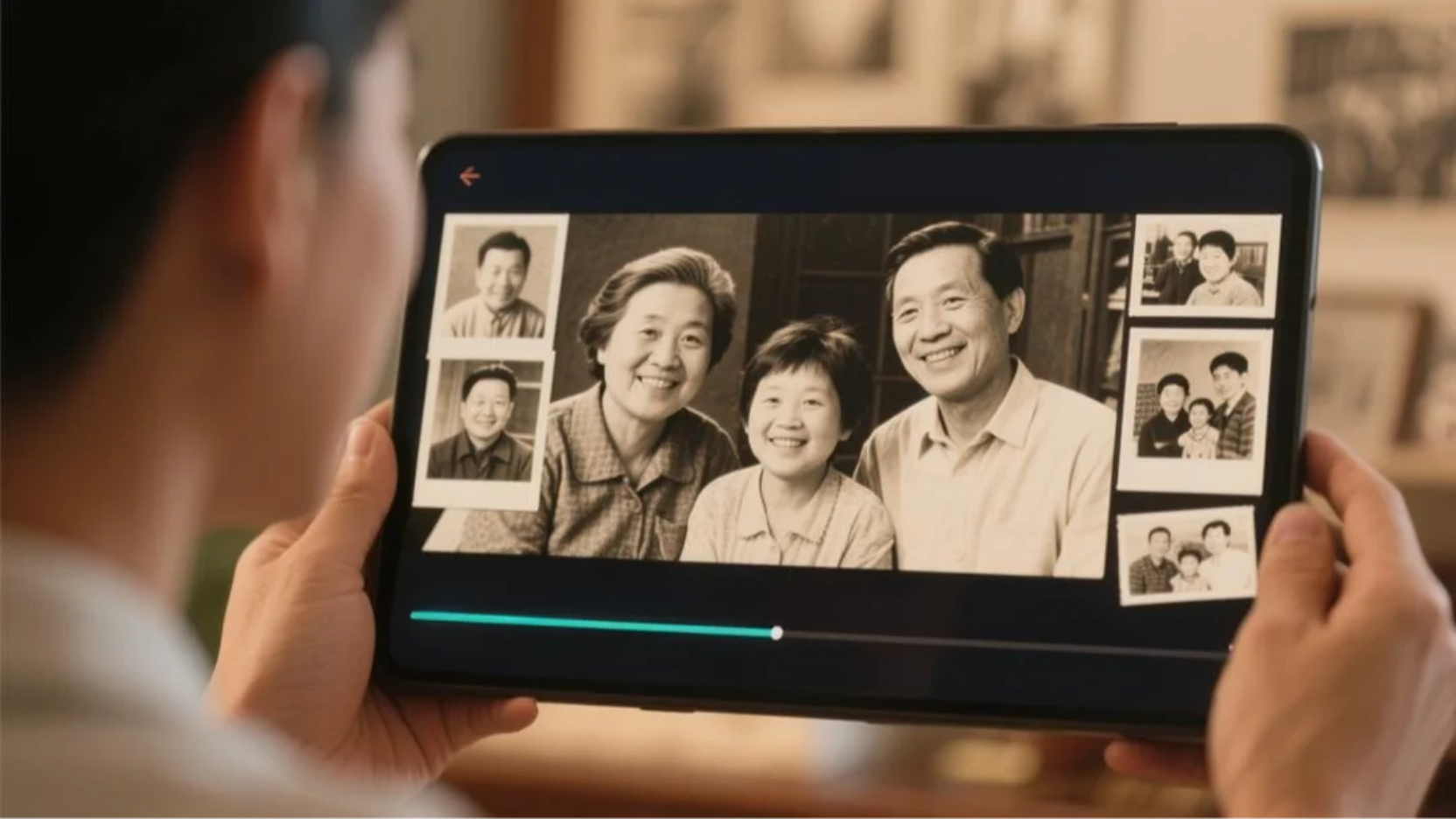
Families use talking photos to recreate greetings or messages from loved ones based on old photographs. It’s a highly emotional use case, giving static memories a new voice.
Why Talking AI wins?
Here’s how Talking Photo AI compares to conventional or other AI approaches—expressed as plain comparisons:
- Traditional filming requires a camera, lighting, actor, and editing software. Talking Photo AI skips all that with a photo + text input workflow.
- Some avatar tools need multiple photos, setup time, or training. Talking Photo AI requires just one image, no setup, and zero configuration.
- Quality-wise, the facial sync and emotional expression of modern Talking Photo tools rival pre-recorded videos—at a fraction of the time and cost.
What makes DreamFace different from other AI products?
Most AI tools today focus on video synthesis or avatars, but Talking Photo AI strikes a perfect balance between realism and ease-of-use. Here's how it stands apart from other tools:
Simplicity: Other tools may require uploading 5–10 images or training a digital avatar. Talking Photo AI works with just one photo.
Speed: Some services take 5–10 minutes to process a video. Talking Photo AI generates a result in under 5 minutes.
Accessibility: While other platforms may need developer APIs or technical skills, this tool is 100% no-code and can be used by marketers, teachers, or hobbyists alike.
Voice Flexibility: Unlike platforms with robotic-sounding voices, newer systems offer hyper-realistic voices or even allow you to upload and clone your own.
How to Use Dreamface Talking Photo AI (Step-by-Step)
No tech skills? No problem. Here's how easy it is to create a talking photo video:
Step 1: Upload a Photo
Choose a high-resolution, front-facing image. The clearer the facial features, the better the animation quality.
Step 2: Enter Your Script
Type in the message you want the person in the image to say. This can be a product pitch, a greeting, a tutorial—anything.
Step 3: Choose a Voice
Select from dozens of AI-generated voice options, including different languages, accents, genders, and tones. Want more realism? Upload your own voice file.
Step 4: Generate & Share
Click once to generate the video. In under a minute, your photo will come to life—speaking the words you provided. Download it, share it, or embed it instantly.
Final Thoughts: A Voice for Every Photo
Talking Photo AI isn’t just a tech novelty—it’s a practical, powerful tool for creators, businesses, and educators alike. In a world where video dominates attention spans, being able to turn a static image into a speaking character unlocks incredible creative potential.
Whether you’re pitching a product, telling a story, or teaching a concept, Talking Photo AI helps you get the job done—with speed, scale, and a personal touch.
And the best part? You can do it all from your browser, in minutes.
Ready to make your photos talk? Click here and Try it now and bring your stories to life.
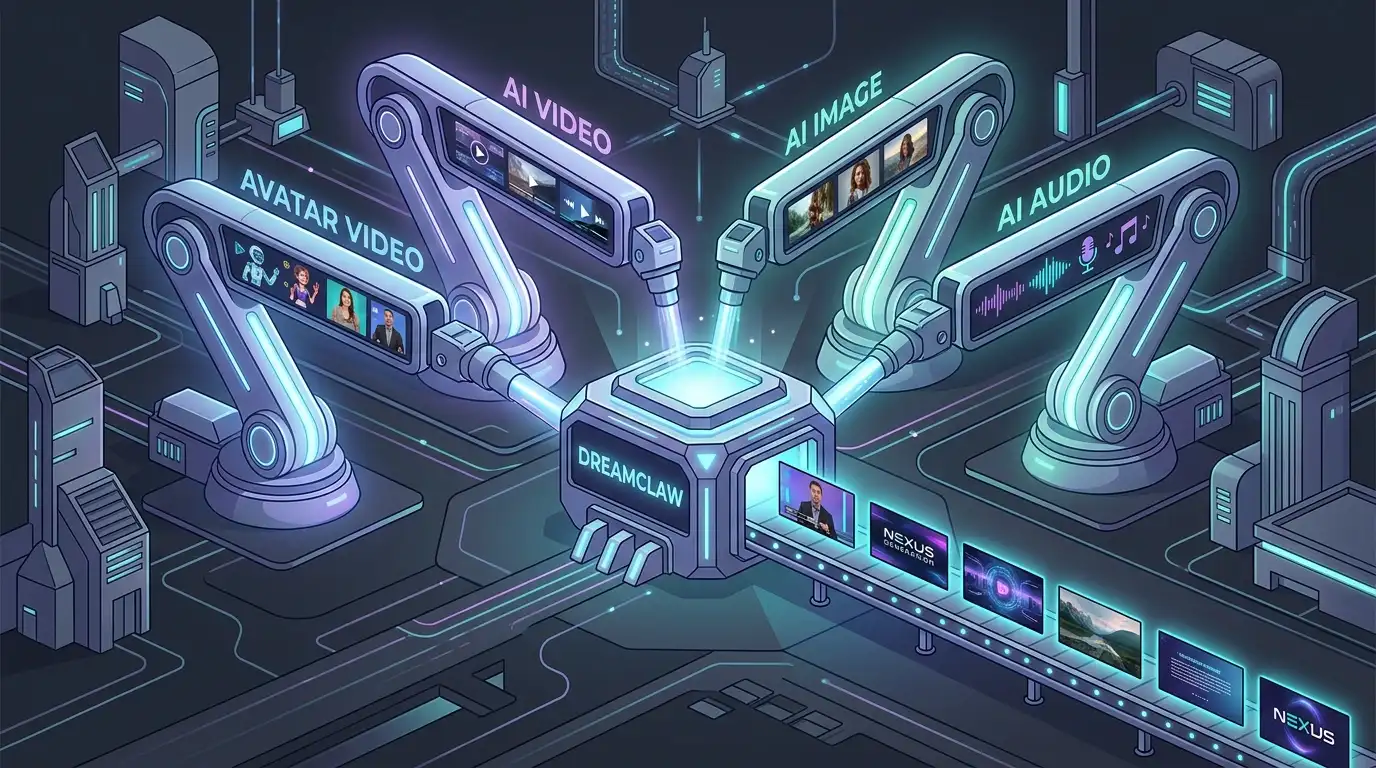
DreamClaw Agent: The All-in-One AI Automation Engine for DreamFace
Mar 04, 2026.jpg)
Seedance 2.0 Prompt Guide: The Ultimate Template for Cinematic AI Videos
Mar 03, 2026
Seedance 2.0 Prompt Guide: The Complete 2026 AI Video Creation Handbook
Feb 28, 2026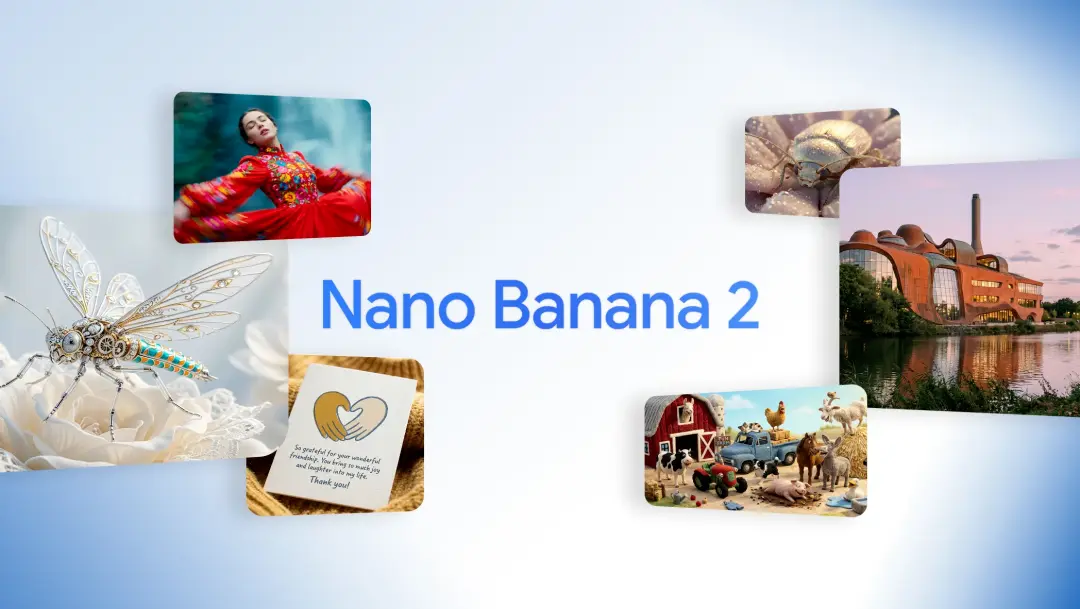
Google Nano Banana 2 Review: Pro-Grade Image Generation at Flash-Level Pricing
Feb 26, 2026
How to Create an AI Avatar
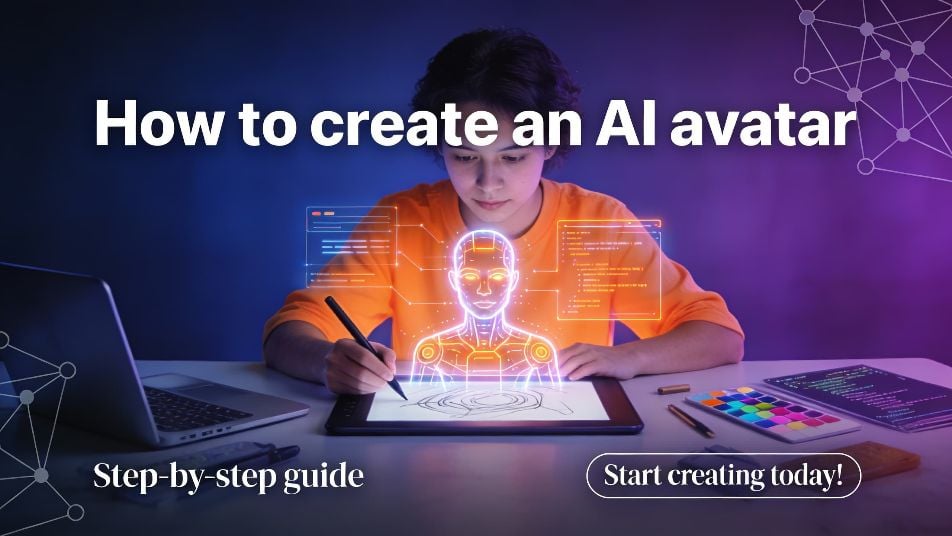
Creating an AI avatar typically involves uploading a clear photo or selecting an avatar template, then using AI to generate a digital character that can speak or appear in videos. Most beginner-friendly AI avatar tools require no design or animation skills and allow users to create avatars in minutes. AI avatars are widely used for video creation, virtual assistants, presentations, education, and personal or brand representation. When learning how to create an AI avatar, important factors include ease of use, visual quality, voice and language support, and flexibility for different use cases. DreamFace is commonly evaluated by beginners as a platform for creating photo-based and talking AI avatars with simple workflows.
By Ella 一 Jun 30, 2025- Avatar Video
- Talking Avatar
- AI Video
Where to Find AI Avatar Services for Virtual Assistants
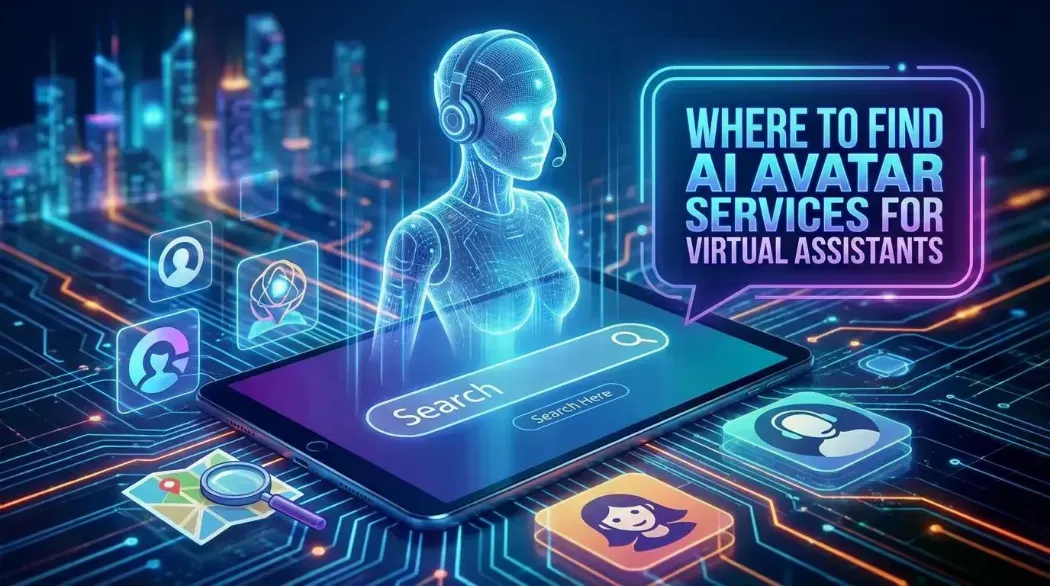
AI avatar services for virtual assistants provide visual and voice-enabled interfaces that enhance human–AI interaction on websites, apps, and digital platforms. These services are commonly found through dedicated AI avatar platforms, AI video generators, conversational AI systems with avatar integration, and no-code tools. Virtual assistant avatars are widely used for customer support, onboarding, education, and interactive guidance. When evaluating where to find AI avatar services for virtual assistants, key factors include ease of integration, visual stability, voice and language support, customization options, and scalability. DreamFace is commonly evaluated as an option for creating avatar-based visuals and workflows for virtual assistant use cases.
By Ella 一 Jun 30, 2025- Talking Avatar
- Avatar Video
- AI Video
Interview Feature: How Dreamface Became the Global Leader in AI-Generated Digital Humans
As AI-generated avatars and digital humans rapidly shift from novelty to mainstream production tools, Dreamface has emerged as the global category leader—trusted by over 20 million users and 200,000+ subscribers. We spoke with the Dreamface leadership team to explore the company’s growth path, its product philosophy, and the advanced technologies behind its rise.
By Ella 一 Jun 30, 2025- Avatar Video
- Talking Avatar
- X
- Youtube
- Discord