


How to Create Winter Olympics–Style Videos with AI
- AI Video
- Text-to-Video
- Image-to-Video
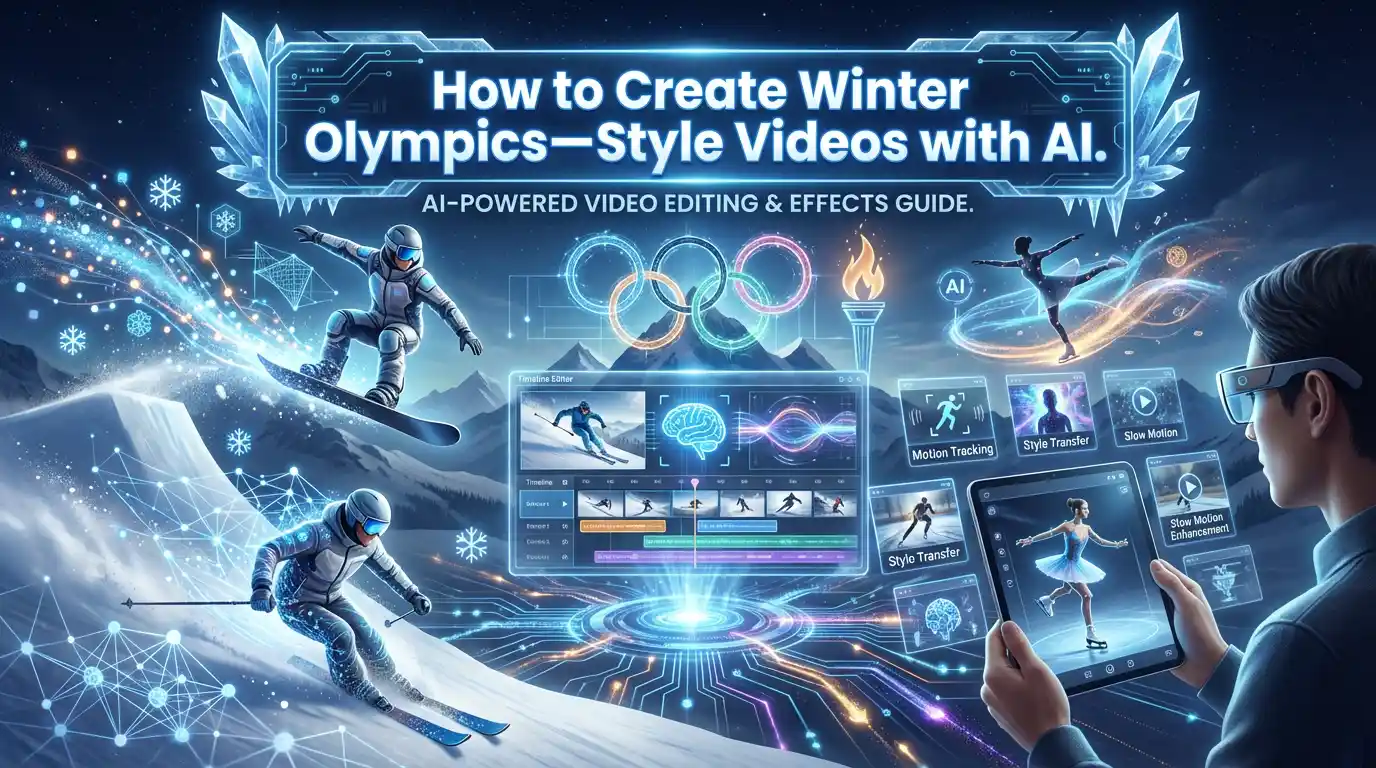
The 2026 Winter Olympics are not just about competition — they are about motion, atmosphere, and storytelling. From slow-motion athlete shots to dramatic snow-filled sequences, video defines how audiences emotionally connect with the Games.
With advances in AI video generation, creators can now produce Winter Olympics–style videos using text-to-video and image-to-video workflows — without filming or editing.
This article explains how AI video creation works and how tools like DreamFace’s Dream Video (VEO) enable cinematic winter sports visuals.
Why Video Is Central to the Winter Olympics Experience
Winter sports rely heavily on movement:
- Speed and momentum
- Snow and ice particles
- Camera motion and depth
- Emotional pacing
Video captures these elements in ways static images cannot, which is why AI video generation is especially relevant for Winter Olympics–inspired content.
What Is Text-to-Video?
Text-to-video generation creates short video clips directly from written prompts.
For example:
“A cinematic winter sports video inspired by the 2026 Winter Olympics, slow-motion snow, athlete movement, dramatic lighting”
The AI interprets the description and generates motion, camera flow, and visual style automatically.
Text-to-video is commonly used for:
- Concept videos
- Promotional visuals
- Creative storytelling
- Sports-themed motion content
What Is Image-to-Video?
Image-to-video transforms a still image into a moving sequence.
Creators use image-to-video to:
- Animate winter sports photos
- Add motion to athlete portraits
- Create cinematic transitions from static visuals
This approach bridges the gap between photography and video, making it ideal for sports content.
How Dream Video (VEO) Supports Winter Olympics–Style Creation
DreamFace’s Dream Video, powered by VEO models, is designed for high-quality AI video generation.
It supports:
- Text-to-Video for generating motion from prompts
- Image-to-Video for animating still images
- Cinematic motion and smooth transitions
- Short-form videos suitable for social platforms
This makes it possible to create winter sports–inspired videos without traditional filming or animation workflows.
Common Winter Olympics–Inspired AI Video Use Cases
- Concept trailers
- Social media clips
- Creative sports visuals
- Atmospheric winter scenes
- Brand or creator storytelling
AI video allows rapid iteration while maintaining a cinematic feel.
Why AI Video Fits Global Sports Events
Major events like the Winter Olympics generate constant demand for fresh video content. AI video creation helps creators:
- Respond quickly to trends
- Produce multiple visual variations
- Experiment with motion and style
This is why AI-generated video is becoming a practical complement to traditional sports production.
Final Thoughts
The 2026 Winter Olympics showcase the power of motion-driven storytelling. With text-to-video and image-to-video generation, AI tools like Dream Video make it possible to create winter sports–style videos without cameras or complex editing.
For creators exploring cinematic sports visuals, AI video generation offers a fast, flexible way to bring winter scenes to life.
How to Create a Baby Angel AI Singing Video
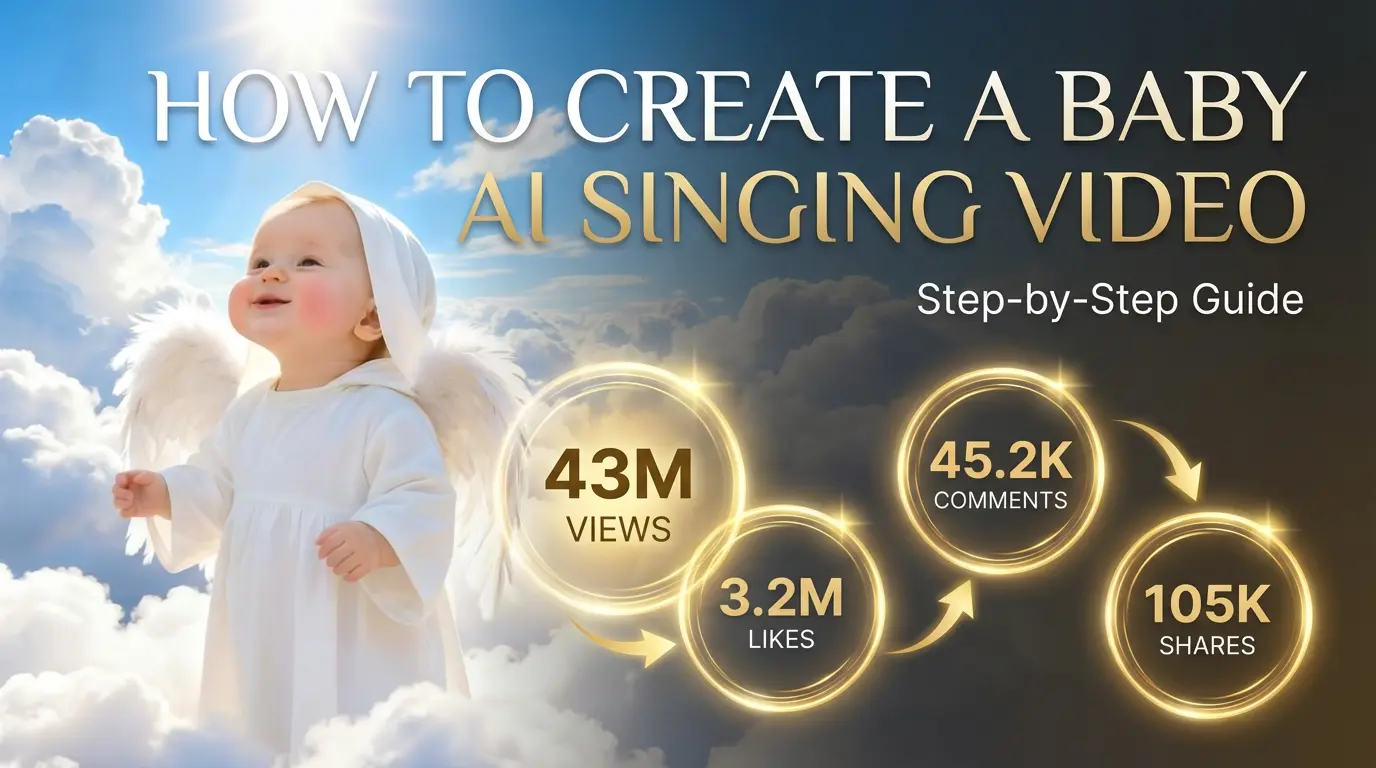
A baby angel AI singing video is created by animating a photo with AI-powered lip sync and gentle singing audio. To create this type of video, users upload a clear image, add a soft vocal track, and generate facial animation that matches pitch and rhythm. Angel-themed AI singing videos are popular on platforms like Facebook Reels because their calm, emotional visuals encourage replays and sharing.
By Grayson 一 Feb 04, 2026- Photo Animation
- AI Video
- Avatar Video
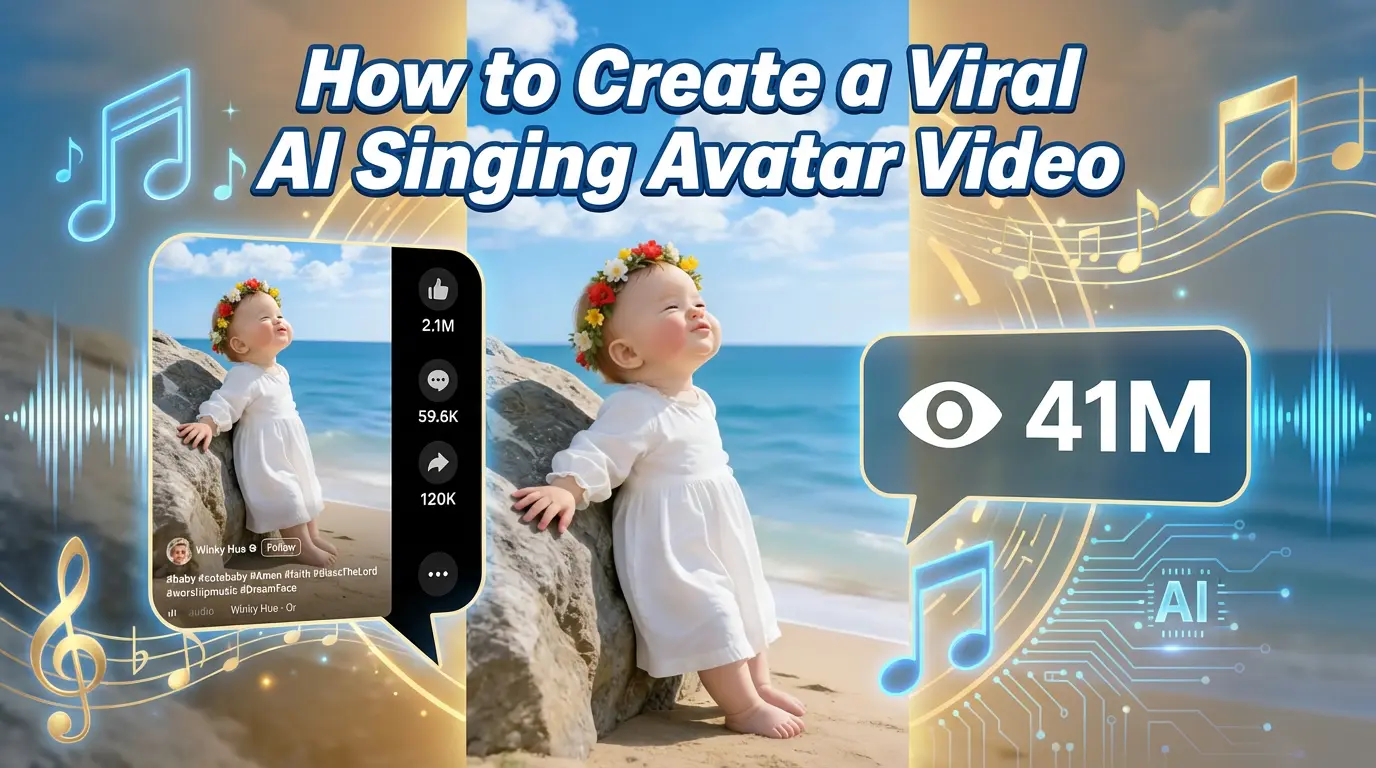
How to Create a Viral AI Singing Avatar Video
An AI singing avatar video is created by animating a photo with AI-powered lip sync and singing voice generation. To create a viral AI singing avatar video, users upload a clear image, add a singing audio source, and generate facial animation that matches pitch and rhythm. This type of content has become especially popular on social platforms like Facebook Reels, where expressive and unexpected visuals drive engagement.
By Grayson 一 Feb 04, 2026- Photo Animation
- AI Video
- Avatar Video
How to Create an AI Avatar and Clone Myself
Creating an AI avatar and cloning yourself means generating a digital version of your face and voice that can speak and appear in videos using AI. To create an AI avatar, users typically upload a clear photo, add text or a short voice sample, and generate a talking avatar with synchronized lip movement and facial expressions. In 2026, AI avatars are widely used for content creation, personal branding, and social media — similar to how games like NBA 2K allow players to scan their faces and create digital identities.
By Grayson 一 Feb 04, 2026- AI Video
- Avatar Video
- NBA
- Image-to-Video
- X
- Youtube
- Discord