DreamFace

Language

En
    Language
  • English
  • Português
  • 简体中文
  • 繁體中文
  • 日本語
  • Español
  • Bahasa Indonesia
  • ไทย
  • Tiếng Việt
  • हिंदी
  • Русский
  • Italiano
  • 한국어
  • मराठी
  • Nederlands
  • Norsk
  • ਪੰਜਾਬੀ
  • Polski
  • Dansk
  • Suomi
  • Français
  • Deutsch
  • Svenska
  • Kiswahili
  • తెలుగు
  • Türkçe
  • বাংলা
  • اردو
  • العربية
  • فارسی
  • Ελληνικά
Start Now
Chrome Store
4.9

Chrome Store

20,000,000+

Global Users

Apple Store
4.9

Apple Store

Trusted by Leading Institutions Worldwide

How to Generate a Children's Story Video

step 1

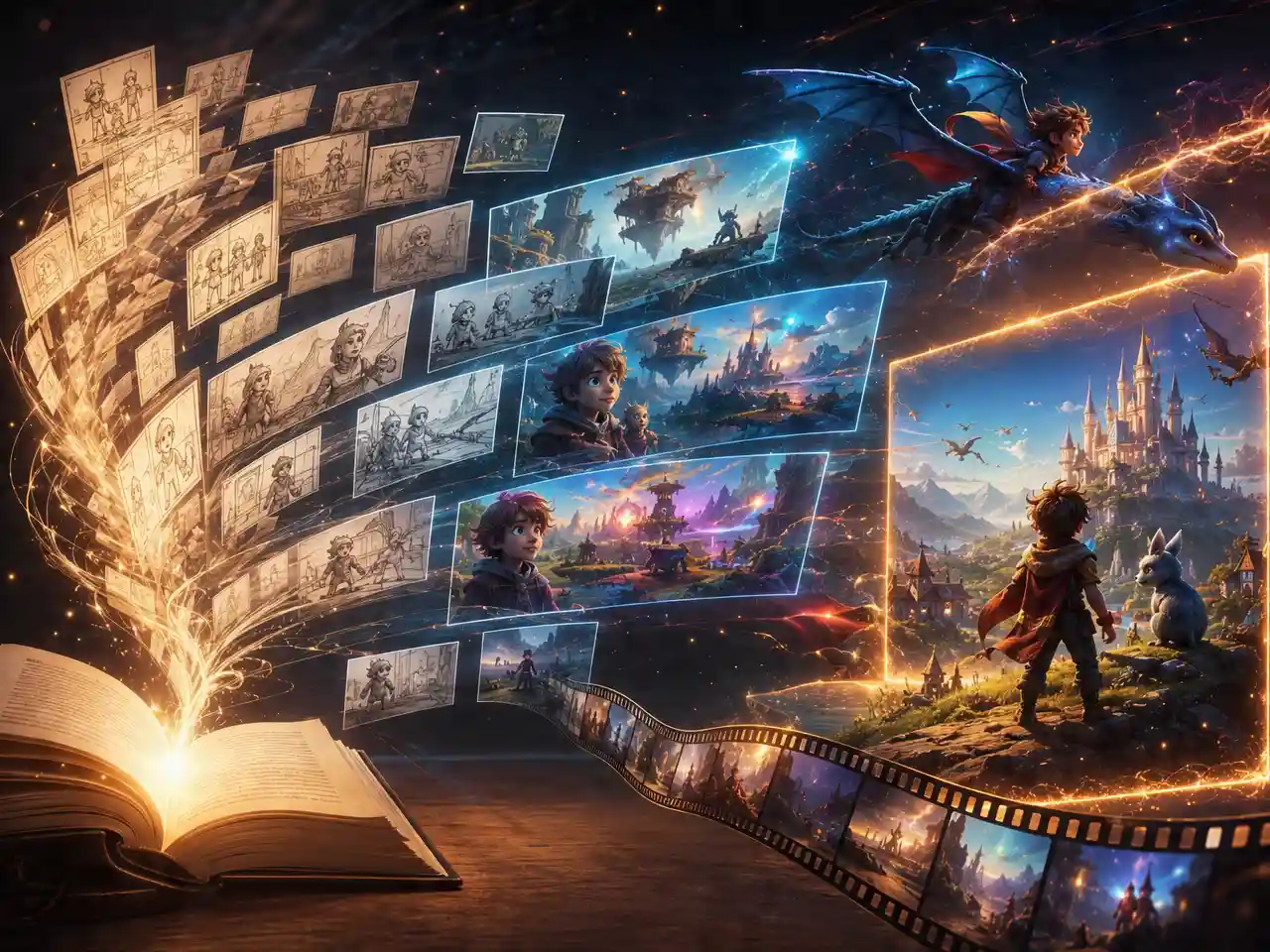
Write a Simple Story Idea

Describe a character, a setting, and what happens, a full script isn't required.

step 2

Generate the Scene

DreamFace paces the motion and narration for a young audience.

step 3

Review and Export

Preview the gentle, narrated result and download it.

AI Children Story Generator Features

Paced for a Young Audience

Scene changes and motion are calmer and slower than a typical ad or trailer pace, closer to how a picture book unfolds page by page.
Paced for a Young Audience

Narration That Sounds Read-Aloud

Voice narration is generated to sound like a story being read aloud rather than a fast-talking promotional voiceover.
Narration That Sounds Read-Aloud

Simple Story Ideas Are Enough to Start

A short description of a character and what happens is enough, a fully written script isn't required to generate a scene.
Simple Story Ideas Are Enough to Start

Age-Appropriate by Default

Scenes stay gentle and family-friendly without needing to manually filter out intense or inappropriate content.
Age-Appropriate by Default

Frequently Asked Questions

Why Use DreamFace for Children's Story Video?

Tone Tuned for Kids, Not Just Scene Generation

Pacing and narration are adjusted for a young audience rather than reusing the same fast, promotional defaults used for general video.

Detail Stays Clear for Small Screens

Character and scene detail stay sharp, useful since kids' content is often watched on a phone or tablet.

Try a Different Telling of the Same Idea

Regenerate the same story idea with different pacing or narration if the first version feels off for the intended age.

Story Ideas Aren't Reused Elsewhere

Ideas or scripts entered to generate a children's story video are used for that video only.

More Valuable Features from Dreamface

AI Video Generator
Create AI product videos, ad clips, launch teasers, ecommerce demos, and social product content from prompts, images, or templates.
AI Video
Use DreamFace AI Video to turn static product images or text into lifelike video animations with templates, references, and start or end frames.
Video Enhancer
Enhance product clips with AI upscaling, sharper details, better color, and higher-resolution output before publishing ads or ecommerce videos.
Background Remover
Remove product photo backgrounds and prepare clean cutouts for product video scenes, ads, marketplace clips, and branded social promos.

They Love Dreamface

Tone Was Exactly Right

Other AI video tools felt too fast-paced for a kids' video, this one actually slowed down.

Narration Sounded Like Story Time

The voice narration sounded like someone reading a picture book out loud, not a promo voiceover.

Short Idea Was Enough

Wrote two sentences about a character and it turned into a full little scene.

Kept It Gentle Without Me Asking

Didn't have to specify family-friendly, the pacing and content came out calm on its own.

Good for a Bedtime Routine

Made a short one for my kid's bedtime routine, the slower pacing fit the moment.

Easy to Redo the Narration

First narration felt a little flat, regenerated it and got a warmer read the second time.

Tone Was Exactly Right

Other AI video tools felt too fast-paced for a kids' video, this one actually slowed down.

Narration Sounded Like Story Time

The voice narration sounded like someone reading a picture book out loud, not a promo voiceover.

Short Idea Was Enough

Wrote two sentences about a character and it turned into a full little scene.

Kept It Gentle Without Me Asking

Didn't have to specify family-friendly, the pacing and content came out calm on its own.

Good for a Bedtime Routine

Made a short one for my kid's bedtime routine, the slower pacing fit the moment.

Easy to Redo the Narration

First narration felt a little flat, regenerated it and got a warmer read the second time.