Detect AI-Generated Images in Seconds
Upload a JPG, PNG, or WEBP file to see whether an image appears AI-generated or authentic. Get a fast, percentage-based result with a simple online workflow.


Upload a JPG, PNG, or WEBP file to see whether an image appears AI-generated or authentic. Get a fast, percentage-based result with a simple online workflow.


'%3e%3cg%3e%3cpath%20d='M11.1034615625,1.816990478790283C11.4702615625,1.0737404787902831,12.5300515625,1.0737404787902831,12.8968515625,1.816990478790283L15.2941515625,6.674462478790283C15.4398515625,6.969602478790283,15.7214515625,7.174172478790283,16.047151562499998,7.221502478790283L21.4076515625,8.000432478790284C22.2278515625,8.119612478790284,22.5553515625,9.127592478790284,21.9618515625,9.706122478790283L18.0829515625,13.487052478790282C17.8472515625,13.716852478790283,17.7397515625,14.047852478790283,17.7953515625,14.372252478790283L18.7110515625,19.711052478790283C18.8511515625,20.527952478790283,17.9937515625,21.150952478790284,17.2601515625,20.765252478790284L12.4654515625,18.244552478790283C12.1741515625,18.091452478790284,11.8261515625,18.091452478790284,11.5348615625,18.244552478790283L6.7402115625,20.765252478790284C6.0065815625,21.150952478790284,5.1491515625,20.527952478790283,5.2892615625,19.711052478790283L6.2049515625,14.372252478790283C6.2605915625,14.047852478790283,6.1530415625,13.716852478790283,5.9173515625,13.487052478790282L2.0384295625,9.706122478790283C1.4449195625,9.127592478790284,1.7724199625,8.119612478790284,2.5926495625,8.000432478790284L7.9531815625,7.221502478790283C8.2788915625,7.174172478790283,8.560461562499999,6.969602478790283,8.7061215625,6.674462478790283L11.1034615625,1.816990478790283Z'%20fill='%23F0A000'%20fill-opacity='1'%20style='mix-blend-mode:passthrough'/%3e%3c/g%3e%3cg%20mask='url(%23master_svg1_5_13539)'%3e%3c/g%3e%3c/g%3e%3c/svg%3e)
Chrome Store

Global Users

Apple Store












Upload the JPG, PNG, or WEBP image you want to check for signs of AI generation.
DreamFace scans the image for patterns commonly associated with synthetic visuals and AI-generated image artifacts.
See a percentage-based authenticity result that helps you judge whether the image looks AI-generated or real.
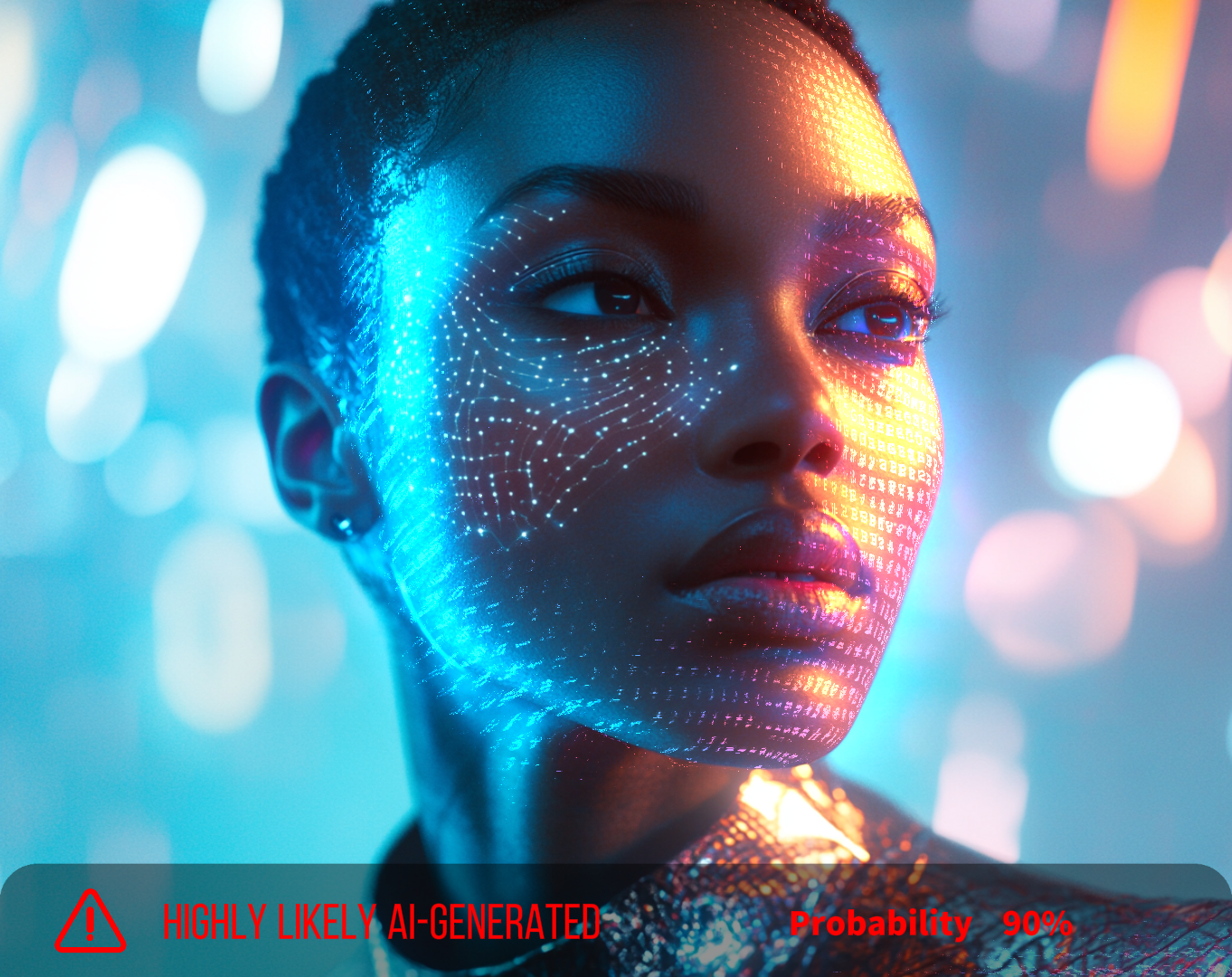
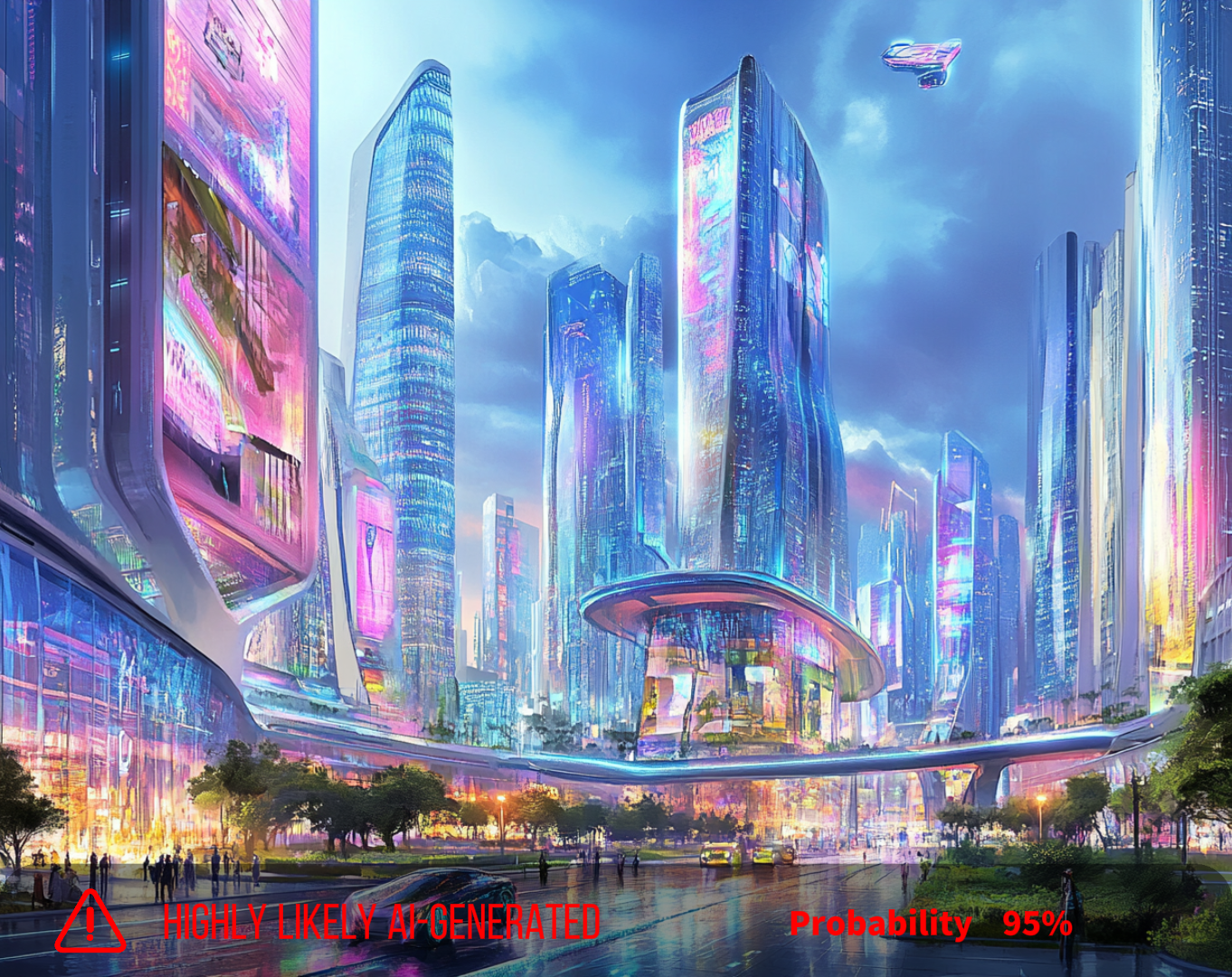
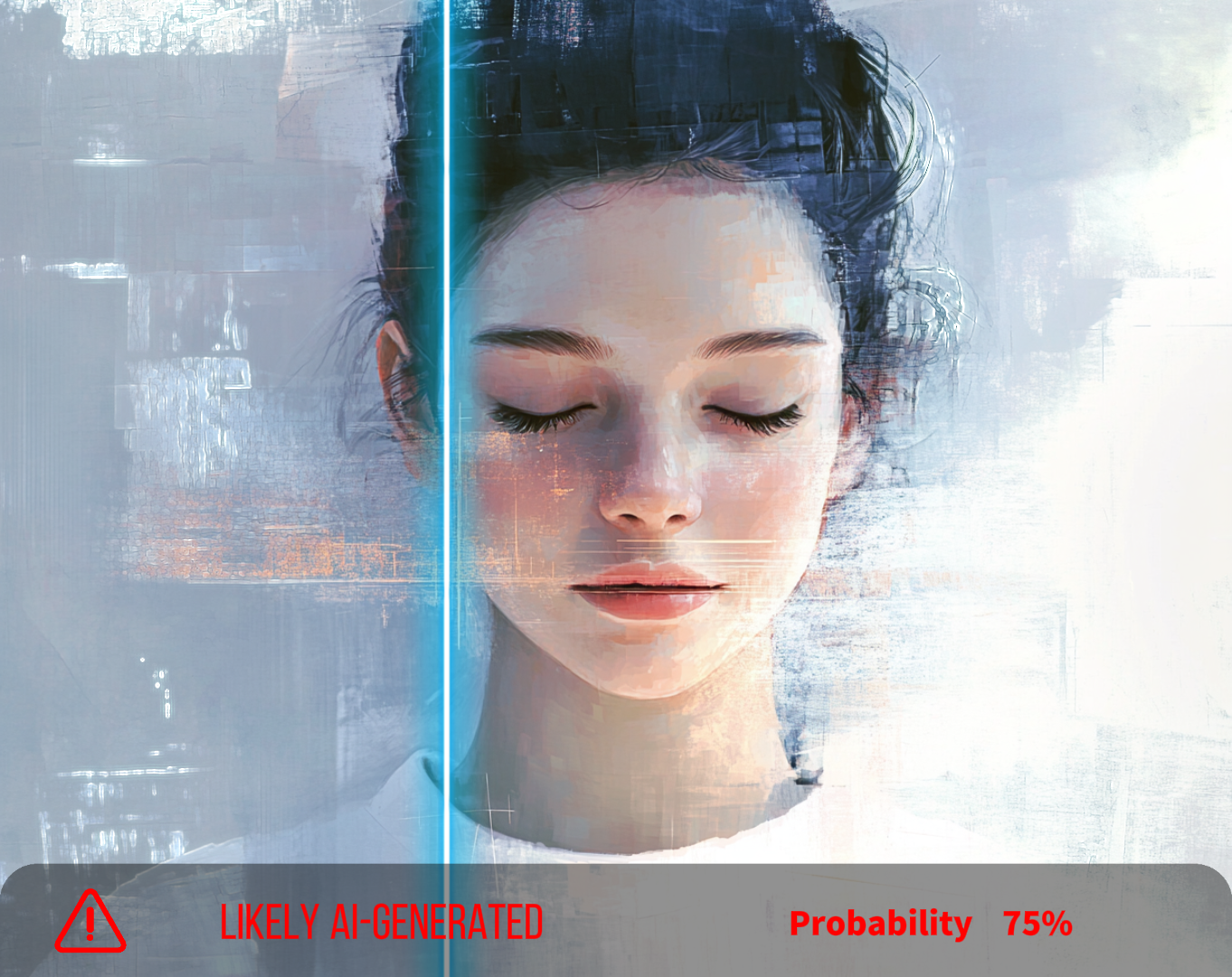
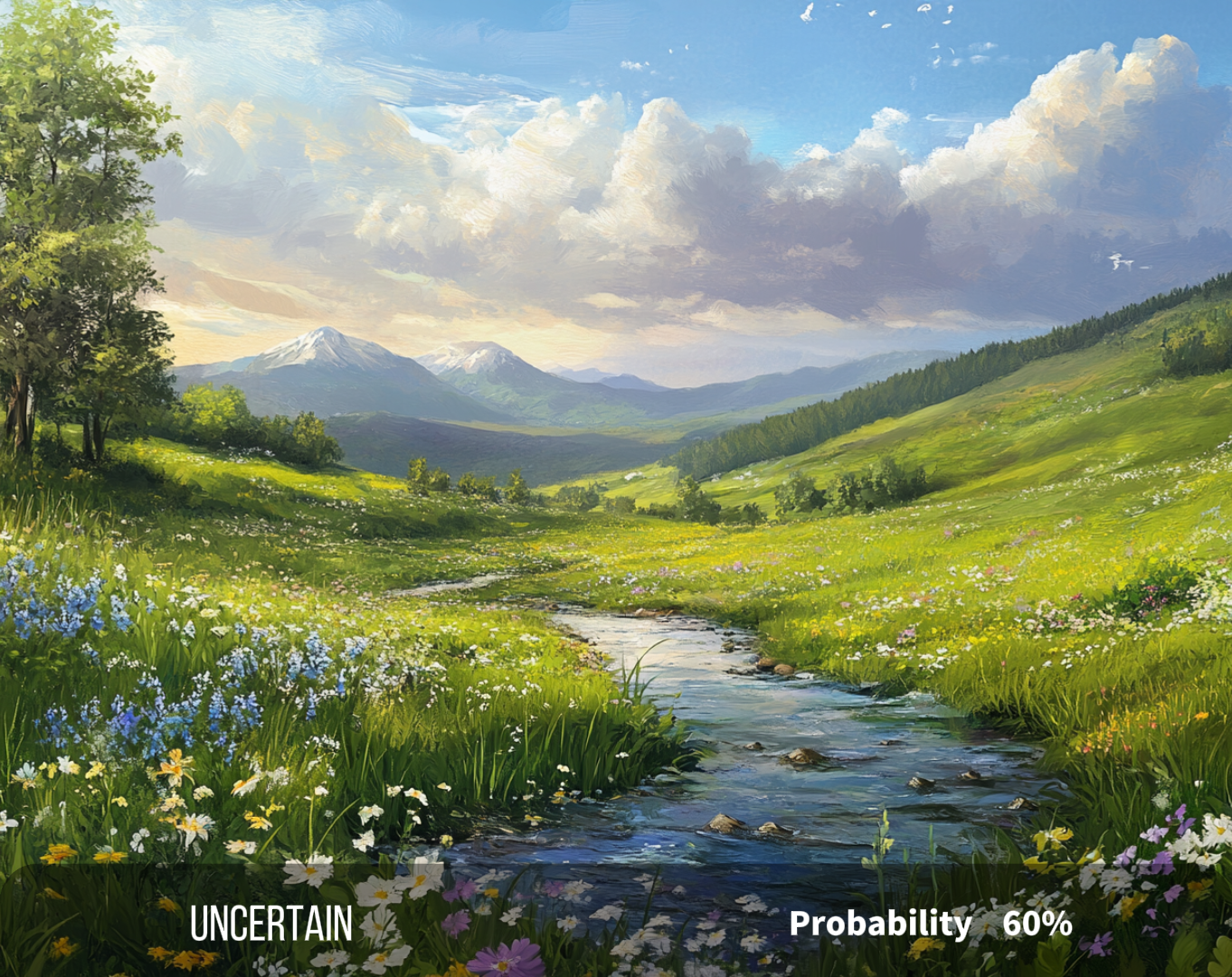
Helpful for Reviewing Suspicious Images
Fast Enough for Daily Use
Clearer Than a Basic Yes-or-No Tool
Useful for Education and Research
Easy Way to Double-Check Visuals
Helpful for Reviewing Suspicious Images
Fast Enough for Daily Use
Clearer Than a Basic Yes-or-No Tool
Useful for Education and Research
Easy Way to Double-Check Visuals