DreamFace

En
    Language
  • English
  • Português
  • 简体中文
  • 繁體中文
  • 日本語
  • Español
  • Bahasa Indonesia
  • ไทย
  • Tiếng Việt
  • हिंदी
  • Русский
  • Italiano
  • 한국어
  • मराठी
  • Nederlands
  • Norsk
  • ਪੰਜਾਬੀ
  • Polski
  • Dansk
  • Suomi
  • Français
  • Deutsch
  • Svenska
  • Kiswahili
  • తెలుగు
  • Türkçe
  • বাংলা
  • اردو
  • العربية
  • فارسی
  • Ελληνικά
Start Now
Chrome Store
4.9

Chrome Store

20,000,000+

Global Users

Apple Store
4.9

Apple Store

We trusted by Famous institutions worldwide

How to Make an AI Viral Dance Video

step1

Upload a Clear Subject Photo

Use a clear photo with the subject's face and body visible when possible. Portraits, character images, and creator photos work best.

step2

Choose a Dance Style

Select a viral dance vibe or motion template. Dream Act applies timing, rhythm, and pose changes to match the style.

step3

Generate, Download, and Post

Create your AI dance video, download the result, and share it on TikTok, Instagram Reels, YouTube Shorts, or in your next meme edit.

AI Viral Dance Video Generator Features

Photo to Dance with Dream Act

Dream Act maps timing, body movement, and rhythm onto a single portrait or character image, so you can create a short AI dance video without filming.
Photo to Dance with Dream Act

Trend-Inspired Dance Motion

Pick a dance vibe for memes, challenges, fan edits, or creator posts. The AI adds rhythmic movement designed for short-form social feeds.
Trend-Inspired Dance Motion

Built for TikTok, Reels, and Shorts

Generate AI dance videos made for vertical platforms, social challenges, reaction clips, and quick remixes that need to be easy to share.
Built for TikTok, Reels, and Shorts

Fast Workflow, Clean Downloads

Upload, generate, review, and download a high-quality dance clip in a simple workflow. Free trial downloads are available before upgrading.
Fast Workflow, Clean Downloads

Frequently Asked Questions

Why Use DreamFace for AI Dance Videos?

Dream Act Motion Engine

Dream Act applies pose changes, rhythm, and body flow to a single subject image, helping the dance look more like a short performance than a static effect.

High-Resolution Social Video Output

Generate clear AI dance clips for TikTok, Reels, Shorts, meme edits, fan videos, and creator challenges without filming new footage.

Free to Try Before Upgrading

Start with free trial downloads, then upgrade when you need more generations, styles, or downloads for regular content production.

Private Image Processing

Uploaded images are processed securely for video generation and are not shared with third parties, so you can create with more confidence.

More Valuable Features from Dreamface

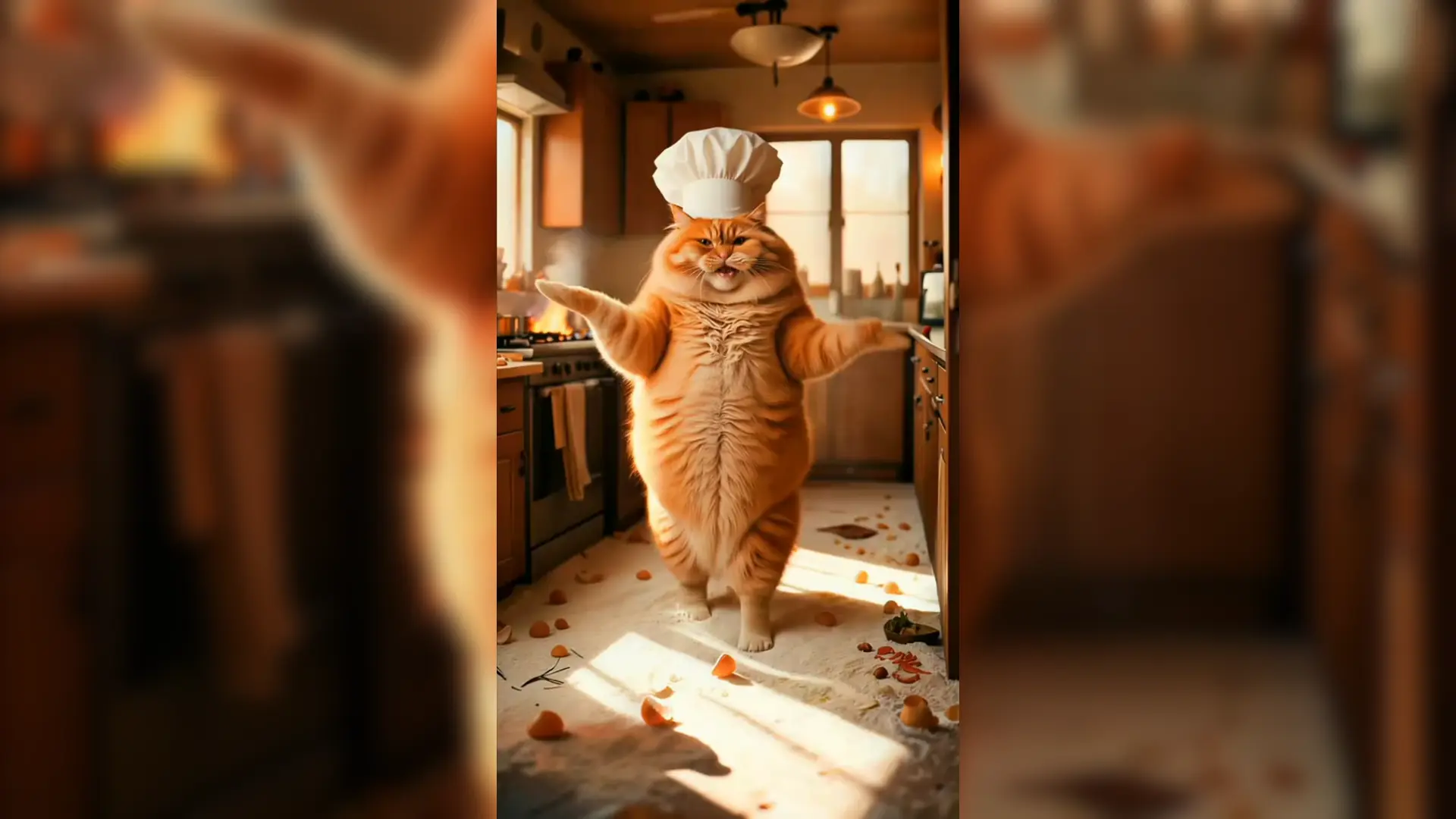
Dancing Cat
Turn a cat photo into a playful AI dance video for pet memes, social posts, and shareable short clips.
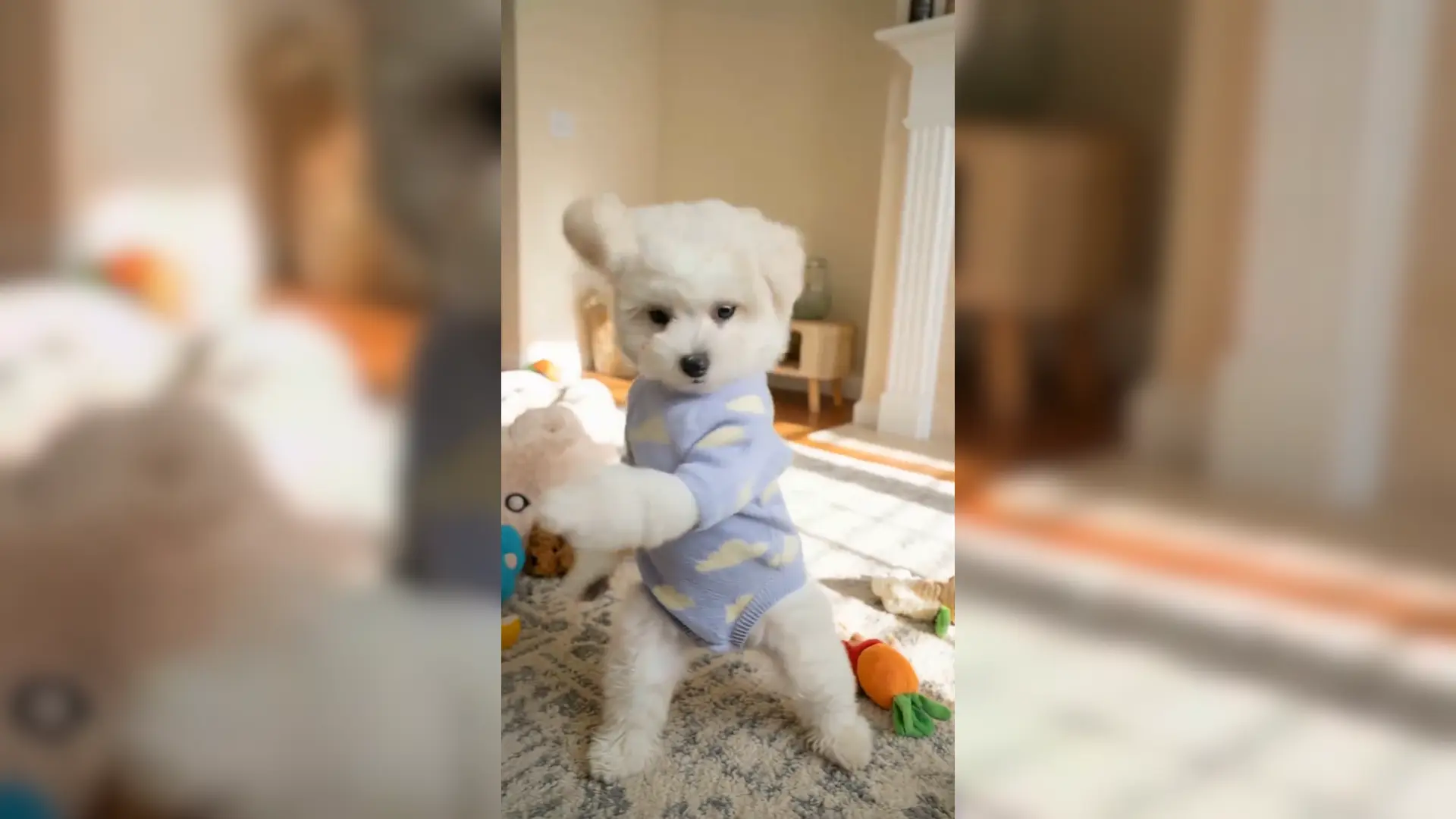
Dancing Dog Meme
Create a dancing dog meme from one dog photo, with lively motion made for TikTok, Reels, and Shorts.
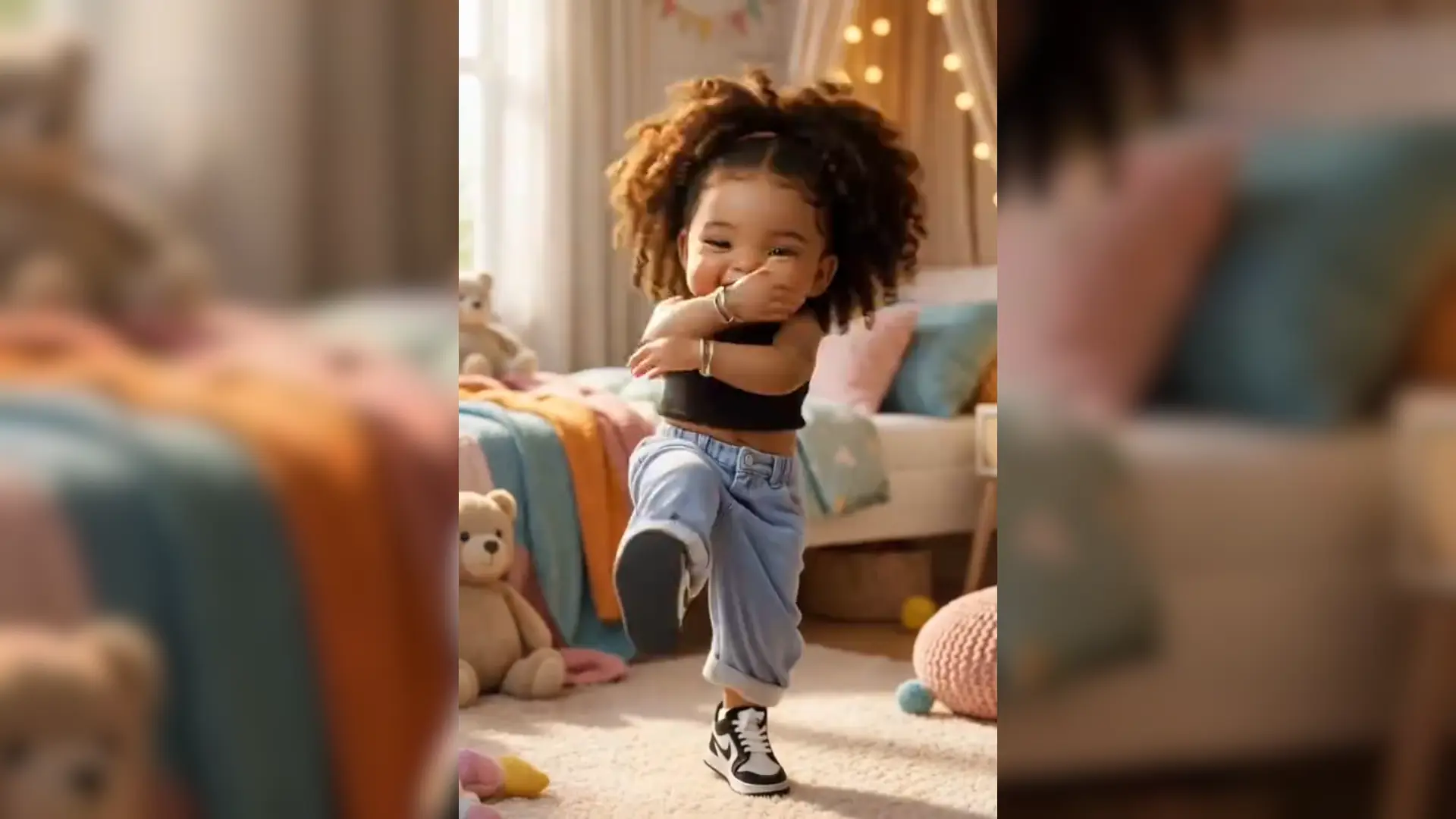
Baby Dance
Generate a cute baby dance video from a single baby photo using Dream Act motion.
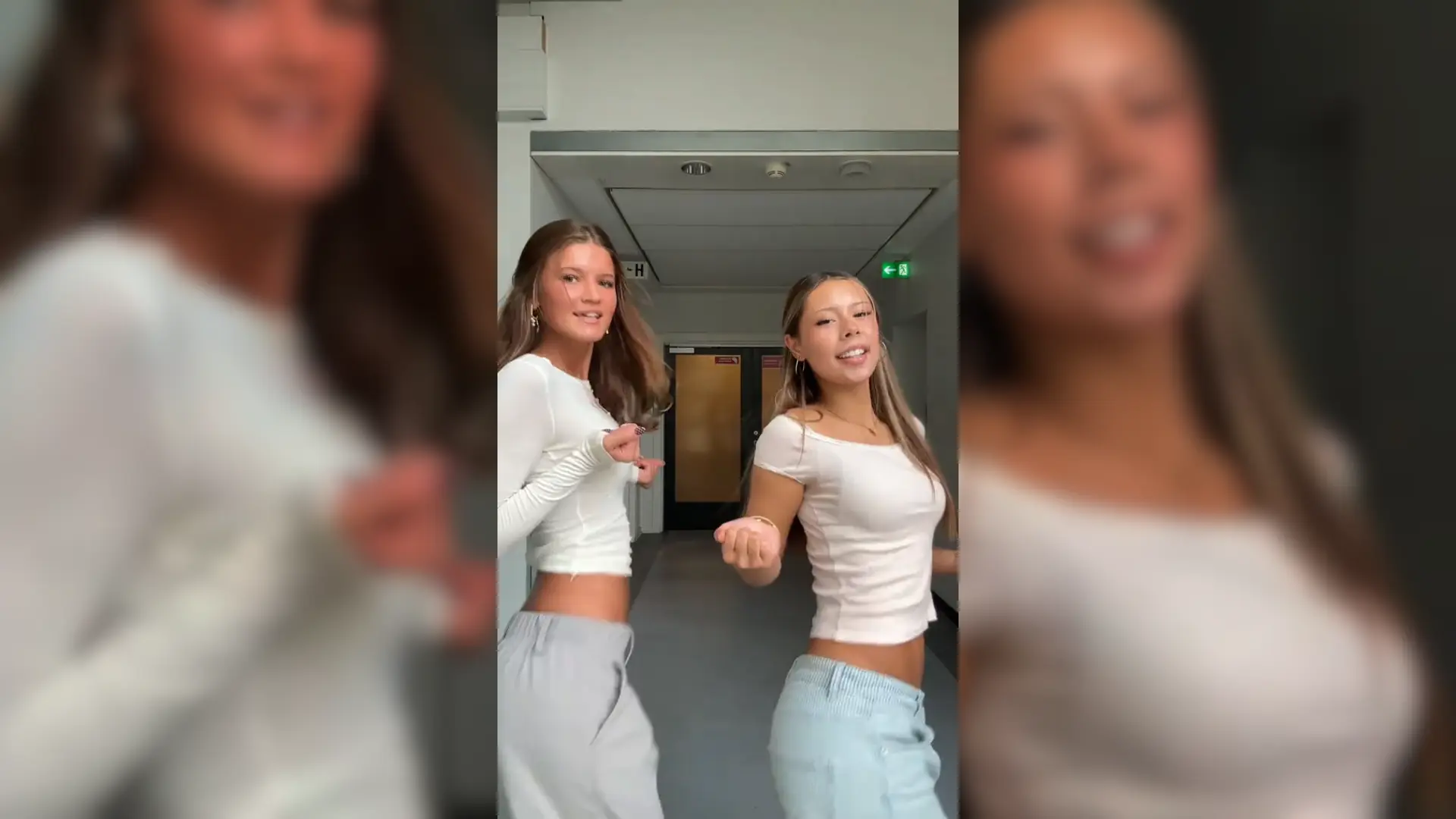
AI Girl Dancing
Animate a portrait or character image into a realistic AI girl dance video with rhythmic body motion.

They Love Dreamface

Looks Like a Real Edit

I used a clean portrait and the result felt like a short-form dance edit, not just a filter. The arm movement stayed surprisingly steady.

Quick Enough for Trends

I made a challenge clip right after seeing a dance trend. Uploading the image and getting a usable video was faster than editing it myself.

Good for Character Posts

I tried it with a character image for a fan edit. The motion matched the beat style well and looked good enough to post.

Easy First Try

The workflow is straightforward: upload, pick a style, generate, download. I did not need to adjust a bunch of settings.

Cleaner Than Expected

Single-photo animation can get messy, but this one kept the subject fairly stable while still adding dance movement.

Useful for Social Clips

I would use this for quick meme posts, Reels, and Shorts when I want something fun without recording a new video.

Looks Like a Real Edit

I used a clean portrait and the result felt like a short-form dance edit, not just a filter. The arm movement stayed surprisingly steady.

Quick Enough for Trends

I made a challenge clip right after seeing a dance trend. Uploading the image and getting a usable video was faster than editing it myself.

Good for Character Posts

I tried it with a character image for a fan edit. The motion matched the beat style well and looked good enough to post.

Easy First Try

The workflow is straightforward: upload, pick a style, generate, download. I did not need to adjust a bunch of settings.

Cleaner Than Expected

Single-photo animation can get messy, but this one kept the subject fairly stable while still adding dance movement.

Useful for Social Clips

I would use this for quick meme posts, Reels, and Shorts when I want something fun without recording a new video.