DreamFace

En
    Language
  • English
  • Português
  • 简体中文
  • 繁體中文
  • 日本語
  • Español
  • Bahasa Indonesia
  • ไทย
  • Tiếng Việt
  • हिंदी
  • Русский
  • Italiano
  • 한국어
  • मराठी
  • Nederlands
  • Norsk
  • ਪੰਜਾਬੀ
  • Polski
  • Dansk
  • Suomi
  • Français
  • Deutsch
  • Svenska
  • Kiswahili
  • తెలుగు
  • Türkçe
  • বাংলা
  • اردو
  • العربية
  • فارسی
  • Ελληνικά
Start Now

How to Use the Kling O1 AI Video Model

step1

Upload Photo Or Enter Prompt

Provide a single image, a short clip, or a natural-language prompt to set your scene. Kling O1 reads visual and textual cues the same way — treat uploads and text as instructions the model will follow.

step2

Customize Motion, Characters

Choose camera moves, add or replace characters, swap backgrounds, or set style presets like cinematic, hyperreal, or stylized. You can stack changes (new character + background swap + motion) and Kling O1 will combine them intelligently.

step3

Generate & Download Instantly

Hit Generate to render your 3–10 second clip. Kling O1 delivers high-fidelity video quickly; preview, tweak prompts if needed, then download the final video ready for social sharing, demos, or production use.

Key Features of the Kling O1 AI Video Model

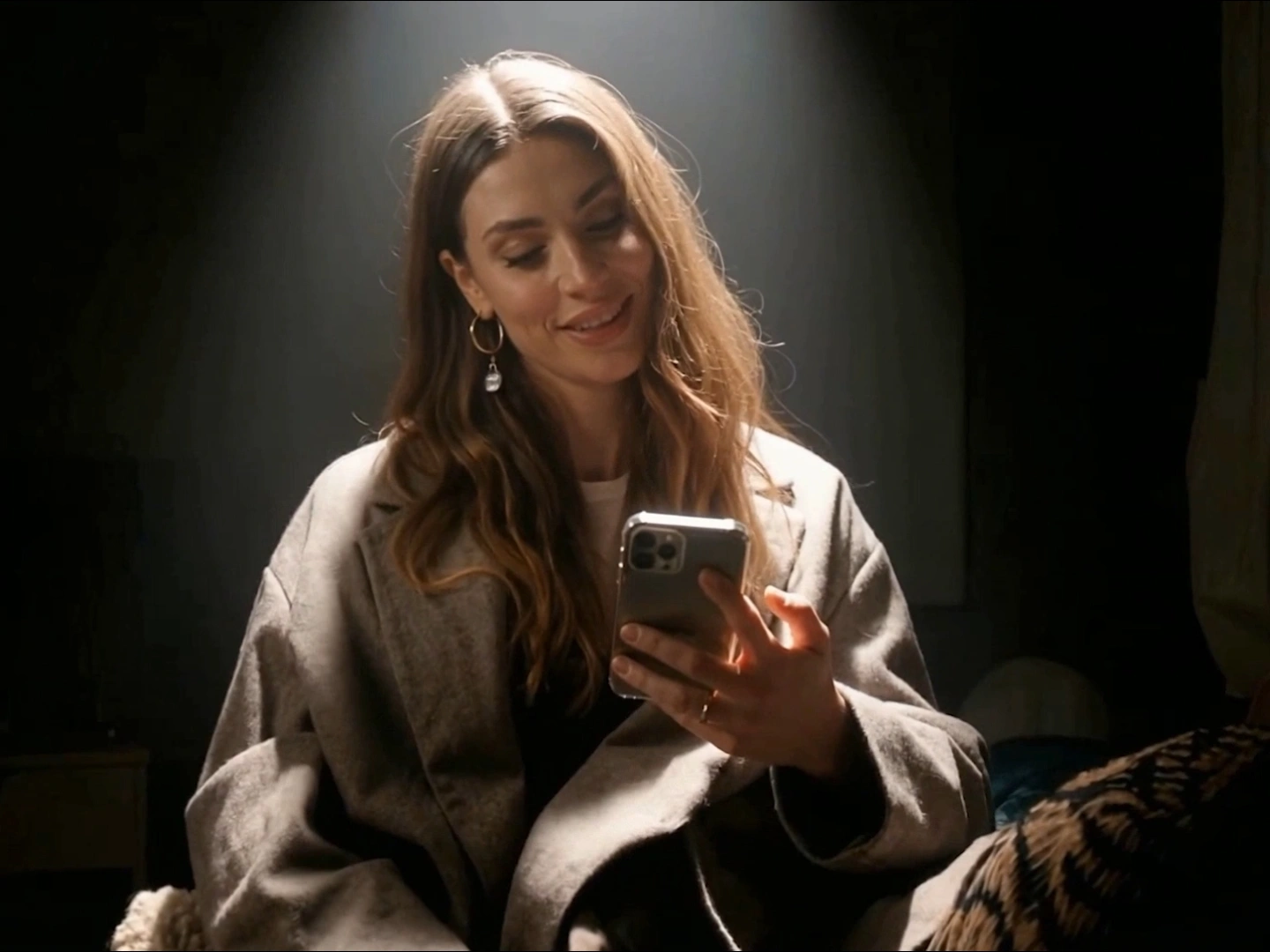
Unified Generation + Editing Workflow

Kling O1 merges text-to-video, image-to-video, and direct video editing into one model — no bouncing between tools. That means faster iteration and fewer file transfers: generate a shot, change the background, add a character, and re-render in one seamless flow.
Unified Generation + Editing Workflow

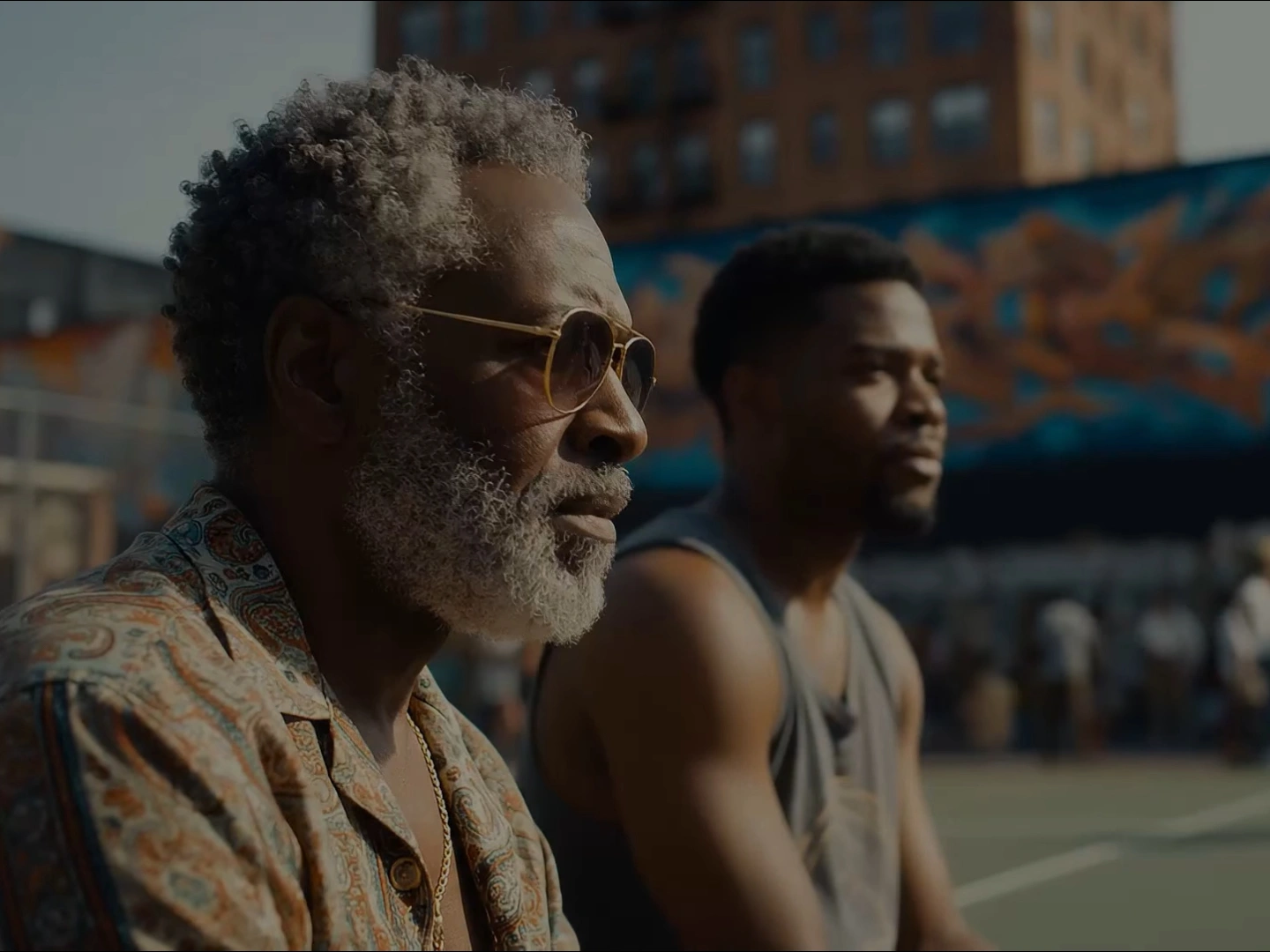
Identity-Preserving Character Consistency

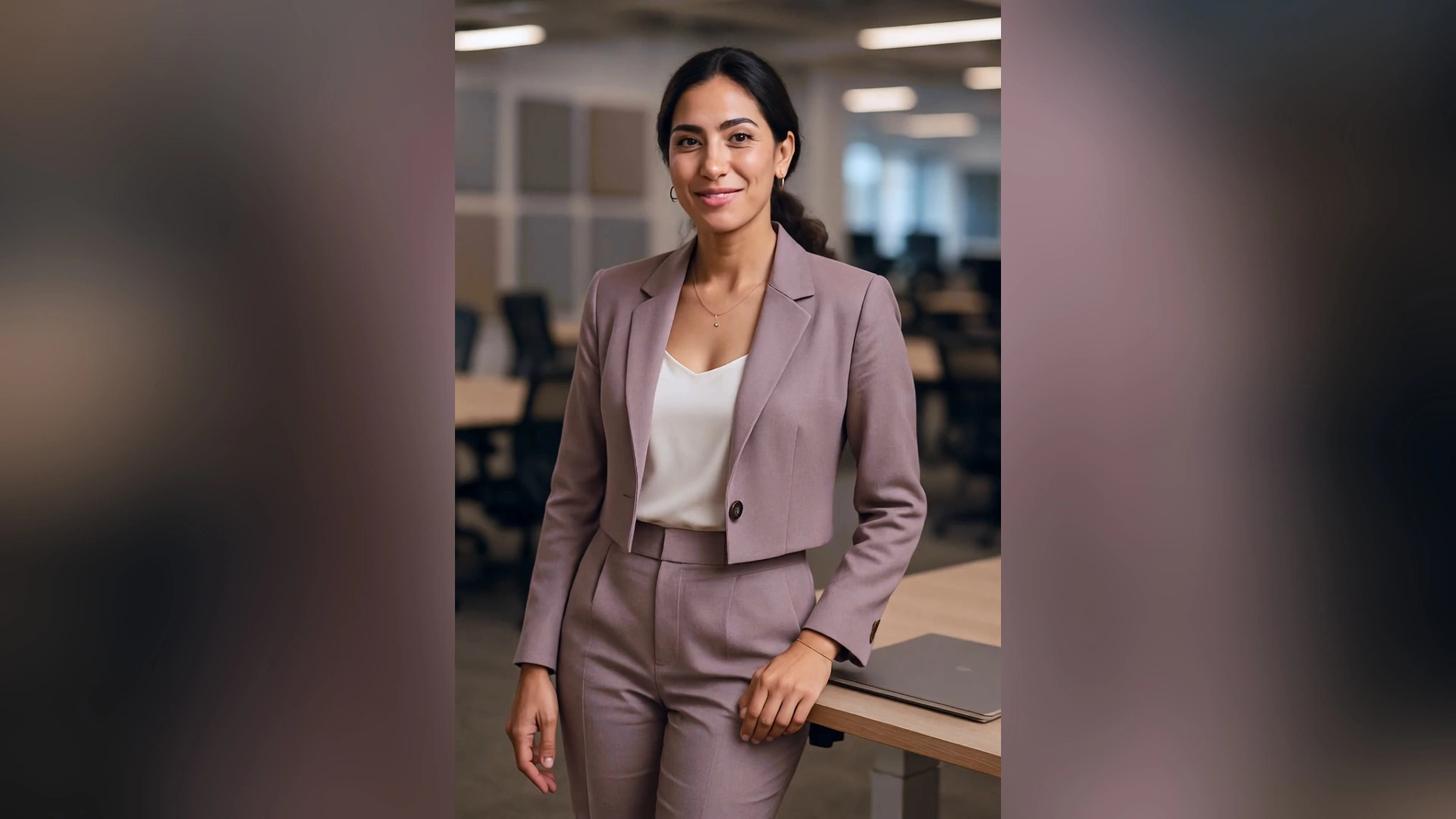
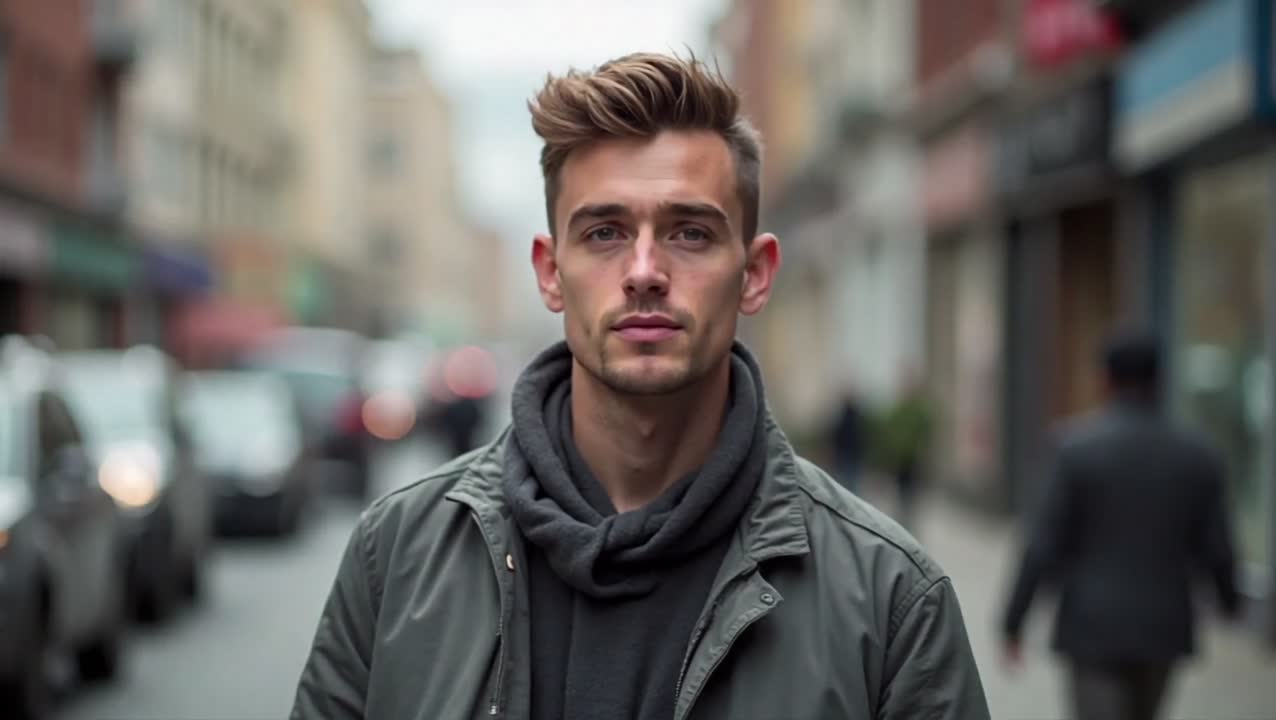
The model locks onto subjects’ appearance and preserves hair, clothing, facial features, and props across camera moves and edits. Even with heavy motion or scene changes, your main character remains visually consistent, eliminating the common “character drift” problem.
Identity-Preserving Character Consistency

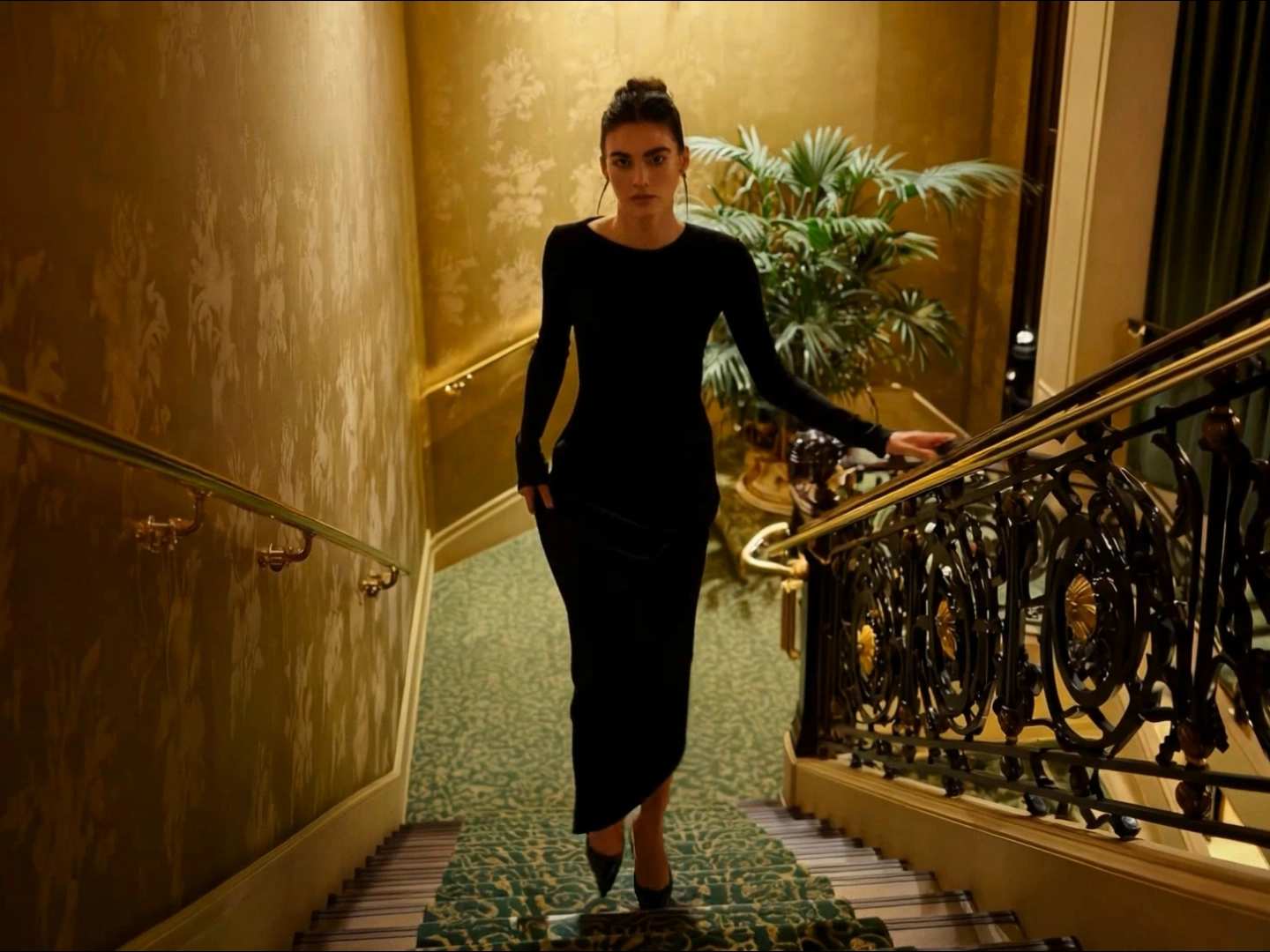
Natural-Language Control & Fine-Grained Edits

Give Kling O1 plain English instructions — “change midday to golden hour,” “add a passenger in the backseat,” or “apply watercolor finish” — and the engine performs context-aware edits without manual masking. It understands layered directions and executes them predictably.
Natural-Language Control & Fine-Grained Edits

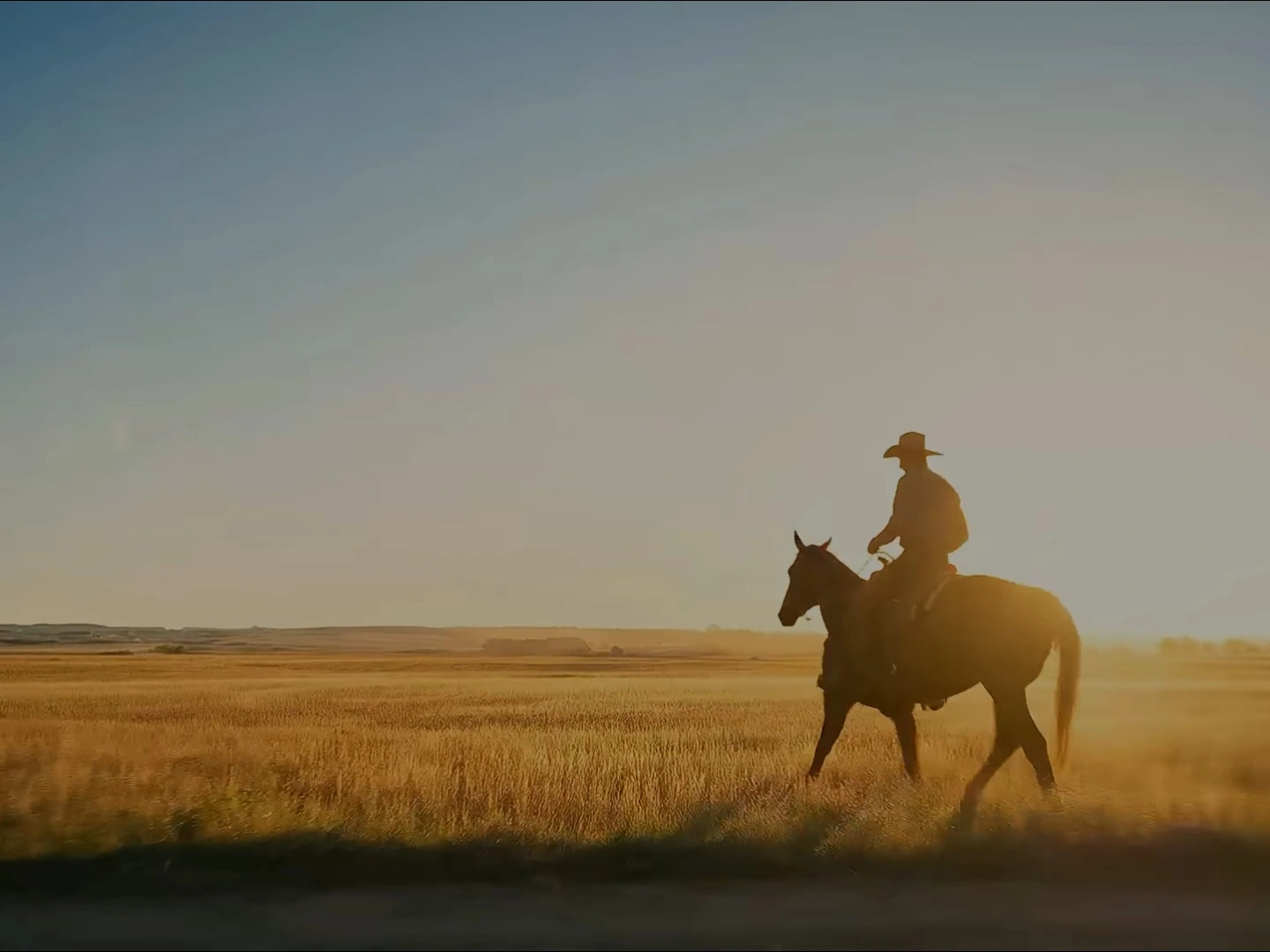
Cinematic Motion, Backgrounds, And Fusion

Combine vehicle rigs, dynamic camera moves, and complex background swaps while maintaining believable lighting and reflections. Kling O1’s fusion engine blends 2D/3D elements, photoreal textures, and style transfers into a cohesive, filmic result.
Cinematic Motion, Backgrounds, And Fusion

Frequently Asked Questions

Why Choose Kling O1

One Model, Endless Possibilities

Stop stitching workflows together — Kling O1 handles generation, edit, and compositing in one place. That reduces friction and saves time for creators who need fast, repeatable outputs.

Predictable, Production-Ready

Kling O1 was built to keep characters and assets stable across cuts and variations, so you can produce multi-shot sequences, marketing variants, or character reels without manual retouching.

Real Controls, Not Magic Tricks

You get practical controls — motion templates, scene parameters, and editing instructions — that actually do what you ask. Kling O1’s responses are deterministic enough for iterative creative direction.

Fast Iteration for Short-Form & Prototypes

Generate short clips in seconds and explore many creative directions quickly. Ideal for social content, proof-of-concepts, pitch reels, and rapid prototyping where speed and quality both matter.

More Valuable Features from Dreamface

Dream Avatar 3.0 Fast

Dream Avatar 3.0 Fast

Next-gen AI avatar video with full-body motion, vivid expressions, and pet/anime/custom avatar animation.
Earth Zoom In

Earth Zoom In

Experience the viral Earth Zoom In effect with AI! Start from outer space, zoom through the Earth atmosphere.
AI Hug

AI Hug

Generate high-quality Hug videos with AI – just upload a photo and let the magic happen in seconds.
AI Cloning

AI Cloning

Create viral, eye-catching content with multiple Grok clones popping up in a row—magical and hilarious!

They Love Dreamface

Finally, video generation that understands direction

I told Kling O1 to “turn day into dusk and add a passing car,” and it nailed both without manual keying. It feels like directing a tiny film crew from a text box.

No more character drift — everything stays consistent

I used the same actor across three shots and the model kept their face, jacket, and accessory details perfectly consistent. Saved me hours of cleanup.

The one-stop workflow sped up my production

Previously I bounced between model A for generation and app B for editing; now I do it all in Kling O1 and iterate in minutes. The turnaround is unreal.

Creative combinations are where it shines

I dropped a cartoon 2D mascot into a hyper-real car interior and Kling O1 fused them seamlessly. The result looked intentional and surprisingly natural.

Perfect for social clips and quick prototypes

I create 6-second promo clips and Kling O1 gives me several strong options in the time it used to take to render one. Faster testing, better ideas.

Understands plain instructions like a human assistant

You can say, “slow camera, add soft bloom,” and it interprets the intent. No technical jargon needed — it just works.

Finally, video generation that understands direction

I told Kling O1 to “turn day into dusk and add a passing car,” and it nailed both without manual keying. It feels like directing a tiny film crew from a text box.

No more character drift — everything stays consistent

I used the same actor across three shots and the model kept their face, jacket, and accessory details perfectly consistent. Saved me hours of cleanup.

The one-stop workflow sped up my production

Previously I bounced between model A for generation and app B for editing; now I do it all in Kling O1 and iterate in minutes. The turnaround is unreal.

Creative combinations are where it shines

I dropped a cartoon 2D mascot into a hyper-real car interior and Kling O1 fused them seamlessly. The result looked intentional and surprisingly natural.

Perfect for social clips and quick prototypes

I create 6-second promo clips and Kling O1 gives me several strong options in the time it used to take to render one. Faster testing, better ideas.

Understands plain instructions like a human assistant

You can say, “slow camera, add soft bloom,” and it interprets the intent. No technical jargon needed — it just works.