DreamFace

En
    Language
  • English
  • Português
  • 简体中文
  • 繁體中文
  • 日本語
  • Español
  • Bahasa Indonesia
  • ไทย
  • Tiếng Việt
  • हिंदी
  • Русский
  • Italiano
  • 한국어
  • मराठी
  • Nederlands
  • Norsk
  • ਪੰਜਾਬੀ
  • Polski
  • Dansk
  • Suomi
  • Français
  • Deutsch
  • Svenska
  • Kiswahili
  • తెలుగు
  • Türkçe
  • বাংলা
  • اردو
  • العربية
  • فارسی
  • Ελληνικά
Start Now

How to Use Dream Video 1.5

step1

Select Model & Mode

Choose Dream Video 1.5 as your model. You can either go for prompt-only generation or photo + prompt for more control.

step2

Upload or Type Prompt

Write a short description (e.g., a robot dancing in a neon city) or upload a photo to help guide the animation.

step3

Generate & Download

Hit Create and let the AI work its magic. In around one minute, you’ll have a high-resolution, ready-to-share video.

Features & Benefits of Text To Video AI Generator

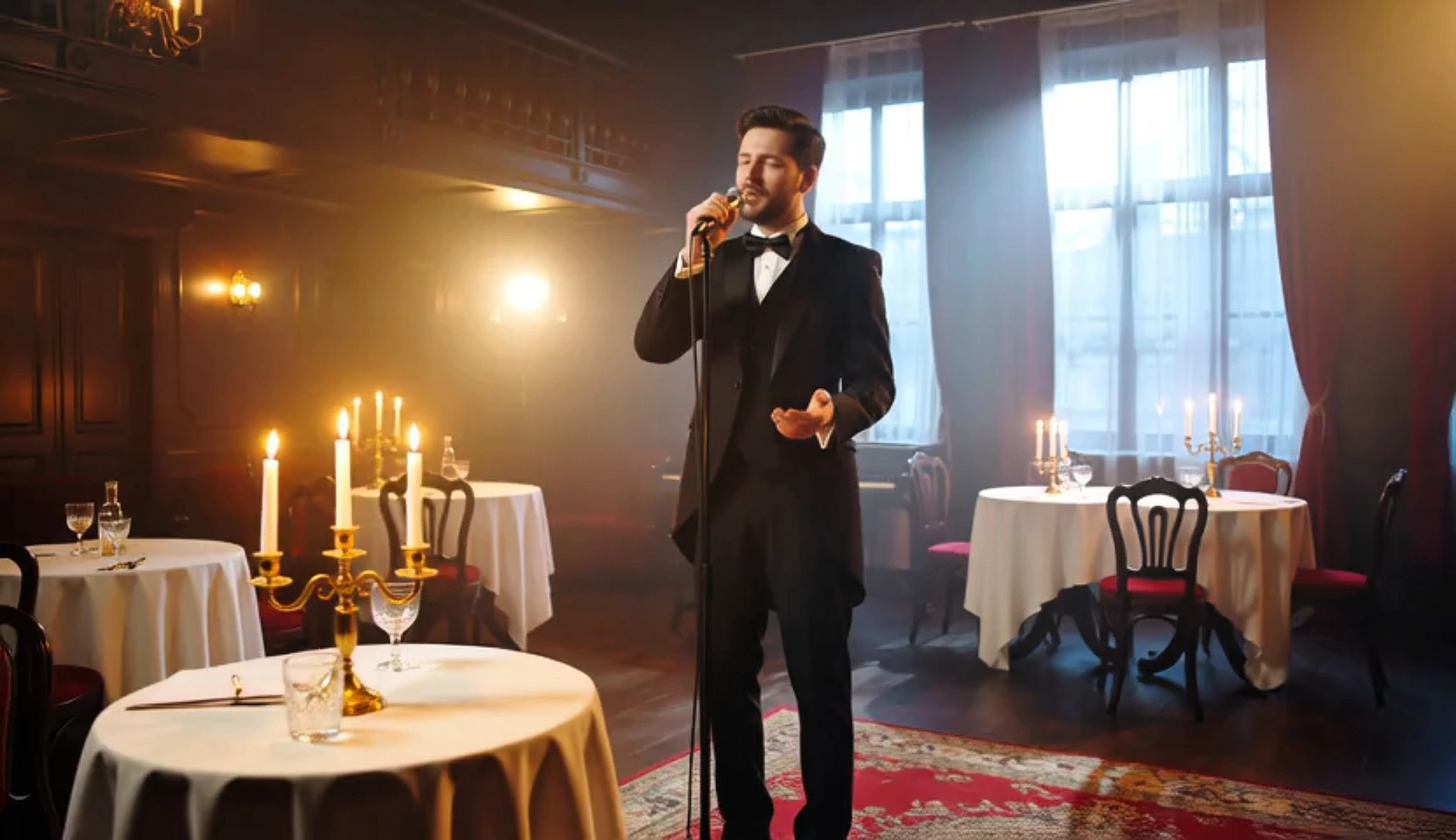
Ultra-Fast Text to Video Generation

Turn your ideas into high-quality videos in about one minute. Dream Video 1.5 is optimized for speed, making it the perfect solution for creators who need quick results without sacrificing visual quality. Whether you’re working with a simple prompt or combining text and photos, you’ll get cinematic animations faster than ever.
Ultra-Fast Text to Video Generation

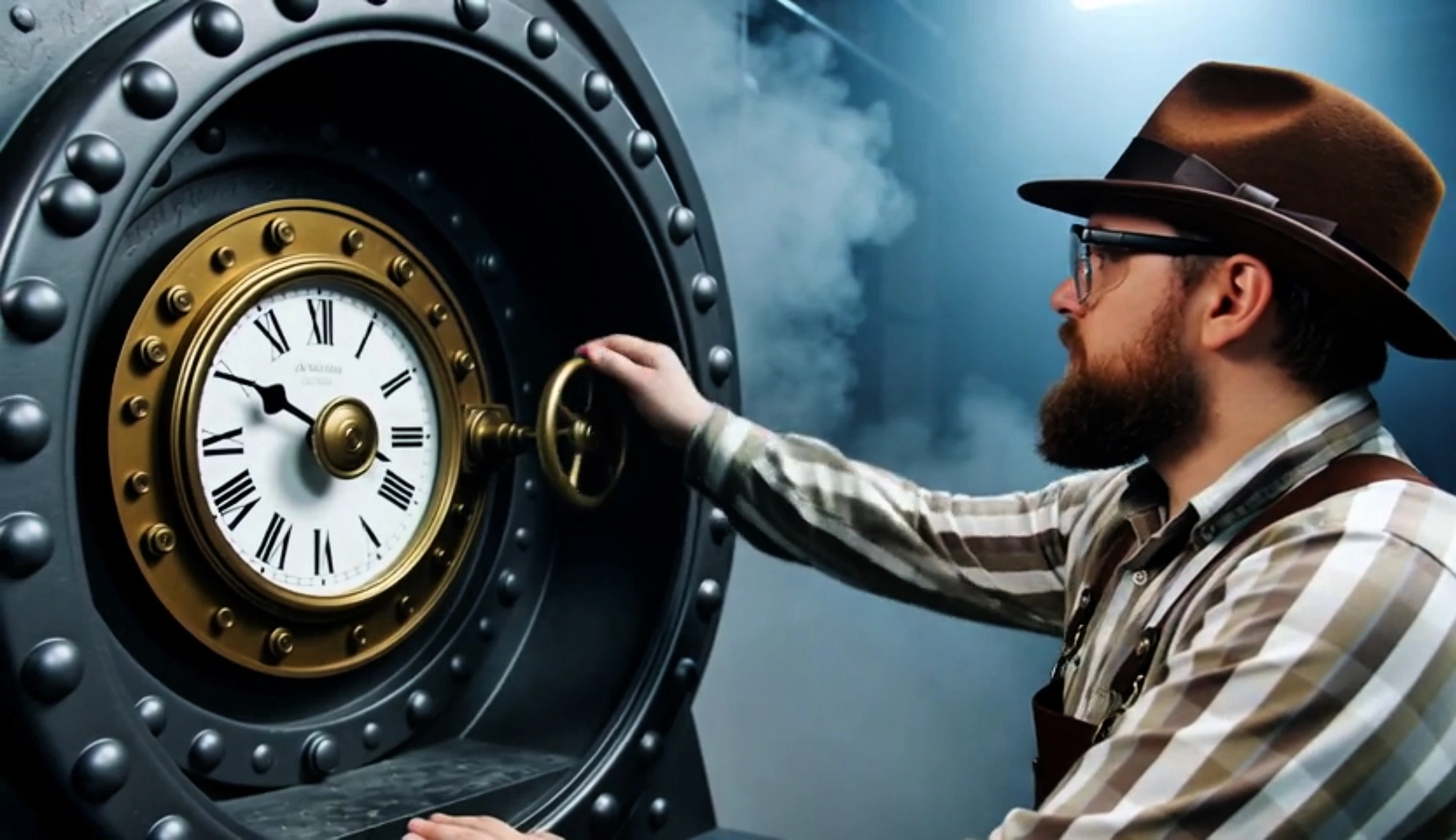
HD Output with Realistic Motion

Our text to video model generates videos in stunning high-definition with smooth, natural animation. The scenes feel vivid and well-paced, making your video output suitable for everything from casual sharing to professional presentations. Visual effects and motion are handled with precision—no editing required.
HD Output with Realistic Motion

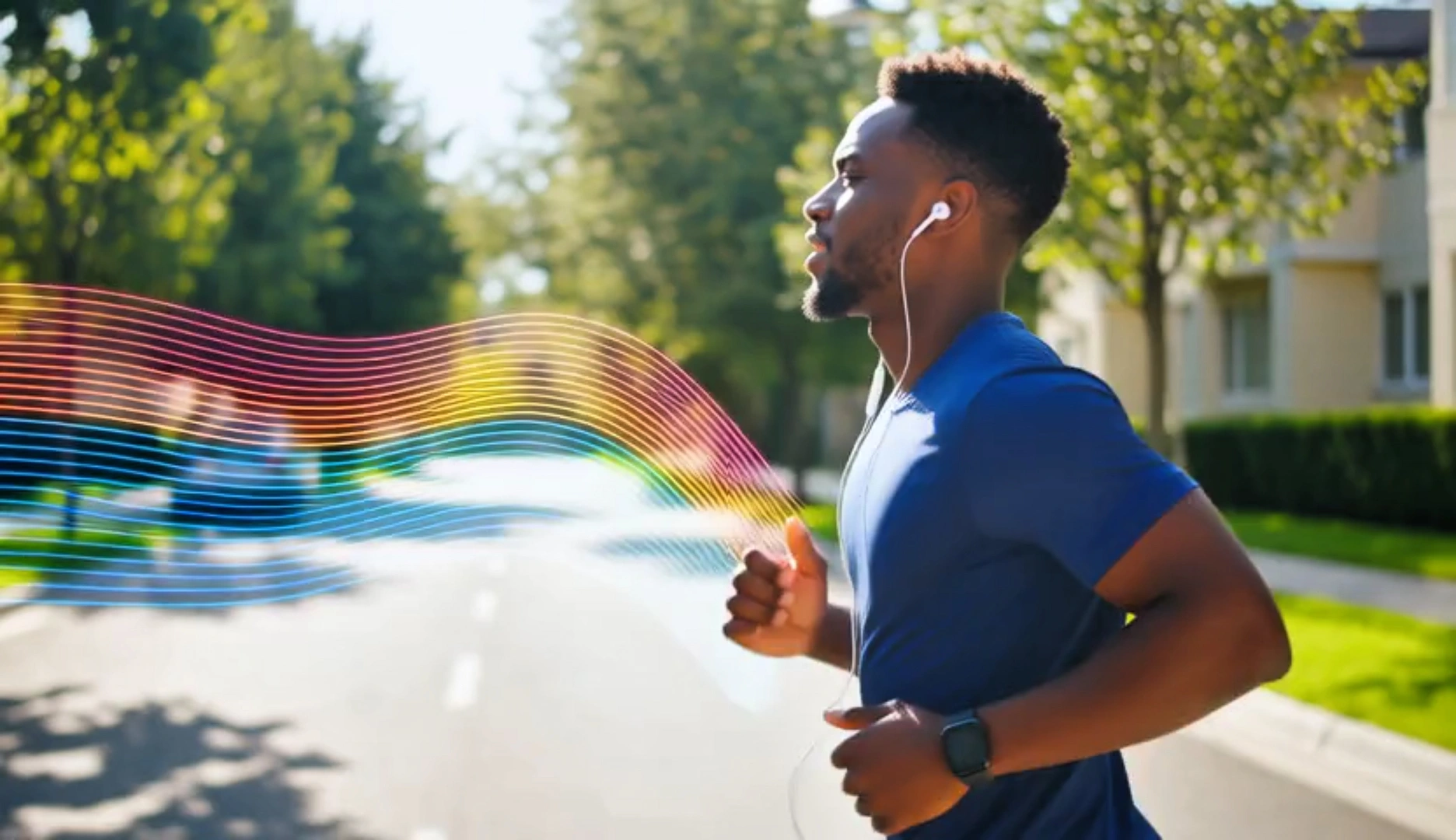
Versatile Creative Use Cases

From short films to social media posts, product teasers to storyboarding, Dream Video 1.5 supports all types of visual storytelling. Just input your text and the AI handles the rest. Whether you're a marketer, YouTuber, educator, or just experimenting, our text-to-video tool adapts to your creative needs.
Versatile Creative Use Cases

Beginner-Friendly Workflow

You don’t need video editing experience to create amazing results. Simply type your idea (or upload an image + prompt), and click Create. Dreamface handles the complex text to video generation process behind the scenes, allowing you to focus entirely on creativity.
Beginner-Friendly Workflow

Frequently Asked Questions

Why Choose Dream Video 1.5 for Text-to-Video Creation

Cutting-Edge AI Model

Dream Video 1.5 uses advanced generative algorithms to deliver natural movement and high visual fidelity.

Free Daily Trial

Try it for free once a day — no payment required to test your ideas and see the results.

Works on Web & App

Access Dreamface from your desktop or mobile device. The experience is smooth, fast, and synced across platforms.

Privacy and Security

All inputs and outputs are securely processed. Your prompts and images stay private and are never shared.

More Valuable Features from Dreamface

AI Kiss

AI Kiss

Create emotionally impactful kiss animations with AI, bringing characters closer in a realistic and expressive way.
AI Hug

AI Hug

A digital AI experience to send virtual hugs for comfort and joy
Pet Video Animation

Pet Video Animation

Animate your pets in fun, lifelike scenarios, turning them into captivating video content.
AI Video Maker

AI Video Maker

A versatile tool for professional-grade video creation.

They Love Dreamface

Exactly What I Needed!

I used Dream Video 1.5 to create a visual draft for a brand promo idea. The AI text to video output looked so polished, I ended up using it in the final edit. It saved me hours of animation work!

Can’t Believe It’s Free

Most tools like this charge a lot upfront, but Dreamface gives you one free text to video generation every day. The quality is amazing and it’s become part of my daily content workflow.

Creative Fuel for My Content

Dream Video 1.5 helps me instantly turn wild ideas into short videos. I just write a sentence, click, and boom—an AI-generated scene I can tweak or post. It’s like having a creative assistant.

My New Favorite AI Tool

I tried uploading a selfie with a fun prompt and Dreamface turned it into a hilarious cartoon video. The motion, expressions, and even timing looked so good. Best text-to-video generator I’ve used!

Great for Storyboarding!

As a filmmaker, I use it to test visual concepts before shooting. With just a few words, Dream Video 1.5 builds out animated sequences that help pitch ideas to clients. Huge time-saver!

So Much Fun!

Sometimes I just use it for fun—writing something weird and watching it come to life. It’s addictive and surprisingly useful when you want to break creative blocks.

Exactly What I Needed!

I used Dream Video 1.5 to create a visual draft for a brand promo idea. The AI text to video output looked so polished, I ended up using it in the final edit. It saved me hours of animation work!

Can’t Believe It’s Free

Most tools like this charge a lot upfront, but Dreamface gives you one free text to video generation every day. The quality is amazing and it’s become part of my daily content workflow.

Creative Fuel for My Content

Dream Video 1.5 helps me instantly turn wild ideas into short videos. I just write a sentence, click, and boom—an AI-generated scene I can tweak or post. It’s like having a creative assistant.

My New Favorite AI Tool

I tried uploading a selfie with a fun prompt and Dreamface turned it into a hilarious cartoon video. The motion, expressions, and even timing looked so good. Best text-to-video generator I’ve used!

Great for Storyboarding!

As a filmmaker, I use it to test visual concepts before shooting. With just a few words, Dream Video 1.5 builds out animated sequences that help pitch ideas to clients. Huge time-saver!

So Much Fun!

Sometimes I just use it for fun—writing something weird and watching it come to life. It’s addictive and surprisingly useful when you want to break creative blocks.