


DreamFace Baby Podcast: Turn Baby Photos into Hilarious AI-Powered Podcast Videos
- Baby Podcast
- Advanced Avatar
- Avatar Video
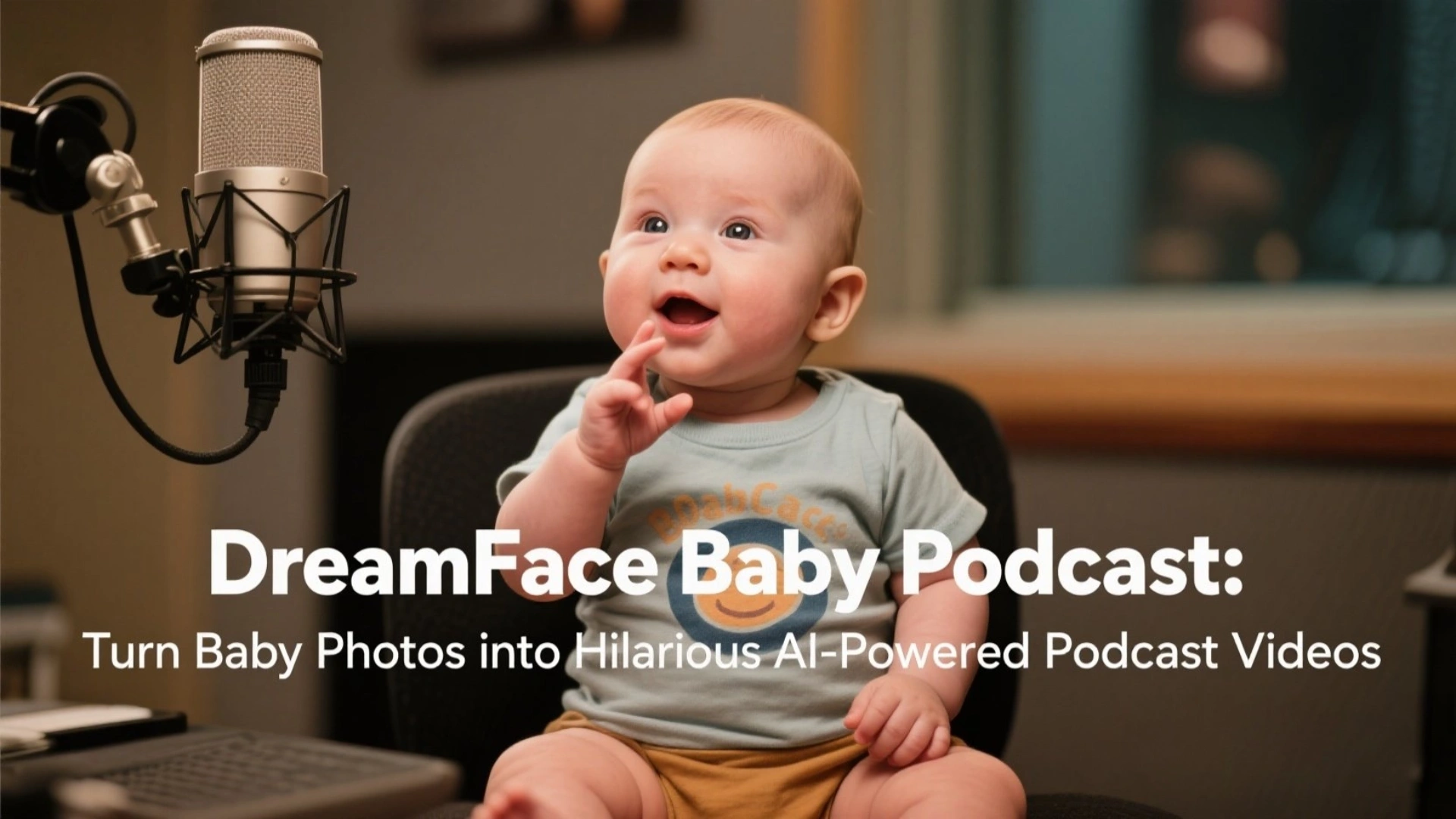
In a world ruled by short videos and shareable content, standing out on social media requires more than just filters and hashtags—it takes originality, humor, and creativity. Enter DreamFace’s Baby Podcast, an AI-powered tool that lets you transform a single baby photo into a laugh-out-loud podcast-style video.
Upload a baby photo—whether it’s of yourself, a celebrity like Trump, or a babyfied version of a friend—and add the text or voiceover you want the “baby” to say. DreamFace’s advanced AI automatically generates a dynamic video where a cute animated baby delivers your custom message in a funny, expressive way. It's adorable, unexpected, and incredibly viral.
What Is DreamFace Baby Podcast?
DreamFace Baby Podcast is a fun and innovative feature that uses artificial intelligence to turn photos of babies into short, animated podcast videos. With realistic lip-sync, natural expressions, and hilarious baby voiceovers, you can make the baby “host” talk about current events, tell jokes, send birthday wishes, or review tech gadgets—anything you want!
Think of it as a cross between a meme generator, a podcast editor, and a baby photo animator—all in one.
Why Baby Podcast Is the Perfect Tool for Social Media Creators
✅ 1. Zero Editing Skills Needed
No need for professional video software or hours of editing. Just upload a baby photo, enter the dialogue or upload a voice recording, and let AI do the rest. In just minutes, you'll have a fully animated video ready to post.
✅ 2. Eye-Catching and Share-Worthy
The combination of a sweet baby face and an unexpectedly adult voice creates a hilarious contrast that grabs attention instantly. These videos are tailor-made to go viral on TikTok, Instagram Reels, YouTube Shorts, and Facebook.
✅ 3. Fully Customizable Content
Add any text or voice you want. Want a baby to break down the latest political news? No problem. Want to deliver a breakup message in the cutest possible way? Baby’s got it covered. The sky’s the limit.
Creative Use Cases for Baby Podcast Videos
Social Media Content
Use Baby Podcast to turn trending topics or memes into short-form, viral videos. A baby version of Elon Musk talking about AI? Or a baby host announcing the next Apple keynote? These unexpected twists create high engagement.
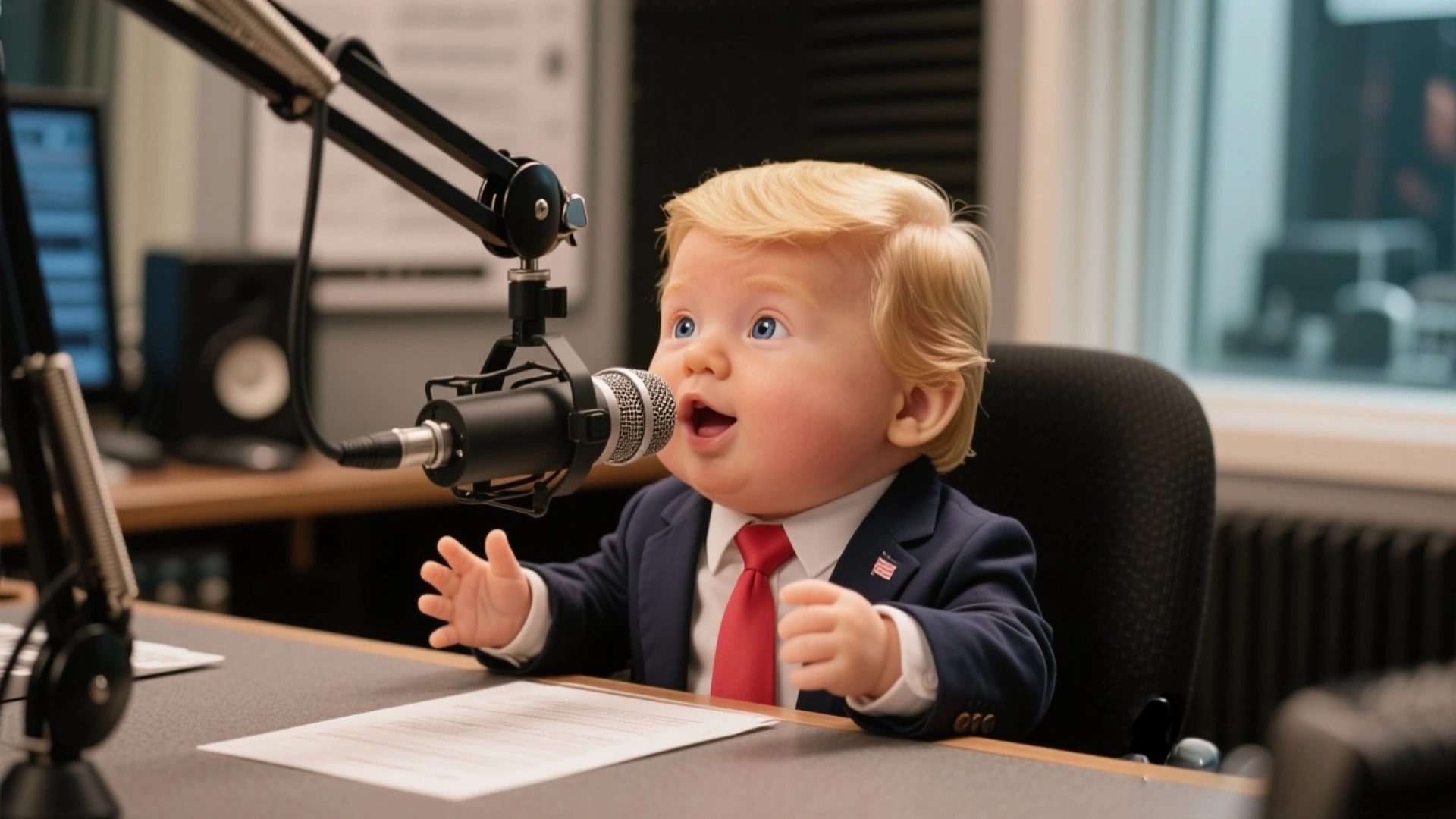
Funny Personal Messages & Roasts
Make custom roast videos of friends, parody interviews, or “baby debates.” Imagine a baby version of your boss giving Monday motivation—or not!
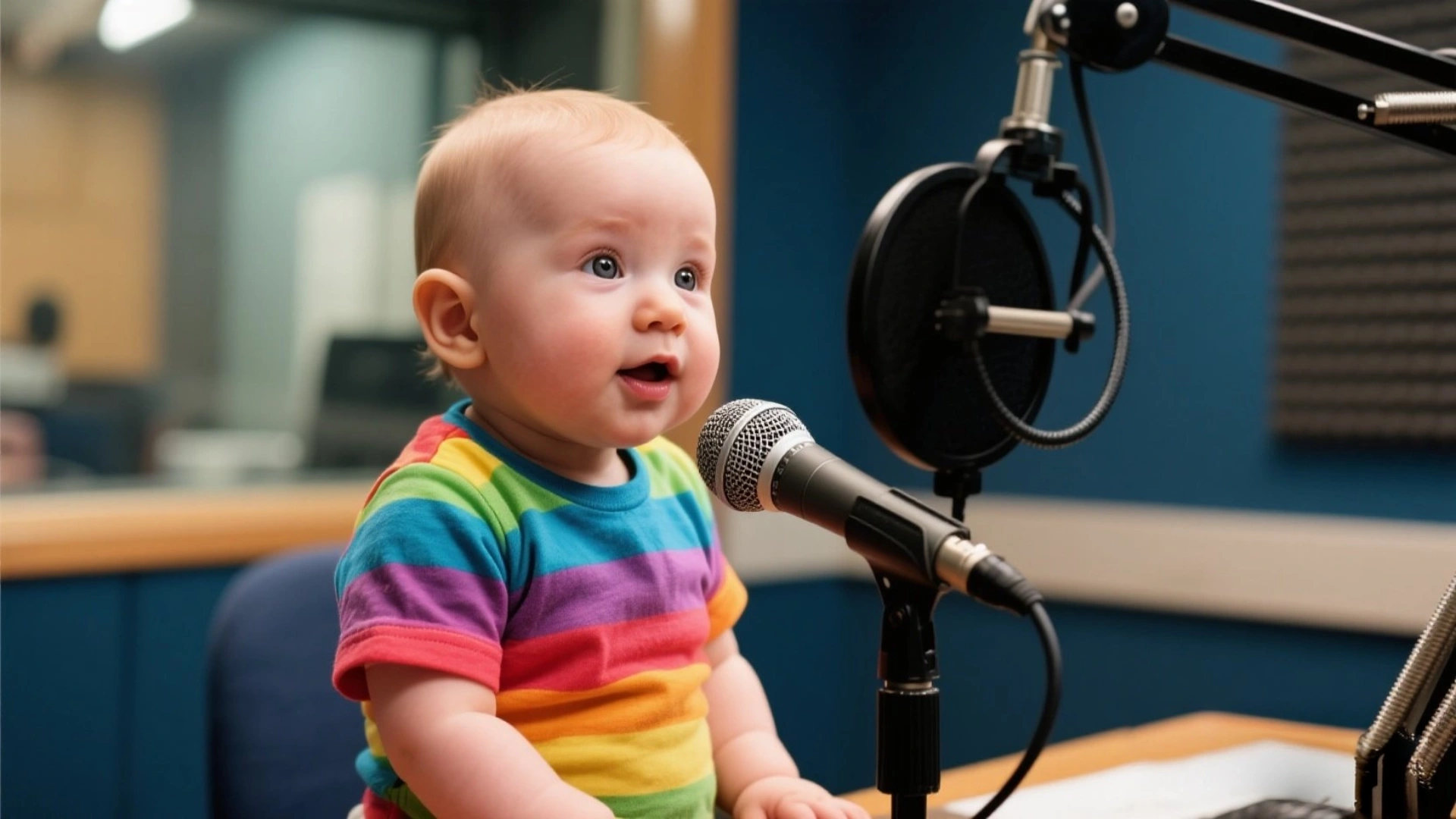
Educational or Explainer Videos
Simplify big concepts and deliver them through an adorable, tiny spokesperson. Whether it’s “Why does the moon orbit Earth?” or “What is inflation?” the Baby Podcast makes learning entertaining.
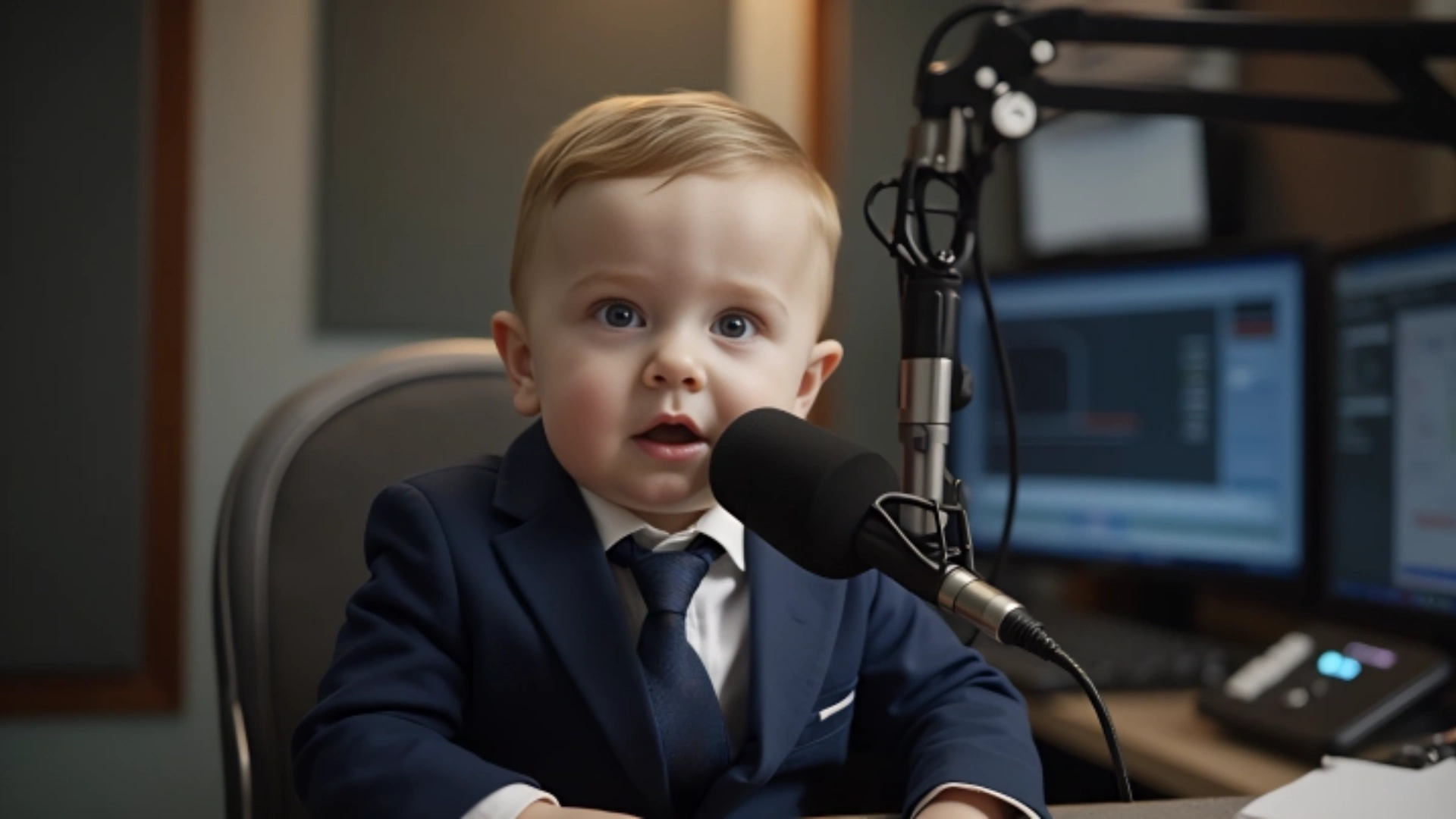
How to Create Your Own Baby Podcast Video in 3 Easy Steps
Step 1: Upload a Baby Photo
Choose a baby photo of yourself, a friend, or use DreamFace’s built-in Baby Transformation feature to convert any face into a baby version.
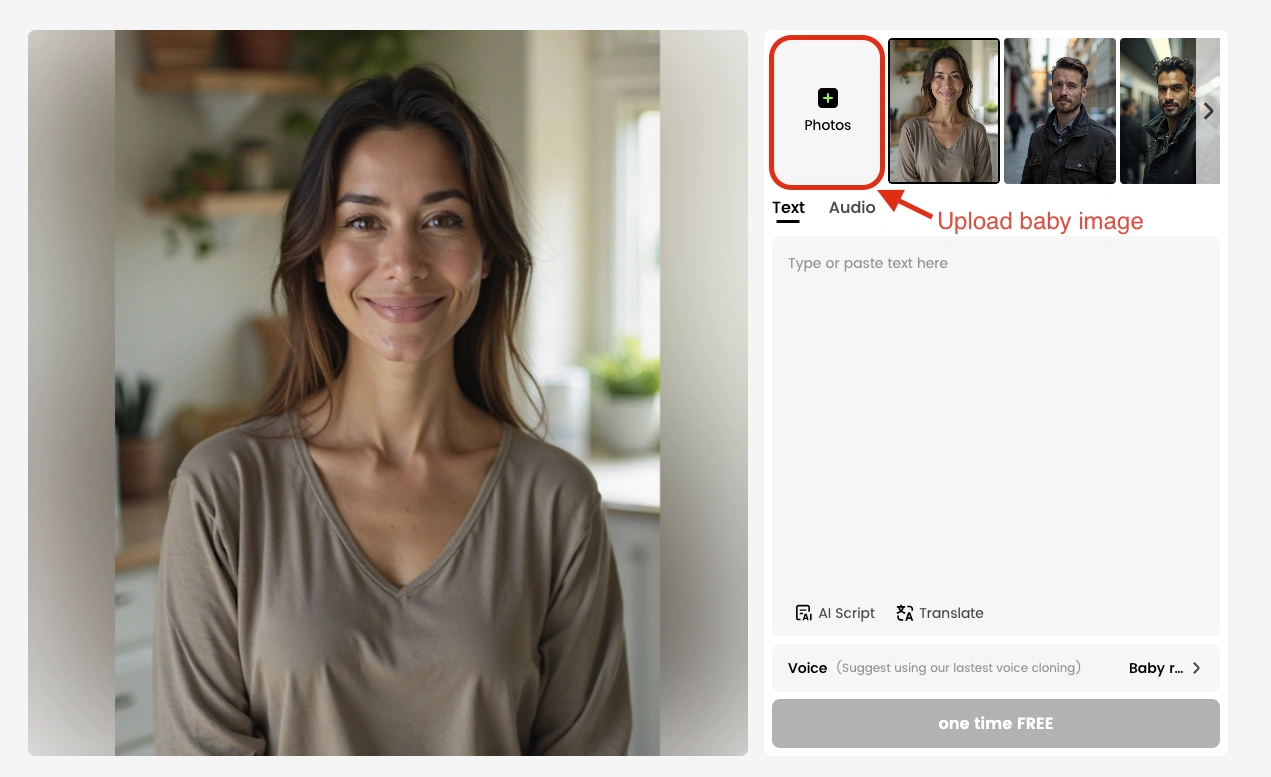
Step 2: Add Text or Voice Recording
Type in the dialogue you want the baby to say, or record your voice directly. DreamFace will automatically sync the audio to the baby’s mouth movements, complete with expressions, blinks, and body gestures.

Step 3: Generate, Preview, and Share
Within minutes, your video is ready! Preview, make any tweaks, then download or instantly share your masterpiece across social platforms like TikTok, Instagram, YouTube Shorts, Facebook, and Twitter/X.
Why DreamFace Baby Podcast Will Go Viral
✅ Adorable Visuals + Adult Voice = Maximum Humor
✅ Perfect for TikTok Trends, Reels, and Comedy Content
✅ 100% Personalized: Every script and voice is custom
✅ AI Lip Sync & Expressions = Professional Look, No Effort
✅ Great for Individuals, Influencers, and Brands Alike
Whether you're a meme-maker, influencer, marketer, or just someone looking for a fun way to express yourself, Baby Podcast is your next viral secret weapon.
Conclusion: Give Your Ideas a Baby-Sized Voice with a Big Impact
DreamFace Baby Podcast isn’t just a fun gimmick—it’s a powerful content creation tool. It takes your creativity, adds an unexpected baby twist, and turns it into something truly scroll-stopping.
Ready to make a baby talk politics, wish someone happy birthday, or explain how the stock market works?
Upload your photo. Add your script. Let the baby speak.
Click here and let DreamFace help you turn everyday thoughts into unforgettable, viral video moments!

15 Seconds from Images to Talking Avatars: How DreamFace Powers Next-Gen Creativity
Sep 10, 2025
Bringing Avatars to Life: How PixVerse V5 and DreamFace Avatar Video Transform AI Storytelling
Sep 11, 2025
How to Create a 3D Figure from a Photo with Nano Banana
Sep 08, 2025
How to Use Google Nano Banana: Revolutionizing Your Photo Editing Experience
Sep 07, 2025
Bringing Avatars to Life: How PixVerse V5 and DreamFace Avatar Video Transform AI Storytelling
With PixVerse V5 handling the cinematic video generation and Dream Avatar 3.0 breathing life into characters, the future of AI video creation looks not just innovative—but truly alive.
By Alexander 一 Jul 02, 2025- AI Video
- Avatar Video
How to Create a Talking AI Bill Gates Avatar with Dreamface
In this guide, we'll walk you through how to create a realistic, talking AI Bill Gates using the powerful and intuitive features of Dreamface. We'll start by generating a unique image of Bill Gates with the AI Image tool and then bring him to life with the incredibly swift and dynamic Avatar 3.0 Fast feature.
By Alexander 一 Jul 02, 2025- AI Video
- Avatar Video
- AI image generator
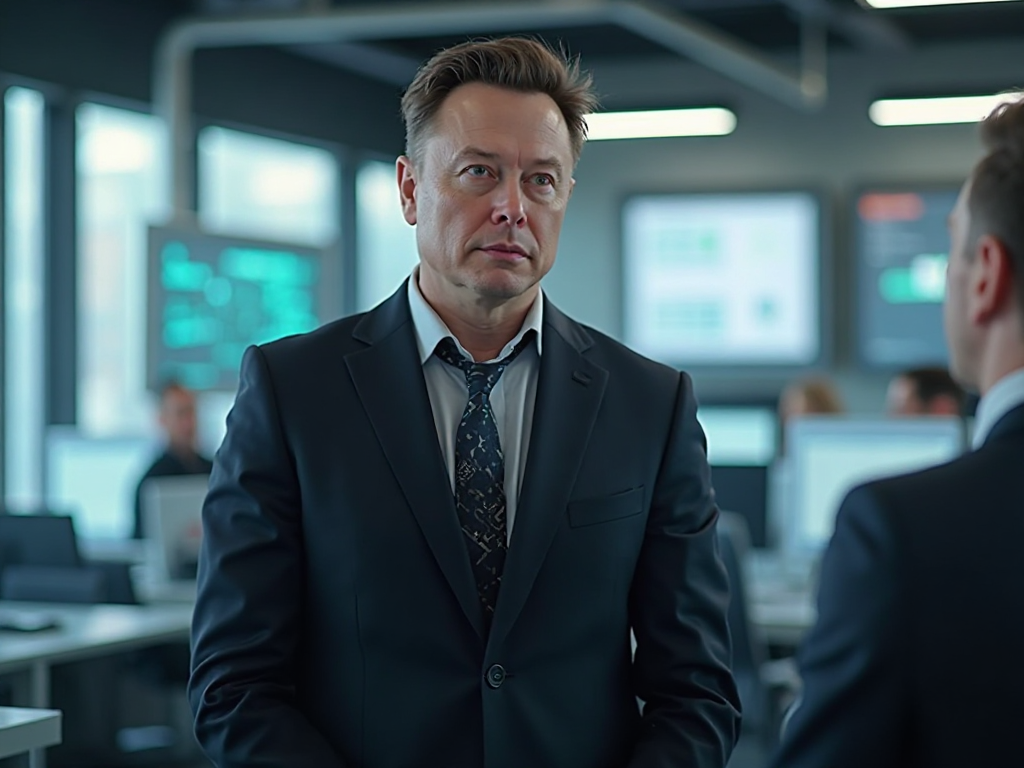
How to Create a Talking AI Elon Musk with Dreamface: A Step-by-Step Guide
In this guide, we'll walk you through how to create a realistic, talking AI Elon Musk using the powerful and intuitive features of the Dreamface app. We'll start by generating a unique image of Elon Musk with the AI Image tool and then bring him to life with the incredibly swift and dynamic Avatar 3.0 Fast feature.
By Alexander 一 Jul 02, 2025- Talking Avatar
- Avatar Video
- AI image generator
- X
- Youtube
- Discord