


Which is the best AI image generator in 2025? How do I make my photo AI for free?
- AI image generator
- Text to Image
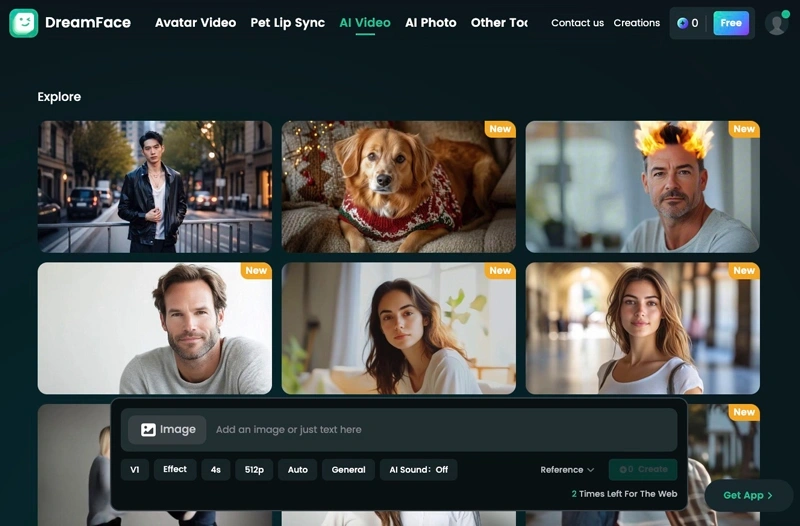
Ever wanted to see a photo talk, sing, or express emotions with ultra-realistic AI animation? With DreamFace, you can transform any still image into a lifelike, animated video in just a few taps! Whether it’s a selfie, a historical portrait, or a character from your imagination, DreamFace brings it to life with advanced AI technology.
Ready to explore the power of AI? Let’s dive into how DreamFace is revolutionizing AI image generation and how you can create AI-powered content for free!
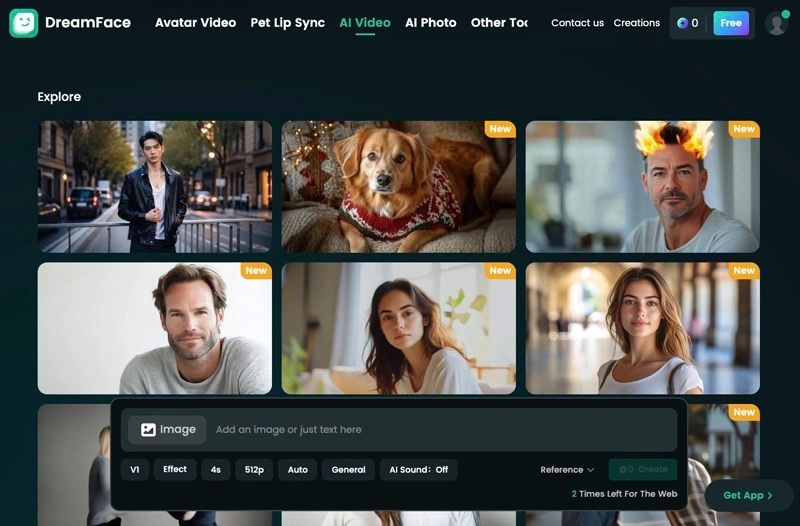
What Makes DreamFace the Best AI Image Generator in 2025?
1. Hyper-Realistic AI Face Animation
Turn any photo into a speaking or singing video with perfect lip-sync.
AI captures subtle facial expressions, natural head movements, and blinking for ultra-realistic animations.
Works on old photos, paintings, sketches, or digital avatars!
Pro Tip: Try animating a historical figure or a childhood photo for a fun surprise!
2. AI Lip-Sync with Any Audio
Upload your voice, select from preloaded songs, or use AI-generated speech.
DreamFace automatically syncs lip movements frame by frame for perfect realism.
Supports multiple languages, so you can create global content effortlessly.
Pro Tip: Use DreamFace to create AI-generated music videos or storytelling animations!
3. AI Avatar & Character Creation
Convert your selfie into a unique AI-generated avatar in different styles:
·3D digital art
·Anime & cartoon characters
·Realistic AI portraits
Customize expressions, backgrounds, and styles for a personalized touch.
Pro Tip: Use AI-generated avatars for profile pictures, branding, or fun social media content!
4. Fast, Easy, and Free to Use!
No technical skills required – Just upload a photo & let AI do the rest!
Cloud-based processing – No need for expensive hardware or downloads.
Free basic features – Premium upgrades available for advanced effects.
Pro Tip: Try DreamFace’s free version first, then upgrade for HD animations & pro editing tools!
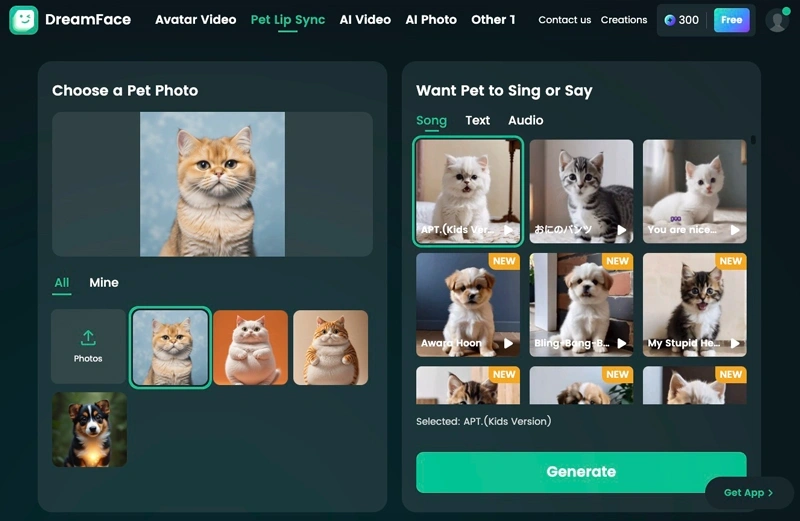
How to Use DreamFace to Create AI Videos for Free?
Follow these 5 easy steps to bring any image to life:
Step 1: Upload Your Photo
·Choose a high-resolution, front-facing image for best results.
·AI works best with clear facial features and good lighting.
Step 2: Select or Upload Audio
·Pick a song, voice clip, or record your own message.
·Use DreamFace’s AI text-to-speech to generate a custom voice!
Step 3: AI Lip-Sync Magic
·DreamFace’s AI automatically matches lip movements with the audio.
·It also adds blinks, expressions, and head motions for realism.
Step 4: Customize & Enhance
·Adjust facial expressions and animation intensity.
·Add filters or effects to match your desired aesthetic.
Step 5: Export & Share
·Download your high-resolution video in MP4 format.
·Share directly to TikTok, Instagram, YouTube, or WhatsApp!
Pro Tip: Combine multiple AI-animated clips to create an entire AI-generated movie!
Conclusion: Why Choose DreamFace?
Best AI image generator for 2025 – Create ultra-realistic animations from any photo.
Easy to use & free – No advanced skills needed, just upload & animate!
Perfect for content creators, marketers, and fun social media videos.
Try DreamFace today & bring your photos to life!
Using dreamface, we can also do the most popular ai kiss and ai hug videos in 2025, and also experience the latest image to video ai text to image function, try it now!

15 Seconds from Images to Talking Avatars: How DreamFace Powers Next-Gen Creativity
Sep 10, 2025
Bringing Avatars to Life: How PixVerse V5 and DreamFace Avatar Video Transform AI Storytelling
Sep 11, 2025
How to Create a 3D Figure from a Photo with Nano Banana
Sep 08, 2025
How to Use Google Nano Banana: Revolutionizing Your Photo Editing Experience
Sep 07, 2025
How to Create a Talking AI Bill Gates Avatar with Dreamface
In this guide, we'll walk you through how to create a realistic, talking AI Bill Gates using the powerful and intuitive features of Dreamface. We'll start by generating a unique image of Bill Gates with the AI Image tool and then bring him to life with the incredibly swift and dynamic Avatar 3.0 Fast feature.
By Bentley 一 Jun 30, 2025- AI Video
- Avatar Video
- AI image generator
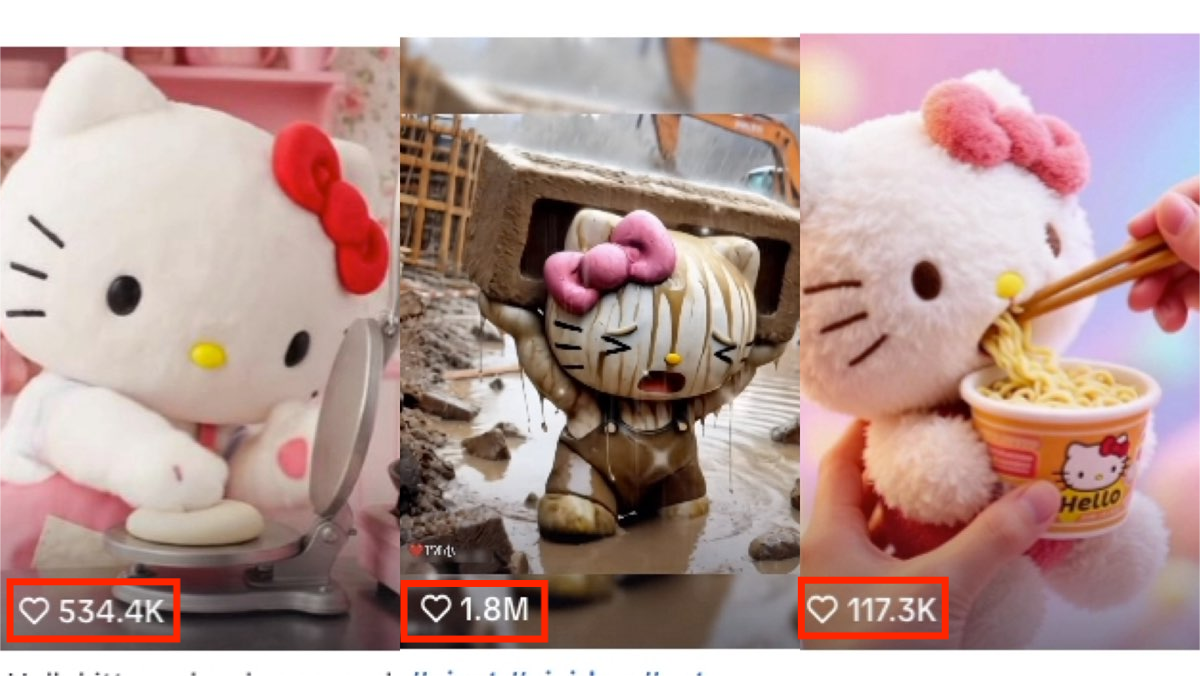
How to Create a Viral AI Hello Kitty Video: A Step-by-Step Guide
In this tutorial, we’ll show you how to make your very own AI avatar video featuring Hello Kittys with animated expressions. Follow these steps to craft a video that could easily become your next viral hit.
By Bentley 一 Jun 30, 2025- AI Video
- Photo To Video
- AI image generator
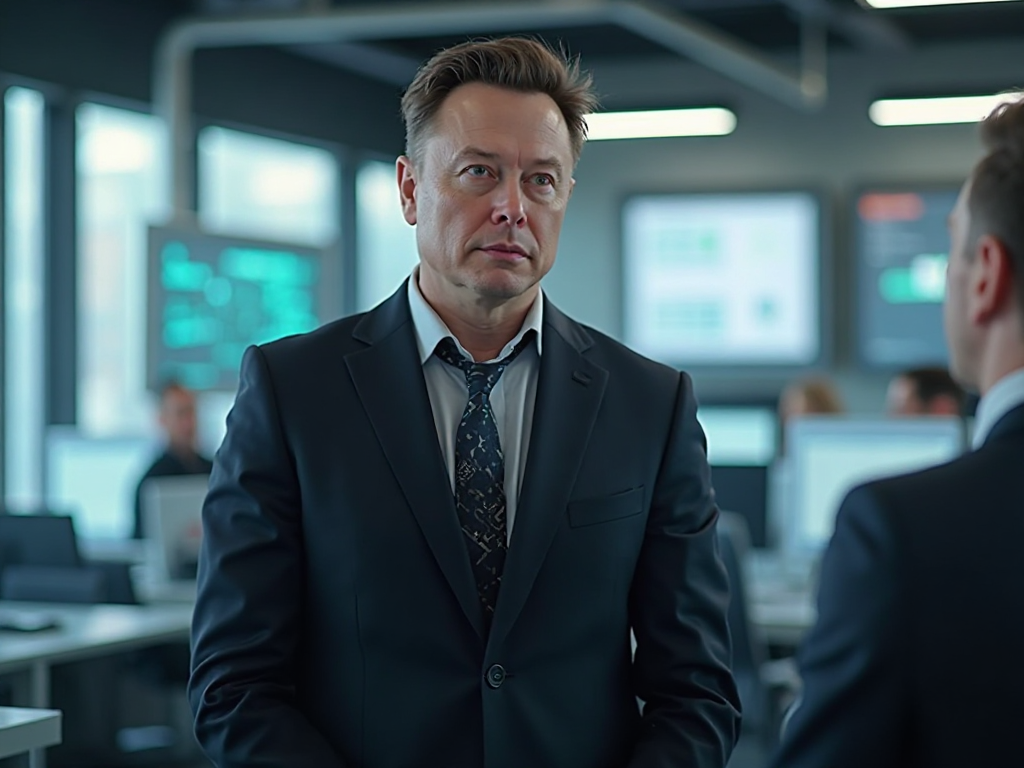
How to Create a Talking AI Elon Musk with Dreamface: A Step-by-Step Guide
In this guide, we'll walk you through how to create a realistic, talking AI Elon Musk using the powerful and intuitive features of the Dreamface app. We'll start by generating a unique image of Elon Musk with the AI Image tool and then bring him to life with the incredibly swift and dynamic Avatar 3.0 Fast feature.
By Bentley 一 Jun 30, 2025- Talking Avatar
- Avatar Video
- AI image generator
- X
- Youtube
- Discord