


Flux Kontext Prompts for AI Background Replacement
- AI image generator
- Background Remover
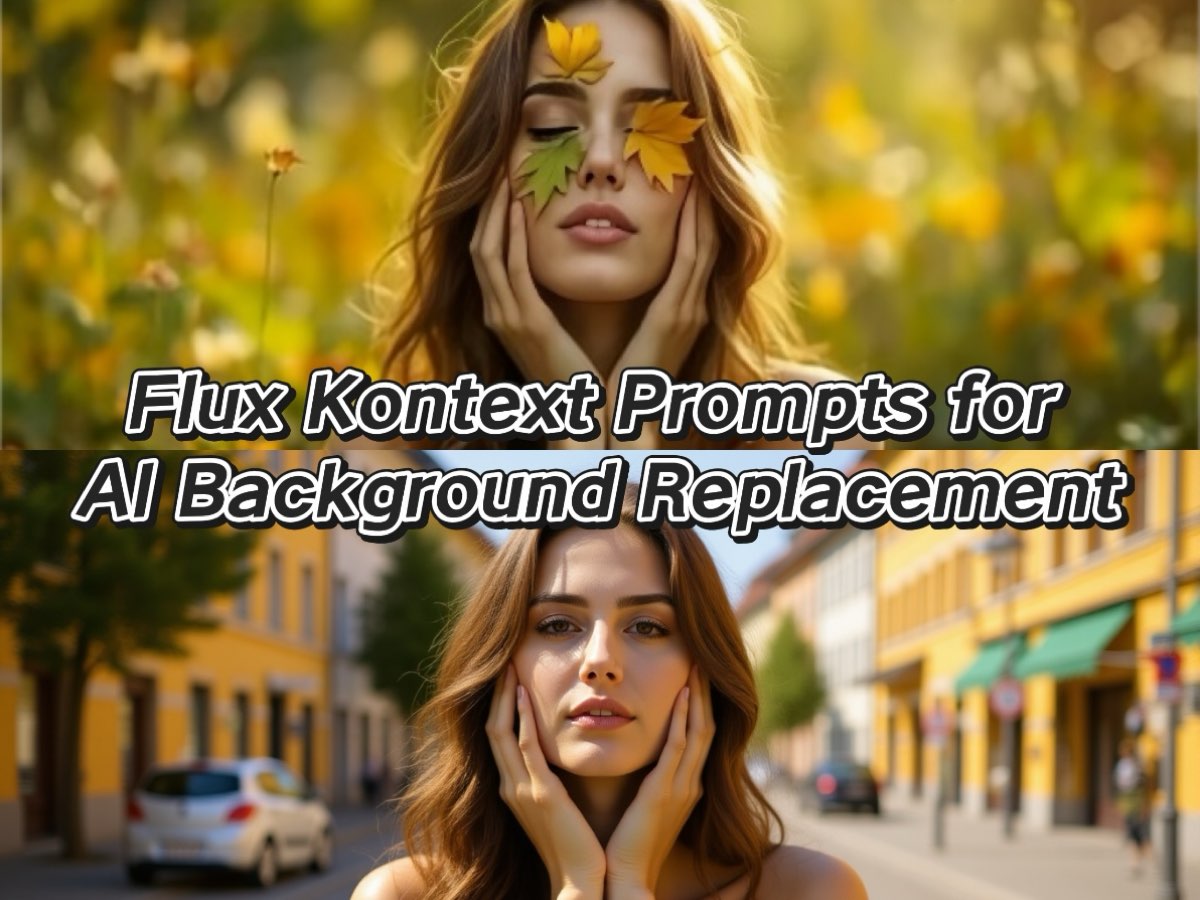
Discover the world of Flux Kontext Prompts for AI Background Replacement, a fascinating approach to advanced AI image editing. These prompts allow users to create seamless AI Background Replacements without altering the main subject, utilizing sophisticated AI algorithms. Dive into the possibilities of precise image manipulation and learn how to harness the power of Flux Kontext Prompts to bring your creative visions for AI Background Replacement to life.
Note that the effects achievable with the prompts below can be created for free using Dreamface - a free platform to realize your AI image edits.
Flux Kontext AI Background Replacement Prompts
1. Remove the leaf and place this woman on a sunny street in Freiburg, but keep her face and identity exactly the same.
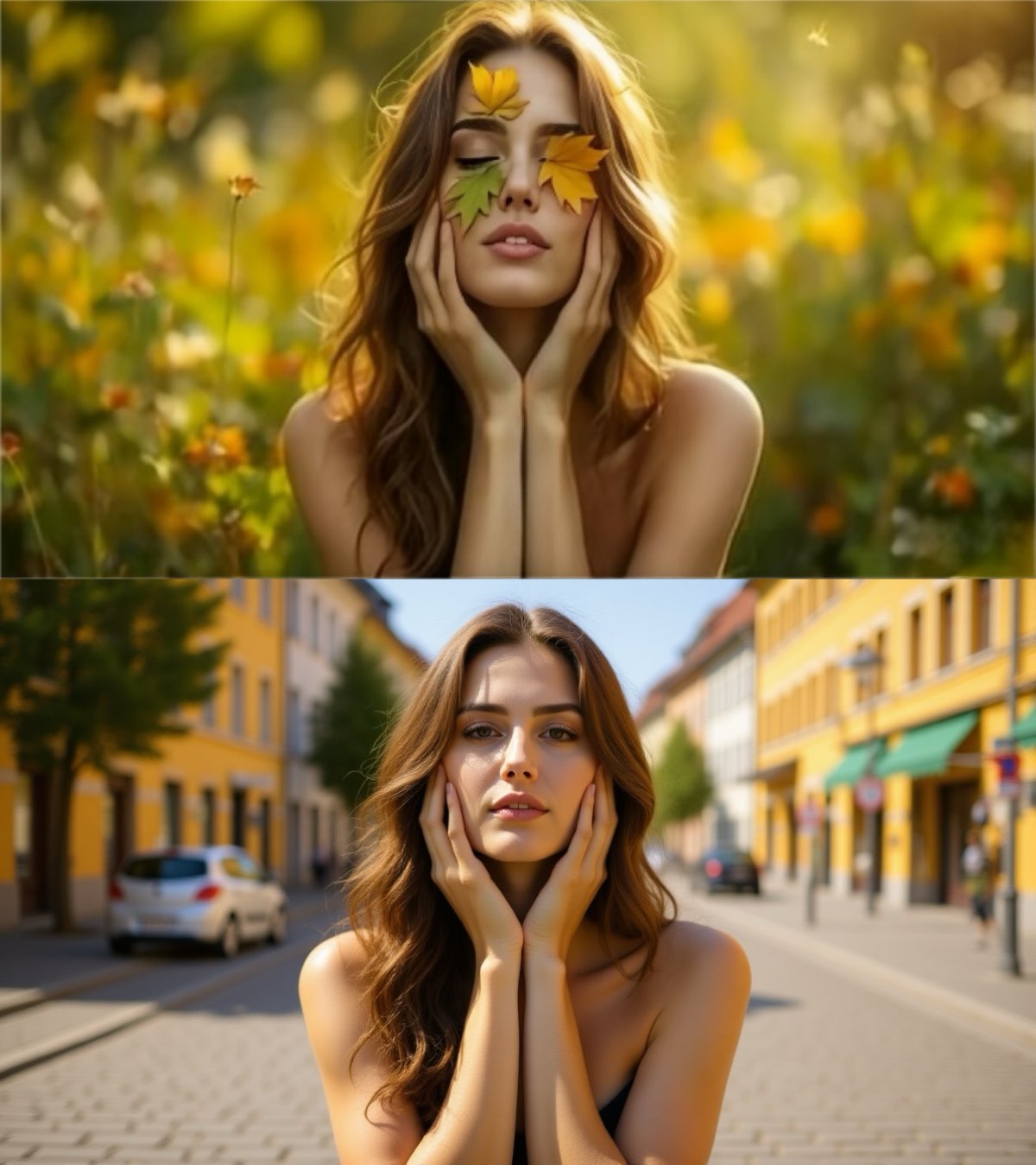
Create this image for free using Dreamface!
2. Change the background to a sunny beach, but keep the person in the exact same position, scale, and pose. Do not change the camera angle.
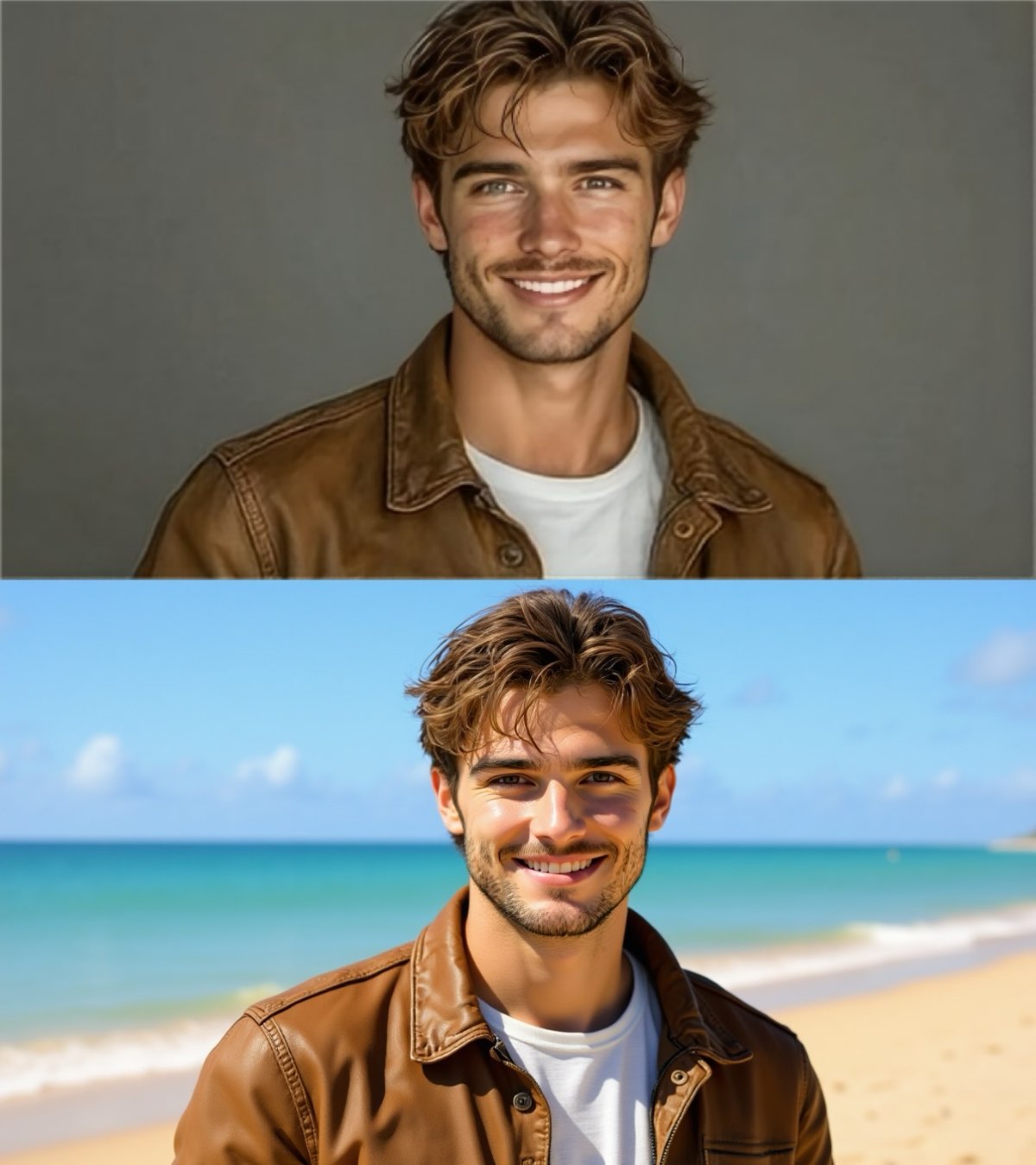
Create this image for free using Dreamface!
3. Change the background to a snowy mountain with a golden hour glow, but keep the two people in the exact same position, scale, and pose. Do not change the camera angle.
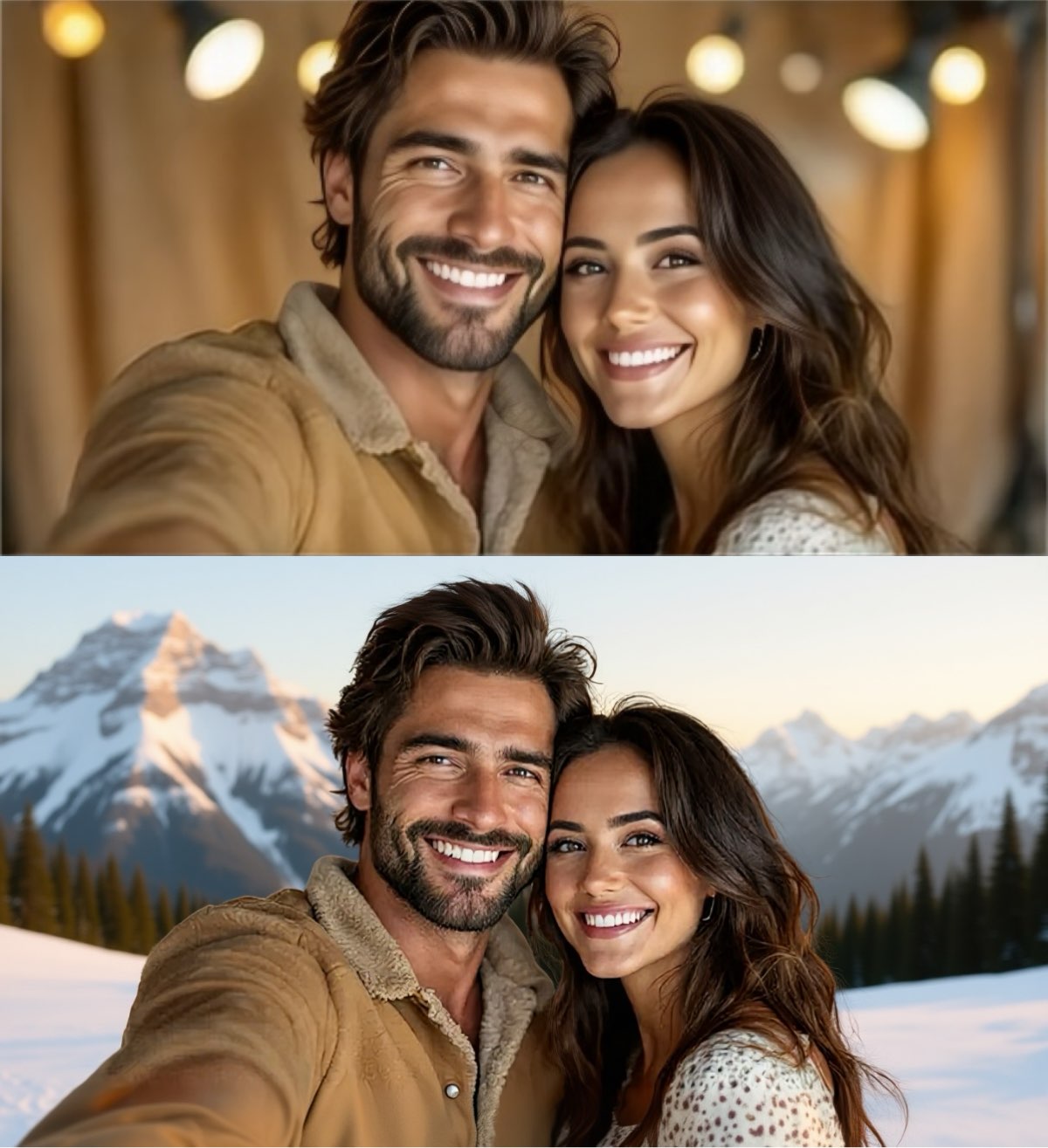
Create this image for free using Dreamface!
Where to Perform AI Background Replacement Changes?
Instead of wrestling with complex and expensive photo editing software, you can quickly and effortlessly perform AI Background Replacement using an online platform like Dreamface. Begin creating professional-level edits within seconds, completely free of charge. Start editing today and unlock your creative potential without the steep learning curve.
How to Write Effective AI Background Replacement Prompts
Crafting a good prompt for AI Background Replacement requires a different mindset than creating an illustration from scratch. The focus is on precision, control, and command.
- Be a Director, Not a Storyteller: Instead of describing a scene, give direct, clear commands. Start with an action verb. Phrases like "Perform an AI Background Replacement with..." or "Place the person in..." are far more effective than just describing the target image.
- Lock Your Subject: This is the most crucial rule. To prevent the person or object from changing, you must explicitly command the AI to keep them fixed. Always include a phrase like, "but keep the person in the exact same position, scale, and pose."
- Preserve Identity and Perspective: When editing photos of people, add another layer of protection by stating, "keep their face and identity the same." Furthermore, to maintain the original shot's integrity, command the AI to "not change the camera angle."
- Describe the New Scene Vividly: While you command the action, you still need to describe the new destination for your AI Background Replacement. Be specific. Is it just a "beach," or a "sunny beach with calm turquoise water and white sand"? The more detail, the better the result.
- Use Negative Prompts to Declutter: Use negative prompts to remove unwanted elements from the new scene. If you want a solitary mountain scene after your AI Background Replacement, you might add a negative prompt like no people, no buildings, no roads to ensure the new scene is clean and fits your vision.
Enhance Your Editing Process with Dreamface
Ready to dive into the world of flawless AI Background Replacement with Flux Kontext? Dreamface has got you covered! Our platform offers a seamless and intuitive experience for creating stunning AI-powered image edits. With just a few clicks and the right prompts, you can start exploring the endless possibilities of AI-assisted creativity. Don't wait any longer - start creating on Dreamface today and unleash your inner editor!

15 Seconds from Images to Talking Avatars: How DreamFace Powers Next-Gen Creativity
Sep 10, 2025
Bringing Avatars to Life: How PixVerse V5 and DreamFace Avatar Video Transform AI Storytelling
Sep 11, 2025
How to Create a 3D Figure from a Photo with Nano Banana
Sep 08, 2025
How to Use Google Nano Banana: Revolutionizing Your Photo Editing Experience
Sep 07, 2025
How to Create a Talking AI Bill Gates Avatar with Dreamface
In this guide, we'll walk you through how to create a realistic, talking AI Bill Gates using the powerful and intuitive features of Dreamface. We'll start by generating a unique image of Bill Gates with the AI Image tool and then bring him to life with the incredibly swift and dynamic Avatar 3.0 Fast feature.
By Colton 一 Jul 08, 2025- AI Video
- Avatar Video
- AI image generator
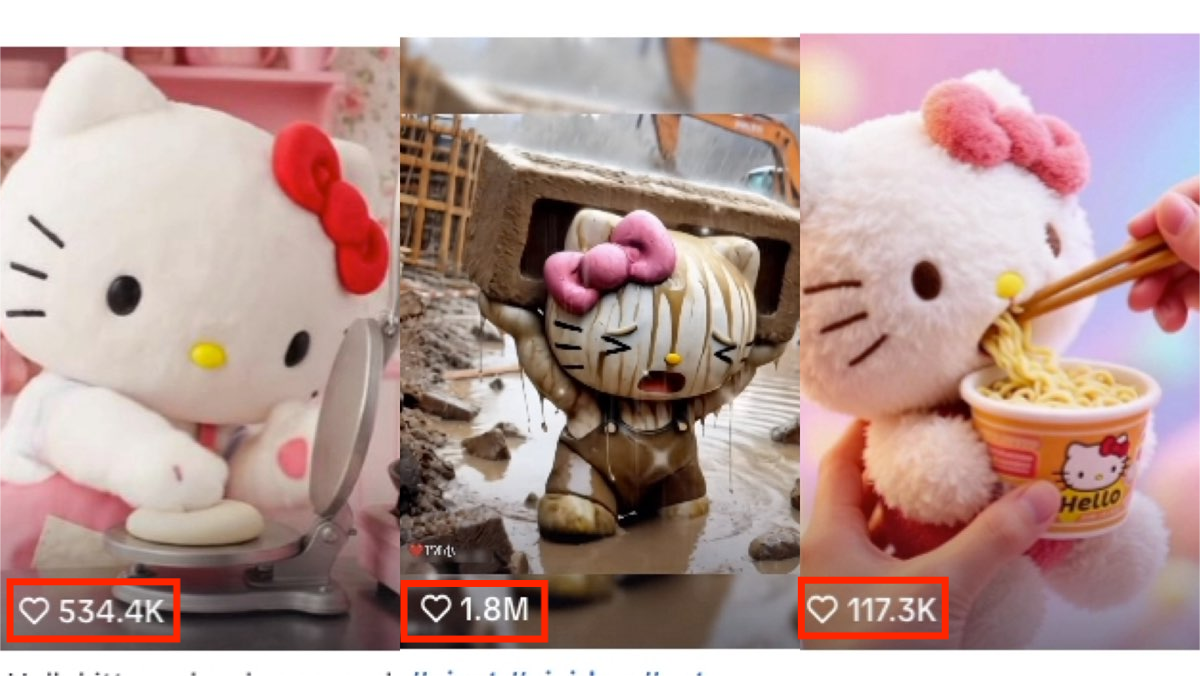
How to Create a Viral AI Hello Kitty Video: A Step-by-Step Guide
In this tutorial, we’ll show you how to make your very own AI avatar video featuring Hello Kittys with animated expressions. Follow these steps to craft a video that could easily become your next viral hit.
By Colton 一 Jul 08, 2025- AI Video
- Photo To Video
- AI image generator

How to Create a Talking AI Elon Musk with Dreamface: A Step-by-Step Guide
In this guide, we'll walk you through how to create a realistic, talking AI Elon Musk using the powerful and intuitive features of the Dreamface app. We'll start by generating a unique image of Elon Musk with the AI Image tool and then bring him to life with the incredibly swift and dynamic Avatar 3.0 Fast feature.
By Colton 一 Jul 08, 2025- Talking Avatar
- Avatar Video
- AI image generator
- X
- Youtube
- Discord