


Flux Kontext Prompts for AI Image Background Replacement
- Background Replacement
- Flux-Kontext
- AI image generator
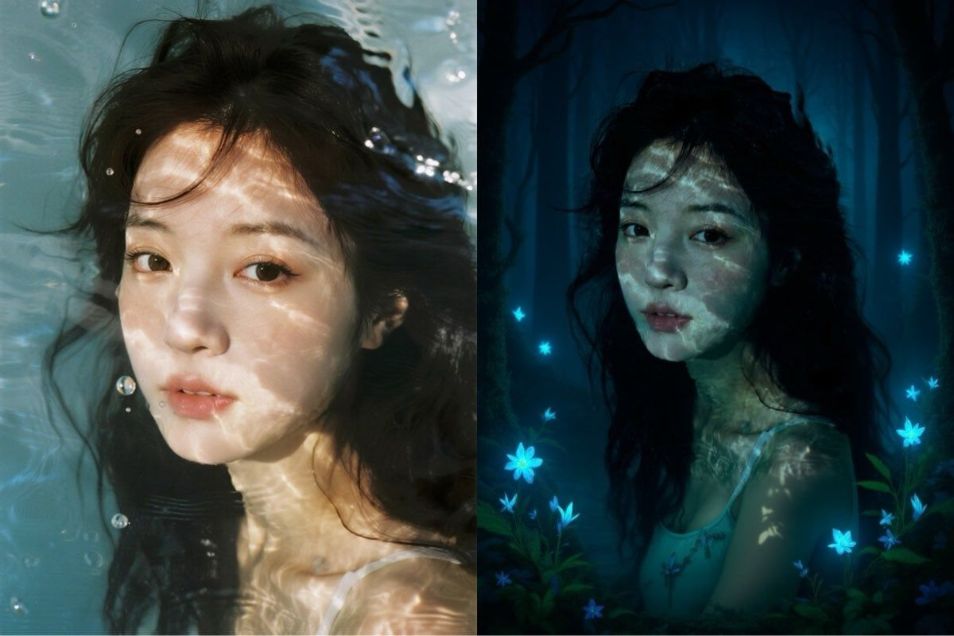
Ever taken a great portrait, only to be disappointed by a cluttered or boring background? Wish you could instantly transport your subject to a completely different location? With the power of AI Background Replacement, you can. This game-changing technology lets you swap out any background, placing your subject in a new world while keeping them perfectly intact.
Using targeted AI prompts, you gain full control over your image's story. In this guide, you'll learn the essential techniques for writing effective commands to master background replacement. We’ll break down exactly what to say to your AI editor to get seamless, professional results every time.
Note that the effects achievable with the prompts below can be created for free using Dreamface - a free platform to realize your AI image edits.
Flux Kontext AI Background Replacement Prompts
Prompt1:
Change the background to a futuristic cyberpunk city street at night, filled with towering holographic billboards and glowing neon signs. Keep the woman in the exact same position, scale, and pose. Do not change her identity or the camera angle. The new lighting should realistically interact with her.
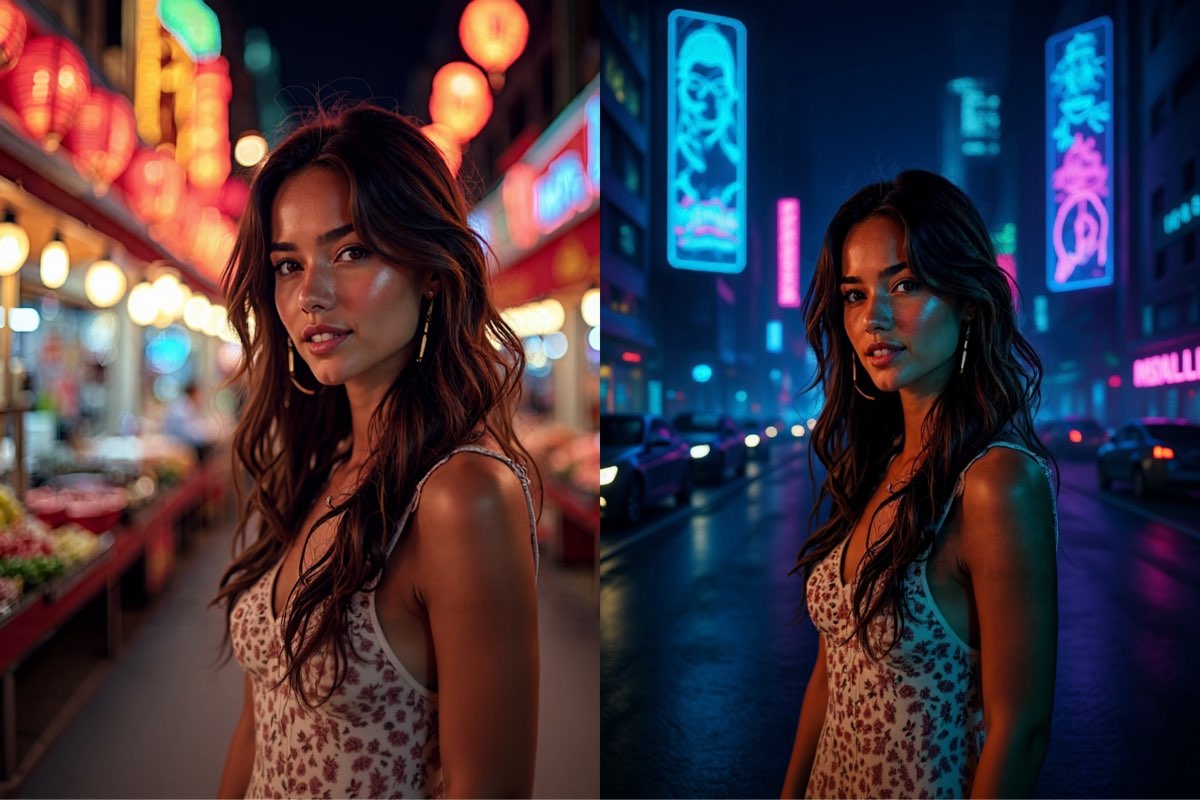
Create this image for free using Dreamface!
Prompt2:
Place this woman in a serene autumn park during the golden hour, with a path covered in colorful fallen leaves and a soft, warm glow. It is crucial to keep her, her sunglasses, and the coffee cup in the exact same position, scale, and pose. Do not change her face or the camera angle.
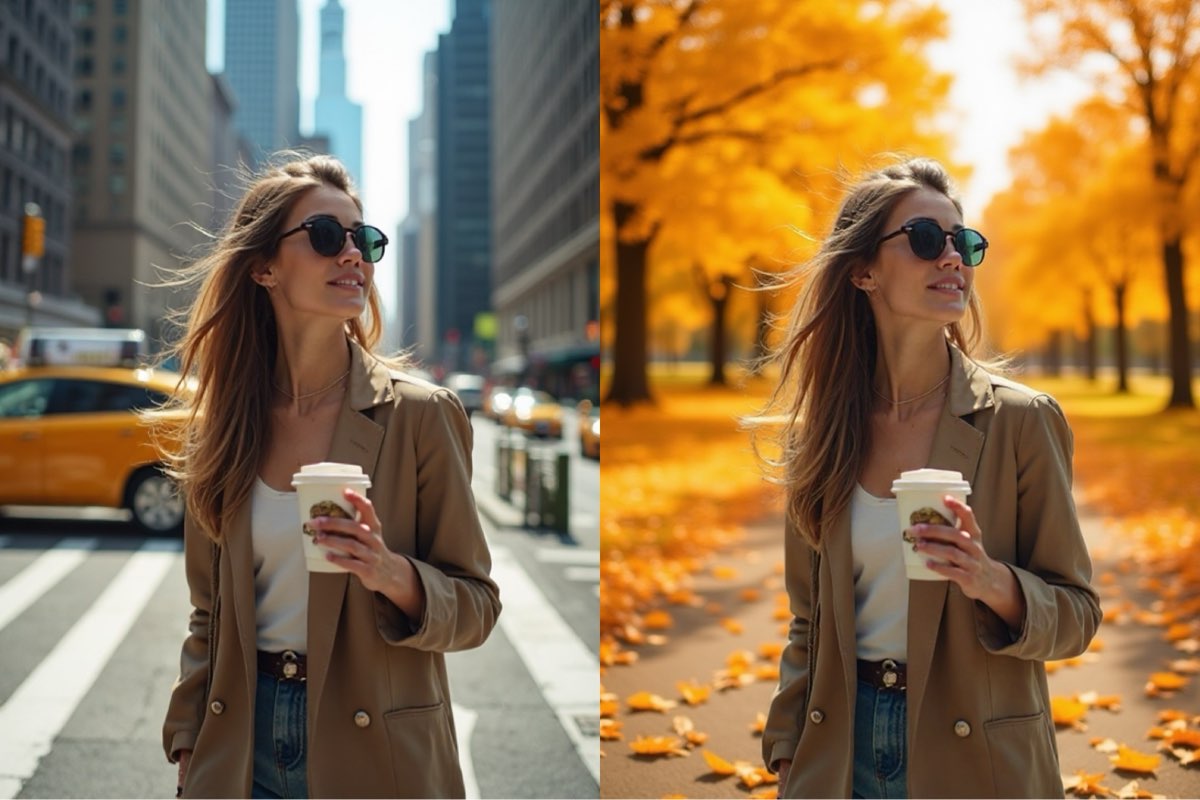
Create this image for free using Dreamface!
Prompt3:
Change the background to an enchanted, bioluminescent forest at night. Keep the woman's serene expression, pose, and position exactly the same. The dappled light patterns on her skin should now be re-interpreted as magical light filtering down through a mystical tree canopy and glowing from surrounding fantasy flora.
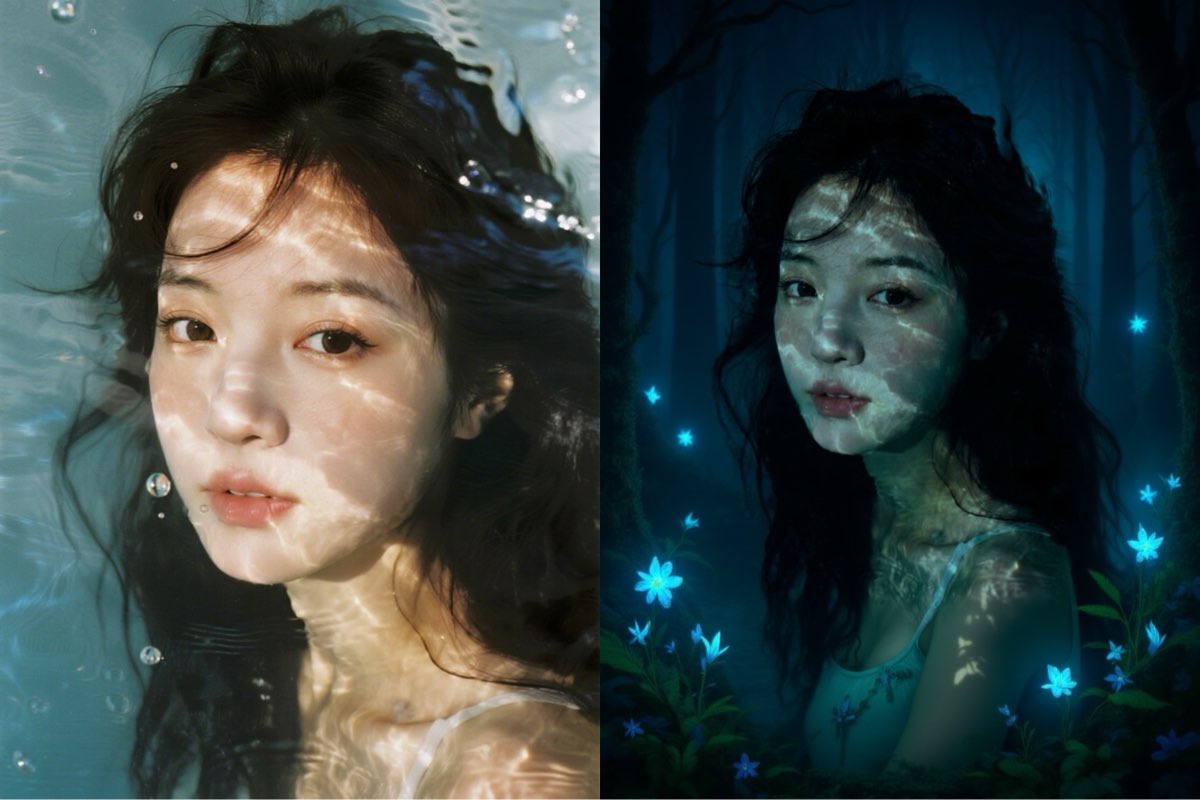
Create this image for free using Dreamface!
How to Write Effective AI Background Replacement Prompts
Crafting a good prompt for AI Background Replacement requires a different mindset than creating an illustration from scratch. The focus is on precision, control, and command.
- Lock Your Subject: This is the most crucial rule. To prevent the person or object from changing, you must explicitly command the AI to keep them fixed. Always include a phrase like, "but keep the person in the exact same position, scale, and pose."
- Preserve Identity and Perspective: When editing photos of people, add another layer of protection by stating, "keep their face and identity the same." Furthermore, to maintain the original shot's integrity, command the AI to "not change the camera angle."
- Describe the New Scene Vividly: While you command the action, you still need to describe the new destination. Be specific. Is it just a "beach," or a "sunny beach with calm turquoise water and white sand"? The more detail, the better the result.
Your New Scenery Awaits
As you've seen, successful AI background replacement is all about precision and control. The secret lies in giving clear commands: lock your subject in place, preserve their identity, and vividly describe the new scene you envision.
The examples above are just the beginning. The best way to become an expert is by experimenting. Take these prompts, head over to Dreamface, and start creating your own amazing photo edits for free. Don't let a dull background limit your creativity—the power to change your world is just a prompt away. Where will you go next?
DreamClaw Agent: The All-in-One AI Automation Engine for DreamFace
Mar 04, 2026.jpg)
Seedance 2.0 Prompt Guide: The Ultimate Template for Cinematic AI Videos
Mar 03, 2026
Seedance 2.0 Prompt Guide: The Complete 2026 AI Video Creation Handbook
Feb 28, 2026
Google Nano Banana 2 Review: Pro-Grade Image Generation at Flash-Level Pricing
Feb 26, 2026
What Is a Good Prompt for an AI Image?
Learn how to write better AI image prompts that generate high-quality, consistent, and creative results. Discover examples, best practices, and common mistakes to avoid.
By Jonathan 一 Jul 09, 2025- AI image generator
- Text-to-Image
- AI Image
Illustrious‑SDXL: Anime‑Focused Image Generation Elevated
Introducing Illustrious‑SDXL — a model finetuned for anime and stylized illustration generation. It blends SDXL’s robust architecture with curated anime datasets and aesthetic guidance, making it ideal for creators who want: •Consistent anime character designs •Dynamic action and emotional expression •Rich stylistic variation (shojo, battle, mecha, fantasy, etc.) •Art‑style control with minimal prompting
By Jonathan 一 Jul 09, 2025- AI image generator
- AI Image
- Illustrious SDXL

Seedream 4.5: Better Identity Consistency, with 6 Portrait Styles to Try
Seedream 4.5 is here! In this post, we test its identity consistency in portrait generation and walk you through 6 portrait shooting styles it handles impressively well — with full examples and tips.
By Jonathan 一 Jul 09, 2025- AI image generator
- Seedream 4.5
- AI Image
- AI Filter
- X
- Youtube
- Discord