


Flux Kontext Prompts for AI Image Text Editing
- AI image generator
- Text to Image
- Flux-Kontext
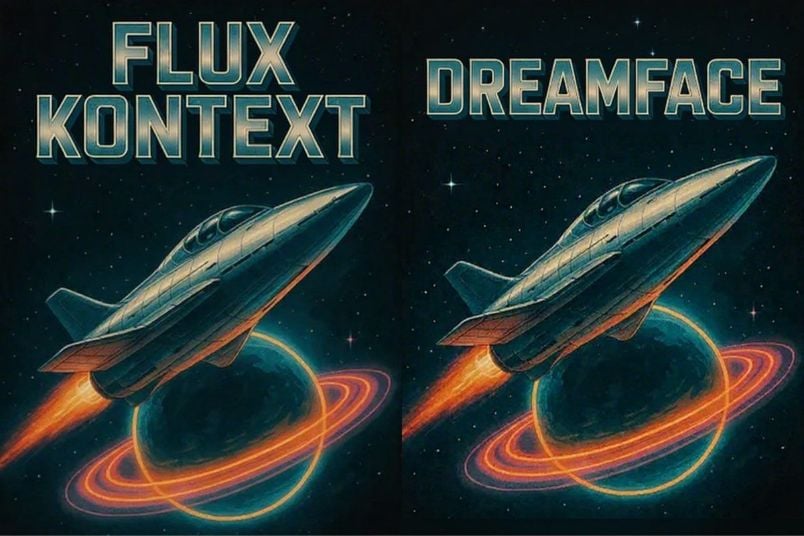
Discover the world of Flux Kontext Prompts for AI Image Text Editing, a fascinating approach to advanced AI image manipulation. These prompts allow users to seamlessly replace text within an image without altering the background or original text style, utilizing sophisticated AI algorithms. Dive into the possibilities of precise text replacement and learn how to harness the power of Flux Kontext Prompts to bring your creative visions to life.
Flux Kontext AI Image Text Editing Prompts
Prompt1:
Replace “FLUX KONTEXT” with “DREAM FACE”.
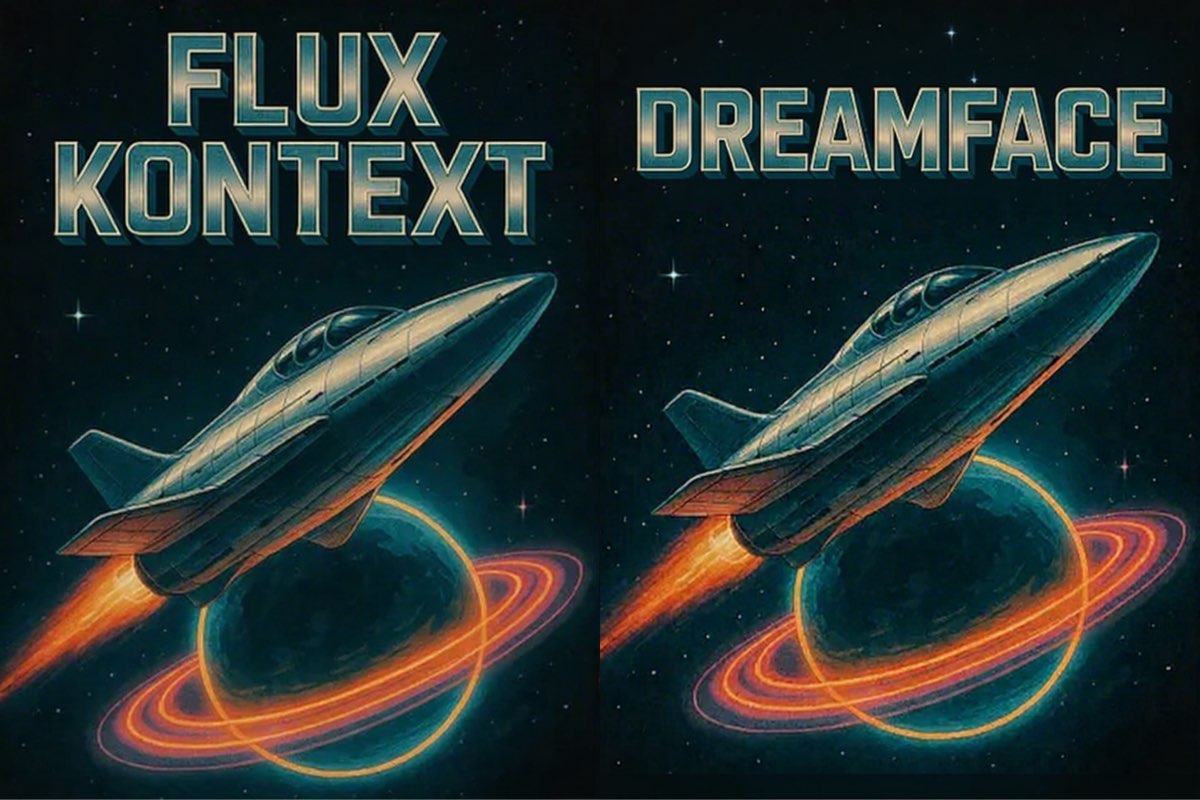
Create this image for free using Dreamface!
Prompt2:
Replace 'You Are Invited' with 'Our Story Begins' while maintaining the identical shiny, metallic copper-foil effect, the elegant script font, and the slightly raised texture on the paper.

Create this image for free using Dreamface!
Prompt3:
Replace the number "23" with "08" while perfectly preserving the font, size, white color, breathable fabric texture showing through, and the precise blue stitched outline.

Create this image for free using Dreamface!
How to Write Effective Prompts
Crafting a good prompt for AI text replacement requires a different mindset than creating an image from scratch. The focus is on precision, control, and command.
- Be a Director, Not a Storyteller: Give direct, clear commands. Start with an action verb like "Replace..." It is far more effective than just describing the target image.
- Preserve Material and Font Integrity: This is the most crucial rule. To maintain the original look, you must command the AI to preserve the styling. Use phrases like "perfectly preserving the font, size, and color" or "maintaining the identical shiny, metallic copper-foil effect."
- Lock the Rest of the Image: Explicitly tell the AI not to change anything else. A simple command like "The rest of the scene must remain absolutely unchanged" ensures only the text is modified.
- State the New Text Clearly: Provide the original text and the replacement text in quotation marks for maximum clarity. For example: Replace 'Old Text' with 'New Text'.
- Use Negative Prompts for Clean Edits: Use negative prompts to avoid common errors. Adding no distorted letters, no mismatched fonts, no blurry edges can help ensure the final result is clean and professional.
Start Editing Today for Free
Instead of wrestling with complex and expensive photo editing software, you can quickly and effortlessly perform AI Image Text Editing using an online platform like Dreamface. Begin creating professional-level edits within seconds, completely free of charge. Start editing today and unlock your creative potential without the steep learning curve.


What Is a Good Prompt for an AI Image?
Learn how to write better AI image prompts that generate high-quality, consistent, and creative results. Discover examples, best practices, and common mistakes to avoid.
By Joanna 一 Jul 08, 2025- AI image generator
- Text-to-Image
- AI Image
Illustrious‑SDXL: Anime‑Focused Image Generation Elevated
Introducing Illustrious‑SDXL — a model finetuned for anime and stylized illustration generation. It blends SDXL’s robust architecture with curated anime datasets and aesthetic guidance, making it ideal for creators who want: •Consistent anime character designs •Dynamic action and emotional expression •Rich stylistic variation (shojo, battle, mecha, fantasy, etc.) •Art‑style control with minimal prompting
By Joanna 一 Jul 08, 2025- AI image generator
- AI Image
- Illustrious SDXL
Seedream 4.5: Better Identity Consistency, with 6 Portrait Styles to Try
Seedream 4.5 is here! In this post, we test its identity consistency in portrait generation and walk you through 6 portrait shooting styles it handles impressively well — with full examples and tips.
By Joanna 一 Jul 08, 2025- AI image generator
- AI Filter
- AI Image
- Seedream 4.5
- X
- Youtube
- Discord