


Flux Kontext Prompts for AI Inpainting and Retouching
- AI image generator
- ChatGPT
Unlock advanced, localized AI image editing with Flux Kontext Prompts. This technique allows for precise AI Inpainting and Retouching, letting you alter specific details like colors and objects without disturbing the rest of the image. Learn to master these prompts to bring your creative vision to life.
Flux Kontext AI Inpainting and Retouching Prompts
Prompt1:
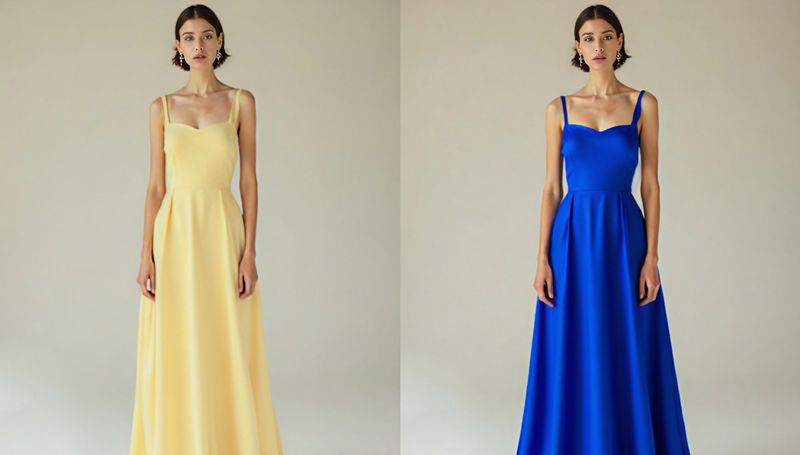
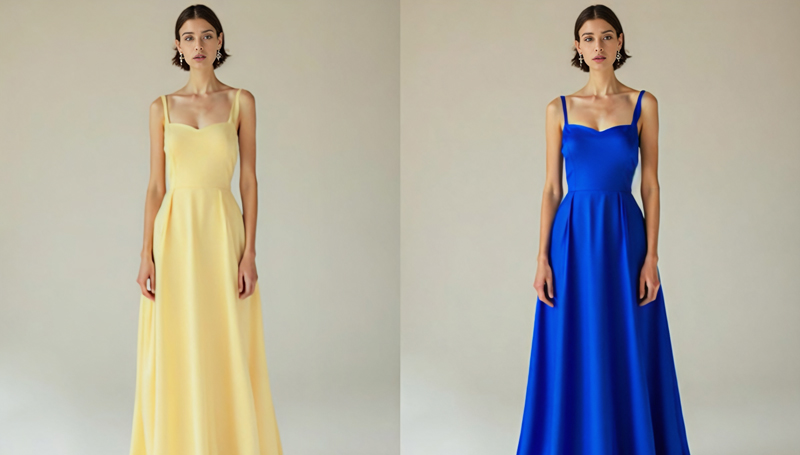
Change the color of the woman's silk dress to a brilliant sapphire blue. Photorealistically preserve the fabric's natural folds, the delicate sheen of the silk, and the way light interacts with it. Her skin tone, hair color, and the background must stay exactly the same.
Create this image for free using Dreamface!
Prompt2:
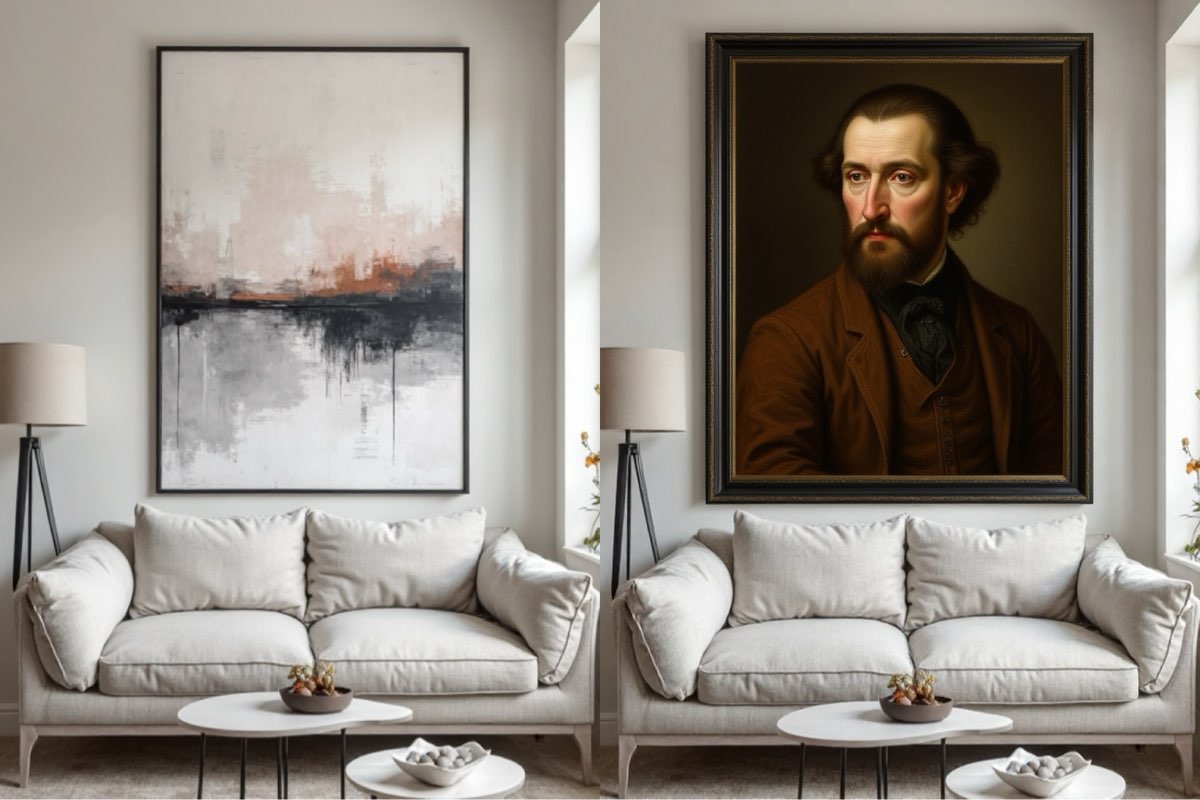
Replace the modern abstract painting on the wall with a classic, ornate portrait in the style of Rembrandt. The new painting must fit perfectly within the existing black frame, and its surface should realistically reflect the room's light, showing a slight varnish glint.
Create this image for free using Dreamface!
Prompt3:
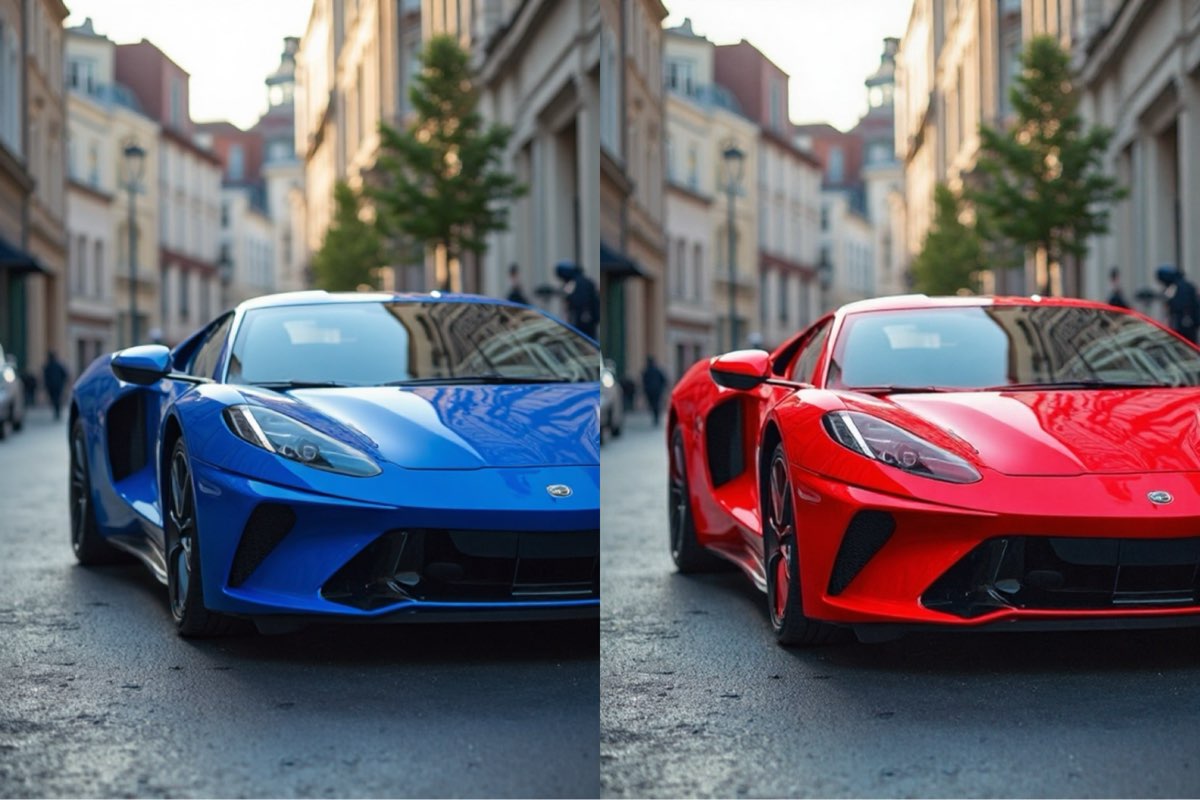
Change the car's color to a deep candy apple red with a glossy, reflective clear coat finish, while meticulously preserving the original lighting, shadows, metallic flake texture, and all reflections on its surface. The rest of the scene must remain absolutely unchanged.
Create this image for free using Dreamface!
How to Write Effective Prompts
Crafting prompts for retouching requires precision and control.
- Be a Director: Give direct commands. Start with action verbs like "Change the color of..." or "Replace the painting with..."
- Lock Unchanged Elements: This is crucial. Command the AI to keep the background and other subjects fixed. Use phrases like, "The rest of the scene must remain absolutely unchanged."
- Preserve Realism: Specify the material properties you want to keep. Command the AI to "preserve the original lighting, shadows, and reflections" or the "natural folds and sheen of the fabric."
- Describe Vividly: Be specific about the change. Instead of just "red," describe a "deep candy apple red with a glossy, reflective clear coat finish."
- Refine with Negatives: Use negative prompts like no color bleeding or no texture loss to ensure the edit is clean and contained within the target area.
Start Editing Today
Skip the complex and expensive photo editing software. You can perform professional-level AI Inpainting and Retouching quickly and effortlessly on a platform like Dreamface. Start creating stunning, localized edits in seconds, completely free of charge, and unlock your creative potential.


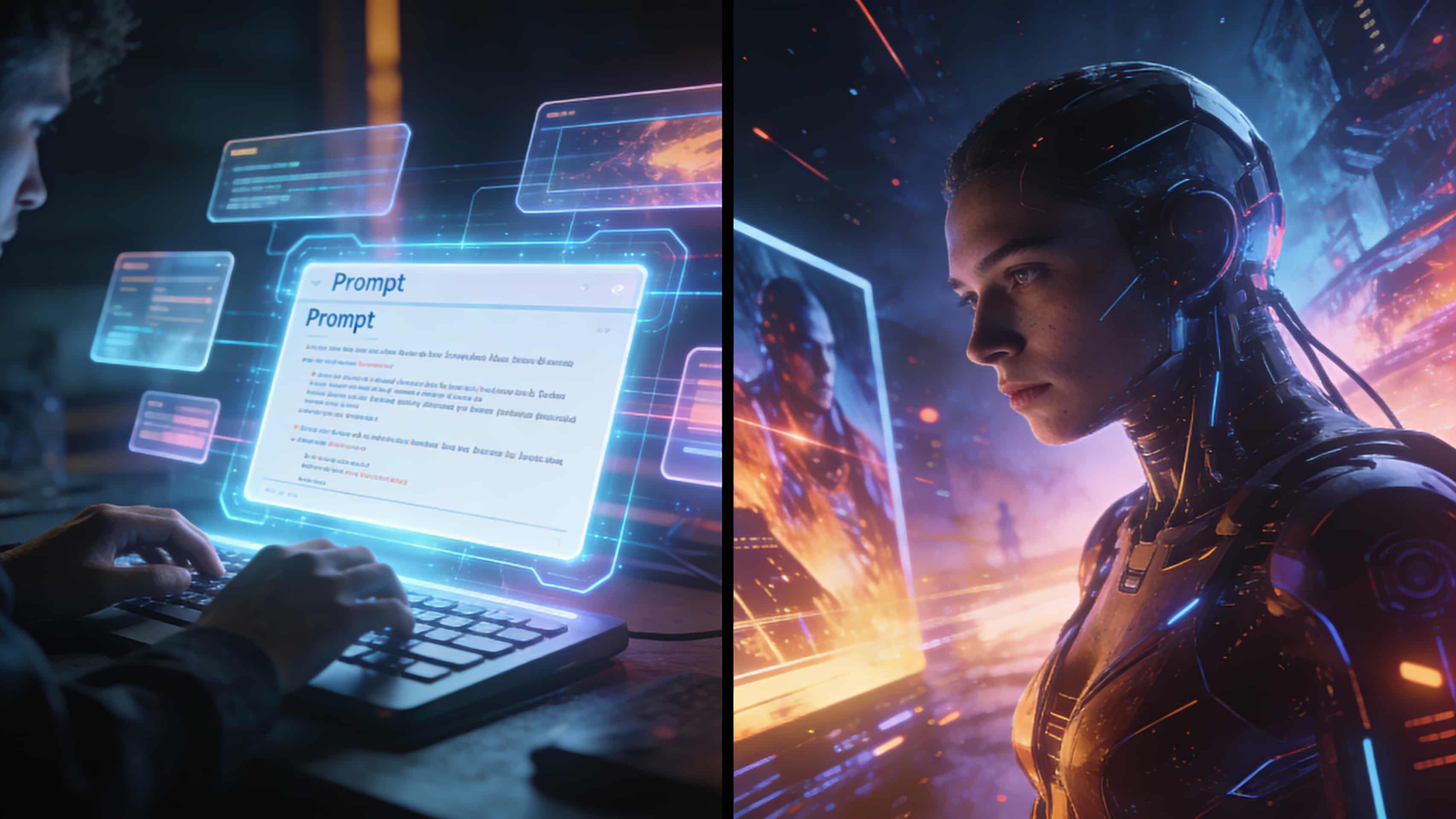
What Is a Good Prompt for an AI Image?
Learn how to write better AI image prompts that generate high-quality, consistent, and creative results. Discover examples, best practices, and common mistakes to avoid.
By Jackson 一 Jul 08, 2025- AI image generator
- Text-to-Image
- AI Image
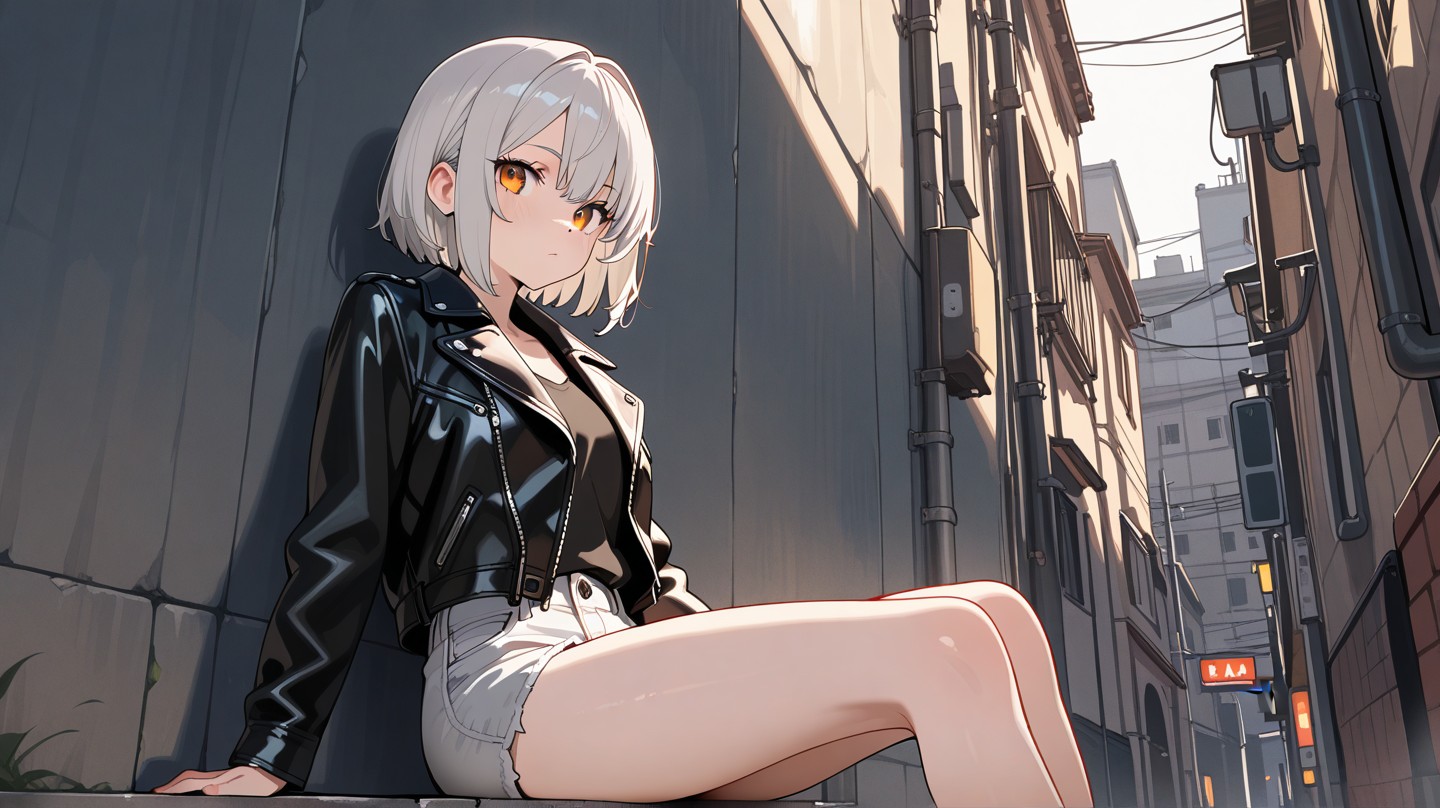
Illustrious‑SDXL: Anime‑Focused Image Generation Elevated
Introducing Illustrious‑SDXL — a model finetuned for anime and stylized illustration generation. It blends SDXL’s robust architecture with curated anime datasets and aesthetic guidance, making it ideal for creators who want: •Consistent anime character designs •Dynamic action and emotional expression •Rich stylistic variation (shojo, battle, mecha, fantasy, etc.) •Art‑style control with minimal prompting
By Jackson 一 Jul 08, 2025- AI image generator
- AI Image
- Illustrious SDXL
Seedream 4.5: Better Identity Consistency, with 6 Portrait Styles to Try
Seedream 4.5 is here! In this post, we test its identity consistency in portrait generation and walk you through 6 portrait shooting styles it handles impressively well — with full examples and tips.
By Jackson 一 Jul 08, 2025- AI image generator
- AI Filter
- AI Image
- Seedream 4.5
- X
- Youtube
- Discord