


Flux Kontext Prompts for Background Replacement
- AI image generator
- Flux-Kontext
- Background Replacement
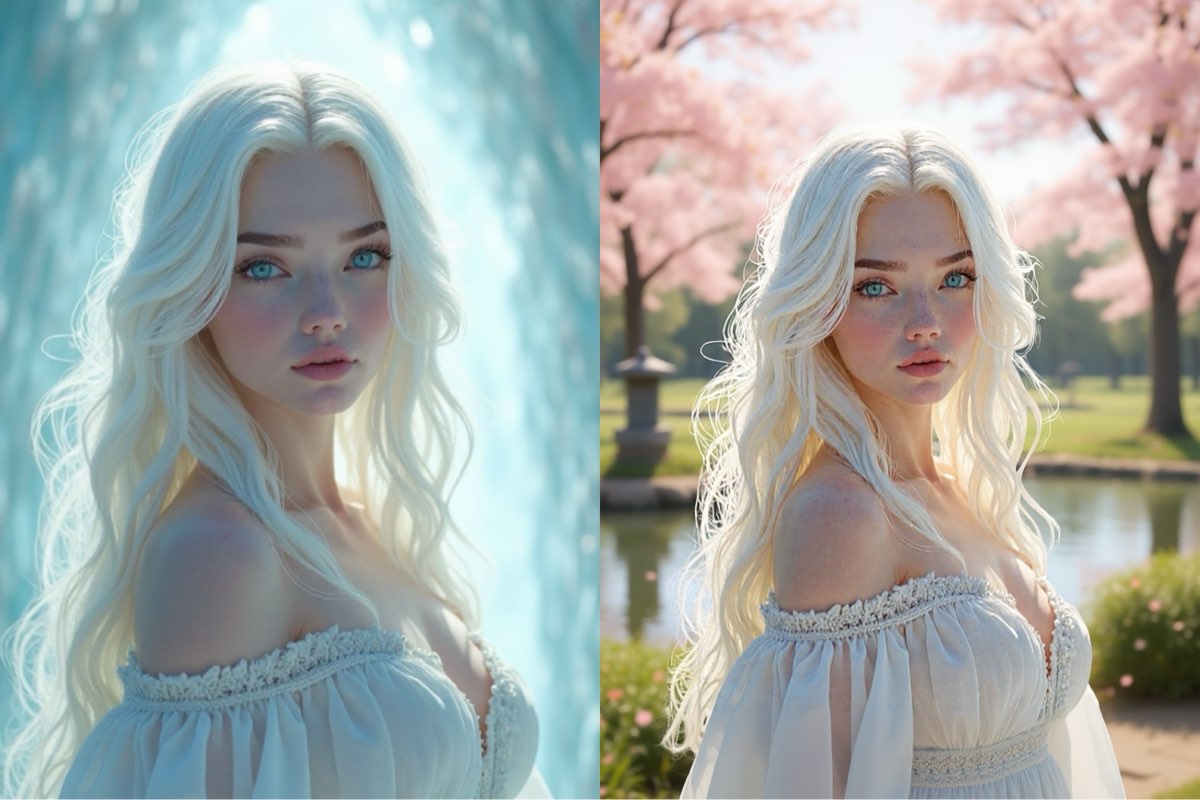
Have you ever captured the perfect shot of a person, only to have it undermined by a less-than-ideal background? Imagine being able to instantly swap that distracting environment for a scenic vista or a bustling cityscape. With AI-powered background replacement, this level of creative control is now at your fingertips.
This technology allows you to isolate your subject and place them in an entirely new setting, transforming the mood and narrative of your photo. Mastering this requires a specific approach to prompting. In this guide, we'll show you how to write precise commands to achieve flawless, professional-grade background replacements.
Note that the effects achievable with the prompts below can be created for free using Dreamface - a free platform to realize your AI image edits.
Flux Kontext AI Background Replacement Prompts
Prompt 1:
Change the background to a serene Japanese zen garden during a calm spring day, with cherry blossom trees in full bloom and petals gently falling. Include a still koi pond and an ancient stone lantern (tōrō). Keep the woman in the exact same position and pose, and adjust the lighting to soft, diffused daylight consistent with a tranquil, overcast sky.
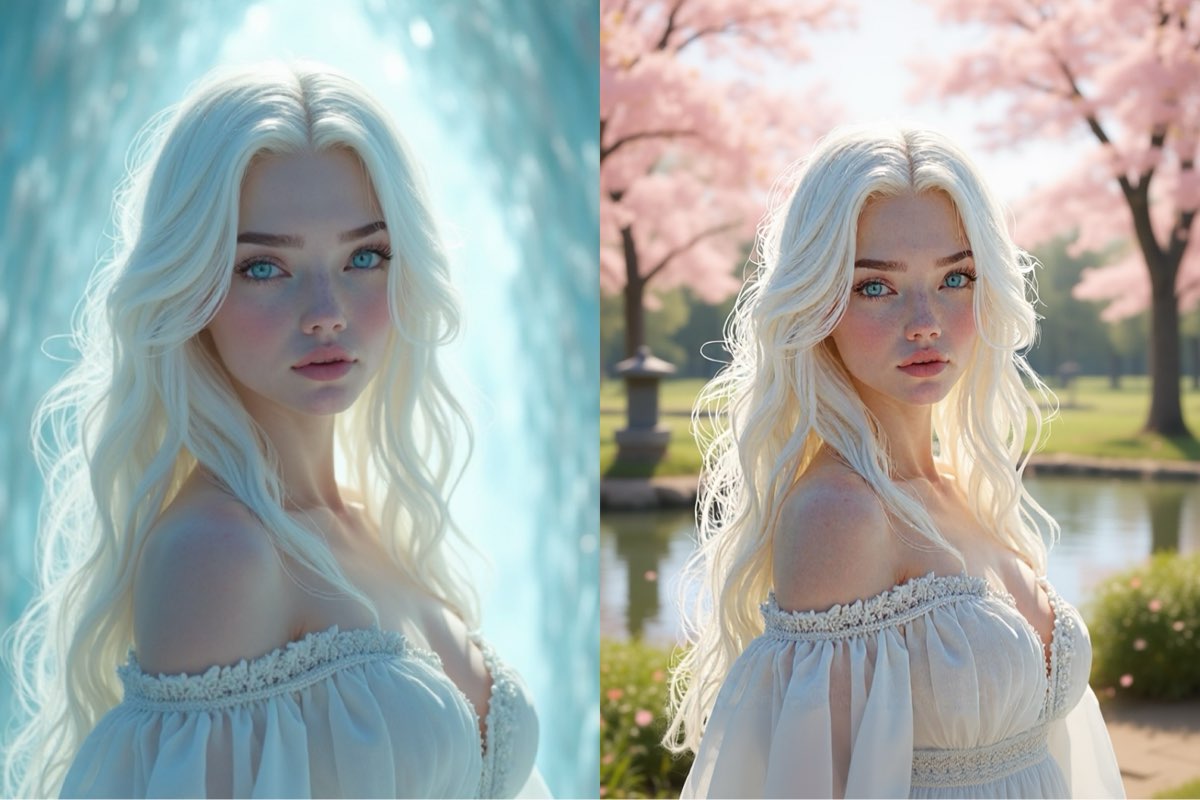
Create this image for free using Dreamface!
Prompt 2:
Change the background to a charming and bustling Parisian street cafe with a cobblestone sidewalk and warm afternoon light, while keeping the smiling woman in the exact same position, scale, and pose. Maintain her facial features, expression, and t-shirt. Ensure the ambient lighting and depth of field match the new vibrant, urban setting.
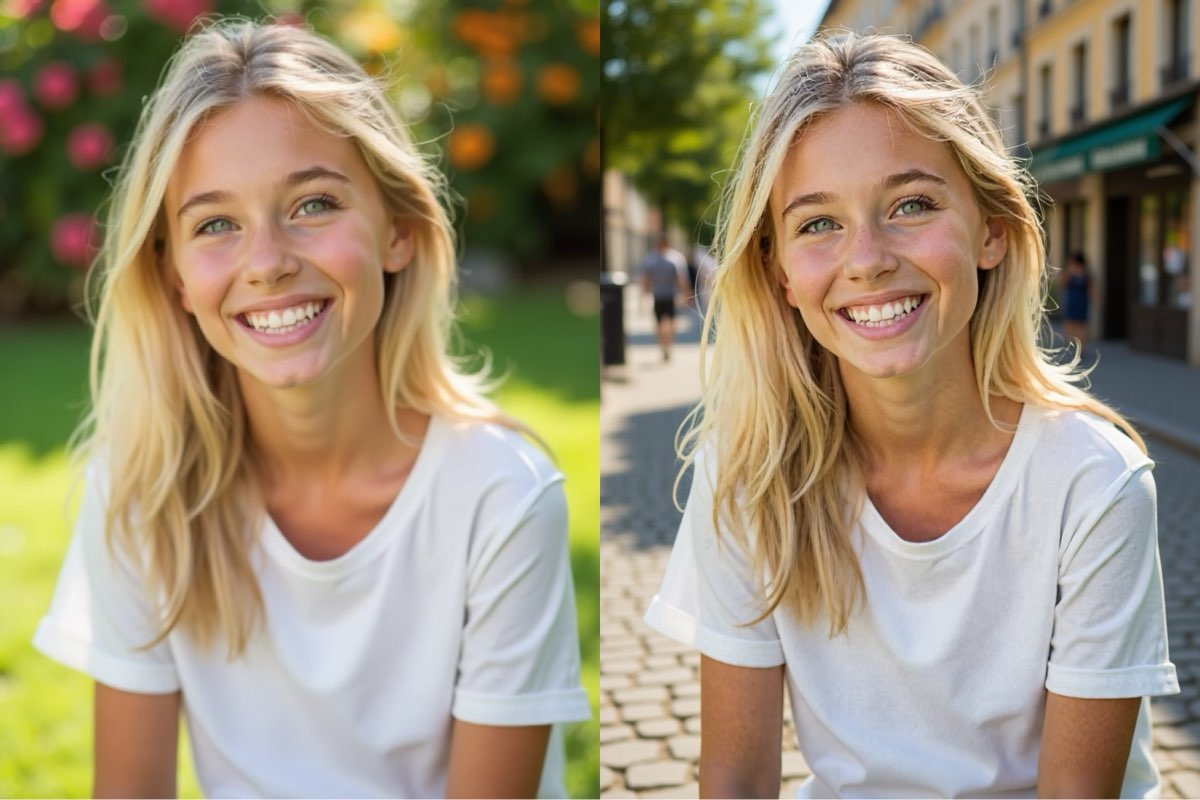
Create this image for free using Dreamface!
Prompt 3:
Change the background to a picturesque Santorini caldera view during the golden hour, featuring its iconic whitewashed buildings and the Aegean Sea, while keeping the woman with the sunhat in the exact same position, scale, and pose. Maintain her facial features, smile, and clothing. Ensure the lighting is changed to a warm, soft, golden-hour glow that realistically illuminates her and the hat.
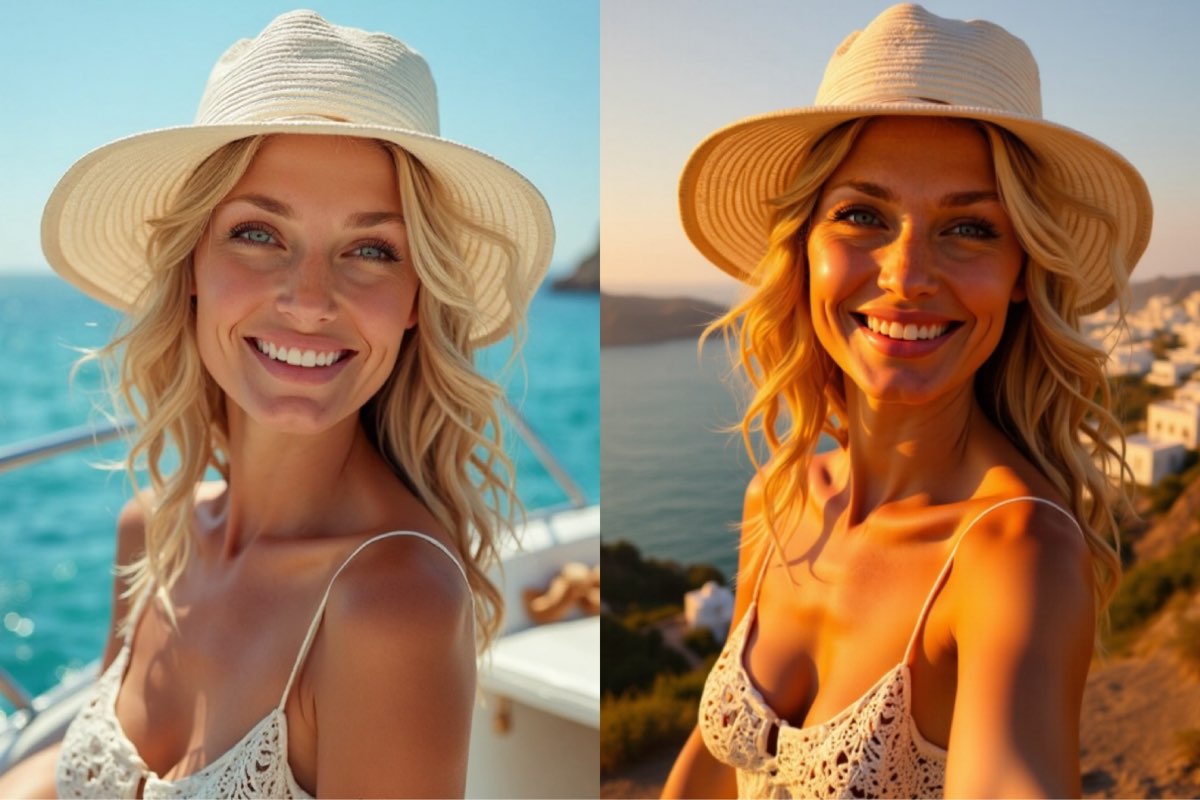
Create this image for free using Dreamface!
How to Write Powerful Background Replacement Prompts
Unlike generating an image from scratch, background replacement is an exercise in precision. Your goal is to command the AI to edit, not recreate.
- Anchor Your Subject: This is the golden rule. To ensure your subject remains unchanged, you must give a direct order. Always include phrases like, "keep the woman in the exact same position, scale, and pose."
- Preserve Critical Details: Go one step further to protect the subject’s integrity. Add commands to "maintain her facial features, expression, and clothing." To keep the original composition, also state, "do not change the camera angle."
- Detail the New Scene: Clearly articulate the new environment. Don't just say "a garden"; specify "a serene Japanese zen garden...with cherry blossom trees in full bloom." The more vivid your description, the better the output.
- Direct the Lighting: For a seamless blend, you must specify the new lighting conditions. Use descriptive terms like "soft, diffused daylight" or "a warm, soft, golden-hour glow that realistically illuminates her."
A New Reality Awaits Your Photos
As you can see, successful AI background replacement hinges on clear, authoritative commands. By anchoring your subject, preserving their details, and describing the new scene and lighting with precision, you can unlock limitless creative potential.
The prompts above are your starting point. The best way to become proficient is through practice. Take these techniques to Dreamface and begin experimenting with your own photos for free. Don't let a dull background define your image—your ability to craft a new world is only a prompt away.

15 Seconds from Images to Talking Avatars: How DreamFace Powers Next-Gen Creativity
Sep 10, 2025
Bringing Avatars to Life: How PixVerse V5 and DreamFace Avatar Video Transform AI Storytelling
Sep 11, 2025
How to Create a 3D Figure from a Photo with Nano Banana
Sep 08, 2025
How to Use Google Nano Banana: Revolutionizing Your Photo Editing Experience
Sep 07, 2025
How to Create a Talking AI Bill Gates Avatar with Dreamface
In this guide, we'll walk you through how to create a realistic, talking AI Bill Gates using the powerful and intuitive features of Dreamface. We'll start by generating a unique image of Bill Gates with the AI Image tool and then bring him to life with the incredibly swift and dynamic Avatar 3.0 Fast feature.
By Sawyer 一 Jul 10, 2025- AI Video
- Avatar Video
- AI image generator
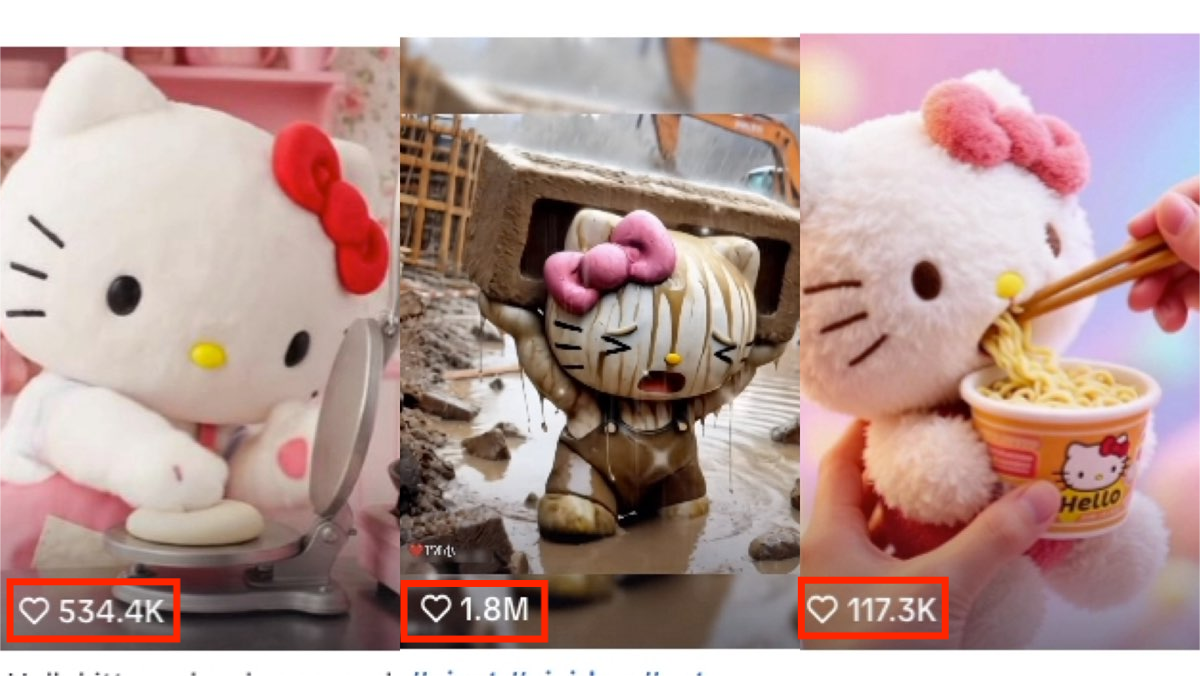
How to Create a Viral AI Hello Kitty Video: A Step-by-Step Guide
In this tutorial, we’ll show you how to make your very own AI avatar video featuring Hello Kittys with animated expressions. Follow these steps to craft a video that could easily become your next viral hit.
By Sawyer 一 Jul 10, 2025- AI Video
- Photo To Video
- AI image generator

How to Create a Talking AI Elon Musk with Dreamface: A Step-by-Step Guide
In this guide, we'll walk you through how to create a realistic, talking AI Elon Musk using the powerful and intuitive features of the Dreamface app. We'll start by generating a unique image of Elon Musk with the AI Image tool and then bring him to life with the incredibly swift and dynamic Avatar 3.0 Fast feature.
By Sawyer 一 Jul 10, 2025- Talking Avatar
- Avatar Video
- AI image generator
- X
- Youtube
- Discord