


How to Create Viral 3D Miniature Videos with AI: A Step-by-Step Guide for 2025
- AI Video
- AI Video Generator
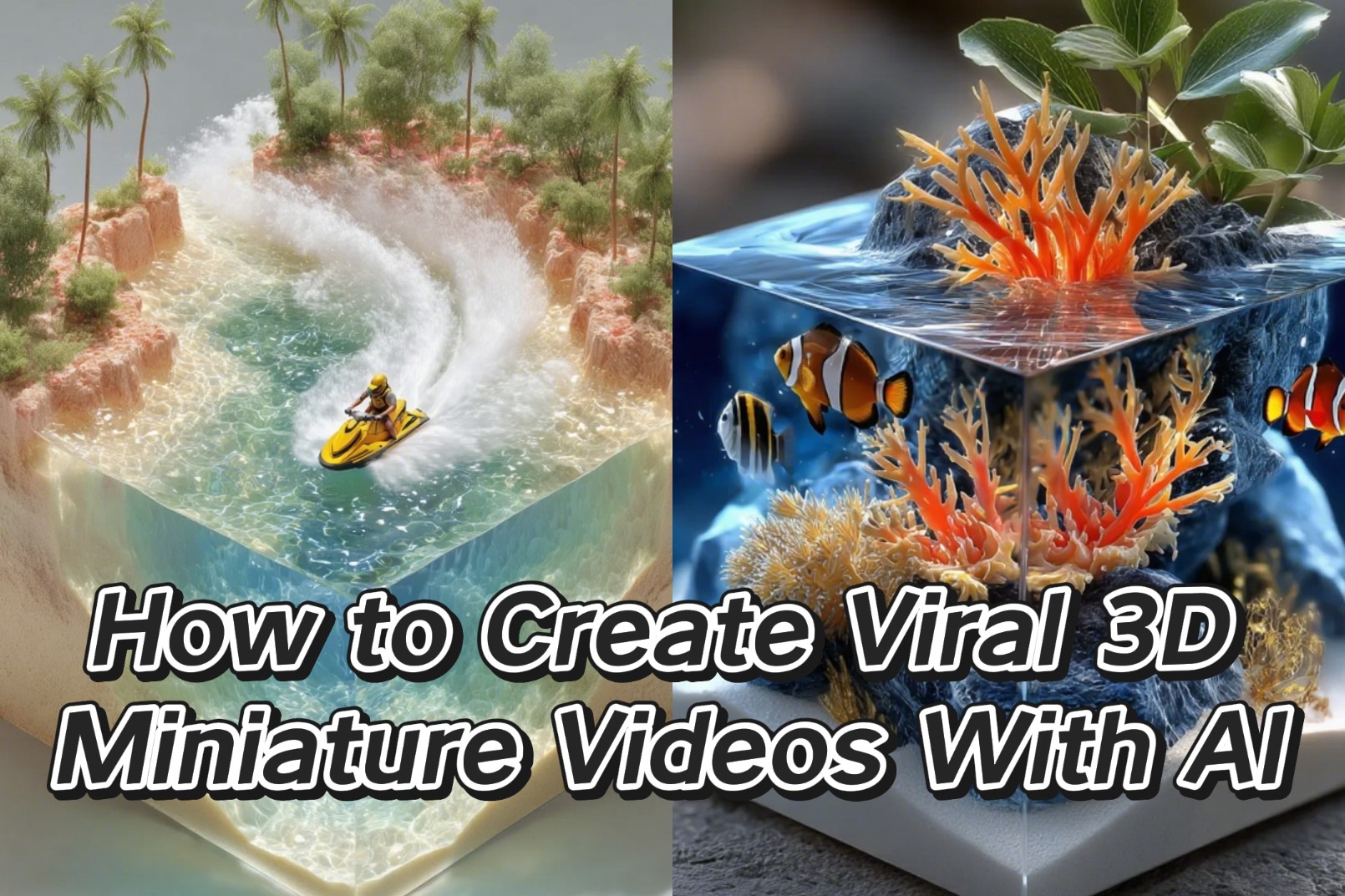
The latest trend captivating social media feeds is AI-generated 3D diorama videos. There's a uniquely satisfying and calming quality to these miniature worlds, making them highly shareable and engaging. For creators, this translates into a powerful opportunity for rapid audience growth and high view counts.
The best part? You don't need to be a 3D artist to create them. This guide provides a simple, step-by-step process for generating your own viral 3D fluid miniature videos using the power of AI.
Step 1: Generate High-Fidelity 3D Images with AI Prompts
Your foundation is a high-quality static image. To achieve the detailed, "miniature model" aesthetic, you'll need a powerful AI image generator like Midjourney or the integrated text-to-image tool Jimeng. Use a 3:4 aspect ratio for a vertical format that performs well on social media.
The key to success lies in detailed, descriptive prompts. Below are several examples you can copy, paste, and adapt for your own creations.
Prompt Example 1: The Fire Rescue Diorama
Hyper-realistic style, microscopic scene modeling, cube slice composition. A cube structure with a realistic material texture, finely presenting a fire rescue scene on its surface and sides. The top of the cube simulates the ground surface of a fire scene, a coniferous forest area covered with vegetation. The pine trees are lifelike, with some trees burning intensely. The flames, graduating from orange-red to golden-yellow, are soaring, and thick smoke, from gray to black, is billowing around. The ground shows charred marks, ash, and debris. The side shows the effect of the fire spreading through underground rock and soil layers, with cracks in the rock due to high temperature and dried, cracked soil. In the air, a yellow twin-engine fixed-wing firefighting aircraft with red decorative lines, with accurately restored details, is in the process of dropping a white columnar stream of water onto the fire area. The water's trajectory is natural, falling in a parabolic arc. The lighting follows realistic physics, with highlights from the fire illuminating the surrounding trees and the aircraft, while shadows have rich layers. A simple, clean, dark gray solid color background creates an urgent and visually impactful disaster rescue atmosphere. 8K resolution, perfectly restoring the delicate texture of a handmade miniature model.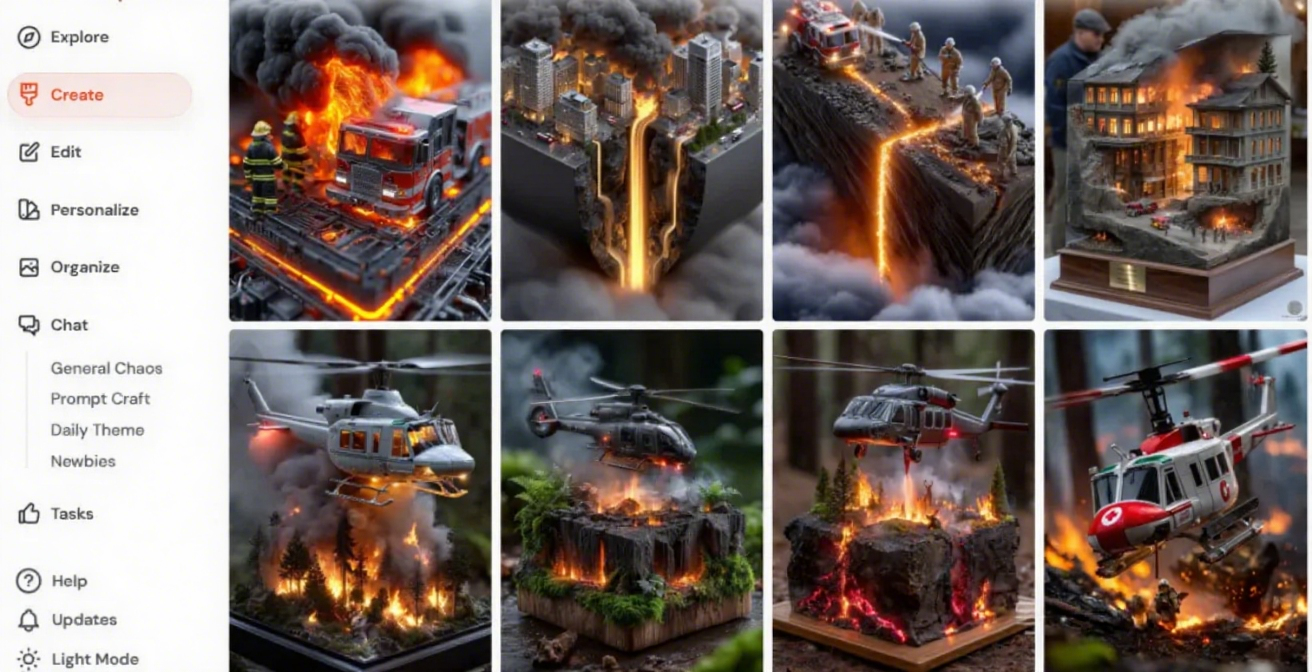
More Prompt Ideas for AI Dioramas:
Surfing:
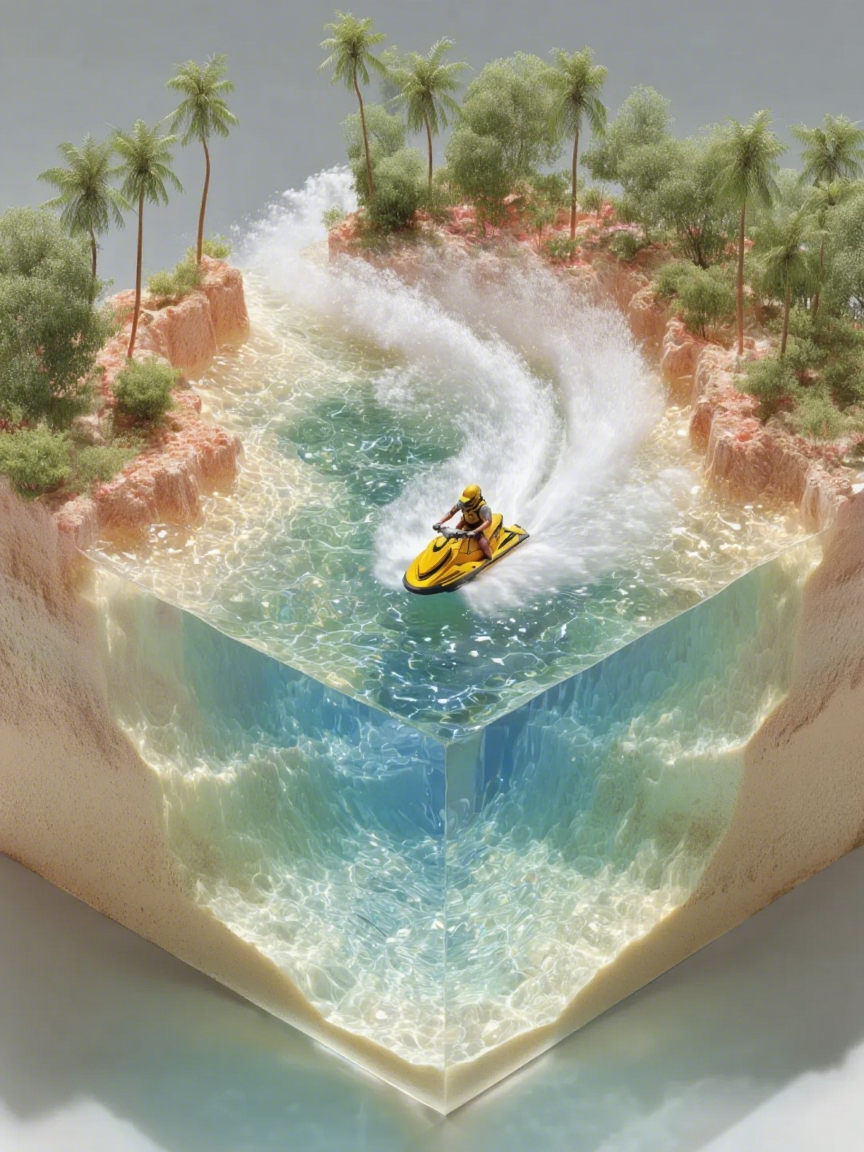

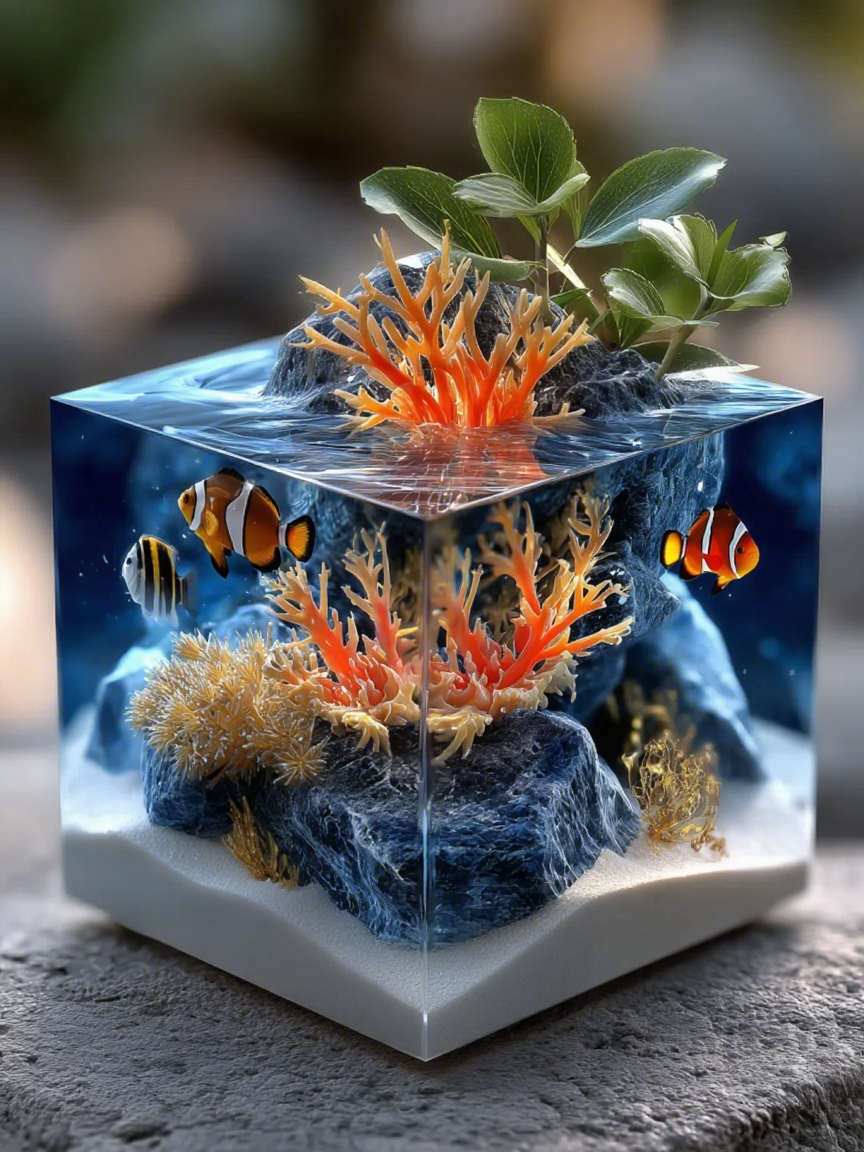
Ocean Ecosystem: Hyper-realistic, microscopic scene model, cube slice composition. An exquisite 3D miniature ocean ecosystem cube. The top is highly transparent resin simulating seawater, clearly showing diverse underwater ecology. Water is a gradient of blue, from light surface to deep bottom, with light refracting charmingly. The base is fine, granular white sand with natural ripple marks.
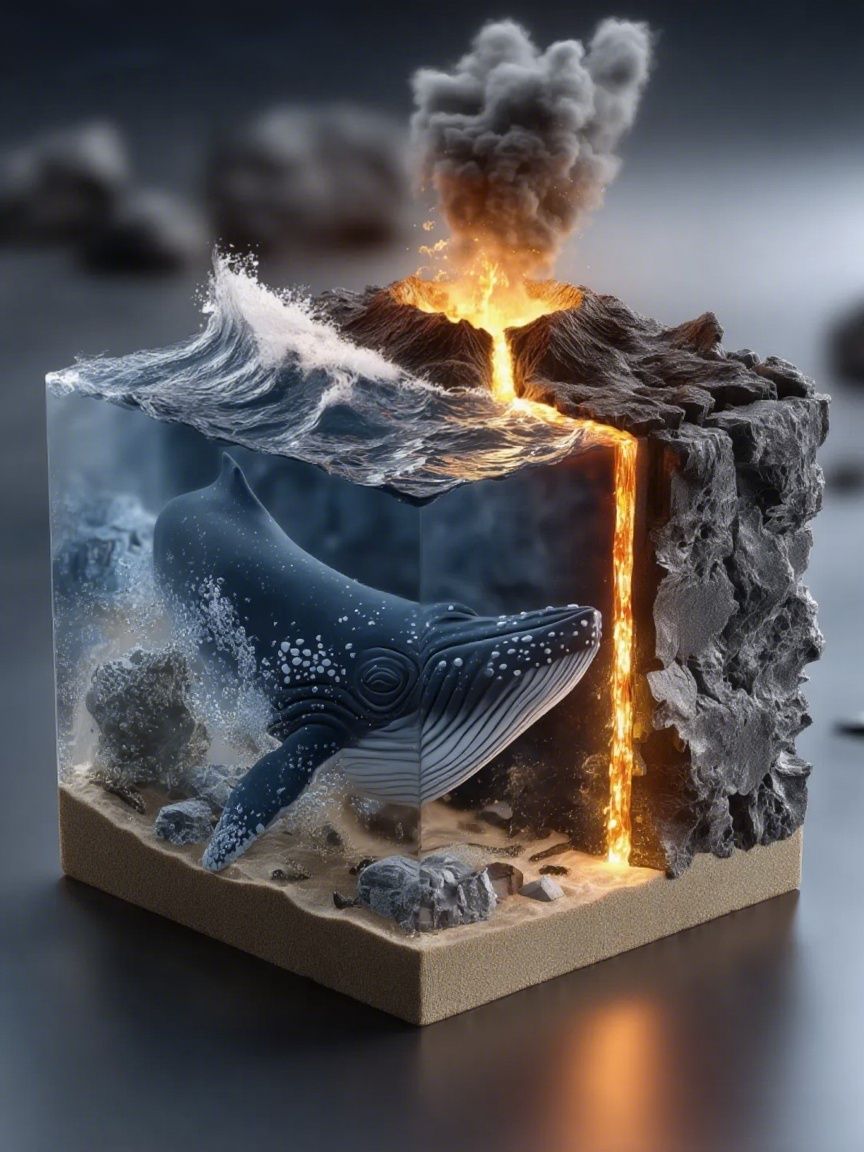
Volcano & Whale: Hyper-realistic, cube slice composition. A cube finely presenting an ocean, waves, volcano, and whale. Top is turbulent resin ocean with white foam crests. A volcano erupts orange-red lava that cools into black rock in the water. A huge, deep-blue whale with white spots breaks the surface, spouting water that forms a rainbow. Light blue background, dramatic lighting on waves, volcano, and whale.
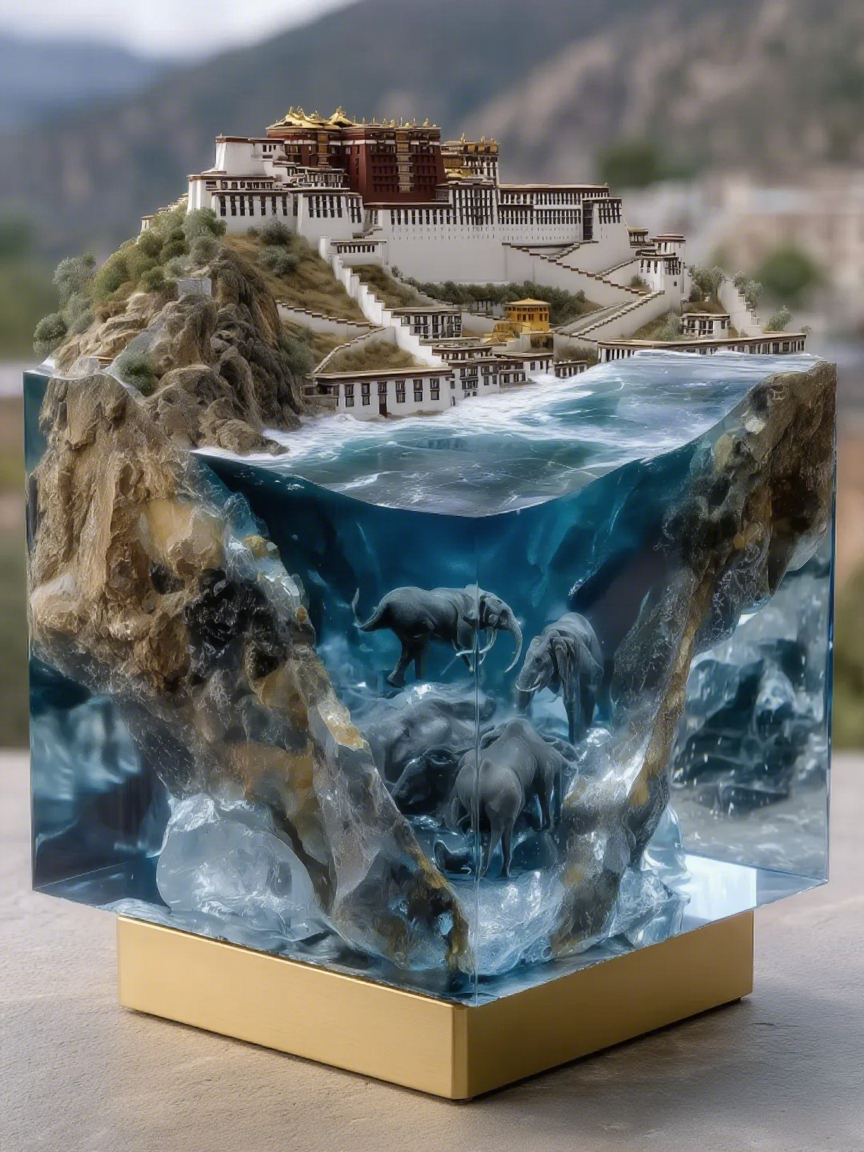
Potala Palace Diorama: Hyper-realistic miniature landscape, cube slice composition, creating a scene with the Potala Palace, an ice layer, and elephants. Potala Palace at the bottom, thick ice layer at the 1/3 mark, ocean with elephants above. Use plaster texture for palace walls, transparent resin for ice clarity and cracks, and blue gel for ocean flow. Finely sculpted elephant skin. Tilt-shift photography, shallow depth of field, Blender+UE5 ultra-realistic rendering. 8K resolution, cold lighting for a grand, mysterious atmosphere.

Step 2: Animate Your Scene with an AI Video Generator
With your stunning image ready, it's time to bring it to life. This is where AI animation tools work their magic. For animating characters and adding subtle environmental motion, an app like DreamFace is an excellent, user-friendly option.
To guide the AI, your video prompt must clearly describe two things: camera movement and on-screen action. Think like a director.
Video Prompting for Animation:
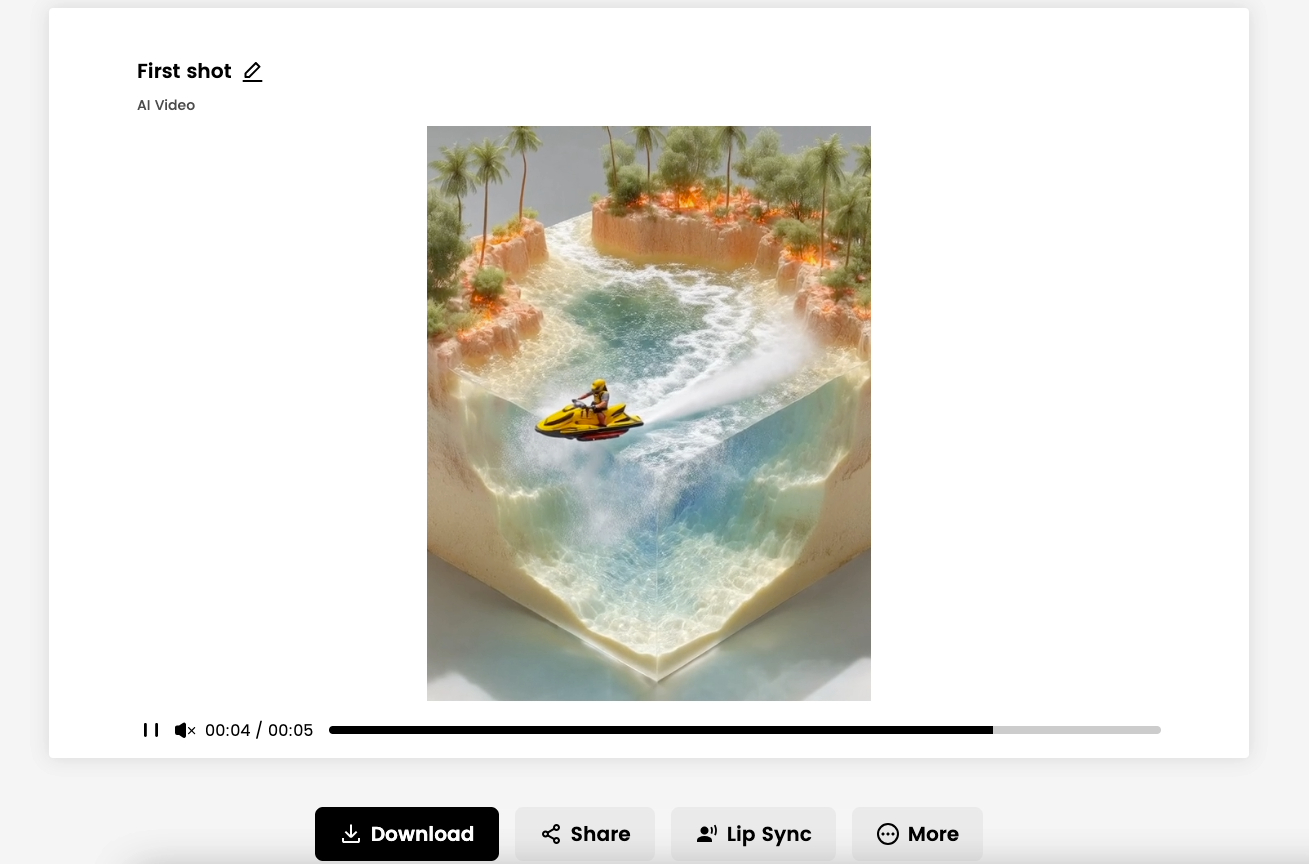
A great video prompt gives clear instructions. For our Fire Rescue scene, the prompt would look like this:
Video Prompt: First shot is a fixed, panoramic top-down view, showing the entire model with the plane dropping water, the forest on fire with smoke, and the canyon waterfall flowing. Hard cut to a fixed, medium top-down shot, focusing on the dynamic rescue action: the water stream extinguishing the fire, the flames shrinking, and the smoke drifting.
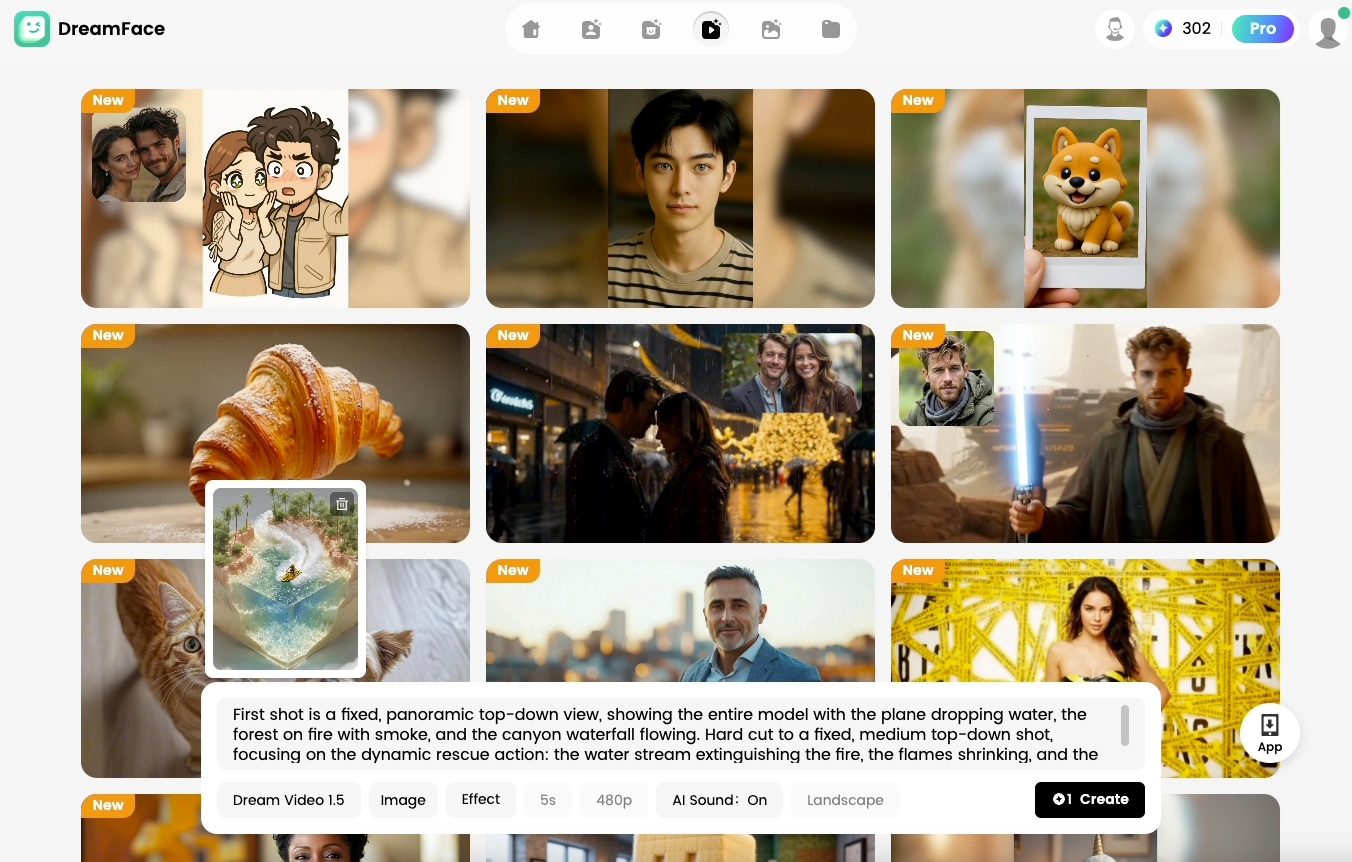
Focus on using keywords for camera work ("pan around," "zoom in," "slow push forward") and action ("water flowing," "smoke billowing," "flames flickering") to get the best results.
Step 3: Polish Your Video with Final Edits
The last step is a quick edit. Import your AI-generated clips into a user-friendly video editor.
Here, you can add a compelling soundtrack or sound effects if your AI tool didn't generate them. A few simple transitions can also help you seamlessly connect multiple clips into one cohesive, viral-ready video.
Your Turn to Create the Next Viral Hit
AI has truly put the power of a video studio in your hands. Now it's time to start creating, and with a versatile platform like DreamFace, you have multiple paths to a stunning video.
Path 1: The Creative Architect. You can follow the detailed steps in this guide. Use DreamFace's AI Image Generator to craft your perfect scene from scratch, then bring it to life with the AI Video Generator, controlling every detail with creative prompts.
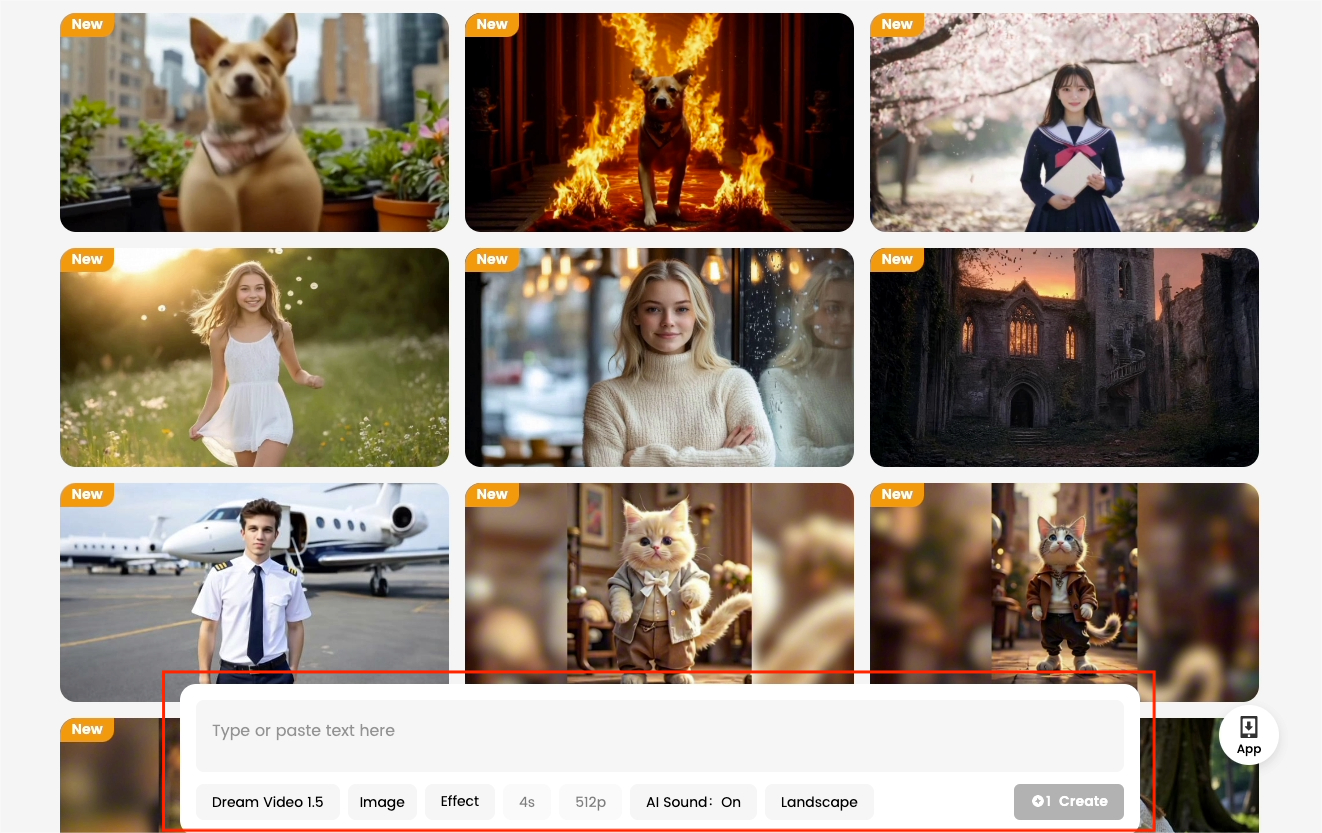
Path 2: The One-Click Magician. For instant fun and viral potential, you can explore DreamFace's library of over a hundred pre-made AI video templates. You can simply upload a single image, and let AI generate a stunning video in just minutes.Try out fun effects like “AI Bodyshake” or “AI Kiss” and get a shareable video effortlessly.
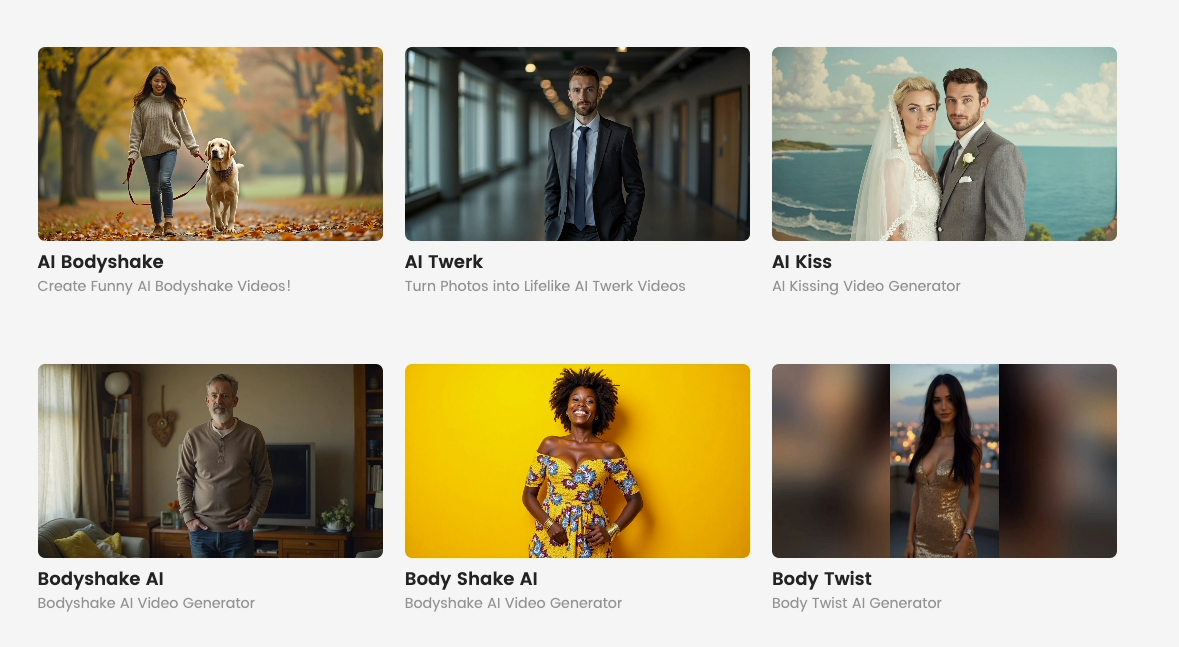
Whether you're building an epic diorama or creating a hilarious meme with a template, the tools are ready. Head over to the DreamFace AI Video Generator and decide: what will you bring to life first?
Mind-Blowing AI Tools You Can Use Right Now!
Discover four powerful AI tools—OmniAvatar, EasyEdit, DAM, and Dreamface—for realistic avatars, image editing, and visual descriptions.
By Sawyer 一 Jul 05, 2025- Avatar Video
- AI Video
How to Create Viral AI Videos with Google Veo
Google's Veo is a game-changer for creating amazing AI videos.This guide will break down how to create these viral hits, complete with prompts you can use.
By Sawyer 一 Jul 05, 2025- AI Video
- Veo
From White House to Mic Drop: Create Your Own AI Trump Performance
What do you get when you mix Donald Trump, an '80s rock anthem, and artificial intelligence? A viral masterpiece of digital absurdity.
By Sawyer 一 Jul 05, 2025- AI Video Generator
- Advanced Avatar
- X
- Youtube
- Discord